Yes, you can use iCloud Mail for job referrals, and for many people it is a perfectly reasonable option if the address looks professional and you check it reliably.
It is not automatically the best privacy choice, though, so if you want stronger separation between your job search and your personal Apple life, a dedicated inbox or alias is often safer.
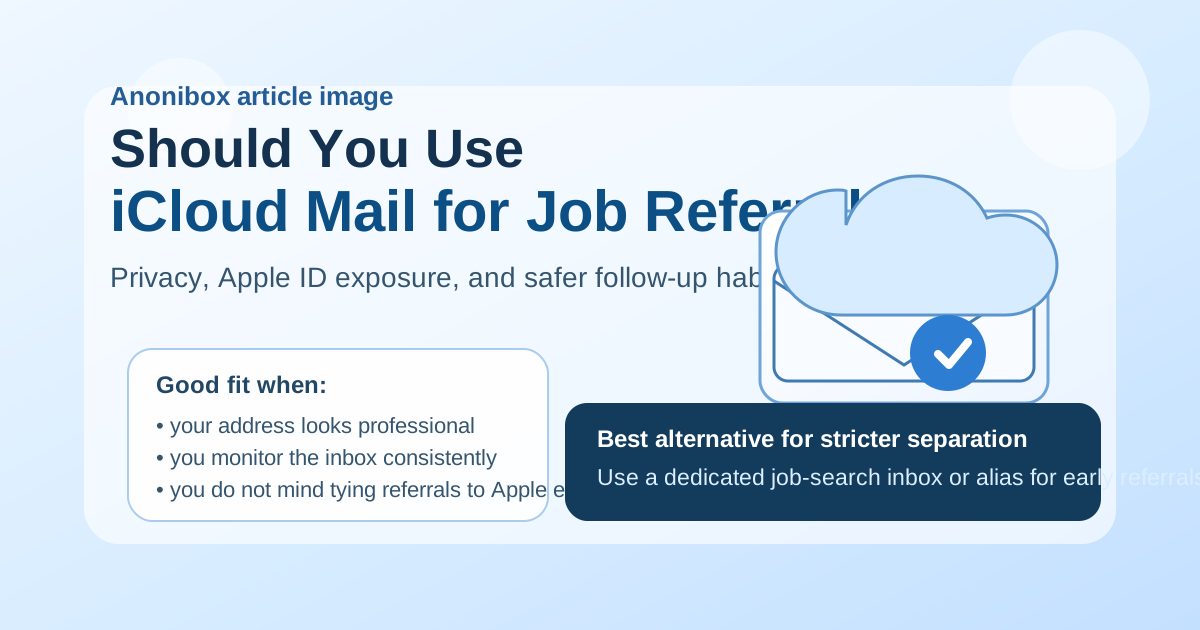
Why this question matters more than it seems
A job referral is different from a cold application. When someone refers you, there is usually more personal context attached to the message. The referrer may know you from work, school, a professional community, or a friend-of-a-friend introduction. That means the email address you use does more than receive messages. It shapes how organized, reachable, and privacy-conscious you appear during a warmer part of the hiring process.
iCloud Mail can work well in that setting. It is familiar, stable, and common enough that most recruiters will not think twice about seeing an @icloud.com address. But the warm nature of referrals also means you may want more control over where those conversations live, how easily you can separate them from personal communication, and how much of your long-term digital identity you want connected to a job search.
Short answer: iCloud Mail is fine, but it is not always the best strategic choice
If you already use iCloud Mail, keep the inbox tidy, and the address is simple and professional, you do not need to avoid it for job referrals. A referral does not usually demand a special domain, a premium email provider, or anything unusually technical. What matters more is whether you respond promptly, keep the thread organized, and avoid exposing yourself to unnecessary privacy or continuity problems.
Where people run into trouble is not professionalism. It is mixing too much into one inbox. If your iCloud address is also where you receive family messages, Apple account notices, shopping receipts, travel confirmations, newsletters, and old signups, referral conversations can get buried. And if you prefer to keep job-search activity compartmentalized, your everyday iCloud inbox may feel too personal for that role.
What makes iCloud Mail a reasonable option for referrals
1. It is familiar and credible
Most employers and recruiters recognize iCloud Mail immediately. It is not obscure, disposable-looking, or associated with short-lived throwaway inboxes. That matters because a referral often begins with trust. You do not want your contact details to raise avoidable questions about whether the inbox is stable.
2. It is usually reliable for ordinary hiring communication
Referral emails are often simple: an introduction, a request for your résumé, a prompt to apply officially, a scheduling note, or a nudge from a recruiter who saw the referral come through. iCloud Mail is generally fine for that kind of everyday communication. It is a mainstream personal email service, not an experimental setup that may confuse non-technical contacts.
3. It can feel more personal in a good way
Because referrals are warmer than anonymous applications, a personal inbox can sometimes feel more natural. If someone already knows you, an iCloud Mail address may read as straightforward and human rather than overly formal or staged.
Where iCloud Mail can be a weaker choice
1. It may be too tied to your personal life
For many people, iCloud Mail is not just another address. It is woven into years of personal activity. That can make a referral search harder to manage if you want clear boundaries. Messages from referrers, recruiters, and hiring teams can end up mixed with everything else you do online.
2. It can expose more continuity than you want
A referral is not necessarily a one-email interaction. It can turn into multiple threads, forwarded messages, introductions to recruiters, and later interview coordination. If you use the same long-standing iCloud address everywhere, you may be giving more continuity to your identity than you prefer during early-stage job exploration. That is not a disaster, but it is a real privacy trade-off.
3. Apple ecosystem overlap can be inconvenient
The issue is not that employers can somehow see your Apple account details. They cannot. The issue is practical overlap. If your iCloud inbox is the place you rely on for personal account alerts, device-related messages, receipts, and family communication, referral threads can get buried or delayed. In a referral process, slow follow-up is more damaging than people expect because warm opportunities often move quickly.
When using iCloud Mail for job referrals makes sense
Using iCloud Mail is usually reasonable when most of these are true:
- Your address is clean and professional, ideally based on your name rather than a joke or old nickname.
- You check the inbox consistently and notifications are working.
- You are comfortable linking this phase of your job search to your long-term personal address.
- The referral is for a real employer and you expect ordinary follow-up, not high-risk anonymous outreach.
- You do not need strict separation between personal and job-search communication.
In that situation, iCloud Mail is often completely fine. The bigger factor is not the provider name. It is whether your communication habits are dependable.
When a separate inbox is the smarter move
You may want something other than your main iCloud Mail address if any of these apply:
- You are exploring multiple roles at once and want easy organization.
- You do not want your everyday personal inbox tied to referral traffic.
- You expect a long job search and want to archive or retire the inbox strategy later.
- You are networking broadly and do not want every new contact to have your oldest personal address.
- You want better visibility into which messages relate to applications, referrals, interviews, and offers.
That is where a dedicated job-search address or an alias setup becomes attractive. You still look professional, but you gain separation and control. If you are experimenting with multiple job-search channels, using a privacy-conscious workflow with a separate inbox and tools like Anonibox for lower-trust early signups can help keep your main personal address from spreading further than necessary.
Is iCloud Mail professional enough for referrals?
Yes. For almost all normal hiring situations, iCloud Mail is professional enough. Recruiters are far more likely to care about response speed, résumé quality, and whether the referral lines up with a real opening than whether you used Gmail, Outlook, or iCloud Mail.
The part that matters is the address itself. A simple format like firstname.lastname@icloud.com looks much stronger than an address built around old gaming tags, inside jokes, or random numbers. If your current iCloud address looks messy, that is a reason to consider a cleaner separate inbox even if the provider itself is fine.
Privacy questions to think through before you use it
How much do you want job-search activity linked to your main identity?
Referrals often happen through real people who may later share your contact information internally. If you use your main iCloud address, that address may circulate among recruiters, hiring managers, and referral contacts across multiple companies. If that does not bother you, no problem. If it does, a dedicated address gives you more control.
Will you want to shut this channel down later?
Some people like being able to reduce job-search noise once they land somewhere or stop looking. That is harder if everything ran through a long-term personal inbox. A separate address or alias is easier to mute, filter, or retire later.
Are you using your Apple inbox for sensitive personal life administration?
If your iCloud Mail is central to billing, travel, household logistics, and family coordination, it may simply be too busy for referral traffic. That is less about security theater and more about avoiding dropped opportunities because important hiring emails disappeared into an already crowded inbox.
Best practices if you decide to use iCloud Mail
Use folders or filters immediately
Create a simple system before the first referral message arrives. Even one folder for referrals and another for active applications can make follow-up much easier.
Keep the display name professional
Your sender name should look clean and adult. That is what a referrer or recruiter will notice first in many inboxes.
Respond quickly to referral threads
A referral can lose momentum fast. If someone makes an introduction, acknowledge it promptly even if you need a little time to send your résumé or complete the formal application.
Do not treat referrals like low-risk communication by default
Most referrals are legitimate, but warm intros can still lead to hurried requests, forwarded links, or unexpected attachments. Verify what you click, especially if a message claims to come from a company but routes you somewhere odd.
Pair it with a deliberate contact strategy
If you use iCloud Mail for referrals, think about whether you also want a separate phone number, a cleaner calendar flow, or a dedicated inbox for broader cold applications. Privacy is often about the whole workflow, not one mailbox choice.
A practical decision framework
Ask yourself these questions before using iCloud Mail for a referral:
- Does this address already look professional?
- Will I reliably see and answer referral messages here?
- Am I comfortable with this inbox becoming part of my hiring trail?
- Would a separate address make follow-up cleaner and less stressful?
- Am I using iCloud Mail because it is truly convenient, or just because it is familiar?
If your answers lean toward convenience, professionalism, and reliable monitoring, iCloud Mail is probably fine. If they lean toward boundary concerns or inbox clutter, a separate address is the better move.
Final answer
Yes, you can use iCloud Mail for job referrals, and in many cases it will work perfectly well. It is credible, familiar, and usually practical for the normal back-and-forth that follows a warm introduction.
But if you want clearer privacy boundaries, easier organization, or less overlap with your personal Apple-centered life, a separate job-search inbox or alias is often the stronger strategy. The best choice is not the one that sounds most technical. It is the one that helps you stay reachable, organized, and in control while referrals move forward.