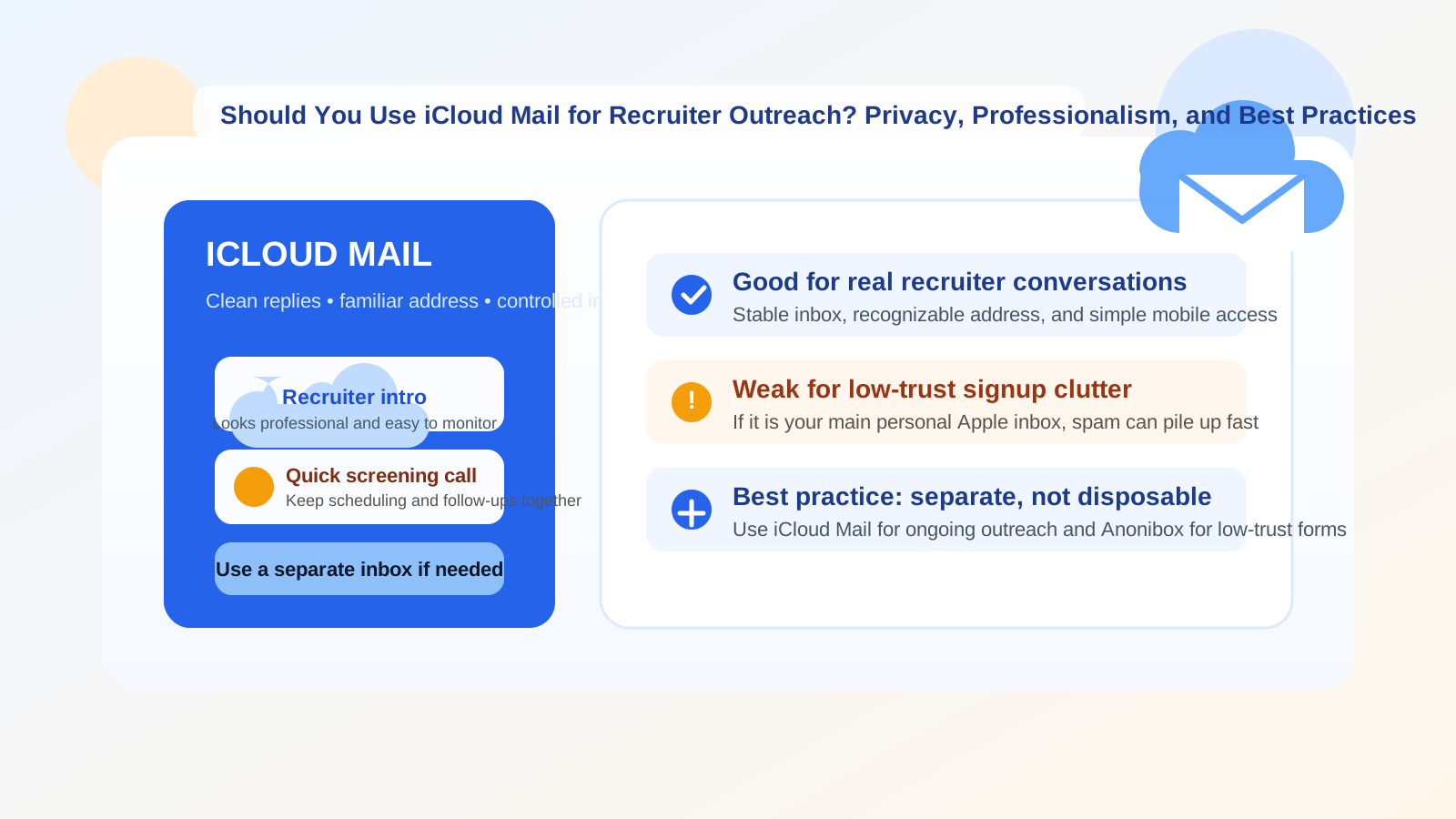
Yes, you can use iCloud Mail for recruiter outreach, and for many job seekers it is a perfectly reasonable choice. It works best when you want a stable, recognizable inbox for real recruiter conversations rather than a disposable address for one-off signups.
The catch is that iCloud Mail is often tied closely to your everyday personal Apple life. If you use your main long-term inbox for every recruiter, job board, and talent form, the privacy and organization costs can add up quickly. The smartest approach is usually not “never use iCloud Mail” or “always use iCloud Mail,” but use it intentionally.
Short answer
If a recruiter is contacting you about a legitimate role, iCloud Mail is usually fine. It is familiar, broadly recognized, easy to access on phones and laptops, and unlikely to look suspicious to hiring teams.
Where it becomes less ideal is when your iCloud address is also your main personal inbox, your Apple ID anchor, and the place where you already receive family messages, receipts, account alerts, and other everyday traffic. In that situation, recruiter outreach can become noisy fast, and privacy boundaries get blurry.
Why recruiter outreach is different from other job-search email use cases
Recruiter outreach sits in an awkward middle zone. It is not as low-commitment as downloading a salary guide or joining a webinar, but it is also not as formal as receiving an offer letter or completing a background check. Early recruiter outreach often includes:
- introductory messages from internal recruiters or staffing agencies
- requests for quick screening calls
- follow-up messages about availability, location, compensation range, or work authorization
- links to job descriptions, scheduling tools, and application portals
- re-engagement messages weeks or months later about similar roles
That means you need an inbox that is stable enough for real back-and-forth communication, but clean enough that recruiter traffic does not take over your personal email life.
What iCloud Mail does well for recruiter outreach
It looks normal and credible
One practical advantage of iCloud Mail is that it does not look unusual. Recruiters are already used to seeing mainstream email providers, and an iCloud address usually reads as a normal personal contact method rather than something experimental or temporary. That matters when you want replies to feel frictionless.
It is easy to monitor on Apple devices
If you already live in the Apple ecosystem, iCloud Mail is convenient. You are likely to see outreach quickly on your phone, laptop, or tablet, which helps when recruiters want a same-day answer about interview windows or next steps.
It works for long enough conversations
Unlike a temporary inbox, iCloud Mail is suitable for conversations that may stretch over days or weeks. If a recruiter follows up after a screening call, asks for an updated résumé, or comes back later with a related role, the inbox is still there and the thread history is easy to keep.
It is better than a throwaway address for serious opportunities
Once a recruiter is real and the opportunity is worth considering, a stable inbox is usually the better choice. Disposable email can help with low-trust signups, but active recruiting conversations need continuity. That is where iCloud Mail has a clear advantage.
Where iCloud Mail can create problems
Your main personal inbox can get crowded
If your iCloud address is the same inbox you use for friends, family, shopping receipts, travel confirmations, and account recovery notices, adding recruiter outreach can make it messy fast. Even legitimate recruiters may send multiple follow-ups, job alerts, reminders, and “just checking in” messages over time.
You may expose more of your long-term identity than you want
An iCloud address is often a long-lived personal address. That is not automatically bad, but it does mean more job-search activity gets tied to a contact point you may want to keep relatively private. If you are casually exploring the market, not all recruiter sources deserve the same level of access to your main inbox.
It is not ideal for low-trust forms
Some recruiter outreach starts through solid, direct messages. Other times it starts with vague intake forms, talent-network signups, or third-party staffing portals you do not fully trust yet. In those cases, using your main iCloud inbox can invite spam long before you know whether the opportunity is real.
Personal branding can get sloppy if your address is too casual
The issue is usually not iCloud itself. The issue is the full address. A clean, name-based iCloud address looks much better than an old personal handle built around a nickname, inside joke, or random numbers. If you use iCloud Mail for recruiter outreach, the address should still sound professional.
When iCloud Mail is a good choice
iCloud Mail makes the most sense when most of the following are true:
- you want a mainstream, familiar email provider
- you are communicating with real recruiters, not anonymous mass-signup funnels
- you can monitor the inbox consistently
- your address looks professional
- you are comfortable using it for ongoing conversations and interview coordination
In those cases, iCloud Mail is usually good enough and often easier than over-engineering the process.
When a separate email is smarter than your main iCloud inbox
Even if you like iCloud Mail, you may not want to use your main iCloud address everywhere. A separate inbox is often the better move when:
- you are applying broadly and expect a lot of recruiter traffic
- you are working with multiple staffing firms at once
- you want to keep job-search messages away from everyday personal mail
- you are testing low-trust job boards, lead forms, or talent communities
- you are quietly exploring roles while employed and want cleaner separation
This is the biggest practical takeaway: iCloud Mail can be a good recruiter-outreach inbox, but it is often best used as a dedicated or semi-dedicated one, not as the everything-in-one-place personal inbox you have had for years.
What about disposable email?
For recruiter outreach itself, disposable email is usually the wrong tool. If a recruiter is legitimate and the conversation might continue, you need a stable address that you can revisit. A temporary inbox may disappear, create trust issues, or make follow-up harder than it needs to be.
Where a temporary inbox does make sense is earlier in the funnel: low-trust downloads, vague lead forms, one-off webinar registrations, or signup pages that clearly exist to collect contact details before any real human conversation starts. In those cases, a temporary option like Anonibox can help reduce inbox clutter while you decide whether the source is worth deeper engagement.
A simple rule works well here:
- real recruiter conversation: use a stable inbox such as iCloud Mail
- low-trust signup or marketing gate: consider a temporary inbox first
How to use iCloud Mail for recruiter outreach without making a mess
1. Start with the address itself
If your iCloud address looks dated or overly personal, create a cleaner job-search-friendly contact address before leaning on it for outreach. You want something simple, readable, and easy to repeat in a phone call.
2. Separate real opportunities from noise
Use folders, rules, or whatever organization system you actually maintain. The goal is to keep active recruiter conversations visible while letting lower-value newsletters or bulk job alerts stay out of the way.
3. Respond fast to real humans
Recruiter outreach often moves quickly. If you choose iCloud Mail, treat it like an inbox you actively manage during a search. Delayed replies create more problems than provider choice ever will.
4. Be cautious with unknown links and attachments
Not every recruiter message is legitimate. Before clicking meeting links, opening attachments, or sending personal details, verify that the company and recruiter are real. A normal-looking email provider does not remove scam risk.
5. Do not let one inbox do every job
There is a difference between a good outreach inbox and a good throwaway inbox. If you use iCloud Mail for real conversations, keep using a different approach for spammy signups and untrusted forms. That separation saves you trouble later.
Red flags to watch for in recruiter outreach
Regardless of email provider, be careful if the outreach includes:
- pressure to move immediately to text, Telegram, or WhatsApp without context
- vague job details and no verifiable company information
- requests for sensitive personal data too early
- poorly written messages that promise unusually high pay with little effort
- links or attachments that feel inconsistent with a normal hiring process
iCloud Mail can help you stay organized, but it cannot tell you whether the sender is trustworthy. That part still requires judgment.
So, should you use iCloud Mail for recruiter outreach?
Yes, in many cases. iCloud Mail is stable, recognizable, and practical for legitimate recruiter conversations, interview scheduling, and ongoing follow-up. It is a much better fit for real outreach than a disposable address.
But if your iCloud inbox is also your deeply personal, long-term everyday address, think about separation before you start handing it out widely. The best setup is often a clean, professional inbox for real recruiter communication and a more disposable workflow for low-trust forms and marketing-heavy signups.
That way, you stay reachable for real opportunities without turning your personal inbox into a permanent recruiter-and-job-board catch-all.