Yes — iCloud Mail can work for reference checks if you want a familiar, stable email address, but a separate inbox is often the cleaner choice if you want to keep your job search from blending into your personal Apple account.
It is reliable enough for most reference-check follow-ups, yet you should still think about privacy, inbox organization, and how easy it will be to stay responsive once employers or screening vendors start contacting you and your references.
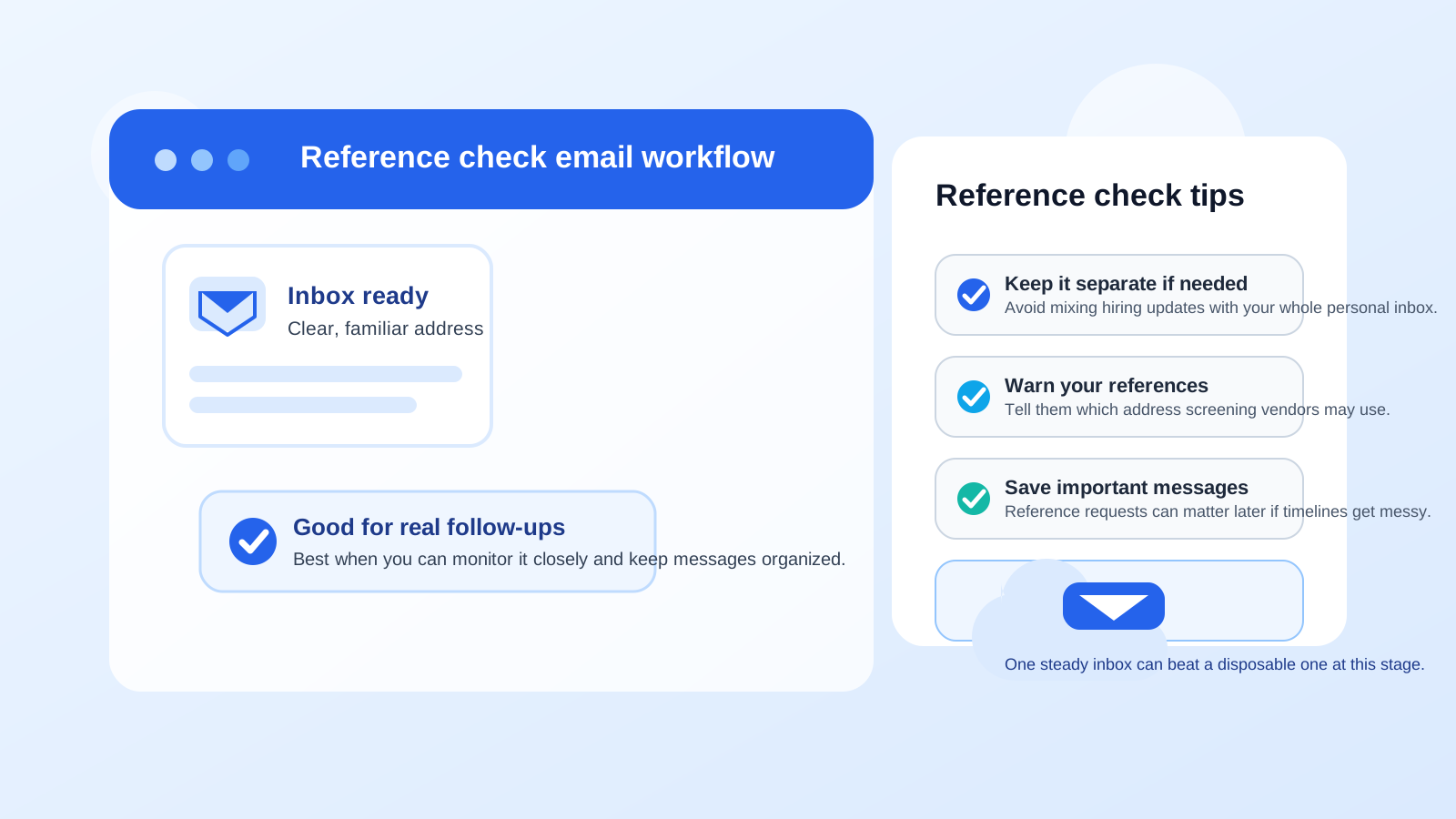
What reference checks usually involve
Reference checks are different from casual job-search outreach. By the time an employer asks for references, you are usually much further along in the process. That means the communication matters more. A hiring team, recruiter, or third-party screening company may email you to confirm reference details, ask for corrected contact information, send status updates, or clarify whether a former manager, colleague, or client is the right person to contact.
Because of that, the inbox you use here should be dependable and easy to monitor. A missed message at this stage can slow down an offer, create confusion for your references, or make you look disorganized even when the delay was really just an inbox issue.
Why iCloud Mail appeals to some job seekers
There are a few obvious reasons people consider iCloud Mail for reference checks. It is mainstream, recognizable, and already built into the devices many people use every day. If you already live in the Apple ecosystem, it can feel effortless to keep an eye on hiring-related messages on your iPhone, iPad, or Mac.
It also does not look unusual. Most employers will not hesitate when they see an iCloud address. In that sense, it can feel safer than using an unfamiliar niche provider or a more disposable-looking address for a later hiring step that depends on trust and responsiveness.
The strongest argument for using iCloud Mail
The best reason to use iCloud Mail for reference checks is simple: it is a normal, durable inbox that you likely check already. That matters because reference-check communication is often less about marketing and more about timing. If a recruiter needs your former manager’s updated email, or a screening vendor needs permission to proceed, getting that note quickly can keep the process moving.
In other words, iCloud Mail is generally much better suited to reference checks than a temporary inbox would be. Disposable email can be handy for low-stakes signups, gated downloads, or early lead forms, but reference checks happen later and usually deserve a mailbox you can watch consistently. If you use Anonibox or another temporary inbox earlier in your search, this is often the stage where a more permanent setup makes sense.
The privacy trade-offs you should think about
That does not mean iCloud Mail is automatically the best option for everyone. The biggest question is not whether it works. It is whether you want reference-check activity tied directly to the personal inbox that may also contain family messages, Apple account notices, receipts, travel plans, and years of everyday communication.
Using one long-term personal inbox for everything can create a few problems:
- Less separation: reference-check messages can get buried among personal email, newsletters, and account notifications.
- More exposure: once your address reaches more employers, recruiters, and vendors, it may keep circulating long after your search ends.
- Harder cleanup later: if the process leads nowhere, your personal inbox may still collect future follow-ups and outreach.
- Mixed identity signals: some people simply prefer not to connect every hiring step to the same personal account they use for everything else.
These are not fatal issues, but they are real quality-of-life considerations. Privacy in a job search is often about reducing unnecessary exposure, not chasing perfection.
When iCloud Mail is a reasonable choice
Using iCloud Mail for reference checks usually makes sense when the process looks legitimate and you value convenience over strict separation. It is often a practical fit if:
- you are already actively checking that inbox several times a day;
- you are dealing with a real employer or reputable screening company;
- your iCloud address already looks professional and uses a simple name format;
- you want a stable inbox rather than something temporary or experimental; and
- you do not mind your personal address being part of later-stage hiring communication.
For many job seekers, that is enough. A clean, familiar iCloud address can be perfectly fine if you stay organized and keep an eye on replies.
When a separate address is the smarter move
A separate inbox is often better if you want clearer boundaries. That can mean a second mainstream email account, a dedicated job-search address, or another lawful inbox you control specifically for hiring communication.
You may want that extra separation if:
- your personal iCloud inbox is already crowded;
- you are applying to many roles and expect a lot of recruiter activity;
- you want to retire or mute job-search communication once the process is over;
- you are especially privacy-conscious and prefer not to use your long-term personal address everywhere; or
- you want a cleaner paper trail for applications, interviews, references, and offers.
This is often the best middle ground: use a normal, non-disposable inbox, but keep it separate from your main personal account. That preserves reliability without forcing everything into one place.
Should you use Hide My Email instead?
If you use Apple services, you may wonder whether Hide My Email is better. It can be useful for privacy in some contexts, but reference checks are usually not the best place to get too clever with forwarding layers unless you are confident you can monitor them carefully. Reference checks tend to involve important follow-ups, and simplicity has value here.
If you want maximum clarity, a directly controlled inbox is often easier than relying on a forwarding alias. Aliases can still be useful, but late-stage hiring communication is one area where straightforward beats fancy for a lot of people.
Best practices if you do use iCloud Mail for reference checks
If you decide to use iCloud Mail, a few habits can make it work much better:
1. Make sure the address looks professional
If your address is an old nickname, a joke, or something hard to parse quickly, consider whether that is really the signal you want to send at the reference-check stage. A simple name-based address is usually best.
2. Watch the inbox closely
Reference-check requests can move quickly. Check your inbox, spam folder, and any filtered folders regularly until the role is resolved. A delayed reply can hold up the process even when everyone else is ready.
3. Tell your references what to expect
Let your references know which company or screening service may reach out and roughly when. That helps them recognize legitimate messages faster and reduces the chance that a request gets ignored or mistaken for spam.
4. Save important threads
Keep the messages that confirm who was contacted, when consent was given, or whether a reference request was completed. If something gets delayed, those details can help you untangle the problem quickly.
5. Use a clear subject and signature when replying
If a recruiter or screening company asks follow-up questions, reply clearly and keep the thread easy to scan. A short professional signature with your name is enough. This is not the moment for novelty.
Common mistakes to avoid
- Using an inbox you do not monitor: a technically valid address is not helpful if you only check it every few days.
- Mixing too many workflows in one place: applications, newsletters, receipts, personal mail, and reference checks together can create avoidable clutter.
- Giving references too little context: people respond better when they know who may contact them and why.
- Assuming every follow-up is harmless: still verify unusual messages, especially if they request extra personal data or try to move you to another platform.
- Waiting too long to switch strategies: if your main inbox is getting noisy, move to a dedicated address before the hiring process gets more sensitive.
A practical way to decide
Ask yourself four simple questions before you submit your references:
- Do I check this iCloud inbox consistently?
- Does this address look professional enough for later-stage hiring communication?
- Am I comfortable tying this process to my personal Apple-linked inbox?
- Would a separate inbox make me more organized and less exposed?
If your answers point toward convenience and reliability, iCloud Mail is probably fine. If your answers point toward clutter, oversharing, or weak separation, a dedicated address is probably the better call.
Final answer: should you use iCloud Mail for reference checks?
Yes, you can use iCloud Mail for reference checks, and for many job seekers it will work perfectly well. It is familiar, stable, and unlikely to raise eyebrows with recruiters or screening vendors.
Still, “works” is not always the same as “ideal.” If you want stronger privacy, cleaner organization, or an easier way to shut down job-search communication later, a separate non-disposable inbox is often the smarter option. The best choice is the one that keeps you responsive, keeps your references informed, and gives you the level of privacy control you actually want.