Usually no — LinkedIn Messages should not be your main channel for job applications, even though they can be useful for networking, clarifying a role, or following up after you already applied through a proper channel.
They are far better for first contact and light coordination than for sending sensitive details, relying on one inbox for the whole hiring process, or treating a recruiter DM as a substitute for a real application system.
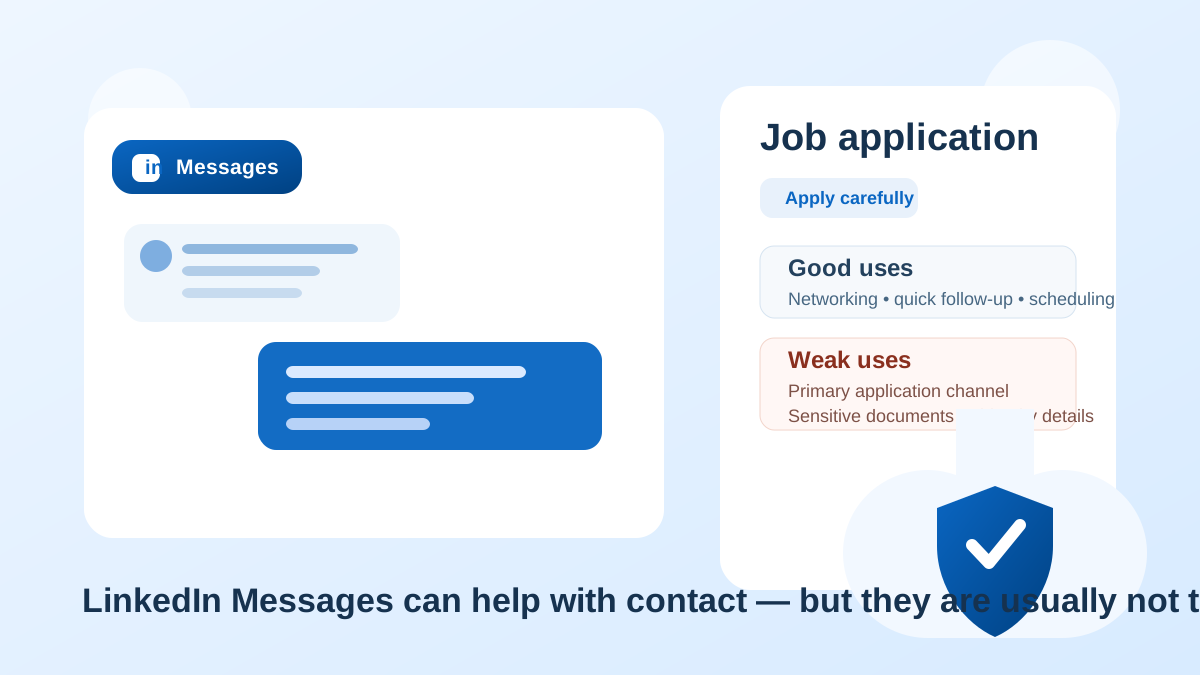
That is the practical answer behind searches like LinkedIn Messages for job applications. Unlike Instagram DMs, Facebook Messenger, or Discord, LinkedIn at least starts from a professional context. Employers, recruiters, founders, and hiring managers really do use it. That makes the question more nuanced.
The problem is that professional does not automatically mean ideal. LinkedIn Messages are built for introductions, outreach, quick replies, and light conversation. They are not especially strong for structured applications, document handling, careful recordkeeping, or identity verification. If you use them the wrong way, you can end up with a messy application trail, pressure to respond quickly on the platform’s terms, and more exposure of your personal profile than you intended.
The best approach is to treat LinkedIn Messages as a supporting channel, not the whole workflow. They can help you open doors. They should not be the only door.
Short answer: useful for contact, weak as the main application method
LinkedIn Messages are often legitimate. If a recruiter reaches out there, the conversation is not automatically suspicious. In fact, LinkedIn is one of the most normal places for first contact in white-collar hiring, recruiting, consulting, contracting, and professional networking.
But the legitimacy of the platform does not remove the limits of the medium. A LinkedIn DM thread is still a message thread. It is not an applicant tracking system, not a secure document portal, and not a very good long-term archive for every important step in a hiring process.
So if the question is, can LinkedIn Messages play a role in job applications? the answer is yes. If the question is, should they replace a company careers page, recruiter email, or official application portal? the answer is usually no.
Why people consider LinkedIn Messages in the first place
The appeal is obvious. LinkedIn Messages feel professional, fast, and direct. You can often see the person’s name, job title, company, profile history, and shared connections before replying. That context makes the channel feel safer than random messaging apps.
Job seekers also use LinkedIn Messages because they seem efficient for:
- responding to recruiter outreach without exposing a phone number immediately
- asking whether a role is still open before spending time on an application
- following up after submitting an application through a company site
- connecting with hiring managers or employees after a referral
- clarifying location, salary range, sponsorship, remote policy, or interview timing
All of those uses can be reasonable. The trouble starts when a quick professional message turns into the entire hiring process living inside a single platform inbox.
When LinkedIn Messages are actually a good idea
There are situations where LinkedIn Messages work well and feel entirely normal.
1. Initial recruiter outreach
If a recruiter contacts you on LinkedIn and their profile appears credible, replying there first is usually fine. A short exchange can confirm whether the opportunity is relevant before you give out more contact details.
2. Light follow-up after you already applied
If you applied through an official careers page and want to send a polite follow-up, LinkedIn can be useful. It gives your note a better chance of being seen than a second cold email in some cases.
3. Clarifying small details
Questions like whether the role is remote, whether a portfolio is required, or whether a recruiter handles the position directly are often appropriate for LinkedIn Messages.
4. Networking before applying
LinkedIn is particularly strong for warm introductions. If you are asking someone about team fit, recent hiring plans, or whether a role matches your background, the platform makes sense.
These are all communication uses. They are not the same thing as using LinkedIn Messages as your entire application infrastructure.
Where LinkedIn Messages become a weak or risky channel
1. They create a fragmented application trail
Once the résumé is in one place, the screening questions are in another, the interview schedule is in another, and the follow-up promises are buried in a DM thread, things get sloppy. You may lose important details, miss deadlines, or struggle to prove what was said.
Email is not perfect, but it is usually easier to search, label, archive, forward, and keep separate from your social or networking activity. An official application portal is better still for anything formal.
2. Your profile reveals more than a simple email does
When you interact through LinkedIn, the other person often sees much more than just a contact address. They may see your activity, employment history, public network, endorsements, posting style, and profile updates. That can be useful in a legitimate hiring context, but it also means LinkedIn Messages expose more of your professional identity than a plain email exchange would.
If you are trying to keep a job search discreet, that extra visibility matters. The platform is designed around profile discovery, not privacy minimization.
3. Fake recruiters can still look convincing
LinkedIn is more credible than random chat apps, but it is not immune to impersonation, cloned profiles, vague agencies, or polished scam outreach. A profile photo, job title, and professional tone can lower your guard even when the opportunity is weak or fake.
That is why the safer move is to verify the employer independently, look for a real company careers page, and shift the process to a company domain or official portal before sharing anything sensitive.
4. It is a poor place for sensitive documents and personal data
LinkedIn Messages are not the right place to send identification documents, payroll paperwork, tax details, banking information, or anything else that belongs later in a real hiring workflow. Even résumé attachments and portfolio files are often better handled through email or a formal application system once the contact is verified.
5. Platform pressure can distort your judgment
Message apps encourage quick replies. On LinkedIn, that can make a job seeker feel they need to answer immediately, move fast, or keep the conversation alive at all costs. That urgency is not always healthy. Good opportunities survive normal verification. Bad ones often depend on speed.
What about LinkedIn InMail?
LinkedIn InMail is slightly different from a normal connection message because it usually comes from a recruiter account, a hiring manager, or someone using premium LinkedIn features. That can make it feel more official, but it does not change the underlying rule very much.
InMail can be a legitimate first touch. It is still best treated as the start of a conversation rather than the final home for the process. If the role is real, the next steps should normally move toward a company email address, a documented interview process, or an official application portal.
In other words: InMail may be better than a random DM, but it is still not a substitute for normal hiring infrastructure.
How LinkedIn Messages compare with better alternatives
Official careers page or ATS
This is usually the strongest option for the actual application itself. It creates a formal record, puts you into the right workflow, and reduces ambiguity about whether you actually applied.
Company email
Once a recruiter or hiring manager is verified, email is usually better for longer replies, attachments, and keeping a searchable paper trail.
Phone or video call
For time-sensitive interview scheduling or a screening conversation, a verified phone call or meeting link can make sense after the initial introduction.
LinkedIn Messages
Best for networking, light clarification, and short follow-up — not for carrying the entire process on their own.
A safer way to use LinkedIn Messages during a job search
- Use them for the opener, not the whole application. If someone reaches out, acknowledge the message and confirm the basics.
- Verify the person and the role. Check the company website, careers page, and whether the role exists outside the message thread.
- Move formal steps to better channels. Apply through the official portal or continue through a company email address when possible.
- Keep your own record. Save the job link, recruiter name, company, and deadlines outside LinkedIn so nothing important depends on one inbox.
- Protect your contact details. If a role turns into broader job-board signups, résumé downloads, or talent-community forms, use a separate inbox strategy so your main email does not absorb every recruiter drip campaign. Tools like Anonibox can help at the early exploration stage, though for final interviews and account recovery you will usually want a stable address you control long-term.
Red flags inside LinkedIn Messages
- the recruiter avoids sending anything from a company domain when asked
- the role details are vague, generic, or inconsistent with the company’s site
- you are pushed to move quickly without a clear application process
- you are asked for personal documents before basic verification is complete
- the conversation jumps to WhatsApp, Telegram, or another app immediately
- the profile looks newly created, strangely sparse, or disconnected from the employer
Any one of these may be explainable. Several together should make you slow down.
Practical checklist: should you continue this job conversation on LinkedIn?
Ask yourself:
- Is this person clearly tied to a real employer or known recruiting firm?
- Can I find the same role on an official careers page or trusted listing?
- Am I only using LinkedIn for first contact or follow-up, rather than everything?
- Would I be comfortable if this conversation stayed attached to my profile activity?
- Has the process moved to email or an application portal before sensitive steps begin?
If the answers are mostly yes, LinkedIn Messages are probably serving the right supporting role. If not, the channel is doing too much heavy lifting.
Final answer: should you use LinkedIn Messages for job applications?
Yes, but only in a limited way. LinkedIn Messages are often fine for networking, recruiter introductions, small clarifying questions, and polite follow-up after a formal application. They are usually not the best place to run the entire application process from start to finish.
The safest workflow is simple: use LinkedIn to open the conversation, verify the opportunity, then move the formal parts to an official careers page, a company email address, or another better-documented channel. That keeps the benefits of LinkedIn’s professional network without forcing your whole job search into a message thread that was never meant to carry that much weight.
If you treat LinkedIn Messages as a helpful entry point rather than the whole system, they can be useful. If you treat them as the system itself, the privacy, organization, and scam risks start rising fast.