Yes — Mail.com can work well for data broker removal services if you use a dedicated inbox instead of the same address tied to shopping accounts, friends, work, and your entire online identity.
It is usually better than reusing your main personal mailbox, but a separate alias or privacy-focused setup can still be stronger if you want tighter compartmentalization and less long-term exposure.
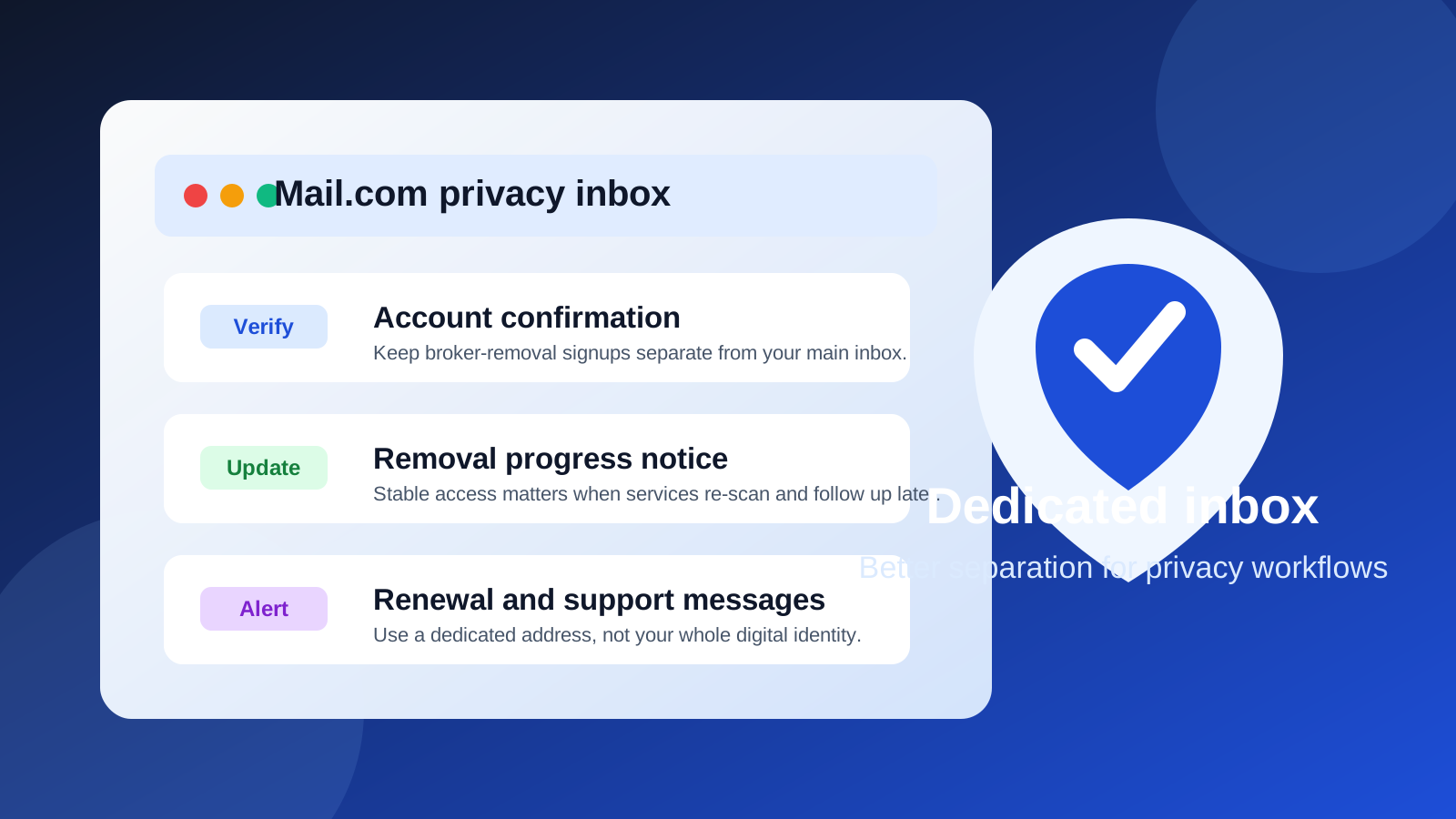
That is the real answer behind searches for mail.com for data broker removal services. The email you use for this kind of service is not just a signup detail. It becomes the channel for verification links, account alerts, scan updates, support replies, billing notices, and reminders to check whether your removals are still holding up over time.
That means you need an inbox that is stable enough for ongoing access, but separate enough that you do not casually expose the same address you use across the rest of your digital life. Mail.com sits in a fairly practical middle ground. It is a normal long-term mailbox, which is good for account continuity, but it does not automatically solve the privacy problem unless you use it deliberately.
Why the email choice matters for data broker removal services
People sometimes think a broker-removal signup is a one-time task: create an account, submit a few details, and forget about it. In reality, many removal services are ongoing workflows. They may email you to confirm ownership, notify you when a broker profile is found, ask you to review matches, send periodic progress reports, or remind you to renew or recheck scans later.
If you use a truly throwaway inbox, you may lose access to those messages when you still need them. If you use your everyday personal address, you may create the opposite problem: the same inbox linked to years of purchases, newsletters, logins, and personal contacts gets tied to yet another privacy-sensitive service.
So the goal is not just “use any email.” The goal is to use an address that gives you enough continuity without creating unnecessary identity spillover.
What Mail.com does well in this use case
Mail.com can be a reasonable fit because it behaves like a standard long-term email account rather than a disappearing temp inbox. For data broker removal work, that matters. You usually want to keep access to old confirmations, policy notices, account-reset messages, and service updates for months, not minutes.
- It supports account continuity: you are not relying on an inbox that might vanish before a follow-up message arrives.
- It helps with separation: if you create a Mail.com address used only for privacy-management tasks, you avoid mixing those messages into your main mailbox.
- It is familiar and low-friction: a normal webmail account is easier to maintain than a complicated setup you will stop checking after two weeks.
- It can keep removal work organized: a dedicated foldering or labeling habit makes it easier to track confirmations, support threads, and renewal reminders.
That combination is why Mail.com is better here than a disposable inbox that disappears after the signup step. Broker-removal services often need a mailbox you can revisit later.
Where Mail.com can still create privacy friction
Mail.com is a tool, not a privacy guarantee. If you point the wrong Mail.com address at the wrong service, you can still leak more than you intend.
1. Reusing an address that is already tied to your identity
If your Mail.com inbox is already connected to social accounts, retail logins, old mailing lists, or public profiles, it is no longer giving you much compartmentalization. In that case, using it for broker-removal services may simply expand the reach of an already well-linked address.
2. Treating one dedicated inbox like a universal junk drawer
A dedicated inbox works best when it is actually dedicated. If you also use the same address for free trials, coupon sites, random downloads, and low-trust signups, your broker-removal messages will end up buried in the noise. That is not a disaster, but it defeats a big part of the organizational benefit.
3. Assuming any separate inbox is automatically private
Separation helps, but it is not magic. A separate mailbox reduces overlap with your main identity footprint, yet the service you sign up for may still learn your IP, payment information, support history, or other details depending on how you use it. Email choice is only one layer of privacy hygiene.
When Mail.com is a good choice
Mail.com is usually a good fit in a few specific situations:
- You want a stable, long-term inbox for broker-removal confirmations and updates.
- You are willing to create a fresh address used only for privacy-management tasks.
- You want something simple and low-maintenance instead of a more technical custom-domain setup.
- You need an address that can outlast the initial signup and remain available for rechecks or support conversations later.
In other words, Mail.com makes sense when you want durability and separation without turning the process into a bigger project.
When another approach may be better
There are also cases where Mail.com is not the strongest answer.
- If you want maximum separation from your core identity, a dedicated alias workflow or privacy-first mailbox may give you more control.
- If you are only testing a low-trust site or one-time signup, a temporary inbox can be useful before you decide whether the relationship deserves a long-lived mailbox.
- If you already run a custom-domain setup, using a dedicated address under that system may give you better filtering and revocation control than a general-purpose mailbox.
That is where a service like Anonibox can fit naturally: you might use a temporary address when you are evaluating low-trust signups or noisy lead funnels, then move serious ongoing privacy-management relationships to a stable mailbox once you know they are worth maintaining.
A practical setup that works well
If you decide to use Mail.com for data broker removal services, the best version of the workflow is usually not “grab any old inbox and hope for the best.” It is a deliberate setup.
- Create or choose a dedicated Mail.com address that is not already tied to your everyday personal life.
- Reserve it for privacy-management use cases such as broker removals, opt-out services, and similar account-monitoring tasks.
- Use a clean, neutral address format that you will still be comfortable checking months later.
- Store important confirmations in a folder or archive so they do not get buried.
- Set reminders to review the inbox for re-scan notices, support replies, or billing updates.
- Avoid forwarding everything into your primary inbox if your goal is real separation.
This setup keeps the service usable without turning it into background clutter in the same place where your bank alerts, personal conversations, and everyday online accounts already live.
Common mistakes to avoid
- Using your oldest personal Mail.com address: if it is already everywhere, you are not gaining much separation.
- Forgetting the inbox exists after signup: broker-removal work often needs follow-up, so neglect defeats the point.
- Mixing high-trust and low-trust signups in the same mailbox: this makes the account harder to manage and noisier than necessary.
- Assuming a disposable address is always better: temporary inboxes are great for some first-touch scenarios, but ongoing services usually need a mailbox that will still exist later.
- Overcomplicating the system: the best privacy workflow is one you will actually keep using.
So, should you use Mail.com for data broker removal services?
Usually yes — if it is a dedicated Mail.com inbox and not just your general-purpose personal email reused for everything. That gives you a practical balance between continuity and separation. You stay reachable for confirmations and updates without handing your main daily inbox to yet another service.
If you want the simplest workable setup, a fresh Mail.com address used only for privacy-management tasks is a sensible choice. If you want stronger compartmentalization, more revocation control, or less long-term identity overlap, then an alias-based or privacy-first email strategy may be the better move.
The important part is not the brand name alone. It is whether the mailbox is dedicated, stable, and intentionally separated from the rest of your digital life. Get that part right, and Mail.com can be a perfectly serviceable option for data broker removal services.