Should you use Mail.com for job applications? Yes — a personal Mail.com address can work for job applications if it looks professional, stays active, and is not tied to your current employer or a throwaway signup workflow.
The bigger issue is not the Mail.com brand itself. It is whether your address looks credible, whether you will keep checking it through interviews, and whether you are mixing serious applications with noisy job boards or low-trust recruiter forms.
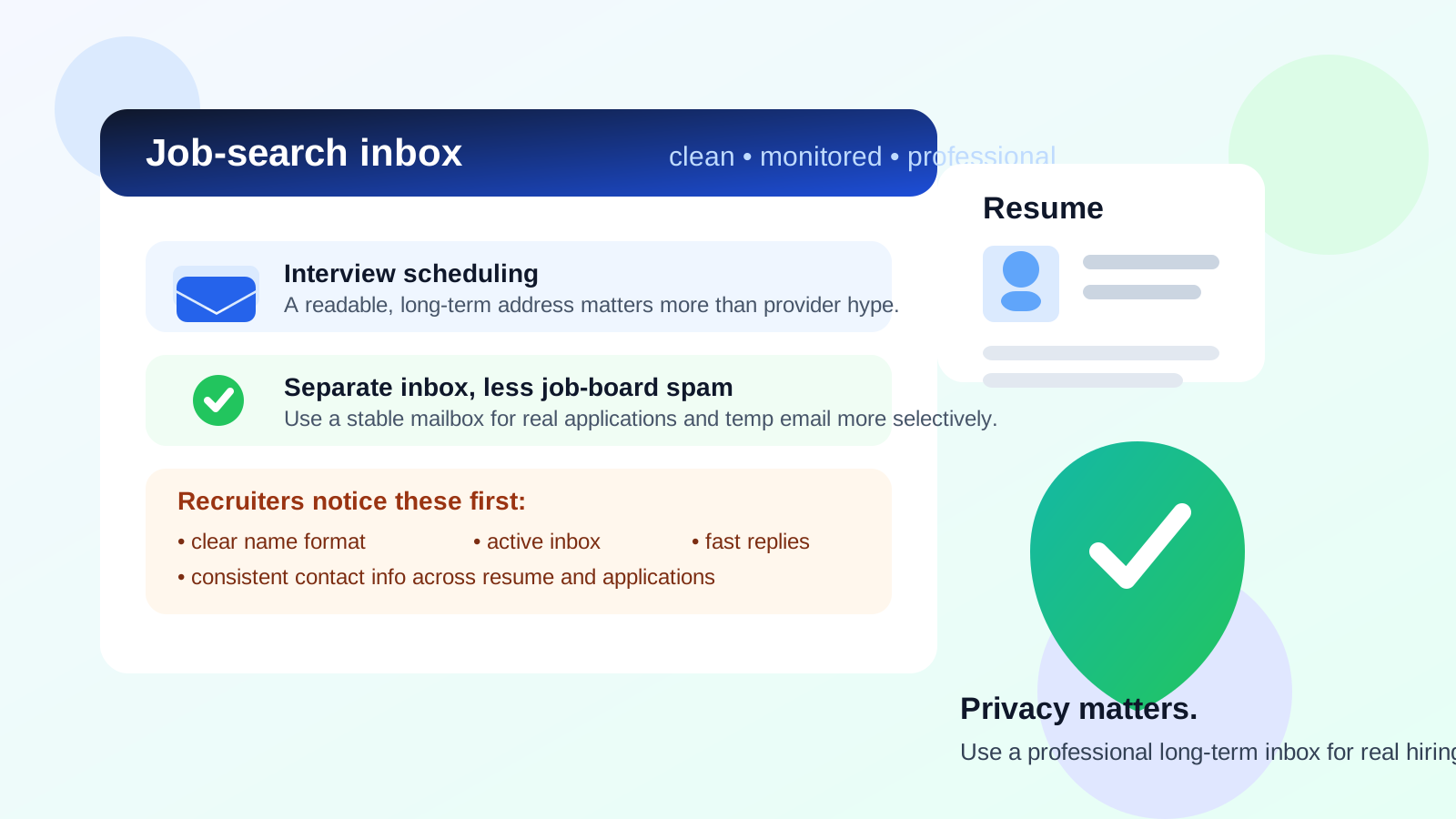
That distinction matters because recruiters usually are not running a deep audit of your email provider. They are scanning quickly for signs that you are reachable, organized, and professional. A stable Mail.com inbox can do that just fine. A joke-style address, an inbox you rarely open, or anything that feels temporary and disposable can create friction even if the provider itself is legitimate.
So the honest answer is: Mail.com is usually acceptable for job applications, but the address quality and how you use it matter more than the provider name. If you want extra separation between your main inbox and early-stage job-search noise, you can also pair a long-term job-search mailbox with a temporary inbox layer from a service like Anonibox when you are testing low-trust job boards, résumé downloads, or alert signups that may create spam.
Will recruiters judge a Mail.com address negatively?
Usually not in any major way. Most recruiters care more about whether they can reach you than whether you chose Gmail, Outlook, Fastmail, or Mail.com. If your name is clear, the mailbox is active, and you respond promptly, the provider rarely becomes the deciding factor.
Where people get into trouble is confusing “provider reputation” with “address presentation.” A recruiter is much more likely to notice coolguy1999@..., a hard-to-spell handle, or a mailbox that bounces than to care that the provider is Mail.com. In practice, presentation, consistency, and responsiveness matter more than brand familiarity.
What employers actually notice about your email address
If you are overthinking whether Mail.com looks professional enough, it helps to focus on what hiring teams actually notice first:
- Is the address readable? A clean variation of your real name is easier to trust than a random nickname or long string of numbers.
- Does it match the rest of your application? Your résumé, LinkedIn profile, and application form should point to the same person without confusion.
- Do you reply quickly? A polished address does not help if you miss interview requests sitting in an inbox you never check.
- Does the mailbox feel stable? Employers want to believe they can reach you next week, not just today.
- Does anything look odd or unserious? Joke usernames, highly personal references, or overly clever handles create more risk than the provider itself.
That is why Mail.com can be perfectly fine for job applications when used well. It behaves like a normal email provider in the eyes of most employers. The quality of your address and your habits do the real signaling.
When Mail.com is a good choice for job applications
A Mail.com address can work especially well in a few common situations.
1. You want a separate inbox just for job hunting
Many job seekers do not want recruiter messages mixed into the same inbox they use for bills, personal life, newsletters, and account security. A dedicated job-search inbox helps you stay organized, search old threads quickly, and keep application follow-up from getting buried.
2. You want privacy without using a disposable inbox for serious applications
There is a real middle ground between “use your oldest personal inbox everywhere” and “apply with a throwaway address.” A provider like Mail.com can give you a separate long-term mailbox that still looks like a real account you control. That is often a better fit for actual applications, interviews, and offer-stage communication than a temporary inbox.
3. Your address looks professional
If the mailbox uses a straightforward version of your name, you have already solved most of the presentation issue. Recruiters are used to seeing a wide range of providers. A clean, boring address is a strength.
4. You will keep checking it consistently
This is easy to underestimate. If you create a separate job-search inbox, you need a routine for checking it every day, keeping notifications on, and responding fast enough for scheduling calls or interviews. A good Mail.com setup only helps if you actually treat it like an active communication channel.
When Mail.com is a weaker choice
Mail.com becomes a worse option when the problem is not the provider, but the context around it.
- You chose a messy or unserious username. That problem would exist on any email service.
- You created the account for one quick application and might abandon it. Employers may follow up days or weeks later.
- You use it for everything and let it fill with spam. A neglected inbox makes you slower and more likely to miss important replies.
- You are relying on it like a disposable shield. For serious job conversations, a stable mailbox beats a temporary one.
If you want real privacy control, the better approach is usually layered: use a dedicated long-term mailbox for genuine employer communication, and use temporary inboxes more selectively for low-trust forms, vague recruiter lead gen, or sites that feel likely to sell your data.
Is Mail.com better than Gmail or Outlook for job applications?
Not necessarily better, but not automatically worse either. Gmail and Outlook are more familiar to many recruiters simply because they are common. That familiarity can feel reassuring, but it does not mean less common providers are unprofessional.
Mail.com can be a smart choice if it helps you create a clean job-search identity, especially if your main Gmail or Outlook inbox is overloaded. But if you already have a polished, long-term address on a mainstream provider, switching just for the sake of switching usually does not give you much benefit.
The real question is not “Which provider looks most impressive?” It is “Which inbox helps me stay reachable, organized, and private during the entire hiring process?”
What about privacy and spam risk?
This is where using a separate Mail.com address can make a lot of sense. Job boards, résumé databases, staffing agencies, and “career resource” downloads often generate more email than people expect. Some of that mail is useful. A lot of it is noise.
Keeping job-search traffic in its own mailbox gives you several advantages:
- You protect your oldest personal inbox from long-term recruiter spam.
- You can spot suspicious outreach more easily because the context is narrower.
- You can filter, label, and archive job-search mail without touching your everyday accounts.
- You can retire or repurpose the mailbox later if it becomes too noisy.
That said, privacy-conscious job seekers should still separate high-trust and low-trust use cases. Applying directly to legitimate employers is different from posting your résumé publicly or signing up for broad alert networks. For those noisier surfaces, a temporary inbox service like Anonibox can reduce exposure before you decide a company or platform deserves your long-term address.
Should you apply to jobs directly with a temporary inbox instead?
Usually no, at least not for serious opportunities. Temporary email can be useful for experimentation, one-off downloads, and signups that may create spam, but most real applications benefit from a mailbox you will still control next month.
Employers may send interview scheduling messages, assessments, benefit documents, or follow-up questions well after the day you apply. If the address expires, goes unchecked, or looks obviously disposable, that can create friction or cost you the opportunity entirely.
A better model is:
- Use a stable mailbox such as a clean Mail.com address for real applications and ongoing employer contact.
- Use temporary inboxes selectively for lower-trust lead generation surfaces, content downloads, or job-alert experiments.
- Move serious conversations onto the long-term inbox once the opportunity looks real.
How to make a Mail.com address look professional enough for job hunting
If you want to use Mail.com confidently, keep the setup simple.
- Use your real name or a close variation. Something like first name, last name, or first initial plus last name is usually enough.
- Avoid extra numbers unless needed. Too many digits can look sloppy or be hard to remember.
- Skip jokes, fandom references, flirtiness, or ironic usernames. You want frictionless professionalism.
- Check the inbox daily. Especially once applications are active.
- Turn on recovery and security options. Losing access mid-search is avoidable pain.
- Use the same address across your résumé and application forms. Consistency reduces confusion.
You do not need an email address that feels corporate. You need one that feels stable, readable, and adult.
Red flags that matter more than the provider name
Even job seekers who choose a perfectly good provider can accidentally send the wrong signal. Watch out for these bigger issues:
- Applying with an address tied to your current employer
- Using an inbox you only check occasionally
- Letting spam bury important recruiter replies
- Switching addresses mid-search and missing threads
- Using a mailbox that looks obviously throwaway for serious applications
- Putting one email on the résumé and a different one on application forms without a reason
Those are the mistakes that create actual hiring friction. The word “Mail.com” in the address is usually not.
A practical decision checklist
Before you use Mail.com for job applications, ask yourself:
- Is this a personal account I fully control?
- Does the address look clean and professional?
- Will I keep using and monitoring it for the full job search?
- Do I want a separate inbox to contain recruiter traffic and job-board spam?
- Would I be better off using temporary email only for low-trust signups, while keeping real applications on this long-term mailbox?
If the answers are mostly yes, Mail.com is probably a reasonable option.
Final answer: should you use Mail.com for job applications?
Yes, you can — as long as it is a stable personal mailbox, the address looks professional, and you will actually keep checking it. Most employers care far more about clarity, reliability, and responsiveness than about whether you picked Mail.com instead of a bigger provider.
If privacy matters to you, Mail.com can work well as a dedicated job-search inbox. Just do not confuse a separate mailbox with a disposable one. For real applications, interviews, and offer follow-up, you want an address that stays active and under your control. Save temporary inboxes for the noisy edges of the search, keep your serious communication on a long-term account, and you will get the privacy benefits without making yourself harder to hire.