Yes, you can use Mail.com on LinkedIn if it is a stable inbox you control long term and actually check.
It is usually a better choice than a temporary inbox, but a worse choice than your main email if your Mail.com account is old, messy, or rarely monitored.
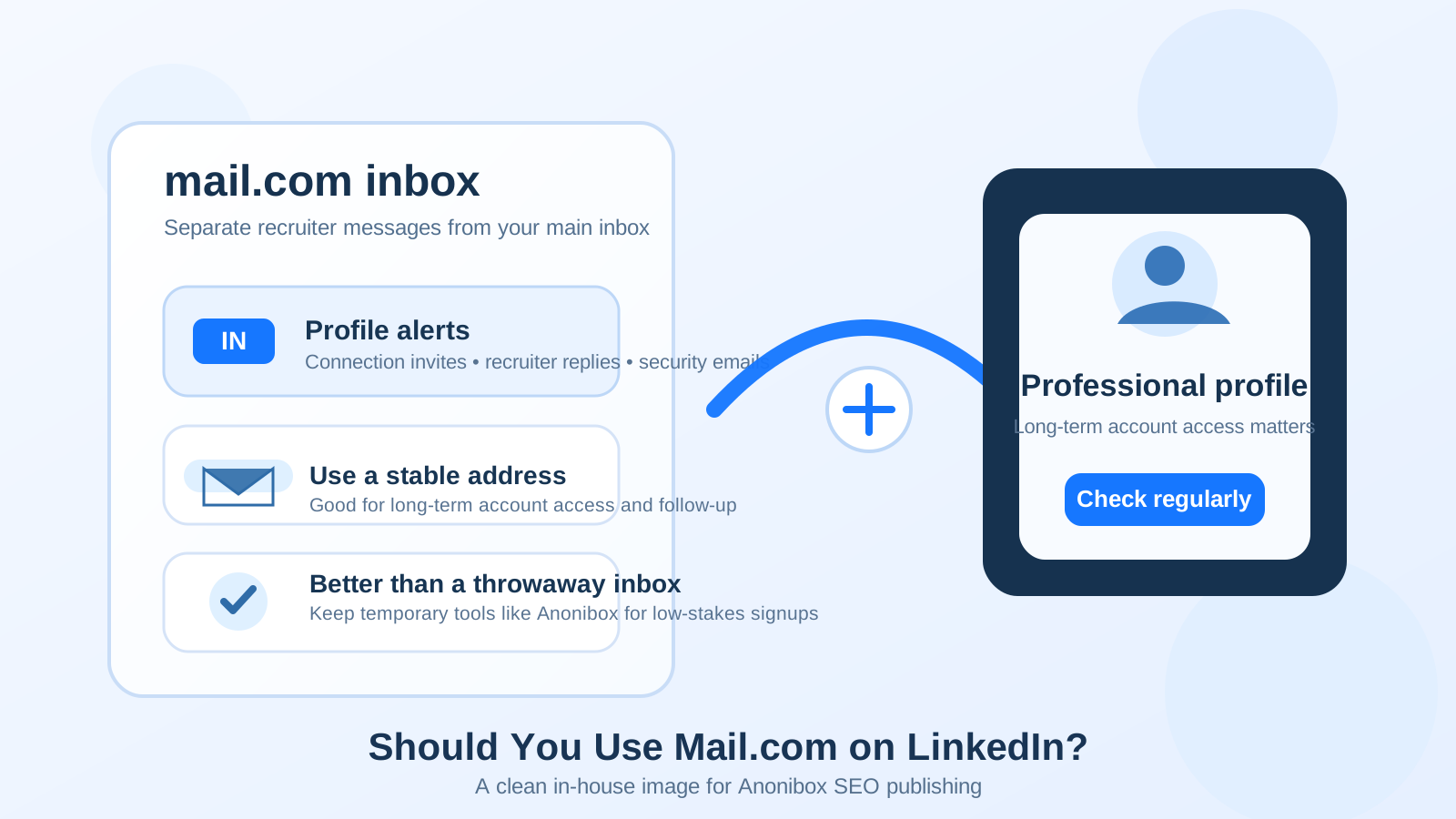
That is the real trade-off. LinkedIn is not a one-week signup. It is a long-lived professional account that can surface recruiter messages, security alerts, connection requests, password resets, and networking follow-up long after your current job search ends. The inbox behind it needs to be durable.
Mail.com can absolutely fill that role. The provider itself is not automatically a problem. What matters more is whether the address looks clean, whether you still control it, and whether you treat it like a real professional inbox instead of a spare mailbox you barely remember exists.
Why people ask about Mail.com on LinkedIn
When someone asks whether Mail.com is okay for LinkedIn, they are usually asking a bigger question underneath it: what kind of email belongs behind a public professional profile?
- Will Mail.com look professional enough to recruiters?
- Is it safer than using a work or school address?
- Should LinkedIn live in a separate inbox from your everyday personal email?
- Does a lesser-known provider make you look less credible?
Those are fair concerns. LinkedIn sits in the middle of privacy, professionalism, and long-term account control. You want enough separation to avoid clutter and spam, but not so much separation that you miss important messages or tie your profile to an account you do not plan to keep.
Short answer: Mail.com is usually fine if the account is stable
For most people, Mail.com is a reasonable LinkedIn email if it is a real inbox you plan to keep for years. Recruiters and hiring managers rarely care about the provider name nearly as much as job seekers imagine. They care whether the address works, whether you reply, and whether the overall profile feels normal and consistent.
Where people create problems for themselves is not by choosing Mail.com. It is by choosing an address that looks disposable, gets ignored, or was set up for low-stakes signups rather than ongoing professional use. LinkedIn rewards continuity. If your Mail.com account gives you that, it can be a strong choice.
Why Mail.com can make sense on LinkedIn
1. You keep control when jobs change
A personally controlled inbox is usually safer for LinkedIn than an employer-owned address. If you use your work email and later leave the company, you may lose access to account alerts, password resets, and other important notices. A Mail.com address you own yourself avoids that dependency.
2. It can create a clean professional boundary
Some people do not want LinkedIn notifications mixed into the same inbox as family messages, receipts, travel confirmations, and every newsletter they have ever joined. A separate Mail.com inbox can create useful distance without forcing you into a throwaway-email mindset.
That is often the sweet spot: separate enough to stay organized, but stable enough to keep long term.
3. It is better suited to LinkedIn than a temporary inbox
Temporary and disposable email tools have a place. They are useful for one-off signups, noisy download gates, and situations where you do not want ongoing follow-up. But LinkedIn is not one of those situations. Your profile may stay active for years, and the address behind it should survive that timespan.
If you use Anonibox for low-stakes signups, testing, or spam-heavy forms, that can be smart. The important distinction is that LinkedIn itself belongs on a durable inbox you expect to keep, not on a mailbox designed to expire or disappear from your routine.
4. A less-common provider is not automatically unprofessional
Most recruiters do not score your provider the way they score a résumé. A clean address such as your name or a simple name-based variation matters far more than whether the domain is Gmail, Outlook, Mail.com, or something else established.
In practice, a tidy Mail.com address is usually better than a mainstream address with an old joke handle, random numbers, or obvious throwaway vibes.
When Mail.com may not be the best LinkedIn choice
You rarely check it
An otherwise fine provider becomes a bad LinkedIn email when you ignore it. If messages sit unread for weeks, it does not matter that the domain is valid. The account is no longer serving its purpose.
Your address looks temporary or cluttered
If the handle looks random, childish, or stitched together from old signup habits, that can create more friction than the provider itself. LinkedIn does not require a premium-looking address, but it does benefit from something readable and steady.
You created the account only to avoid LinkedIn notifications
Using a separate inbox for organization is smart. Using one because you plan to forget about LinkedIn is not. The goal is controlled visibility, not neglect.
You already have a stronger long-term inbox
If your main personal email is clean, well-managed, secure, and easy for you to monitor, it may simply be the better choice. A second inbox is not automatically better if it adds complexity without real privacy upside.
Mail.com vs other LinkedIn email options
Mail.com vs work email
Mail.com usually wins on long-term control. Your employer can change access, close the account, or make it awkward to keep using after you leave. LinkedIn should not depend on an inbox you may lose.
Mail.com vs school email
Mail.com is often the safer long-term option for the same reason. College or university email can work for a season, but alumni access rules change, and you may not want your professional profile tied to that uncertainty.
Mail.com vs your main personal email
This depends on how you use your inboxes. If your personal email is overloaded and widely exposed, a dedicated Mail.com account can give you better separation. If your main email is already tidy and you respond quickly there, the extra account may not add much.
Mail.com vs temporary or burner email
Mail.com is the better LinkedIn choice almost every time. LinkedIn needs continuity, recovery access, and message reliability. Disposable email is better reserved for short-term interactions where losing future access is acceptable.
How to use Mail.com on LinkedIn well
Pick a straightforward address
If possible, use a name-based address that looks easy to recognize and easy to reply to. Avoid handles that feel anonymous, overly casual, or obviously recycled from old signup habits.
Treat it like a real networking inbox
Create a simple structure so recruiter replies, connection notifications, and security messages do not get buried. Even a small amount of organization helps if your job search becomes active later.
Check it consistently
You do not need to obsess over it, but you do need a routine. If Mail.com is the inbox attached to your LinkedIn account, it should be part of your weekly rhythm at minimum, and more often if you are actively networking or interviewing.
Keep recovery details current
Many people think about their LinkedIn email only until login trouble shows up. Make sure the Mail.com account itself is recoverable, secured, and tied to details you still control.
Use separation for focus, not for avoidance
A separate inbox is useful because it reduces noise. It is not useful if important professional messages disappear into a folder you never open.
A quick decision checklist
- Do I personally control this Mail.com account?
- Will I still have it after a job change, graduation, or relocation?
- Does the address look simple and professional enough?
- Will I actually monitor it for recruiter replies and security alerts?
- Am I using it for healthy separation rather than to ignore LinkedIn?
If most of those answers are yes, Mail.com is probably a fine LinkedIn choice.
Common mistakes to avoid
- Using a throwaway mindset for a long-lived networking account.
- Choosing a separate inbox and then forgetting to check it.
- Using a messy address when a cleaner one is available.
- Tying LinkedIn to an account you do not expect to keep.
- Assuming privacy comes from obscurity rather than good inbox habits.
Final answer
Yes, you can use Mail.com on LinkedIn, and for many people it is a sensible option. The best version of this setup is a stable Mail.com inbox you own personally, monitor regularly, and keep separate enough to stay organized without letting important messages go stale.
The bad move is not choosing Mail.com. The bad move is choosing any address you do not plan to keep, do not check, or only created to avoid short-term noise. If your Mail.com account gives you long-term control, decent organization, and reliable follow-up, it can work very well on LinkedIn.