Should you use Outlook for background checks? Yes, usually — if it is a stable personal or dedicated Outlook account you control, not a work-managed inbox, and you are comfortable using it for follow-up messages and identity-related requests.
Outlook is usually better than a temporary inbox for background checks because these processes can stretch across several days, but the safest setup is often a separate Outlook account created just for job-search and verification workflows.
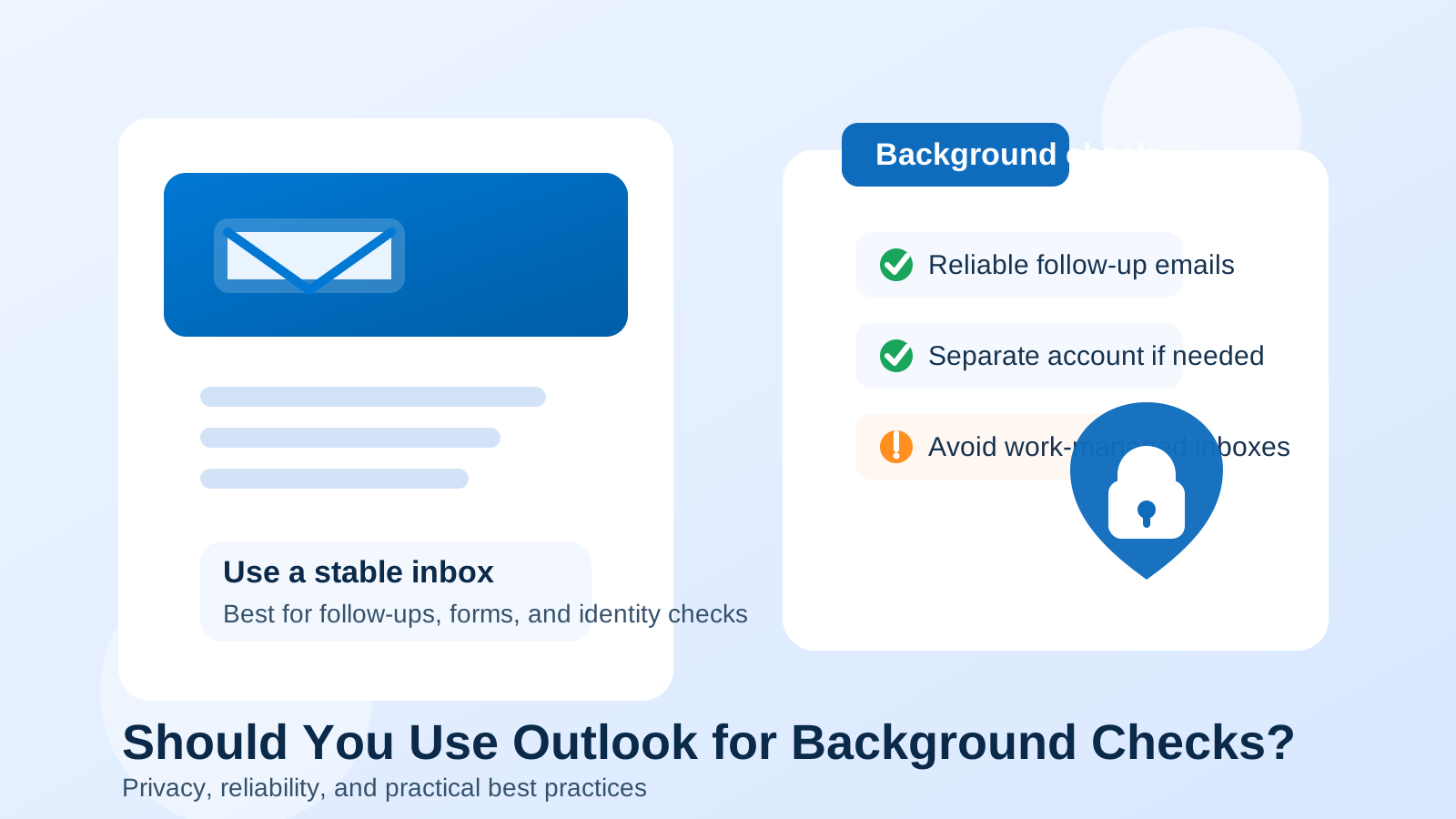
Why Outlook can work well for background checks
Background checks are not the same as casual newsletter signups or one-click free trials. Once an employer reaches this stage, they may need to send consent forms, scheduling details, document requests, and status updates over several days or even a couple of weeks. That means the email address you use needs to be stable, easy to monitor, and unlikely to disappear halfway through the process.
That is where Outlook can be a solid option. It is familiar, widely accepted, and generally viewed as normal by employers, recruiters, and third-party screening companies. If your Outlook address is clean, professional, and easy for you to access consistently, it can handle background-check communication without creating unnecessary friction.
The short version: Outlook is fine, but context matters
Using Outlook for background checks is usually reasonable when:
- the account belongs to you personally
- you check it regularly
- the address looks professional enough for hiring communication
- you can keep verification emails, consent forms, and follow-ups organized
It is less ideal when the account is old, cluttered, shared, rarely monitored, or tied to a workplace or school that you do not fully control. Background checks are one of those moments where reliability matters more than cleverness. You do not want to miss a consent request because it landed in a neglected inbox, and you do not want to use an address that exposes more of your life than necessary.
Why employers and screening vendors care about a stable email
By the time background checks begin, the employer usually wants a smooth handoff from recruiting to verification. The screening process may involve:
- identity-confirmation emails
- authorization and disclosure forms
- requests for past employment details
- document upload instructions
- status notifications and reminder emails
A stable Outlook inbox works well for this because it gives the employer and the screening provider a normal, persistent contact point. If the address you use disappears, forwards unreliably, or gets buried under unrelated mail, you increase the odds of delays and missed steps.
When Outlook is a good choice
Outlook is often a good fit for background checks if you are using it like a real long-term inbox rather than a throwaway address.
1. You control the account completely
A personal Outlook account that you created and manage yourself is usually fine. You can keep track of messages, add recovery options, enable two-factor authentication, and make sure the account stays available throughout the hiring process.
2. The address is professional enough
If your address is based on your name or a simple variation of it, it will usually look perfectly normal to employers. A background check is not the place where an overly playful address helps you. Professional and forgettable is better.
3. You want a mainstream provider instead of a niche address
Some job seekers prefer a familiar provider because it reduces friction. Outlook looks ordinary, and ordinary is useful during verification. It rarely attracts attention in the way a novelty address, suspicious-looking domain, or obviously disposable inbox might.
4. You want a separate inbox without using your main everyday address
This is one of the best use cases. A dedicated Outlook account for job search and verification gives you structure without creating the instability of a temporary address. It also makes it easier to search for messages, keep paperwork together, and avoid mixing sensitive hiring communication with shopping receipts and personal threads.
When Outlook is not the best choice
Outlook itself is not the problem in most cases. The real issue is which Outlook account you are using and what it is connected to.
Do not use a work-managed Outlook account
If the account belongs to your current employer or runs through an employer-managed Microsoft 365 environment, it is usually a bad choice for background checks. Your employer may control retention, visibility, device policies, or sign-in monitoring. Even if nobody is actively reading your messages, using a work-managed inbox for outside hiring activity is a poor privacy tradeoff.
If you are job searching discreetly, a work Outlook address is especially risky. A personal or separate account is much safer.
Be cautious with old accounts that look messy or neglected
If your Outlook address is something you made years ago and barely use now, ask yourself whether it still works well for an important process. An inbox full of old spam, broken filters, and missed login alerts is not a strong base for background-check communication.
Avoid shared family access
If someone else can easily open the inbox on a household computer or shared device, that is not ideal for identity and employment documents. Background checks often involve dates, addresses, former employers, and other personal details that deserve more privacy than a shared setup gives them.
Should you use a temporary inbox instead?
Usually no. A temporary inbox can be useful earlier in a job search for low-commitment signups, job-board experiments, or marketing-heavy workflows. But background checks are different. They are not a one-email event. They often involve repeat communication, reminders, and follow-up messages from screening vendors.
If privacy is the goal, a separate stable inbox is usually better than a disposable one. That is where a service like Anonibox can still fit naturally into the broader workflow: it can help you avoid long-term inbox clutter earlier in the funnel, while a dedicated Outlook account can take over once a real employer and a real verification process are involved.
A better setup: a separate Outlook account for hiring workflows
For many people, the best answer is not “use Outlook” or “do not use Outlook.” It is “use a separate Outlook account for this purpose.” That gives you several advantages:
- you keep background-check emails out of your main personal inbox
- you avoid using a work-managed address
- you can build a cleaner paper trail for forms, reminders, and vendor messages
- you can retire or repurpose the account later without disrupting your everyday communication
This approach also makes it easier to spot suspicious messages. When one inbox is reserved for job-search and verification activity, random emails claiming to be part of a screening process stand out more clearly.
Best practices if you use Outlook for background checks
Use your real name or a close variation
An address like firstname.lastname@outlook.com is boring in the best possible way. It is readable, credible, and easy for employers to match to your application.
Turn on two-factor authentication
Background checks can involve personal information. Protect the inbox. A stable email address is only helpful if it is also secure.
Check the inbox daily
Do not assume every screening company works on your schedule. Some send automated reminders or short-deadline requests. During an active verification process, check the inbox at least once or twice a day.
Create a simple folder or label structure
One folder for employer messages and one for screening-vendor messages is often enough. You do not need a complicated system. You just need to avoid losing consent forms and status emails in a crowded inbox.
Do not use a work or school account unless you truly control it
This is worth repeating. Employer-managed and school-managed inboxes create unnecessary privacy risk. A background check is personal. The inbox should be personal too.
Watch for phishing and fake document requests
Because background checks involve sensitive information, scammers sometimes imitate them. Before clicking links or uploading documents, check that the sender matches the employer or screening provider you expect. If anything feels off, verify through the employer directly.
Red flags to watch for
Using Outlook does not protect you from a bad process. Stay alert if you see any of these signs:
- the sender domain does not match the employer or screening vendor you were told to expect
- you are rushed to send identity documents without any clear context
- the message asks for payment to continue a background check
- the employer wants you to move to unrelated channels immediately
- you receive forms before you have even clearly accepted a role or conditional offer
Outlook is just the mailbox. You still need to judge whether the workflow around it is legitimate.
Common questions
Is Outlook too personal for background checks?
Not necessarily. A normal personal Outlook address is usually acceptable. The key is whether it is professional enough and whether you are comfortable tying that inbox to the hiring process.
Should you make a brand-new Outlook account just for this?
If privacy and organization matter to you, that is often a smart move. A separate account is especially useful if you are applying to multiple roles or want distance between job-search communication and the rest of your digital life.
Is Outlook better than a disposable email for background checks?
Yes, in most cases. Background checks need continuity, and continuity is exactly what disposable inboxes do not do well.
A practical checklist before you use Outlook
- Is this a personal or dedicated account you control?
- Does the address look professional enough?
- Can you monitor it daily during the verification window?
- Have you enabled security basics like a strong password and two-factor authentication?
- Are you avoiding a work-managed inbox?
If the answer is yes across the board, Outlook is usually a perfectly workable choice.
Final answer
Outlook is usually a good choice for background checks when it is a stable personal or dedicated account that you control and monitor closely. It is familiar, reliable, and less likely to raise friction than a temporary or obviously disposable address.
The main thing to avoid is using a work-managed Outlook inbox or a neglected old account that you barely check. If you want the best balance of privacy and reliability, use a separate Outlook account just for hiring workflows, keep it secure, and let that inbox handle the background-check stage while your broader privacy strategy stays organized.