Yes, you can use Outlook for informational interviews, and it is often a solid choice when the inbox is private, professional, and checked regularly.
The better question is whether you should use your main Outlook address, a separate Outlook account, or a different setup that gives you cleaner follow-up and better privacy.
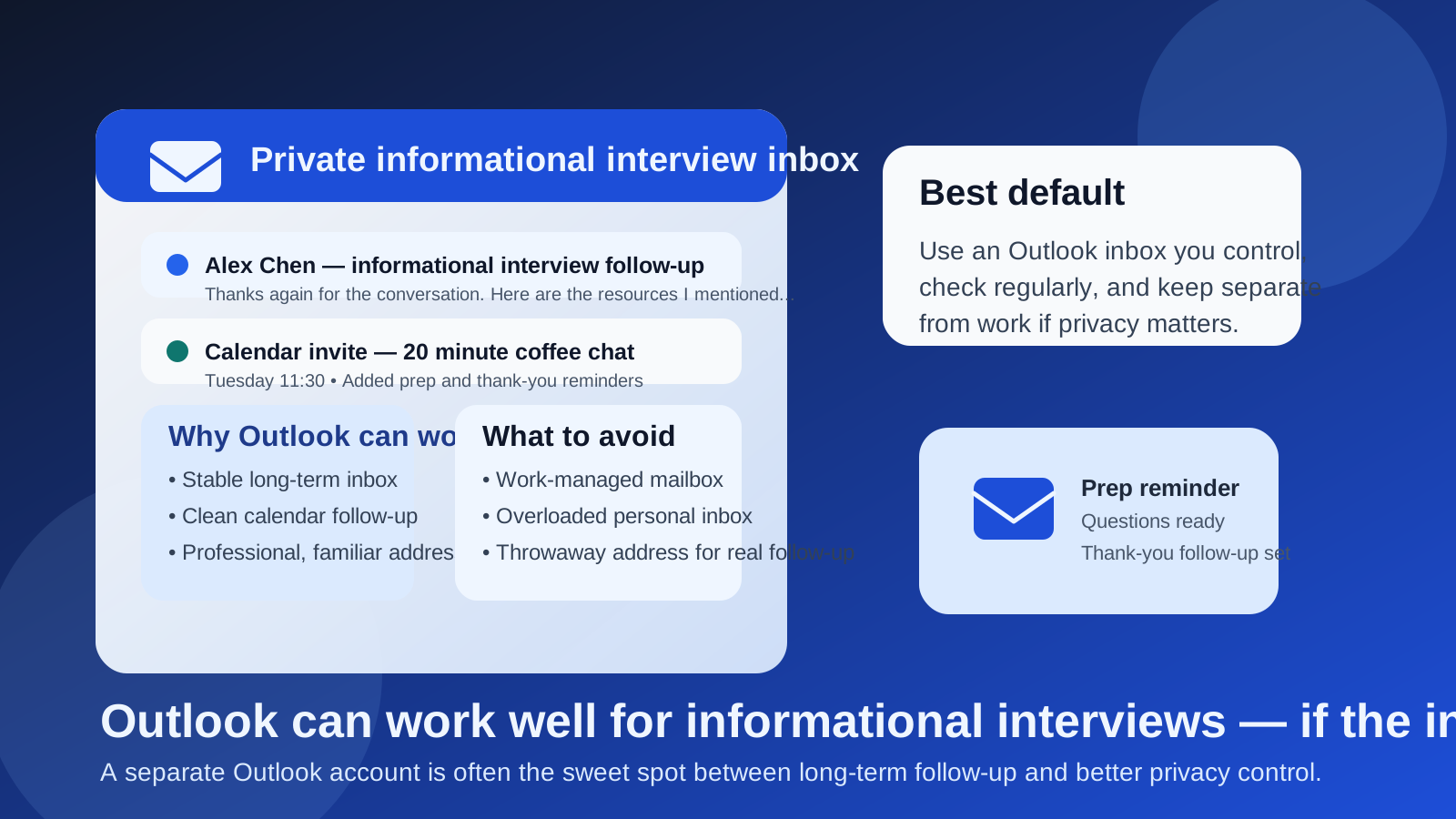
Why this question matters
Informational interviews are different from quick signups, one-click downloads, or low-trust forms. You are usually reaching out to a real person for advice, perspective, or context. If the conversation goes well, that same person may later share an introduction, point you toward an opening, answer a follow-up question, or remember you months later when a team starts hiring.
That long tail is why your email choice matters. An inbox for informational interviews has to do more than receive one confirmation email. It needs to support real back-and-forth communication, calendar invites, thank-you notes, delayed replies, and occasional future opportunities. Outlook can handle that well. The real issue is whether you are using the right kind of Outlook inbox.
Short answer: Outlook is usually fine, but not every Outlook account is a good one
If you control the inbox, the address looks professional, and you are willing to monitor it consistently, Outlook is usually a reasonable choice for informational interviews. It is familiar, credible, and stable enough for real professional follow-up.
If the account is employer-managed, overloaded with unrelated mail, or only checked once in a while, Outlook becomes a weaker choice. In those cases, the service itself is not the problem. Your setup is.
What Outlook gets right for informational interviews
1. It looks normal in professional settings
Most people know what an Outlook address is, and that helps. A familiar email provider creates less friction than something obscure or obviously disposable. You do not need to explain it, and most contacts will read it as a normal professional email address rather than a temporary workaround.
2. It supports long-term follow-up
Informational interviews often do not pay off immediately. Someone may reply next week, send a resource a month later, or circle back after a team reorg. Outlook is built for that kind of continuity far better than a throwaway inbox you might stop checking as soon as the first reply arrives.
3. Calendar integration helps
These conversations often turn into actual meetings, whether that means a short Teams call, a Zoom chat, a phone call, or coffee on a calendar invite. Outlook is useful here because scheduling, reminders, and related email threads can stay connected instead of scattered.
4. It is workable across devices
If you are networking around a full-time job, school, freelance work, or family obligations, your email needs to be available where you are. Outlook works well on desktop and mobile, which makes it easier to catch a reply quickly and keep momentum.
Where Outlook can become a privacy problem
Using a work-managed Outlook account
This is the clearest red flag. If your Outlook inbox is part of a company-managed Microsoft 365 environment, you should assume it is not purely private. That does not mean someone is actively reading every message. It means the account may sit inside retention systems, admin controls, company devices, shared directory settings, or employer-controlled calendars that are simply not ideal for private career exploration.
If your informational interviews are at all related to a job search, industry switch, or quiet networking effort, using a work-managed Outlook account is usually a bad trade.
Using your oldest personal inbox for everything
A personal Outlook address is better than a work-managed one, but it can still be messy if it is your catch-all inbox for newsletters, family logistics, shopping receipts, subscriptions, school messages, and random internet signups. Informational interview follow-up is easy to miss when it lands in the same place as ten years of digital clutter.
Using an address that reveals more than you want
If your address includes your full legal name, birth year, graduation year, or some old personal detail you would rather not use professionally, that is not necessarily fatal, but it is worth noticing. Informational interviews should feel polished and low-drama. A clean address helps.
Main Outlook account vs separate Outlook account vs temporary inbox
This is usually where the decision gets clearer.
Your main personal Outlook account
This can be perfectly fine if the address looks professional, you check it often, and the inbox is not a mess. For people who only schedule occasional informational interviews and want the simplest workflow, a main personal Outlook address may be enough.
The downside is separation. Networking messages, thank-you notes, referrals, and future opportunities all blend into the rest of your life.
A separate Outlook account
For many people, this is the sweet spot. A dedicated Outlook inbox for networking and job-search communication gives you stability without forcing everything through your oldest personal account. You keep the benefits of a mainstream provider while gaining cleaner organization, simpler filters, and better boundaries.
A separate Outlook account is especially useful if you are actively reaching out to alumni, operators, recruiters, hiring managers, or people in adjacent roles. It lets you treat informational interviews like a real workflow instead of a side conversation buried in a personal mailbox.
A temporary or disposable inbox
This is usually not the best default for actual informational interviews. Temporary email addresses are useful for low-trust signups, gated downloads, event registrations, or forms that may trigger spam. They are much less useful when a real person may reply weeks later and expect continuity.
If you use Anonibox or another temporary inbox tool, it makes more sense for early filtering or spam-heavy registration steps than for the long-term thread you hope an informational interview becomes. Once the conversation is personal and ongoing, a stable inbox is usually the better move.
When Outlook is a good choice
- You control the account: it is not owned by your employer or school in a way that limits privacy.
- The address looks professional: simple, readable, and not obviously casual or outdated.
- You check it consistently: informational interviews lose value when replies sit unanswered for days.
- You want long-term continuity: you may want to keep that conversation thread for months.
- You use Outlook calendar or task reminders well: prep and follow-up become easier to manage.
When Outlook is the wrong default
- The inbox is work-managed: this is the biggest reason to choose something else.
- The inbox is overloaded: if important replies routinely get buried, you are choosing friction.
- You only want a firewall against spam-heavy intake: in that case, a more segmented setup may work better for the intake stage.
- You do not actually monitor the account: a professional-looking address is useless if you forget to check it.
Best practices if you use Outlook for informational interviews
1. Keep the address simple
Use an address that sounds normal and professional. You do not need a perfect vanity domain for an informational interview, but you do want something readable and low-friction.
2. Consider a dedicated folder or category
Even if you do not create a separate account, at least organize the workflow. A folder, rule, or category for networking and informational interviews makes future follow-up much easier to manage.
3. Pair it with calendar reminders
The meeting is only part of the process. Set a prep reminder before the conversation and a follow-up reminder afterward so you actually send the thank-you note and any promised links.
4. Do not use your work signature by accident
If you move between accounts, double-check the signature and sender identity. An informational interview email that accidentally goes out with employer branding or a company disclaimer creates exactly the kind of overlap many people are trying to avoid.
5. Keep sensitive notes out of the inbox subject line
Be practical. You do not need to stuff private career strategy into subject lines or event titles. Simple and clear usually works better than overly specific.
A practical setup that works for most people
- Create or use an Outlook account that you personally control.
- If your main inbox is cluttered, create a separate Outlook account for networking and career conversations.
- Use that inbox consistently for outreach, replies, and calendar invites.
- Add simple folders or categories for informational interviews and follow-ups.
- Use temporary email only for low-trust intake steps where spam control matters more than long-term continuity.
This gives you a good balance between professionalism and privacy. It also keeps you from making the common mistake of solving the spam problem while creating a follow-up problem.
Common mistakes to avoid
Using work Outlook because it is convenient
Convenient is not the same thing as smart. If you would be uncomfortable with that account being part of your broader career exploration trail, do not use it.
Assuming temporary email is always better for privacy
It can be better for spam shielding, but informational interviews usually depend on trust and continuity. Privacy is not just about hiding your main inbox. It is also about controlling the relationship on terms you can sustain.
Letting follow-up get buried
The thank-you note, resource exchange, or second conversation often matters more than the first outreach. Choose the inbox you are most likely to keep organized and active.
Overcomplicating the setup
You do not need a massive system with aliases, automations, and five separate mailboxes. One stable Outlook inbox you control is usually enough. A second dedicated Outlook inbox is often the next best step if you need more separation.
Final answer
So, should you use Outlook for informational interviews? Usually yes — if it is an account you control, the address looks professional, and you will actually monitor it and use it for follow-up.
For many people, the best option is not a work Outlook account and not a disposable inbox, but a separate personal Outlook account dedicated to networking and job-search communication. That setup gives you the reliability informational interviews need without forcing everything through your main everyday inbox.