Yes — should you use outlook for job referrals is a fair question, and Outlook can be a solid choice if the address is professional, the inbox is organized, and you are careful about which Outlook account you use.
The catch is that referrals often create longer back-and-forth threads than normal applications, so inbox overlap, follow-up speed, and privacy boundaries matter more than people expect.
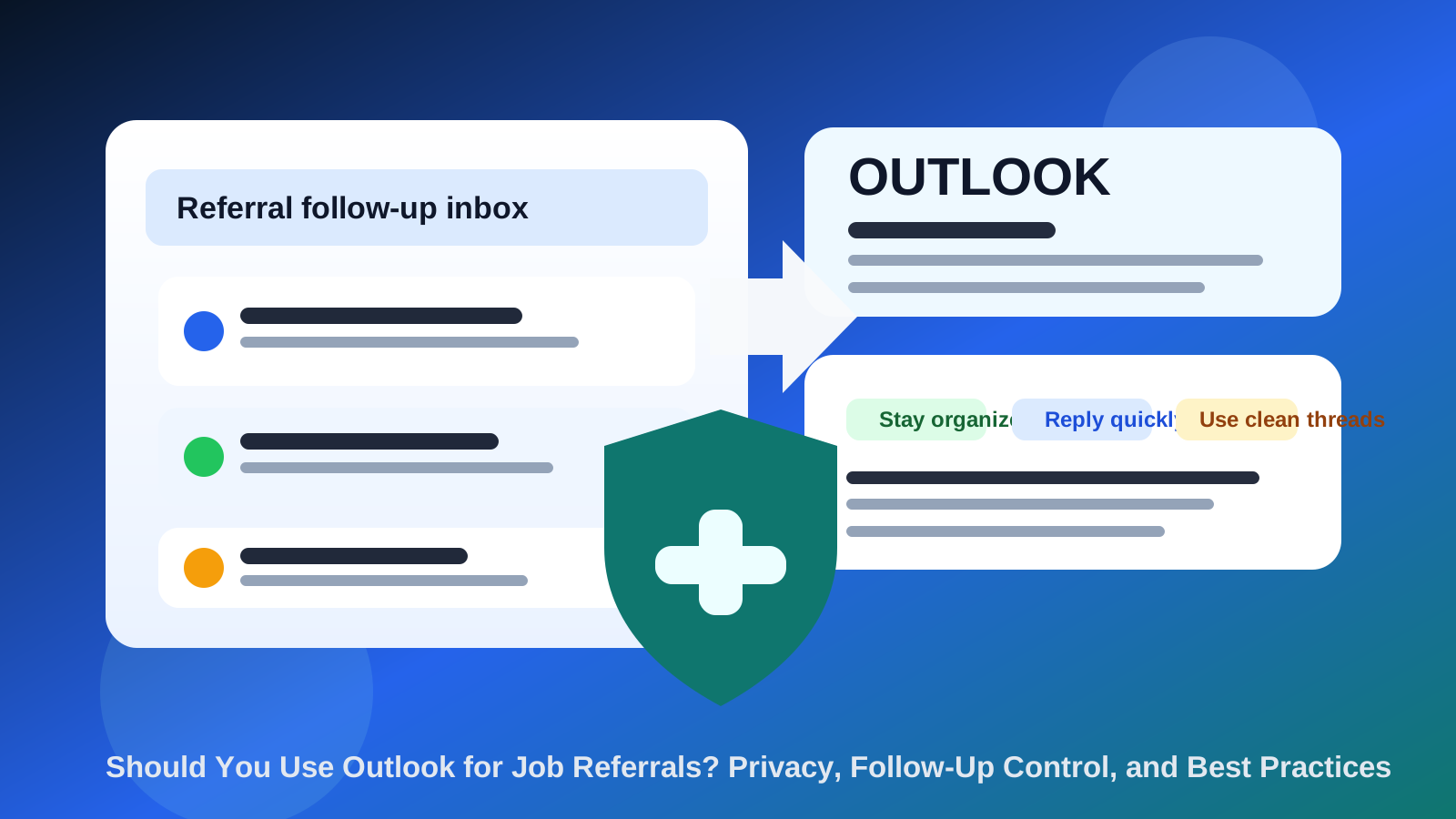
That makes Outlook a little different from a throwaway signup decision. When someone refers you, there may be an introduction email, a résumé handoff, interview scheduling, reminders, thank-you follow-ups, and occasional nudges weeks later. A referral can also branch into calendar invites, recruiter forwarding, or internal handoffs inside a company. So the question is not just whether Outlook is respectable enough. It is whether your specific Outlook setup helps you manage that whole chain cleanly.
For many people, Outlook works perfectly well. It is a mainstream provider, recruiters recognize it instantly, and most employers will not see anything strange about receiving a referral-related thread from an Outlook address. The real issue is account choice. Using Outlook through a personal account, a work account, or a separate job-search account creates very different privacy and follow-up trade-offs.
Short answer: Outlook is fine, but the account choice matters
If you just want the blunt answer, here it is: Outlook is usually fine for job referrals. Recruiters and employees making referrals are unlikely to object to it, and the provider itself will not hurt you. What can hurt you is using the wrong Outlook account for the situation.
For example, using your work Outlook account for outside referrals can expose too much employer visibility and mix private career activity with company-managed systems. Using your main personal Outlook account can be better, but it may still create clutter if it is full of old subscriptions, family messages, and unrelated notifications. In many cases, a separate Outlook account dedicated to job searching and referrals is the cleanest setup.
Why referrals are different from ordinary applications
A job application can be fairly one-directional at first. You submit it and wait. A referral is more conversational. Someone may ask for your résumé, check whether a role fits, introduce you to a recruiter, or follow up later when hiring opens again. That means you need an inbox that supports:
- Clear thread history so you do not lose context across multiple messages.
- Fast replies when a referrer or recruiter asks for a document or confirmation.
- Privacy boundaries because referrals often reveal who you know and where you are applying.
- Continuity because referrals can stay active longer than a single quick application.
That is why a decent provider is only the baseline. The better question is whether Outlook helps you keep the referral process tidy, professional, and separate from the rest of your digital life.
What Outlook does well for job referrals
Outlook has a few obvious advantages in this context.
It looks normal
There is no novelty problem with Outlook. Most referrers, recruiters, and hiring teams have seen countless Outlook addresses. If your username is clean and professional, the provider itself is not likely to raise eyebrows.
It supports longer follow-up chains well
Referral workflows often involve email forwarding, copied introductions, attachments, and calendar-related logistics. Outlook is perfectly usable for that kind of back-and-forth if the account is stable and you check it often.
It can fit either a personal or dedicated professional workflow
Some people already use Outlook as a serious personal inbox. Others prefer to create a separate Outlook address just for job searching. Either model can work if the account stays organized and does not get neglected.
What can go wrong if you use the wrong Outlook account
The biggest problems usually come from how the account is used, not from Outlook itself.
Using your work Outlook account
This is usually the riskiest option. A work-managed Outlook account can leave traces in employer-controlled systems, mix private job-search activity with corporate calendars or address books, and create awkward visibility if you are exploring outside roles discreetly. Even if nobody is actively monitoring your mail content, the basic boundary is still bad.
If a referral matters, it deserves a private contact point that you control. A work Outlook inbox is rarely that.
Using an overloaded personal Outlook account
Your main personal inbox may be private enough, but it can still create practical problems. If it is crowded with old newsletters, promotions, shipping alerts, family messages, travel receipts, and forgotten subscriptions, referral emails can disappear into the noise. Missing a referrer’s follow-up is not a good look.
Using an account you barely check
Some people create a separate mailbox and then forget it exists. That defeats the purpose. For referrals, a separate inbox only helps if you actually monitor it closely and keep notifications reliable.
Best use case: a separate Outlook account for referrals
In many situations, the strongest Outlook setup is a dedicated account for job-search communication, especially referrals, applications, and interviews. That gives you most of the upside without the unnecessary spillover.
A dedicated Outlook account can help you:
- keep referral threads away from your everyday personal inbox,
- avoid using employer-managed systems for private career activity,
- search, sort, and flag referral conversations more easily,
- reply faster because the inbox has a clear purpose.
This is also where Anonibox fits naturally in the broader workflow. A temporary inbox can be useful much earlier when you are testing unknown job boards, protecting yourself from sign-up spam, or exploring low-trust platforms. But referrals are usually more important and more durable than that. Once a real human is introducing you to an opportunity, you usually want a stable inbox rather than a temporary one.
How Outlook compares to Gmail for referrals
On the public-facing side, Outlook and Gmail are both broadly acceptable. You are unlikely to lose a referral simply because you picked one over the other. The difference is more about your own workflow than external perception.
If you already live inside Outlook, use it. If Gmail is where you are faster and more organized, Gmail may be better for you. But if the question is whether Outlook is an acceptable referral inbox in general, the answer is yes.
The deciding factors are still the same: professional address, fast replies, good organization, and the right privacy boundary around the account.
When Outlook is a strong choice
- You already use the inbox consistently and know you will see important messages quickly.
- The address is clean and professional, ideally based on your real name.
- You want a mainstream provider without looking experimental or overly privacy-heavy.
- You are using a separate personal account rather than a work-managed one.
- You want one durable inbox that can cover referrals, interviews, and follow-up without changing addresses mid-process.
When Outlook is a weaker choice
- You would need to use your employer-issued Outlook account.
- Your personal Outlook inbox is cluttered enough to hide time-sensitive messages.
- You rarely log in and do not trust yourself to catch replies quickly.
- You are trying to use a pseudo-throwaway account for a referral that may turn into a real hiring process.
- Your Outlook username looks casual, old, or unprofessional.
Best practices if you use Outlook for job referrals
1. Use a professional address format
Your provider matters less than the address itself. A clean name-based address beats a messy or joke-like one every time.
2. Keep referral threads flagged
Referrals often involve a small group of high-value messages. Flag them, star them, or move them into a dedicated folder so follow-up does not get lost.
3. Check spam and clutter during active follow-up windows
If someone says they forwarded your résumé or introduced you to recruiting, watch every folder for the next few days. Small delays can matter.
4. Do not mix private referrals with your work account
This is the biggest practical rule. Even if it feels convenient, the privacy trade-off is usually not worth it.
5. Keep the account stable for the whole process
If a referral leads to interviews, assessments, or offer-stage communication, it helps to keep the same address throughout the process so nothing gets fragmented.
Common mistakes to avoid
- Using a work Outlook account because it is already open all day. Convenience is not the same thing as privacy.
- Letting referral threads drown in your personal inbox. If you use Outlook, make sure referral messages remain visible.
- Assuming any mainstream provider is automatically enough. Provider familiarity does not compensate for slow replies.
- Using a temporary inbox once a real person is helping you. Referrals need continuity and trust.
- Switching addresses halfway through. It makes it easier to miss forwarded messages and context.
A quick decision checklist
Before you use Outlook for referrals, ask yourself:
- Is this a private Outlook account I control, not an employer-managed one?
- Does the address look professional enough for a referral introduction?
- Will I see messages quickly enough to keep momentum going?
- Can I keep referral threads organized and easy to find?
- Would a separate Outlook account serve me better than my crowded personal inbox?
If most of those answers are yes, Outlook is probably a good fit.
Final answer: should you use Outlook for job referrals?
Yes, Outlook can be a strong choice for job referrals if you use the right account. A private, well-managed Outlook inbox can look professional, support long follow-up chains, and give you enough stability for referrals that turn into real interviews.
The mistake is not using Outlook. The mistake is using the wrong Outlook account or managing it badly. Avoid employer-controlled accounts, keep referral messages organized, and use a separate inbox if your main one is too noisy. Use temporary inboxes like Anonibox earlier in the funnel when you need protection from low-value signups and spam, then move referral conversations onto a durable account you can trust. That gives you the privacy benefits you want without creating follow-up chaos once an opportunity becomes real.