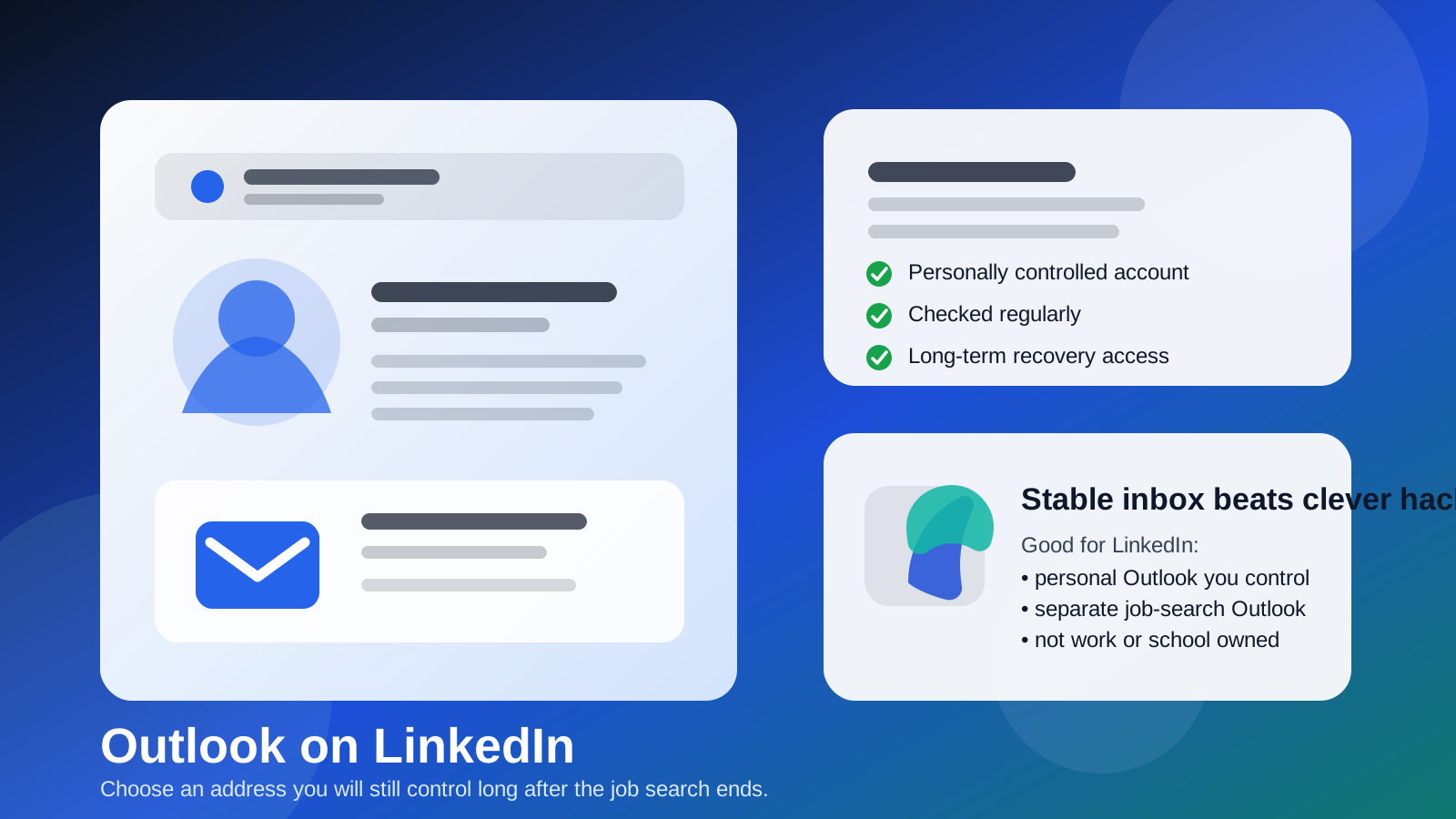
Yes — Outlook is usually a perfectly good email choice for LinkedIn if it is a personal account you control long term and actually check.
What works badly is using an employer-owned or school-owned Outlook/Microsoft 365 address that you could lose later, or using an inbox so neglected that you miss recruiter follow-ups and security alerts.
Why people ask about Outlook on LinkedIn
Most people asking about Outlook on LinkedIn are not really asking whether Outlook can receive email. They are asking a more practical question: what kind of email should sit behind a long-lived professional profile? LinkedIn is not a one-time signup, a quick coupon gate, or a throwaway tool account. It is a profile people may find years after you create it. Recruiters may reach out long after an application. Former coworkers may reconnect after you change jobs. Account-recovery messages, suspicious-login alerts, connection confirmations, and networking follow-ups all depend on the email behind the account still being yours.
That is why Outlook can be a solid fit. It is familiar, mainstream, easy to access across devices, and normal enough that nobody overthinks it. But the word Outlook hides an important distinction. A personal Outlook.com account is very different from a work Microsoft 365 inbox or a school-managed account. One is usually stable and portable. The others may disappear when a job or school affiliation ends.
Short answer: Outlook is fine, but account ownership matters more than brand name
If your Outlook address is a personal account that you manage yourself, Outlook is usually a good LinkedIn choice. It can look professional, it is easy to organize, and it tends to be stable enough for long-term networking.
If your Outlook address belongs to your employer, your university, or any organization that can revoke access, it is a much weaker choice. LinkedIn should usually live on contact information you still control when your role, contract, or graduation status changes.
When Outlook works well for LinkedIn
1. You own the account personally
The strongest Outlook setup for LinkedIn is a personal account that is not tied to a company or school. Long-term ownership matters because LinkedIn accounts usually become more useful over time, not less. You want the login, recovery path, and inbound messages to remain accessible if you change jobs, move cities, or leave school.
2. You actually monitor it
A stable address is not enough if you never open it. LinkedIn-related messages are only useful when you see them. If a recruiter sends a message, a connection request triggers a follow-up email, or LinkedIn flags suspicious access, a neglected inbox becomes a liability. The best LinkedIn email is one you check consistently enough to catch something important.
3. You want a clean professional boundary
Some people use a separate Outlook account just for career activity, networking, and professional platforms. That can be smart. It keeps LinkedIn mail away from travel receipts, shopping alerts, family messages, and everything else cluttering a personal inbox. It also makes it easier to search, filter, and archive job-search activity without mixing it into daily life.
4. You like Outlook’s organization tools
Outlook’s folders, rules, Focused Inbox, and categories can be genuinely useful for LinkedIn traffic. Recruiter replies, interview coordination, security messages, and notification bursts are easier to manage when they are not competing with unrelated mail. Good inbox structure does not make you more employable, but it does make it easier to stay responsive.
When Outlook is a bad choice for LinkedIn
1. It is your work Outlook account
This is the biggest mistake people make. A work Outlook account may feel professional, but it is usually the wrong home for a personal networking profile. Your employer may control retention, security policies, forwarding, access logs, or account shutdown timing. If you leave the company, the address may stop working right when you need past contacts and recovery access the most.
It also creates awkward optics if you are quietly job searching. Even if nobody is watching your LinkedIn notifications directly, putting your professional networking identity behind an employer-owned address is unnecessary risk.
2. It is a school-managed Microsoft 365 account
Students sometimes assume a college Outlook inbox is a safe middle ground. Sometimes it lasts a while after graduation; sometimes it does not. Policies change, forwarding rules change, and access can become less reliable than you expected. For a profile you may want for years, a school-owned account is not ideal.
3. It is an old backup inbox you barely use
A forgotten Outlook account is not automatically better than your main one. If you log in once every few months, you may miss the message that mattered: a recruiter follow-up, a connection request you cared about, or an account-recovery alert after suspicious sign-in activity. Reachability matters.
4. It is shared or loosely managed
LinkedIn is personal professional infrastructure. It should not sit behind a shared mailbox, a team inbox, or any address that someone else can routinely access. Even if the setup feels convenient now, it weakens your privacy and creates avoidable account-control problems later.
Personal Outlook vs work Outlook vs a separate Outlook account
These options sound similar, but they behave very differently in practice.
- Personal Outlook: usually the safest default if you want stability and long-term control.
- Work Outlook: often the riskiest option because the employer ultimately controls the account.
- Separate Outlook just for professional use: often the cleanest option if you want strong boundaries without relying on a throwaway inbox.
That third option is often the sweet spot. A separate account gives you portability, cleaner inbox management, and less spillover into your private life. It also avoids the chaos of mixing serious career communication with an old personal inbox full of unrelated subscriptions.
What Outlook does not solve by itself
Using Outlook does not automatically make your LinkedIn setup private or polished. The real question is how you use the address. A sloppy personal Outlook inbox can still be messy. A company Outlook account can still be the wrong long-term choice. The provider matters less than ownership, monitoring, and boundary control.
This is also why a temporary or disposable inbox is usually a poor fit for LinkedIn itself. A tool like Anonibox makes sense for short-lived signups, quick testing, or situations where you want to avoid feeding your main inbox too early. LinkedIn is different. It is a profile you may depend on for years. A stable, durable email address is usually better than a temporary one for the account itself.
Privacy risks to think about before using Outlook on LinkedIn
Account continuity risk
If the address can be shut off by an employer or school, your LinkedIn recovery path becomes fragile. That is a serious downside for a platform built around long-term identity.
Inbox overload
If LinkedIn shares space with every other part of your life, useful messages can disappear into clutter. That is not dangerous in the dramatic sense, but it can cost you opportunities because you simply did not see something in time.
Boundary drift during a job search
If you are open to new work, LinkedIn activity can suddenly increase. Recruiter follow-ups, profile alerts, and networking messages can become noisy fast. A separate Outlook account can help contain that without exposing your main daily inbox to every professional interaction.
Overreliance on the email being public
Some people confuse the email behind a LinkedIn account with the email they should display publicly. Those are related decisions, but they are not identical. You may choose a stable Outlook account for login and recovery while still being selective about what contact information you display on the profile itself.
Best practices if you use Outlook on LinkedIn
- Prefer a personal account you control: not a company-owned or school-owned address.
- Use a separate Outlook account if boundaries matter: especially during active job searching.
- Check it regularly: even a good setup fails if you ignore the inbox.
- Turn on strong security: use a strong password and multi-factor authentication.
- Keep the inbox organized: rules, folders, and categories can make LinkedIn mail easier to manage.
- Think long term: choose the address you still want tied to your profile two or five years from now.
A quick decision checklist
Before you use Outlook on LinkedIn, ask yourself:
- Do I personally control this account?
- Will I still have access if I leave my job or graduate?
- Do I check this inbox enough to catch real opportunities?
- Would a separate Outlook account give me cleaner boundaries?
- Am I using Outlook because it is genuinely practical, or just because it happens to be available?
If your answers point toward long-term ownership and regular monitoring, Outlook is probably a good fit. If your answers point toward employer control, school dependency, or inbox neglect, it is probably not.
Final answer: should you use Outlook on LinkedIn?
Yes, usually — if it is a personal Outlook account you control and actually monitor. Outlook is mainstream, practical, and easy to organize, which makes it a reasonable LinkedIn email choice.
The bigger rule is to avoid tying LinkedIn to an address that somebody else can take away. A work Outlook inbox and a school-managed Microsoft account may look convenient now, but they are weaker long-term choices. If you want the cleanest setup, use a personal or separate Outlook account you can keep for years, secure it well, and treat LinkedIn like the long-lived professional profile it is.