No, public Wi-Fi is usually a poor choice for job offers because offer-stage messages often include sensitive documents, identity details, e-signature links, and time-sensitive decisions.
If you can, switch to a private connection or your own hotspot before opening, downloading, replying to, or signing anything related to a job offer.
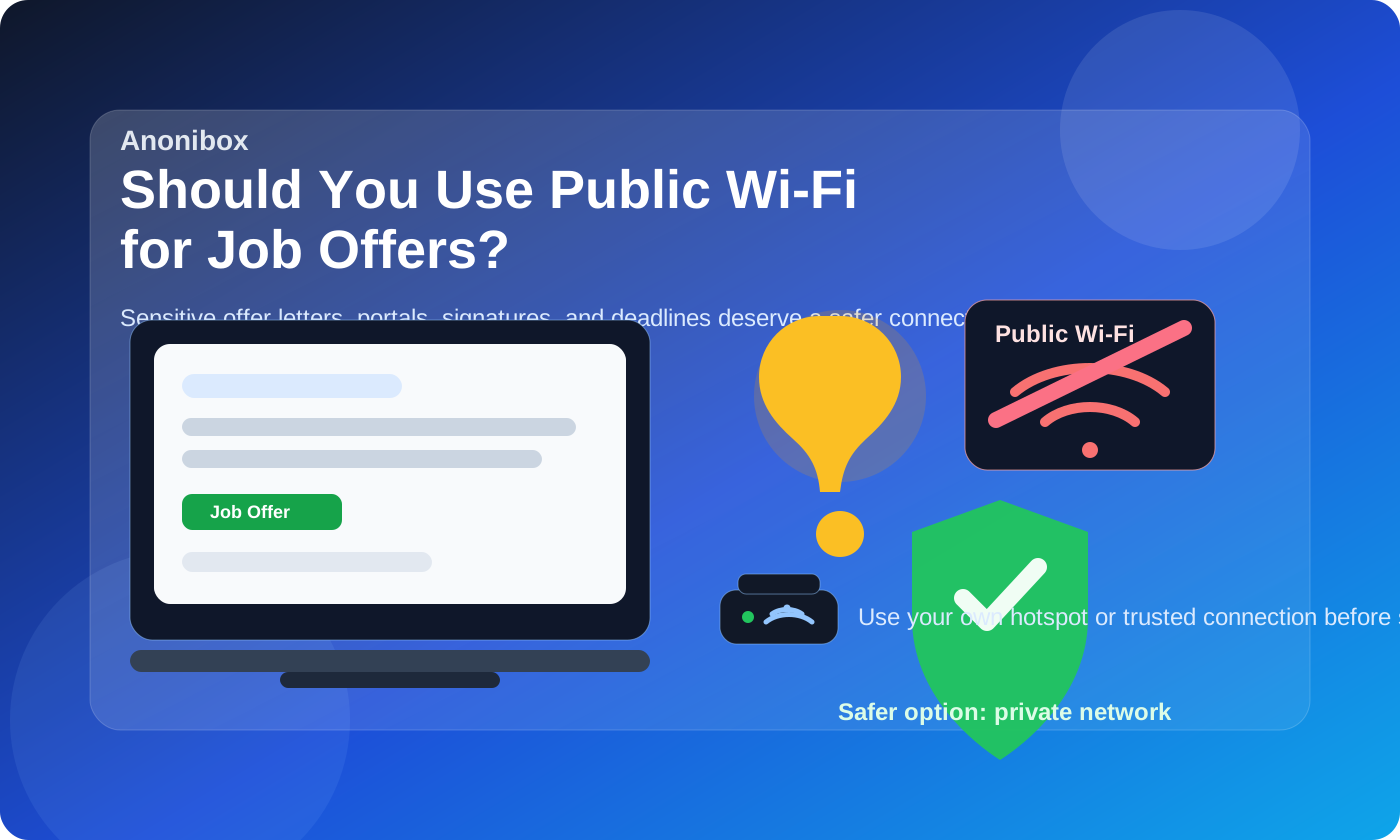
That short answer matters because the offer stage is not just another step in a job search. By the time an employer is ready to make an offer, the messages tend to carry much more than a simple scheduling note. You may be opening compensation details, benefit summaries, start-date discussions, background-check instructions, tax or identity paperwork, and links to portals where you are expected to respond quickly.
Public Wi-Fi can be fine for light browsing in a coffee shop, airport, hotel, coworking space, or library. But reviewing a real offer on a shared network is different. Even when the website itself uses HTTPS, public networks still increase the odds of exposure through unsafe captive portals, device mix-ups, shoulder surfing, accidental downloads on shared devices, and unstable connections at exactly the wrong moment.
If you already try to keep your job search organized with a separate email workflow, the network you use deserves the same level of thought. Tools like Anonibox can help limit inbox exposure during earlier stages, but once an offer arrives, the bigger priority is making sure you review and respond to it somewhere private, stable, and fully under your control.
Why the offer stage is more sensitive than earlier job-search steps
People sometimes underestimate how much more sensitive offer-stage communication becomes. Early applications usually involve a résumé, a form, and maybe a few recruiter emails. An offer can include:
- salary, bonus, equity, or commission details
- benefit summaries and personal eligibility information
- offer letters in PDF format
- electronic signature links
- background-check or onboarding instructions
- deadlines for accepting, declining, or negotiating
- requests to confirm your legal name, address, or start date
That combination makes privacy and reliability more important. At this stage, a small mistake can matter more. Missing a deadline because the network dropped, opening the wrong portal on a captive page, or exposing compensation details in a public setting is a bigger problem than casually reading job listings on the same network.
What can go wrong on public Wi-Fi during a job-offer review
1. Private details can become easier to expose
The biggest risk is not always a dramatic Hollywood-style hack. Often it is ordinary exposure. Someone nearby can glance at your screen while you read an offer letter. A shared or public computer may keep downloaded files longer than you think. A login page that looks routine may actually be a network splash screen, not the employer portal you meant to open.
Offer-stage communication often contains your full name, employer name, salary terms, and next-step instructions. Even partial exposure can feel invasive, especially if you are trying to keep your search confidential from your current employer or from people around you.
2. Unstable connections can create costly mistakes
Job offers are time-sensitive. You might need to open a PDF before it expires, confirm an interview debrief call, negotiate a deadline, or sign a document in a portal that times out. Public Wi-Fi is more likely to be congested, interrupted, or blocked by login screens and weak upload speeds. That can turn a simple review into a frustrating scramble.
3. Captive portals and fake network prompts add confusion
Hotels, airports, and cafés often use captive portals that intercept traffic until you accept terms or sign in. That alone is annoying, but it also increases the chance that you click quickly without paying enough attention. If you are in the middle of opening a sensitive message, extra prompts and redirects are exactly what you do not want.
4. Shared environments make confidentiality harder
Even if the network itself does not cause a technical problem, public places still create human exposure. Offer calls can be overheard. Negotiation emails can appear on screen. Attachments can download into a visible folder while people sit next to you. A confidential offer deserves a more controlled environment than a crowded terminal gate or café counter.
When public Wi-Fi is especially risky for job offers
Public Wi-Fi is most problematic when you are doing more than passively reading a short note. Be extra cautious if you need to:
- download or upload an offer letter
- open an e-signature link
- enter a portal password or reset credentials
- review compensation or benefits in a browser session
- send negotiation points or private follow-up questions
- complete background-check or onboarding forms
- share copies of identification or other sensitive documents
Those tasks are better handled on a private home connection, a personal hotspot, or another network you control. The risk is not that public Wi-Fi always fails. It is that the cost of failure is higher at the offer stage.
What to use instead
Your home connection
If you are at home, that is usually the easiest answer. It is private, familiar, and more stable than most public networks. You can take a call, open attachments, compare versions of documents, and think clearly without rushing.
Your personal hotspot
If you are away from home, a personal hotspot is often the best fallback. It gives you more control than coffee-shop or airport Wi-Fi and usually avoids the interruptions that come with captive portals.
A trusted private office or room
If the timing is awkward, wait until you can sit somewhere private and use a connection you trust. A quiet room matters almost as much as the network. Offer-stage communication often deserves enough focus to read details twice before responding.
If you have no choice and must use public Wi-Fi
Sometimes real life wins. You may be traveling, between meetings, or on the road when an offer arrives. If public Wi-Fi is truly your only option, reduce the risk instead of treating it like a normal workspace.
- Prefer reading the message briefly over completing the full process there.
- Avoid downloading sensitive attachments unless necessary.
- Do not upload ID documents, tax forms, or banking details on the spot.
- Use your phone’s cellular connection or hotspot for the actual response if possible.
- Turn off automatic file syncing until you are back on a trusted network.
- Double-check the URL before logging in or signing anything.
- Keep your screen privacy in mind and sit where other people cannot easily see it.
A practical compromise is to read the top-line message on public Wi-Fi, confirm receipt if needed, and then wait to review the details on a safer connection. For example, if a recruiter emails an offer while you are at an airport, you might send a quick note saying you received it and will review it carefully within the stated timeline once you are settled.
How to handle deadlines without rushing into a bad setup
One reason people use public Wi-Fi for sensitive tasks is fear of looking slow. But most legitimate employers care more about a clear response than an instant one sent from a bad environment. If the offer has a deadline, you can usually do something simple first:
- Confirm that you received the message.
- Ask for clarification if any attachment did not open correctly.
- State when you will review it in full.
- Move the detailed reading and signing to a trusted connection.
That keeps the process moving without forcing you to negotiate compensation or sign documents from a noisy shared network.
What about VPNs?
A VPN can improve privacy in some situations, but it does not magically make public Wi-Fi ideal for job offers. It cannot fix poor upload speed, a noisy environment, screen visibility, or the simple fact that you may be handling highly sensitive documents in a public place. It can help, but it is not a full substitute for a private, stable connection you trust.
A quick decision checklist
Before you open or respond to a job offer on public Wi-Fi, ask yourself:
- Am I only checking that the message arrived, or am I about to do something sensitive?
- Will I need to log in, sign, upload, or download documents?
- Can people nearby see my screen or hear my call?
- Would my own hotspot solve this in two minutes?
- Can I safely wait and review the offer properly a little later?
If the task involves personal information, compensation details, or formal acceptance steps, the safest answer is usually to wait for a better connection.
Final answer
So, should you use public Wi-Fi for job offers? Usually no. The offer stage carries more privacy, reliability, and confidentiality risk than early job-search browsing, and public networks add friction right where you least want it.
If you can, review and respond to offers on a private connection or your own hotspot instead. Public Wi-Fi can be a temporary stopgap for a quick acknowledgment, but it is not the right default for opening offer letters, discussing compensation, signing documents, or sending sensitive onboarding details.
Use the same mindset you would use for any part of a careful job search: stay reachable, stay organized, and keep the most sensitive steps on systems and networks you actually control.