Yes, you can use Tutanota for job applications if the address looks professional and you check it reliably.
Tutanota can be a smart choice for privacy-conscious job seekers, but because it is less familiar than Gmail or Outlook to some recruiters, you should use it in a polished, low-friction way.
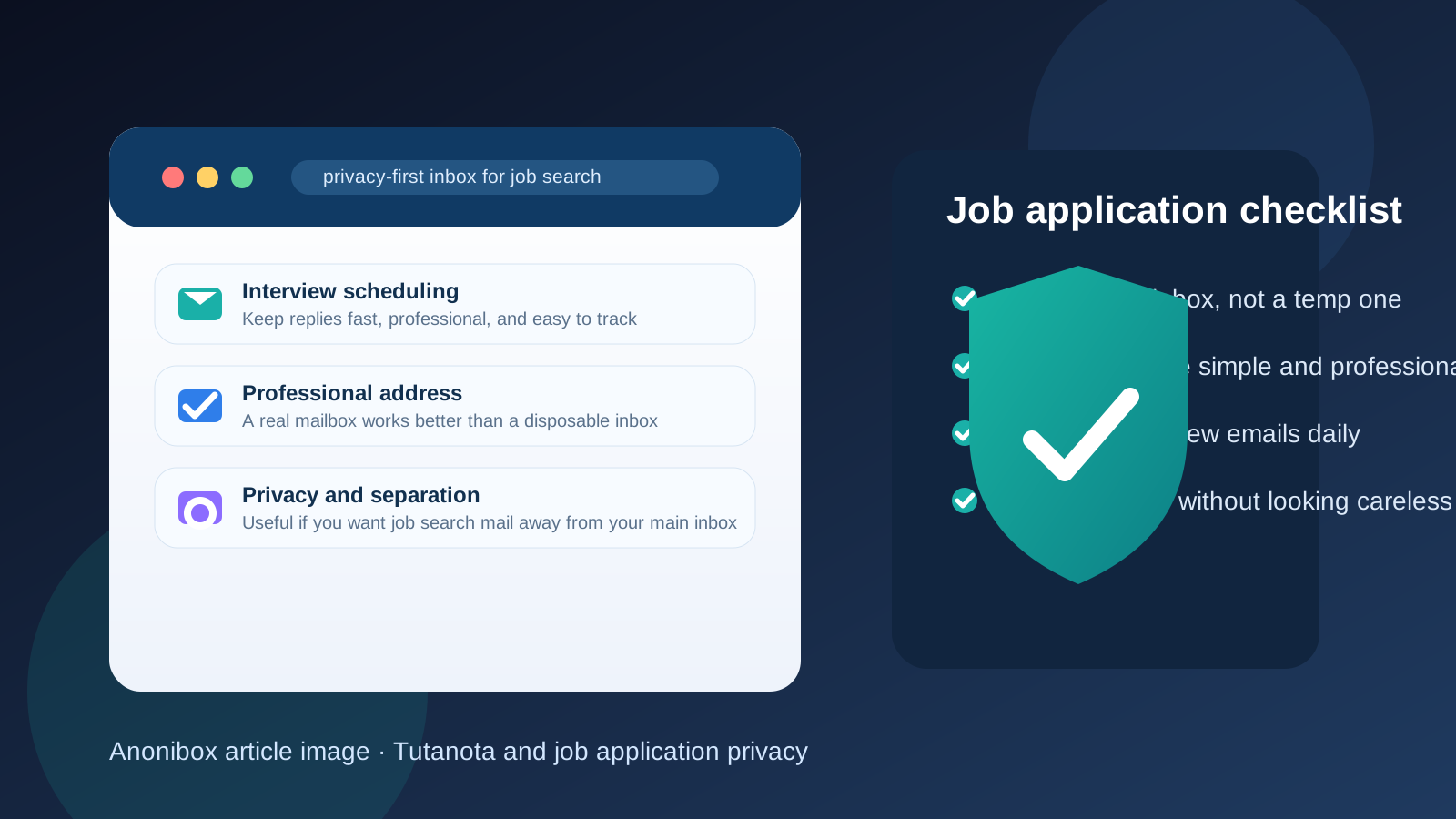
If you care about privacy, separation, and inbox control during a job search, Tutanota is easy to understand. It gives you a real long-term mailbox rather than a disposable inbox, which matters because hiring processes rarely end after one message. Applications can turn into screening calls, interview rounds, take-home tasks, references, and offer paperwork. You need an address that stays available throughout that process.
That said, email choice is partly about perception. Most employers are not auditing your provider in detail, but they do make fast judgments about whether your contact information feels normal, trustworthy, and easy to use. A privacy-first service can absolutely work, yet you still have to manage the basics well: use a clean address, monitor it often, and avoid making your application feel harder to follow up on.
It is also worth noting that Tutanota is now branded as Tuta, but many people still search for and refer to it by the older name. If you already use the service, the branding change does not stop it from being a workable inbox for job hunting. The question is simply whether it helps your privacy enough to outweigh any extra recruiter unfamiliarity.
What recruiters usually care about more than the provider name
Recruiters are typically focused on practical signals, not ideological debates about email privacy. They usually want to know:
- Does this address look professional and serious?
- Will the candidate see my message and respond quickly?
- Does the application package feel organized and consistent?
- Is there anything here that looks disposable, fake, or hard to trust?
That last point matters most. Tutanota is a legitimate email provider, so it does not create the same red flag as a throwaway temp inbox. Still, it is less common than Gmail, Outlook, or iCloud Mail. For some recruiters, that changes nothing. For others, it may register as slightly unfamiliar, especially if they are moving quickly through a large stack of applications. That is why presentation matters.
Why Tutanota can be a good fit for job applications
It gives you real separation from your personal inbox
One of the strongest reasons to use Tutanota is organization. Job searches create newsletters, job-board alerts, recruiter outreach, interview scheduling, follow-up requests, and occasional spam. Keeping all of that away from your everyday personal inbox can make you more responsive and less overwhelmed. A separate mailbox is often easier to manage than trying to filter everything later.
It is privacy-forward without being temporary
Privacy-minded job seekers often do not want their main email address spread across job boards, recruiter databases, and low-trust forms. Tutanota can reduce that exposure while still giving you a stable address that you control. That is a big advantage over temporary inboxes, which are useful for some early experiments but risky for serious hiring conversations.
It can help you build a cleaner job-search workflow
A dedicated job-search inbox can improve how you work. You can keep résumés, cover letters, portfolio links, interview invites, and recruiter threads in one place instead of mixing them with receipts, family messages, and personal subscriptions. When you are applying actively, that kind of separation makes missed messages less likely.
It aligns with privacy-conscious roles and candidates
For some applicants, especially those in security, privacy, research, journalism, activism, or technical fields, using a privacy-first email provider can feel natural rather than strange. It can signal intentionality, provided the rest of your application looks professional and grounded.
Where Tutanota can create friction
Some recruiters may not recognize it immediately
This is the biggest practical downside. Tutanota is legitimate, but it is not mainstream in every market. An unfamiliar provider does not automatically hurt you, yet it may add a tiny bit of hesitation compared with a common address from Gmail or Outlook. That hesitation is usually small, but when hiring teams move fast, small things can matter.
A quirky username can look worse on a niche provider
If your address is simple, like your name or a clean variation of it, Tutanota can look perfectly fine. If it is old, cluttered, or overly anonymous-looking, the provider may amplify that impression. In other words, a weird handle matters more than the provider brand. Do not combine a lesser-known service with a messy address and expect it to inspire trust.
You still need dependable account habits
Privacy is only helpful if it does not make you slower. If you use Tutanota but forget to check it, miss interview invitations, or fail to notice screening requests quickly, the privacy benefit stops being useful. A job-search inbox only works when it becomes part of your daily routine.
Tutanota versus a temporary inbox
This is where many job seekers make the wrong comparison. Tutanota is a real email service meant for ongoing use. A temporary inbox is not the same thing. For legitimate job applications, a stable address is almost always the safer choice because the hiring process may stretch across weeks or months.
Temporary email still has a place, but it is usually earlier in the funnel. Tools like Anonibox can be useful when you want to test a questionable job board, grab one gated download, or protect your main address during very early research. Once you are applying to real employers, though, you generally want a mailbox that you can keep checking, recover if needed, and use throughout the process. Tutanota fits that long-term role much better than a disposable inbox.
When using Tutanota makes the most sense
- You want a dedicated inbox for job searching instead of using your everyday personal account.
- You care about reducing spam and limiting exposure across job boards and recruiter lists.
- You are applying in privacy-aware or technical fields where a niche provider is less likely to feel unusual.
- You can monitor the account consistently and reply quickly.
- You have a professional-looking username.
In these situations, Tutanota can be a very reasonable choice. It gives you separation and control without forcing you into a disposable workflow.
When a more conventional provider may be safer
- You are applying in conservative or high-volume hiring environments where familiarity helps.
- You want the lowest possible chance of recruiter hesitation.
- You are using an older or awkward Tutanota address that does not look polished.
- You are not confident you will check the account multiple times a day during an active search.
If your main goal is pure friction reduction, a mainstream provider or a clean custom-domain address may feel easier. The difference is not moral or technical; it is just about how quickly a hiring team recognizes and trusts what they see.
Best practices if you use Tutanota for job applications
Choose the cleanest address possible
Use your real name or a straightforward variation. Avoid nicknames, jokes, random numbers, or anything that looks disposable. The provider is only one part of the impression; the username often matters more.
Check the inbox on a schedule
During an active search, look at the mailbox daily, and more often when you are interviewing. If a recruiter invites you to schedule a call and you respond a day late because the account is not part of your routine, that is a much bigger problem than which provider you chose.
Keep your application materials consistent
Make sure the name on your résumé, LinkedIn profile, portfolio, and email signature all line up cleanly. Consistency reduces the chance that a niche email provider feels out of place.
Do not use a temp inbox for real employer follow-up
If you used a temporary address for an early sign-up or a low-trust job board, do not let serious employer conversations stay there. Move important communication onto a stable mailbox you control.
Have a backup contact path
If the application also allows a phone number or secondary contact method and you are comfortable sharing it, that can reduce risk. A recruiter who cannot reach you by email should still have a clear fallback when the opportunity is real.
So, should you use Tutanota for job applications?
Yes, if you want a privacy-first separate inbox and you use it professionally. Tutanota is a legitimate email service, and for many job seekers it is a better option than mixing job-search traffic into a personal mailbox or relying on a disposable address that may not last.
The trade-off is familiarity. Because it is less mainstream than Gmail or Outlook, you should make the rest of the experience extremely easy for recruiters: use a polished address, reply quickly, keep your materials consistent, and treat the account like an active work tool. If you do that, Tutanota can work well. If you want the absolute lowest-friction choice, a more conventional provider may still be the safer default.
The practical rule is simple: protect your privacy, but never at the cost of looking careless or becoming hard to reach. When Tutanota helps you stay organized and reachable, it is a solid job-search option.