Yes, you can use Tutanota for job interviews if the address looks professional, you check it consistently, and you keep the same inbox active through scheduling, follow-ups, and any offer-stage communication.
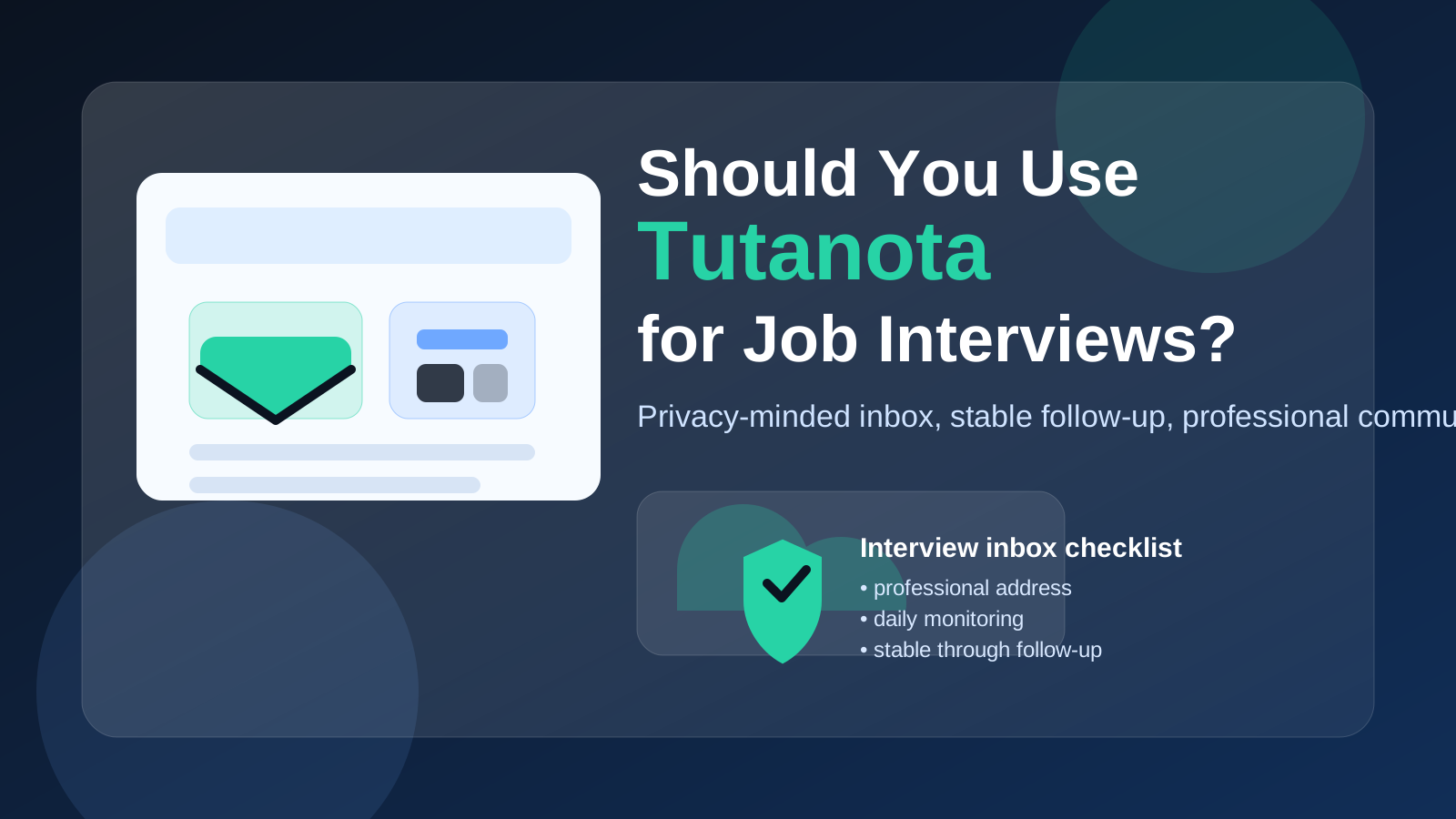
Tutanota can be a sensible interview inbox for privacy-minded job seekers, but it works best as a stable, well-managed account rather than a semi-disposable address you rotate halfway through the hiring process.
Why interview-stage email matters more than application-stage email
At the application stage, some job seekers experiment more. You might use a separate inbox for job boards, a temporary address for a low-trust download, or a throwaway account for a one-off sign-up you are not sure you want to keep. By the time a company invites you to interview, the situation changes.
Now your email address is part of a live workflow. Recruiters may send scheduling links, meeting details, reschedule requests, take-home assignments, panel instructions, interview reminders, and follow-up questions. If messages land in the wrong folder, if you stop checking the account, or if you switch addresses mid-process, you create friction where you do not need any.
That is why the best interview email is usually not the most disposable one. It is the one you fully control, recognize quickly, and can keep active without confusion. Tutanota can fit that role well when you treat it like a serious communication channel.
Will recruiters care that you use Tutanota?
Usually not very much. Most recruiters are not scoring candidates based on whether they use Gmail, Outlook, iCloud Mail, Fastmail, Proton Mail, or Tutanota. They are paying more attention to simpler signals:
- Does the address look professional and easy to read?
- Do you reply promptly and clearly?
- Can they send links, attachments, and interview details without problems?
- Does the inbox seem stable enough for an ongoing hiring conversation?
If your address is clean and your communication is reliable, Tutanota itself is unlikely to create a problem. In many cases, the local part of the email address matters more than the provider. An address like firstname.lastname usually feels more polished than an older nickname-heavy address, no matter which service hosts it.
Why Tutanota can be a good choice for job interviews
1. It gives you privacy without tying you to an employer
One reason people choose Tutanota is simple separation. A private interview inbox can be easier to control than a work-managed account, a school account you may lose later, or a long-running personal inbox full of unrelated subscriptions. If you want interview communication to stay outside your current employer’s ecosystem, that is a reasonable goal.
That kind of separation is also useful if you are trying to reduce spam and limit how widely your main address circulates. Anonibox readers often already think this way at the application stage, especially when dealing with job boards, lead forms, and low-trust recruiter funnels. The same privacy instinct still matters during interviews, but the tool you use needs to be dependable enough for real back-and-forth communication.
2. It can help you maintain a cleaner interview workflow
A dedicated Tutanota inbox can make interview management simpler. Instead of mixing recruiter messages with newsletters, shopping receipts, and everyday personal mail, you can keep interview threads in one place. That can make it easier to spot schedule changes, save attachments, and prepare for calls without digging through clutter.
A cleaner inbox also helps with responsiveness. When you know the account exists mainly for interview communication, you are more likely to check it carefully and reply on time.
3. It can look more intentional than an old legacy account
A lot of job seekers still use whatever address they created years ago. Sometimes that works fine. Sometimes it means presenting a contact address that feels dated, messy, or too personal. A clean Tutanota address can look deliberate and organized, especially if it uses your real name or a straightforward professional format.
Where Tutanota can cause problems if you are careless
1. If you treat it like a throwaway account
Tutanota is not the same thing as a disposable inbox. The biggest mistake is using a privacy-focused provider with disposable habits. If you create the account, apply, land interviews, and then stop checking it daily, the provider is not the issue. Your workflow is.
Interview communication often stretches longer than people expect. A first-round call can turn into several rounds, a take-home task, references, and later offer conversations. If the account is part of that chain, keep it active until the process is truly over.
2. If your address looks odd or overly anonymous
Privacy does not require an email address that looks suspicious. If your username is a random string, a joke, or something that feels intentionally evasive, it can create an unnecessary first-impression problem. Recruiters want to know they are contacting a real candidate, not a placeholder address.
Use a readable format when possible. Your name, initials, profession, or a simple combination of them is usually enough.
3. If you switch inboxes mid-process
Changing contact addresses after interviews begin can create confusion. It is not always fatal, but it increases the chance of a missed reply or a broken thread. If you want Tutanota to be your interview inbox, decide that before the process becomes active and stick with it.
4. If you forget the boring reliability basics
The provider name is only part of the story. Interview reliability depends on basics like checking the inbox, testing replies, keeping access on your phone and laptop, and watching for calendar invites or important attachments. A privacy-focused inbox that you monitor carefully is better than a mainstream inbox you barely check.
When Tutanota is a strong fit for job interviews
- You want a dedicated interview inbox that is separate from your current job and daily personal mail.
- You care about privacy and prefer not to expose your main long-term address too widely.
- You can commit to checking the account consistently during the hiring process.
- You have a professional-looking username and can use the same address from screening through follow-up.
- You want a clean place for recruiter threads, scheduling emails, and interview logistics.
In those situations, Tutanota can be a very reasonable choice.
When another option may be better
- You already have a polished personal inbox that you actively monitor and trust.
- You only created the Tutanota account for one experiment and are unlikely to keep using it.
- You prefer keeping interviews inside a provider you already use heavily for calendar and communication.
- You are not prepared to maintain a separate workflow during a busy interview season.
There is nothing wrong with deciding that a stable Gmail, Outlook, iCloud Mail, or Fastmail inbox works better for you. The point is not to force a privacy brand into every situation. The point is to use an inbox you can manage well.
Best practices if you use Tutanota for job interviews
Use a professional address format
Choose something simple and readable. Avoid nicknames, extra numbers that make the address look random, or anything that sounds unserious.
Turn on the checks and notifications you actually need
Interview emails can be time-sensitive. Make sure you have a routine for checking the inbox on desktop and mobile so scheduling changes do not sit unnoticed.
Send yourself a test message before using it actively
Before you rely on any interview inbox, send and receive a few normal messages. Open the account on the devices you will actually use. Make sure you are comfortable replying quickly.
Keep the account active through the full process
Do not abandon the inbox after the first interview. Keep it live for follow-ups, references, take-home reviews, offer discussions, and any post-interview clarifications.
Do not use a temporary inbox once real interviews begin
This is where job seekers sometimes mix up privacy goals. Temporary email can be useful for early research, low-trust signups, or one-off job-board experiments. Interview-stage communication is different. It needs continuity. If you used Anonibox or another temporary workflow earlier in your search, interview invitations are the moment to shift into a stable inbox you control long enough to finish the process properly.
A simple decision checklist
Before using Tutanota for interviews, ask yourself:
- Does the address look professional at a glance?
- Will I check it reliably every day during active interview periods?
- Can I keep this same inbox live through follow-up and offer-stage communication?
- Am I using it for privacy and organization, not because I plan to discard it quickly?
- Would this be easier to manage than my existing main inbox?
If the answer is yes to most of those questions, Tutanota is probably a workable interview address.
Final answer: should you use Tutanota for job interviews?
Yes, you can use Tutanota for job interviews, and for some privacy-conscious job seekers it is a smart choice. The provider itself is not the real issue. What matters is whether the account looks professional, stays active, and supports reliable communication from scheduling to final follow-up.
If you want a more private, separate interview inbox, Tutanota can do that job well. Just do not confuse privacy with disposability. Use a stable address, monitor it carefully, and keep the process boring and reliable. That is what recruiters actually notice.