Tutanota can work well on LinkedIn if you want a privacy-focused inbox you control long term. It is usually a better choice than a throwaway address, as long as you actually monitor it for recruiter replies, security alerts, and account recovery.
In other words: yes, Tutanota is generally fine for LinkedIn if your address is stable, readable, and separate from the noisy inboxes you use for everything else. The real risk is not the provider name. The real risk is tying LinkedIn to an account you rarely check, may abandon, or never meant to keep for years.
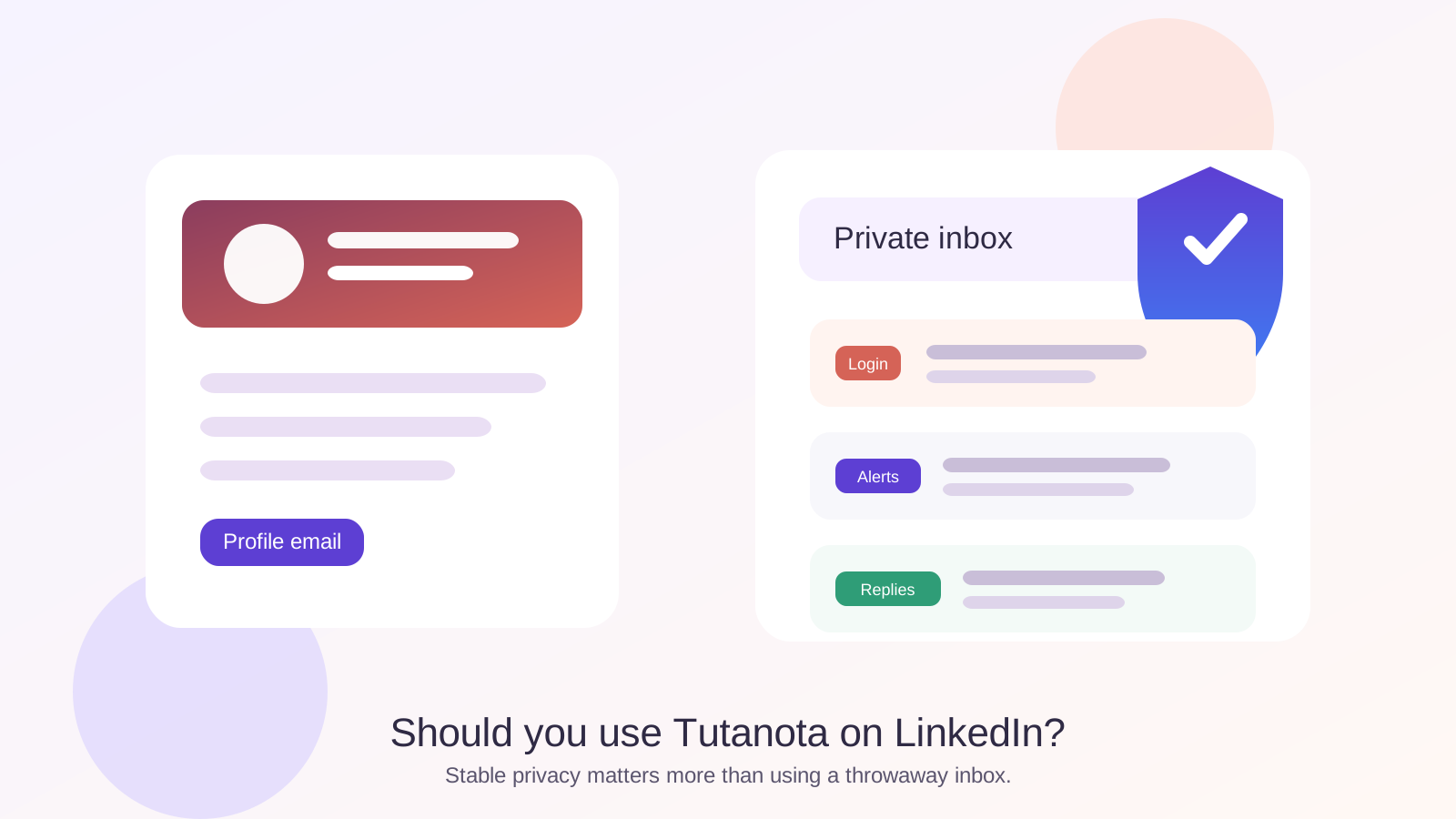
That distinction matters because LinkedIn is not a one-time signup. It is a long-lived professional profile. People come back months later. Recruiters revisit old searches. Security alerts suddenly matter when you are locked out. The inbox behind the account needs to be private enough for comfort but durable enough for real career use.
Why people consider Tutanota for LinkedIn
Most people asking this question are trying to solve one of three problems at once.
- They want more privacy: they do not want LinkedIn alerts, recruiter messages, and cold outreach mixed into their oldest personal inbox.
- They want more separation: they are trying to keep job-search, networking, and day-to-day life from collapsing into one giant stream of notifications.
- They want long-term control: they do not want a work or school email tied to a profile they may need years after a job change or graduation.
Tutanota fits that mindset well because it is a personally controlled mailbox with a stronger privacy identity than a default mainstream inbox. For many users, that makes it a sensible middle ground between “use my oldest personal address for everything” and “try to treat LinkedIn like a disposable signup.”
Short answer: Tutanota is usually a good LinkedIn email if you will keep using it
If the account is yours, you check it consistently, and the address looks professional enough to share, Tutanota is a solid LinkedIn choice. Recruiters and contacts generally care far more about whether they can reach you than whether your address comes from Gmail, Outlook, Tutanota, or another reputable provider.
Where people create problems is not by choosing Tutanota. It is by setting up a “private” inbox and then ignoring it, forgetting recovery details, or using a handle that looks random or temporary. LinkedIn rewards continuity. Whatever inbox you choose should still feel dependable a year from now.
Why Tutanota can make sense on LinkedIn
1. You keep ownership when jobs change
One of the biggest reasons to avoid employer-managed or school-managed addresses on LinkedIn is that they can stop being yours. A personal Tutanota account stays under your control across job changes, layoffs, graduations, contract work, and career pivots. That matters because LinkedIn often becomes most useful right when your professional situation changes.
2. It gives you privacy without becoming disposable
People sometimes confuse “private” with “temporary.” Those are not the same thing. A temporary inbox can be useful for low-trust forms, coupon gates, or one-off product comparisons. LinkedIn is not that kind of service. You may need password resets, suspicious-login alerts, recruiter follow-up, and connection notifications long after the first signup. Tutanota gives you more separation than a crowded main inbox without making the account fragile.
3. It can reduce inbox clutter
Even legitimate LinkedIn use creates noise: security notices, suggested connections, digest emails, recruiter outreach, event updates, and the occasional irrelevant message. A separate mailbox can keep those messages from bleeding into the inbox you rely on for banking, travel, family, and everything else. That separation becomes especially useful during active networking or a job search.
4. It aligns well with privacy-conscious users
LinkedIn is public-facing by design, but that does not mean every part of your setup should be maximally exposed. If you care about keeping your networking identity distinct from your oldest personal inbox, Tutanota is a reasonable fit. It supports the broader privacy habit of choosing where your professional contact trail lives instead of letting it spread everywhere automatically.
Where Tutanota is better than temporary email on LinkedIn
This is the comparison that matters most for an Anonibox audience. Temporary email is helpful when you want to get through a low-stakes email gate without inviting long-term spam. That logic works for many trial signups, gated downloads, newsletters, and rough comparison workflows.
LinkedIn is different. Your profile may matter for years. A recruiter might message you six months after you stop applying anywhere. A client might revisit your profile after a referral. You may suddenly need a recovery email the day you get locked out.
That is why Tutanota usually beats a true temporary inbox for LinkedIn itself:
- It is stable enough for long-term account recovery.
- It is private without being disposable.
- It lets you stay reachable for delayed follow-up.
- It keeps you from tying a serious profile to a short-lived login habit.
A good rule of thumb is simple: use a service like Anonibox for throwaway forms and low-trust signups, not for the long-term email identity behind a professional networking account you may keep for years.
When Tutanota is not the best LinkedIn setup
1. You will not check it consistently
A private inbox that you forget to open is not a smart setup. If you only check Tutanota once every few weeks, you may miss recruiter replies, verification prompts, and account alerts. A well-managed mainstream inbox is better than a theoretically private one that you ignore.
2. Your address looks awkward or random
The provider itself is rarely the problem. The address format can be. If your handle is cluttered, joke-like, or obviously built as a short-term alias, it may create friction on a platform built around professional trust. A simple name-based address usually works better than a clever one.
3. You actually need a more branded identity
For most professionals, Tutanota is fine. But if you are a founder, consultant, recruiter, or client-facing operator building a very polished external presence, a clean custom-domain address may give you a stronger brand signal. That does not make Tutanota bad. It just means your best choice depends on what role LinkedIn plays in your work.
4. You treat it like a hiding place
Some people want privacy, but what they are really building is distance from follow-up. If you use a separate inbox mainly because you do not want to respond, you may end up undermining the point of having LinkedIn at all. Privacy should improve control, not make your profile unreliable.
Tutanota vs work email or school email on LinkedIn
In most cases, a personal Tutanota address is safer for LinkedIn than a work or university account.
- Work email: your employer may control access, logs, offboarding, and retention. If you leave, the address may become awkward or disappear.
- School email: policies change after graduation, and long-term account access may become less predictable.
- Personal Tutanota: if you maintain it well, it stays yours across career changes and quiet stretches between networking activity.
That long-term control is one of the strongest arguments in Tutanota’s favor. LinkedIn should usually live behind infrastructure you control yourself, not behind credentials owned by an institution you may outgrow.
Best practices if you use Tutanota on LinkedIn
Use a readable address
If possible, use a name-based handle or a simple professional variation. You do not need anything flashy. You need something that looks stable and easy to trust.
Turn on strong account security
LinkedIn profiles are valuable enough to attract account-takeover attempts. Use a strong unique password and enable two-factor authentication where appropriate. Your email account is part of your LinkedIn security perimeter, not just a notification box.
Actually monitor the inbox
If Tutanota is your LinkedIn email, check it often enough that real replies do not age out. The whole advantage of a separate inbox is cleaner signal, so treat it like an active channel.
Keep low-trust signups elsewhere
If you want Tutanota to stay useful, do not turn it into the inbox for every random download, coupon, or trial. Use a temporary inbox for disposable situations and preserve your LinkedIn mailbox for networking, recruiter contact, and account alerts.
Review notification settings
A private inbox still gets noisy if every optional digest is turned on. Reduce alerts you do not need so the messages that matter are easier to spot.
A simple decision checklist
Before you use Tutanota on LinkedIn, ask yourself:
- Will I still control this address years from now?
- Will I check it often enough to catch real replies?
- Does the address look professional and readable?
- Am I using it for stable networking, not one-off throwaway signups?
- Would this setup still make sense if a recruiter contacted me six months from now?
If most of those answers are yes, Tutanota is probably a good fit.
Final verdict
Yes, you can use Tutanota on LinkedIn, and for many privacy-conscious users it is a smart choice. It gives you separation from your main inbox, avoids the fragility of temporary email, and keeps control in your hands instead of your employer’s or school’s.
The key is to use it like a long-term professional contact point, not like a disposable shield. If the account is stable, monitored, and professionally named, Tutanota can be a very reasonable LinkedIn email. If you want even more separation for low-trust signups around the edges of your job search, that is where Anonibox-style temporary inboxes fit much better than on the LinkedIn account itself.