Yes, you can use Yahoo Mail for background checks if it is a stable inbox you control and monitor closely. For many job seekers, though, a cleaner dedicated inbox is usually the better balance of reliability, privacy, and organization.
The real question is not whether Yahoo Mail is technically acceptable. It is whether the specific Yahoo inbox you plan to use is professional enough, easy to search, and dependable through consent forms, follow-up emails, document requests, and correction questions.
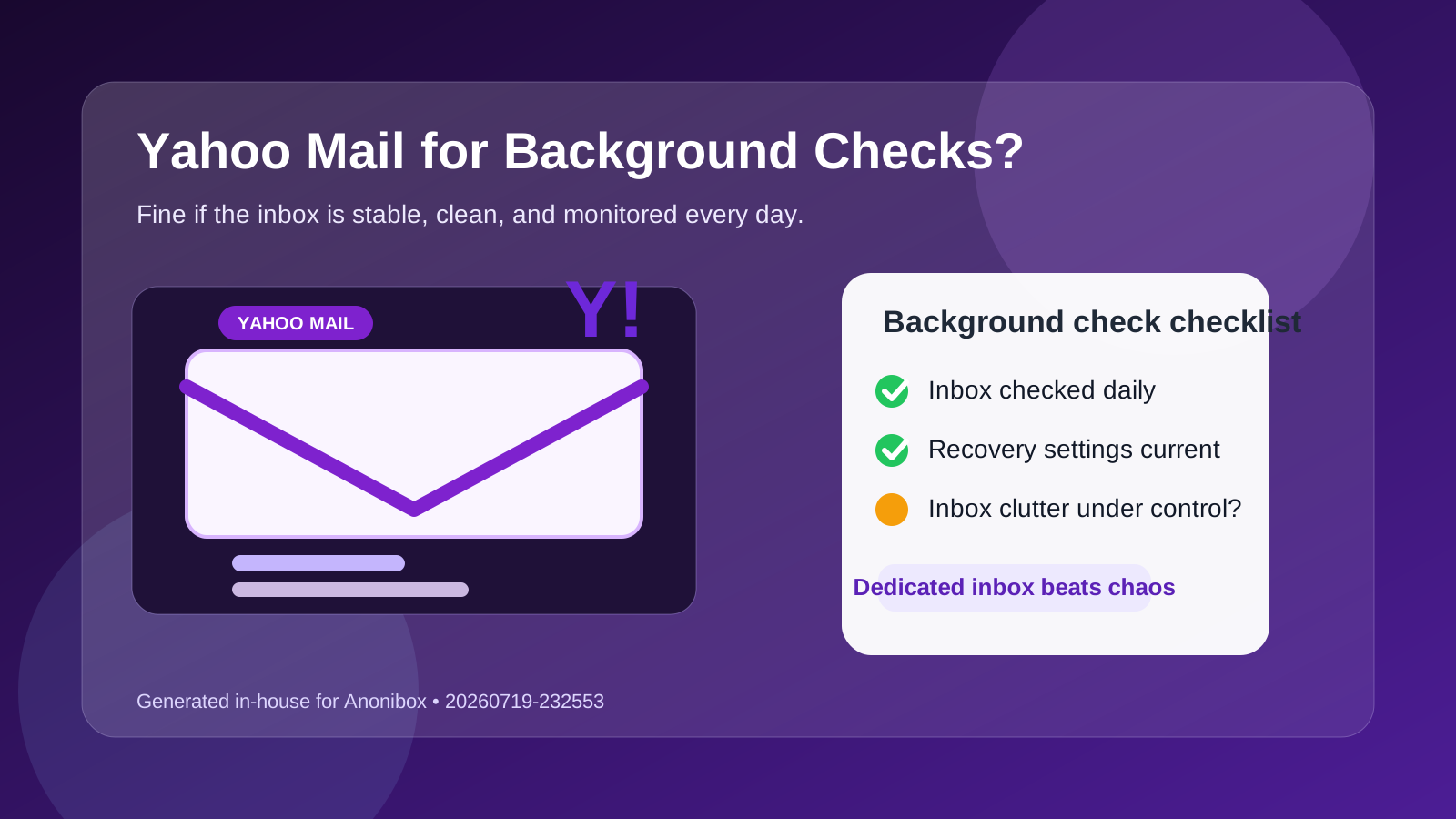
That is the practical answer to the question should you use Yahoo Mail for background checks. Yahoo is not automatically a bad choice, and many people still use it every day without any issue. But background checks happen late in the hiring process, when missing one message can slow everything down. At that stage, your inbox needs to be steady, searchable, and under control.
If your Yahoo account is old, cluttered, tied to lots of promotional mail, or something you only open occasionally, it can create friction you do not need. If it is a clean, long-term account you actually rely on, it can work just fine. The difference is usually not the provider. It is the setup.
Why people consider Yahoo Mail for background checks
Yahoo Mail is still a normal personal inbox for plenty of job seekers. Some people have used the same address for years and trust it more than a newer account. Others like that it is separate from work systems, separate from school accounts, and separate from a main personal inbox they use for everything else.
That logic makes sense. A background check usually needs a stable contact point, not the trendiest email provider. If Yahoo is the inbox you genuinely check every day, that may be more useful than a newer address you created recently and barely monitor.
Short answer: Yahoo Mail is fine if the inbox is stable, but not every Yahoo account is a good choice
Yahoo Mail itself is not the problem. The bigger issue is using the wrong kind of Yahoo account for a late-stage hiring task.
A clean Yahoo address with current recovery settings, light inbox volume, and good daily monitoring can work well. An ancient Yahoo address full of spam, ignored newsletters, forgotten subscriptions, and old social alerts is a much weaker option. Background checks reward reliability more than habit.
What background checks usually demand from your email
Background checks are not like signing up for job alerts or downloading a résumé template. Once an employer moves you into screening, the communication gets more important and more time-sensitive. You may receive:
- consent and disclosure forms
- screening portal invitations
- identity verification requests
- questions about address history, dates, or prior roles
- requests for pay stubs, tax forms, or supporting documents
- deadline reminders and follow-up corrections
That means your inbox needs to stay available, surface important messages quickly, and let you find old threads without digging through unrelated noise. Yahoo Mail can do that. The key is whether your specific account is set up to support it.
When Yahoo Mail is a reasonable choice
1. It is a long-term account you truly control
If you know the password, the recovery options are current, and logging in is effortless from your normal devices, that is a strong sign. A familiar long-term inbox is often safer than a brand-new account with no routine attached to it yet.
2. You already check it every day
Background-check emails do not always arrive on your ideal schedule. If Yahoo is already part of your daily pattern, you are less likely to miss a consent link or follow-up request.
3. The inbox is reasonably clean
If screening messages can stand out without being buried under piles of promotions, receipts, and mailing lists, Yahoo Mail can work perfectly well. A manageable inbox beats a chaotic one every time.
4. You want separation from work or school systems
Using a personal account you control is often smarter than routing background-check communication through an employer-managed or school-managed inbox. Yahoo can be a reasonable personal boundary if the account is stable and organized.
When Yahoo Mail is a weak choice
1. It is your oldest “everything” inbox
Some Yahoo accounts have accumulated years of newsletters, shopping emails, account alerts, and random signups. That kind of inbox can make time-sensitive screening messages harder to spot.
2. You mostly keep it alive out of habit
If you rarely open the account unless you need a password reset or old message, it is not a good background-check inbox. Familiarity is not the same as reliability.
3. The address itself looks unprofessional
The issue is usually not that the provider is Yahoo. The issue is the actual address. A joke username, fan alias, or teenage-era handle can feel out of place during a formal hiring step, even if the inbox works technically.
4. You already miss important messages there
If you have a history of overlooking billing notices, replies, or account alerts in that inbox, do not assume a screening request will be easier to catch.
Privacy benefits of using Yahoo Mail
One practical upside is that Yahoo Mail is usually better for privacy than a work or school account. You control the login, the storage, and the device access. You are not mixing screening communication with internal company systems or institutional mailboxes.
That matters because background checks often involve sensitive personal details like legal names, address history, employment dates, or identity-verification steps. Keeping that traffic in an account you own is usually wiser than letting it touch a workplace or campus account.
Still, privacy is not just about ownership. It is also about organization. If your Yahoo inbox is so messy that important messages disappear into clutter, the privacy advantage gets undercut by the reliability problem.
Reliability issues job seekers should check first
The biggest risk is not that Yahoo Mail is somehow banned for background checks. The bigger risk is operational: clutter, weak habits, outdated recovery settings, or poor inbox discipline.
Before using Yahoo Mail for screening, ask yourself:
- Do I know the password and recovery path without friction?
- Is two-factor authentication enabled on this account?
- Will I notice new messages quickly on my phone or laptop?
- Can I search old emails and attachments easily?
- Will this still be one of my real daily inboxes a month from now?
If several of those answers are shaky, another account will probably serve you better.
Is Yahoo Mail better than a temporary or disposable inbox here?
Usually yes. Background checks need continuity more than novelty. A screening vendor may contact you more than once, and delays are common. That makes temporary or disposable inboxes a poor fit for this stage, even if they are useful earlier in a job search.
That is where Anonibox fits more naturally. It can help you protect your main inbox from low-trust signups, job-board spam, and one-off forms earlier in the search. But once an employer has moved you into a real background-check process, stability matters more than disposability. At that point, the goal is dependable follow-up, not maximum throwaway separation.
A smarter setup if you like Yahoo but want better control
You do not have to give up Yahoo entirely. If Yahoo is your preferred provider, the better move is often to make the setup cleaner rather than forcing yourself onto a totally different service.
- Use a dedicated Yahoo address for hiring workflows. Keep screening, recruiter, and reference-check traffic out of your oldest all-purpose inbox if that inbox is messy.
- Turn on strong account security. Update recovery options and enable two-factor authentication before the screening starts.
- Create a simple folder or filter. Route employer and screening-vendor messages into one place so they do not vanish in clutter.
- Check the inbox intentionally. Do not rely on “I will probably notice it.” Build a routine until the process finishes.
- Save key messages somewhere easy to find. Consent forms, portal invites, and follow-up instructions should not depend on memory alone.
Example: when Yahoo Mail works well and when it does not
Imagine two job seekers. The first uses a plain, professional Yahoo address mostly for applications and hiring communication. It is synced on their phone, the inbox is calm, and they open it several times a day. For that person, Yahoo Mail can work very well for background checks.
The second person has a fifteen-year-old Yahoo inbox full of retail promotions, mailing lists, social notifications, and account alerts. They can still log in, but they only open it when they need something old. That inbox might technically work, but it is much easier to miss a portal invite, deadline reminder, or correction request. Same provider, very different risk.
How Yahoo compares with other common options
Your work email
Yahoo Mail is usually better than a work email for privacy because you control it yourself. Work accounts can create monitoring, visibility, or policy concerns.
Your school email
Yahoo Mail is often safer than a school address if you are close to graduation or uncertain how long the institutional account will stay active.
Your main personal inbox
If Yahoo is already your clean main inbox, that may be fine. If it is overloaded, a separate dedicated inbox is often easier to manage.
A separate job-search inbox
This is usually the strongest option overall. It gives you the stability of a real inbox while reducing clutter and keeping boundaries clear.
Quick checklist before you use Yahoo Mail for a background check
- Is the address professional enough for late-stage hiring communication?
- Do you check the inbox daily without needing reminders?
- Is the inbox clean enough that screening messages will stand out?
- Do you fully control the login, recovery email, and phone number?
- Would a separate dedicated inbox make the process easier to manage?
If you hesitate on several of those, clean up the setup before the screening invite goes out.
Final answer
So, should you use Yahoo Mail for background checks? Yes, you can, if it is a stable, professional inbox you control and monitor closely. But if your Yahoo account is old, cluttered, or only half-maintained, a separate dedicated inbox is usually the smarter choice.
Use privacy tools like Anonibox where they fit naturally earlier in the search to reduce spam and exposure. For the actual background-check stage, prioritize continuity, quick follow-up, and a clean inbox over convenience or nostalgia.