Usually yes — using your personal Google Meet account for job interviews is safer than using a work-managed Google account. It keeps the interview away from employer-controlled calendars, accounts, and browser history.
But “personal account” is not automatically the best setup every time. In many cases, the cleanest option is a personal browser session or guest join with a tidy profile, a personal calendar, and no work account signed in nearby.
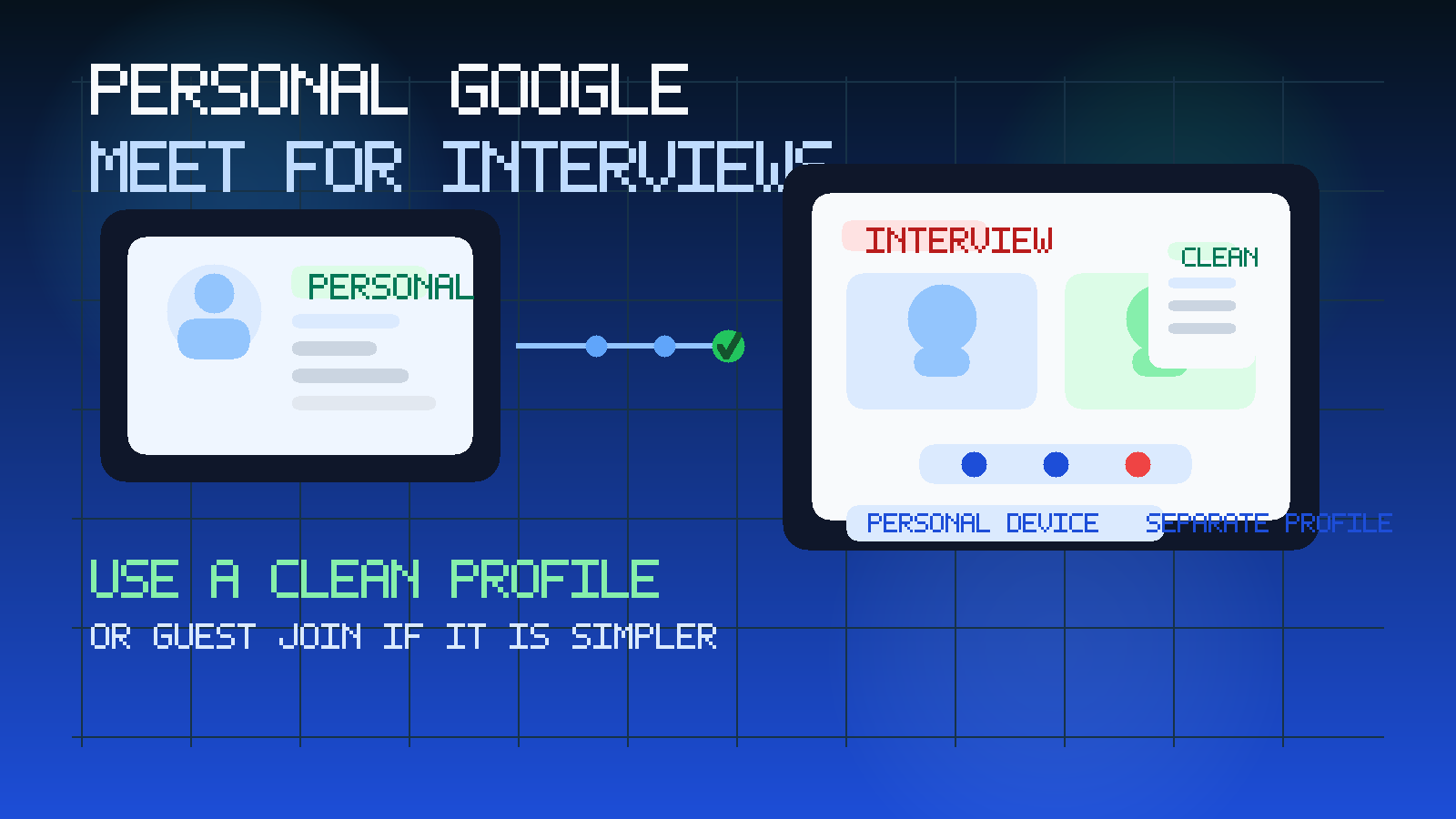
That distinction matters because Google Meet is rarely just a video room. It is often tied to Gmail, Google Calendar, Chrome sync, saved browser sessions, profile photos, and all the small bits of digital clutter people forget about until an interview starts. If you are job hunting quietly, the real question is not only whether the interview link works. It is whether the setup protects your privacy, avoids awkward leaks, and still lets you join smoothly.
For most people, a personal Google account is a perfectly reasonable choice for a Google Meet interview. It is usually much better than joining through a current employer account. But it still helps to think one layer deeper. A personal account can expose your real name, profile picture, calendar naming habits, email address style, notifications, and browser state. None of that is catastrophic, but it can shape how professional and private the experience feels.
Short answer: personal is usually fine, clean personal is better
If your choices are a personal Google Meet account or a work Google Meet account, the personal account is usually the safer option. The main reason is simple: you control it. It is not tied to employer administration, company retention policies, or a calendar your workplace may be able to see.
That said, you do not always need to be fully signed in at all. Some interviews work perfectly through a personal browser window or guest join flow. When that works, it often gives you the lowest-friction, lowest-risk setup. The goal is separation from work systems, not maximum account complexity.
Why this question matters more on Google Meet than people expect
Google Meet sits close to the rest of Google’s ecosystem. The same identity you use for Gmail, Calendar, Drive, Chrome, and sometimes Android can also be the identity that appears when you join a call. That means a simple interview can accidentally pull in more context than you planned.
For example, the interviewer may see your display name and profile photo. Your browser may suggest the wrong account. Your calendar may fill with external invites. Chrome may surface unrelated tabs, recent history, or notifications if you are screen sharing. If you use one Google identity for everything in life, the interview may inherit that entire mess.
This is not a reason to panic or avoid Google Meet. It is a reason to use it intentionally.
When using your personal Google Meet account makes sense
1. You want clear separation from your employer
This is the biggest one. If your current employer uses Google Workspace, signing into an interview with a work-managed account creates unnecessary exposure. A personal Google account breaks that link. You move the meeting into an environment you control rather than one that belongs to your workplace.
That is especially important if you are already trying to keep your search discreet. The same logic that makes a personal inbox safer than a work inbox also makes a personal Google identity safer than a work one.
2. The recruiter sends a Google Meet link and the personal account works cleanly
Sometimes the answer really is that simple. If the interview invite lands in your personal email, opens in your personal browser, and the meeting joins without drama, there is no special prize for inventing a second layer of complexity. A personal Google account is often good enough.
3. You want easier scheduling and a stable identity
A personal Google account can be helpful if you want the invite on your calendar, want reminders on your own device, or need a consistent display name across several rounds of interviews. A stable personal setup can be easier to manage than typing your name fresh into every guest join window.
4. You have already cleaned up the account
If your personal Google profile already uses your real name, a reasonable photo or no photo, a professional enough email address, and a calm browser environment, then using it is usually fine. The account itself is not the problem. Sloppy surrounding setup is.
When a personal Google Meet account is not the best option
Guest mode may be cleaner
If the meeting lets you join from a personal browser without signing in, guest mode can be even cleaner than a personal account. It lowers the chance of account mix-ups, minimizes profile leakage, and keeps the experience focused on the call itself.
This is especially useful if your personal Google account is busy, old, or tied to a lot of unrelated browsing activity.
Your personal profile looks messy
If your account still shows an old nickname, an unprofessional photo, a random YouTube-era avatar, or an email handle you would rather not display, a signed-in personal account may not help you much. A clean guest join or a dedicated browser profile might be better.
You are juggling multiple Google accounts
Many people have a confusing mix of Gmail accounts, old aliases, school logins, family devices, and work sessions already open in Chrome. In that situation, signing in can increase the chance that you join under the wrong identity or waste the first five minutes clicking through account prompts. Simpler is often better.
The real risks to watch for
Profile spillover
Your name and image should match the version of you the interviewer expects to meet. If your interview is booked under one name but your account shows something else, that creates avoidable friction right away.
Calendar clutter and visibility
A personal calendar is far better than a work calendar, but it can still get messy. If you name interview events carelessly, leave public calendar sharing enabled, or let reminders pop across shared devices, you can create your own privacy problems. The fix is simple: keep interview event names neutral and review your sharing settings.
Browser noise during screen sharing
This is one of the most common practical issues. Even with a personal account, your browser may carry unrelated bookmarks, extensions, notifications, open tabs, autofill suggestions, or recent documents. If the interview involves sharing your screen, those small details matter more than the account label itself.
Device crossover
A personal Google account on a work laptop is still a compromised setup. Likewise, a personal account inside a work Chrome profile is not really separate. The safest choice is a personal device with a personal browser profile, not just a personal account dropped into a work environment.
What setup is usually best?
For most candidates, the best setup looks something like this:
- a personal email address receiving the invite
- a personal calendar holding the interview time
- a personal device, not a work-managed one
- a separate browser profile for job-search activity
- either a clean personal Google account or guest join, depending on which feels more reliable
That setup is simple enough to maintain and private enough to avoid most unnecessary leaks.
Should you create a separate Google account just for interviews?
Usually not. A separate Google account can help if your existing personal account is chaotic or if you are deep into an extended job search and want tighter compartmentalization. But for many people, it is more setup than benefit.
A separate browser profile often solves the same practical problems with less hassle. You get cleaner history, cleaner autofill, fewer cross-account prompts, and less risk of opening the interview in the wrong context. That is often a better first step than creating a whole new Google identity.
How temporary email fits into this
Temporary email can be useful earlier in the funnel than the interview itself. If you are testing job boards, recruiter newsletters, or low-stakes signup flows, a disposable or temporary inbox can reduce spam and keep your main inbox cleaner. That is the kind of lightweight privacy boundary a service like Anonibox is good at.
But once you are in a real interview loop, reliability matters more than short-term inbox isolation. Interview invites, reschedules, take-home assignments, and recruiter follow-ups are usually better on a stable personal email address you control long term. Temporary email is a screening tool, not the ideal home for serious interview coordination.
A practical good-better-best guide
- Good: personal Google account on a personal device.
- Better: personal Google account on a separate browser profile with a personal calendar and notifications cleaned up.
- Best: personal device, separate browser profile, personal calendar, and either a tidy personal Google account or guest join if the link works cleanly without sign-in.
You do not need a perfect privacy bunker. You just need to remove the obvious ways interview activity can leak into work systems or your own messy everyday browsing.
Quick checklist before the interview
- Am I joining from a personal device rather than a work laptop?
- Is the browser profile clean and separate from work activity?
- Does my display name match the name the interviewer expects?
- Is my profile photo neutral enough, or should I remove it?
- Are notifications, chat popups, and unrelated tabs under control?
- Would guest join be simpler than signing in?
If you can answer those cleanly, you are probably set up well.
What to avoid
- joining with a work-managed Google account because it is already signed in
- using a personal Google account inside a work browser profile and calling it “private”
- letting interview invites land on a work calendar or shared device
- assuming your personal account is professional enough without checking the display name and photo first
- overengineering a brand-new account when a separate browser profile would solve the actual problem
Final answer
Yes, you can usually use your personal Google Meet account for job interviews, and it is usually safer than using a work-managed one. The main caveat is that personal is only half the story. Your browser profile, calendar, device, notifications, and display identity matter too.
If the call works cleanly with your personal setup, that is often enough. If guest mode works even more cleanly, that can be better still. The right goal is not just “use personal.” It is “use a setup that keeps the interview private, professional, and easy to manage.”