Yes — using your personal laptop for job offers is usually the right choice because you control the device and can keep offer letters, compensation details, and signing links off employer-owned hardware.
It only stops being a good idea when the laptop is shared, cluttered, heavily synced, or otherwise not private enough for sensitive offer-stage documents.
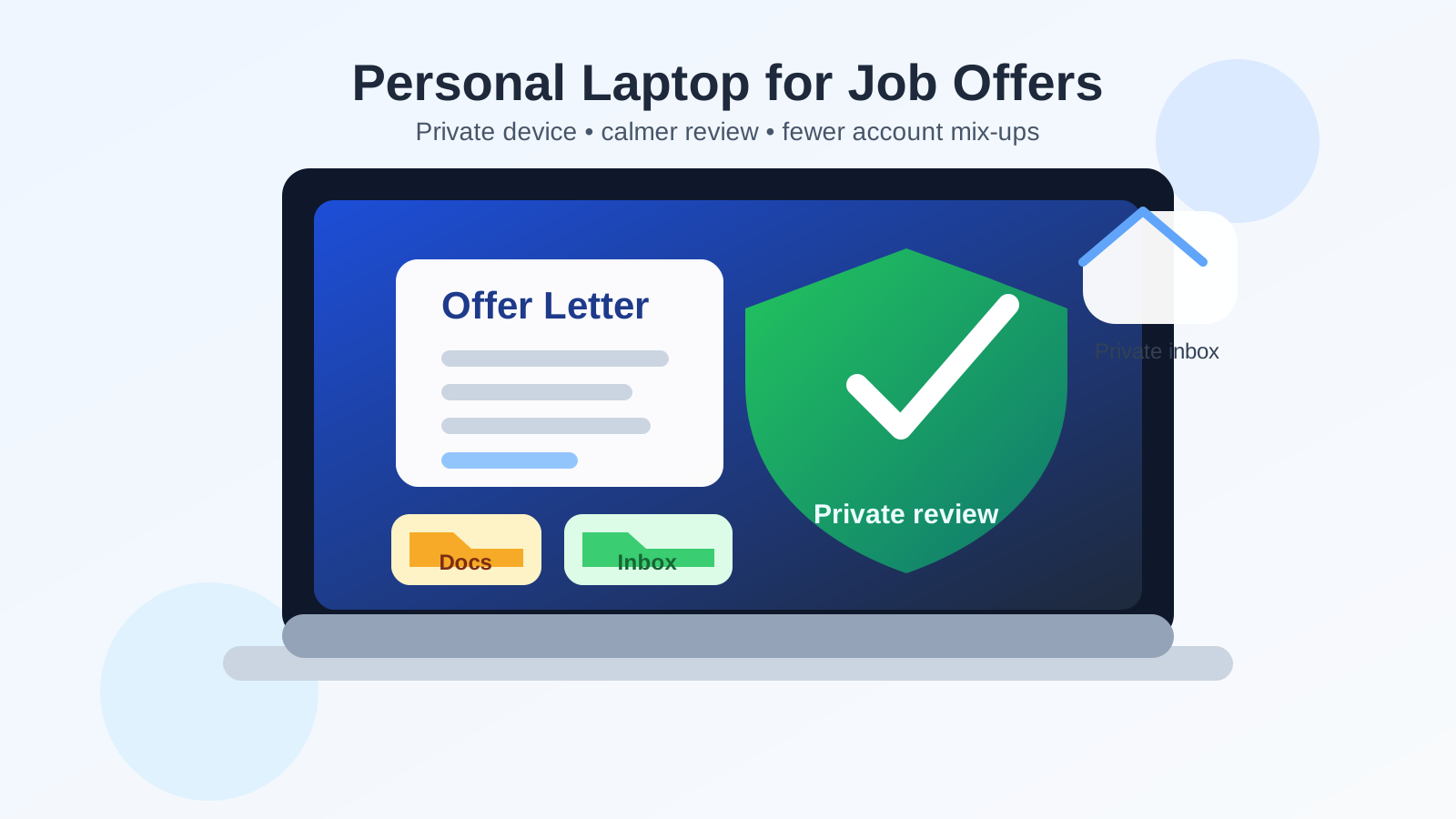
That is the practical answer behind searches for should you use your personal laptop for job offers. By the time a company sends an offer, the hiring process has usually shifted from lightweight browsing into paperwork that matters. Instead of skimming job descriptions or replying to an initial recruiter email, you may be opening compensation summaries, benefit packets, e-signature requests, background-check instructions, or identity-verification links. The question is no longer just “What device is convenient?” It is “What device gives me the most control over a sensitive career decision?”
In most cases, a personal laptop wins that comparison easily. It is usually better than a work-managed laptop, and it is often more practical than trying to buy or maintain a separate device just for job-search privacy. But “personal” is not automatically the same thing as “private.” If your laptop is shared with a partner, full of always-synced accounts, or noisy with pop-ups and saved logins, you still need a cleaner workflow before you start opening real offer documents.
Short answer: yes, if the laptop is actually private enough
If the laptop is yours, under your control, and not casually used by other people, then yes, using your personal laptop for job offers usually makes sense. It gives you more privacy than employer-owned hardware and more flexibility than trying to handle sensitive offer steps on a phone.
Where people get into trouble is assuming that any personal device is automatically a safe environment. A personal laptop can still leak information through shared household access, noisy browser profiles, cloud-sync habits, notification previews, or sloppy file storage. So the right answer is not just “use your personal laptop.” It is “use your personal laptop deliberately.”
Why a personal laptop is usually the best default
1. You control the device
The biggest advantage is simple ownership. On your own laptop, you decide which accounts stay signed in, which files are saved, which browser profile is used, and whether the machine is locked down with a password. That control matters more at the offer stage than earlier in the search because the material itself is more revealing. A résumé is one thing. A signed offer letter, a compensation breakdown, or a background-check invitation is another.
2. It avoids employer visibility problems
If your other realistic option is a work laptop, your personal device is usually the clear winner. Employer-managed hardware can leave traces in browser history, downloads, endpoint logs, security tools, sync settings, and support workflows. Even when nobody is actively watching, the environment is still not yours. A personal laptop removes that problem immediately.
3. It is easier to create a clean offer workflow
A personal laptop makes it easier to separate offer-stage work from the rest of your life. You can create a dedicated browser profile, use a private folder for documents, and keep your recruiting inbox in one place. That is harder to do on a shared family device, and riskier to do on a company-owned device.
4. It is better for careful review than a phone
Offer packets often deserve slow reading. Compensation, bonus language, equity terms, relocation clauses, non-compete language where relevant, start dates, and onboarding instructions are all easier to review on a full screen. You are less likely to miss details, tap the wrong thing, or sign too quickly when you can sit down at a proper laptop and work through the material calmly.
What can still go wrong on a personal laptop
This is where the nuance matters. A personal laptop is usually the right tool, but it still needs a little discipline.
Shared access can ruin the privacy advantage
If other people in your home use the same laptop, the device stops being fully private. That does not mean anyone is snooping. It means your offer letter could show up in recent files, a browser tab could stay open, a PDF could be visible in downloads, or an email could be one click away in a logged-in inbox. If the laptop is effectively communal, the privacy benefits of calling it “personal” shrink fast.
Saved accounts and browser clutter create mix-ups
Offer-stage tasks often jump between email, calendar invites, e-signature links, HR portals, identity checks, and document downloads. If your browser is already full of old sessions, shopping tabs, random extensions, and multiple saved Google or Microsoft accounts, it becomes easier to open the wrong profile or save documents to the wrong place. Messy browser state is one of the most common personal-device problems in a confidential job search.
Cloud sync can spread documents wider than you expect
Personal laptops often sync automatically with iCloud, OneDrive, Dropbox, Google Drive, or backup tools. That can be helpful, but it also means offer documents might end up mirrored across other devices, shared family storage, or searchable cloud folders. For ordinary files that may be harmless. For compensation letters or ID-related forms, it deserves attention.
Notification previews can expose the process
Even on a private laptop, message previews and pop-ups can create awkward exposure. Imagine a recruiter email arriving while you are screen-sharing for something else, or a benefits PDF downloading while someone nearby can see the screen. The risk is smaller than on a work laptop, but it is still real enough to manage.
Downloaded files tend to linger
Offer letters, benefit summaries, signed PDFs, and onboarding instructions often stay in Downloads long after you are done with them. They may also appear in “recent files,” spotlight search, document viewers, backup tools, and printer history. A personal laptop gives you the power to manage that, but only if you actually do it.
How to handle job offers safely on a personal laptop
Use a separate browser profile
You do not always need a separate laptop, but a separate browser profile is usually worth it. It keeps recruiter email, offer links, autofill, bookmarks, and login sessions away from your everyday browsing. That reduces mistakes and makes the process feel calmer.
Keep offer documents in one folder
Create a clearly named private folder for offer-stage documents instead of letting everything pile into Downloads. That makes it easier to review, compare, and later clean up or archive what matters.
Turn off noisy notifications before reviewing anything sensitive
If you are going to read an offer or join a negotiation call, close unrelated apps and mute unnecessary notifications. You want a quiet environment with fewer accidental pop-ups and fewer distractions when the details matter.
Lock the device properly
A decent password, full-disk encryption if available, and a habit of locking the screen when you step away are basic but useful protections. Offer-stage privacy is often less about defeating some dramatic attacker and more about avoiding casual exposure.
Be careful with printers and scanners
If you print or scan anything related to the offer, remember that paper copies and printer queues create their own trail. If you do not actually need a printed copy, staying digital is usually simpler and cleaner.
Save what matters, then remove what does not
You probably do want to keep final signed documents and important instructions. You probably do not need six duplicate downloads of the same PDF sitting in random folders forever. A quick cleanup after the offer process is finished goes a long way.
When a personal laptop is not enough
Sometimes the answer shifts from “your personal laptop is fine” to “you need stronger separation.” That usually happens when one or more of these conditions is true:
- other people regularly use the laptop,
- the browser is a mess and you cannot realistically clean it up,
- the machine is old, unstable, or unreliable for document signing or video calls,
- you have aggressive sync or backup habits you do not want these files entering,
- the job search is highly confidential and you want maximum separation from daily life.
In those cases, a separate laptop may be worth it. But that does not mean everyone needs one. For many people, a personal laptop plus a clean browser profile, organized storage, and a private inbox is enough.
What about temporary or burner email at the offer stage?
This is where people should be a little more conservative. Temporary email can be useful earlier in a job search when you are testing job boards, protecting your main inbox, or keeping first-contact recruiter traffic separate. A tool like Anonibox can make that early-stage separation easier.
But once you are dealing with a real offer, you usually want an email address you control reliably for the long term. Offer letters, negotiation threads, follow-up documents, background-check notices, and onboarding instructions are too important to tie to an inbox you might abandon or stop checking. A privacy-friendly personal inbox or durable alias is a better fit than a short-lived disposable workflow once the process becomes real.
A quick checklist before you open or sign a job offer
- Is this laptop really yours, and not shared in practice?
- Are you using the right browser profile?
- Do you have a clean folder ready for documents?
- Are unnecessary notifications muted?
- Will cloud sync or backups put these files somewhere you do not want them?
- Are you reviewing the documents on a stable connection and calm screen, not in a rushed moment?
If you can answer those comfortably, your personal laptop is probably a perfectly good place to handle the offer.
Final answer: should you use your personal laptop for job offers?
Yes — in most cases, your personal laptop is the best everyday choice for job offers because it gives you privacy, control, and a better review environment than employer-owned hardware or a phone.
The catch is that personal devices still need boundaries. If the laptop is shared, chaotic, or heavily synced, fix that first or create stronger separation. A personal laptop is usually good enough; a clean personal-laptop workflow is even better. That combination lets you review, negotiate, sign, and organize offer-stage documents with much less risk of accidental exposure.