Usually yes — using your personal laptop for job referrals is often fine, and it is usually safer than using a work-managed device. The catch is that your personal laptop should be private enough, organized enough, and free of obvious account spillover before you use it for referral browsing or follow-up.
If your laptop is full of saved work sessions, messy browser history, shared household logins, or downloads you would rather keep separate from your job search, clean it up first or use a separate browser profile. A personal laptop is usually a practical choice for referrals, but it is not automatically a private one.
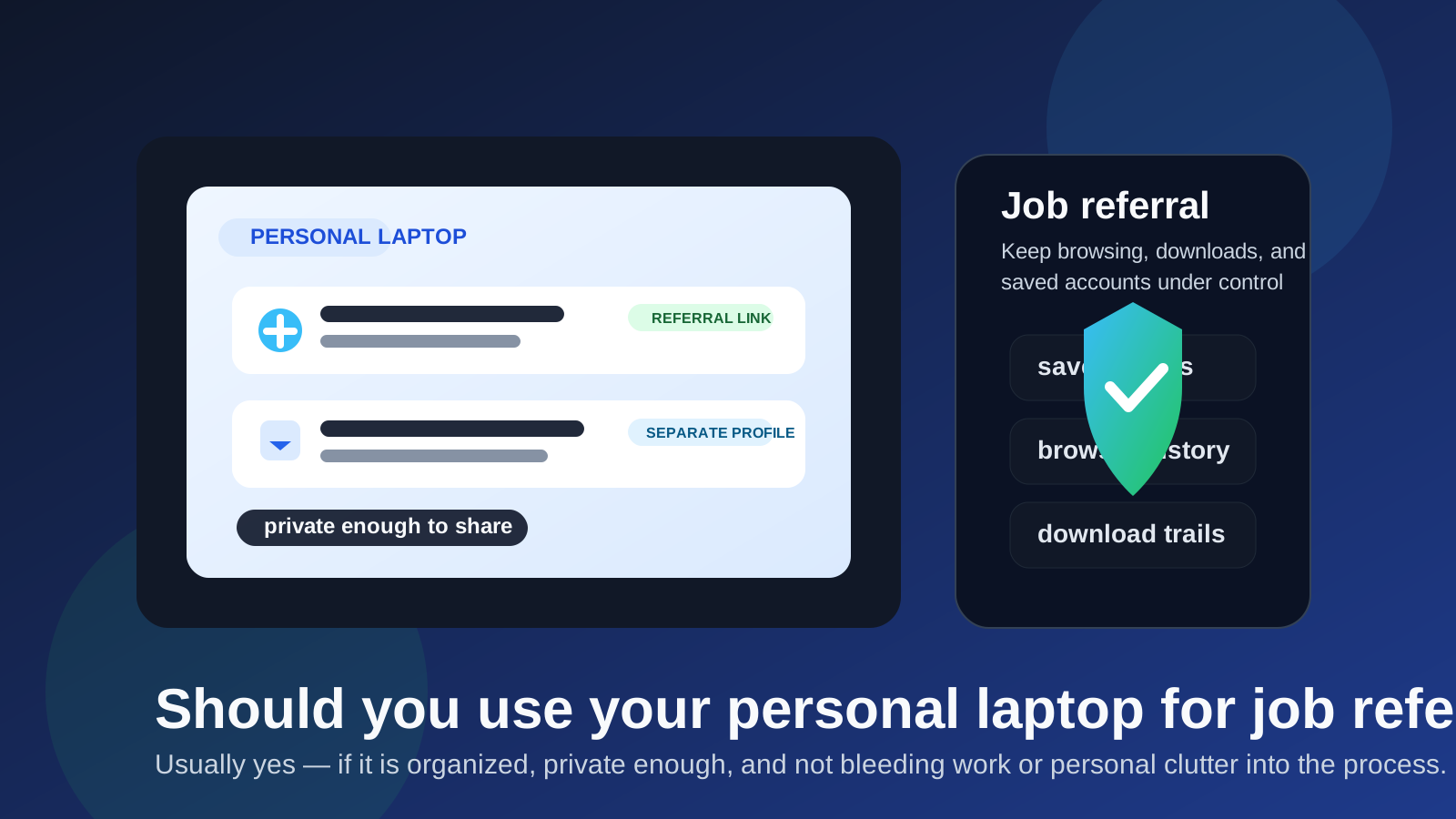
That answer surprises people because “personal” sounds safe by default. In practice, job referrals create their own kind of exposure. You may look up a company, review the person referring you, open internal application links, download job descriptions, log into professional accounts, and then move into recruiter follow-up. None of that is especially dangerous on its own, but it can create a trail of saved logins, browser history, downloaded files, autofill suggestions, and synced accounts that you may not want tangled with the rest of your digital life.
So the real question is not whether a personal laptop is allowed. It is whether your current setup gives you enough control over privacy, organization, and first impressions. For most job seekers, the answer can be yes with a few small adjustments.
Why people ask this in the first place
Referrals are a little different from ordinary applications. A regular application might mean filling out a form and waiting. A referral often starts with a message from a former coworker, friend, or alumni contact who says, “Send me your resume,” “Apply through this link,” or “Here is the recruiter’s info.” That moves the process from passive job searching into a more personal workflow.
Once that happens, your laptop becomes part of the referral process in several ways:
- you open company pages and employee profiles
- you log into LinkedIn, GitHub, Gmail, or candidate portals
- you download job descriptions or interview prep notes
- you may reuse saved contact details or autofill data
- you might jump between personal browsing and referral-related tasks in the same session
That is why the device question comes up. It is less about the hardware and more about everything already happening inside it.
Why a personal laptop is often the better choice
1. You control the device
If the laptop really is yours, you decide which accounts stay signed in, how the browser is set up, where files are stored, and who else has access. That is already a big privacy advantage over using a work laptop, where monitoring, device management, or employer visibility can complicate the picture.
2. It is easier to separate work from job-search activity
Even if your personal device is not perfectly tidy, it is still usually easier to carve out a clean job-search workflow there than on an employer-owned machine. A separate browser profile, a dedicated downloads folder, and a stable job-search email address go a long way.
3. It usually feels more natural for real referrals
Referrals often involve fast back-and-forth communication. You may get a resume request, a candidate portal link, and then a recruiter email within a short window. Using your own device makes it easier to respond on your terms instead of routing everything through systems you do not fully control.
What can still go wrong on a personal laptop
This is where people get sloppy. A personal laptop can still create privacy problems if you treat it like a neutral blank slate when it is actually full of old sessions and habits.
Saved logins can expose more context than you expect
If you open a referral link while already signed into multiple accounts, you may end up connecting the search to profiles or inboxes you did not mean to use. The problem is not that the laptop is personal. The problem is that it is already carrying a lot of identity baggage.
Browser history and autofill can get messy fast
Job referrals often trigger more browsing than people expect. You check the company, the role, the team, and maybe the person who referred you. Then autofill starts suggesting old addresses, saved phone numbers, and outdated resume details. That is annoying at best and embarrassing at worst.
Downloads can leave a confusing trail
Resumes, cover letters, job descriptions, interview notes, and referral screenshots can pile up quickly. If you do not keep them organized, your personal laptop turns into a grab bag of half-finished search artifacts.
Shared devices change the calculation
If your “personal” laptop is also used by a partner, family member, or anyone else in your home, privacy is weaker than it sounds. A shared machine is still personal in one sense, but not necessarily private in the way a confidential job search needs.
When your personal laptop is probably fine
- you are the main or only user of the device
- you can separate referral activity with a browser profile or workspace
- you are not relying on employer-controlled accounts while doing referral tasks
- your downloads and saved files are reasonably organized
- you are comfortable with what is already signed in on the machine
If that sounds like your setup, using your personal laptop for job referrals is usually a sensible choice.
When you should be more careful
- the laptop is shared with other people
- you are constantly signed into work-related apps or employer-linked browser sessions
- your browser sync spills activity across devices you do not want mixed into the search
- the device is cluttered enough that referral files and messages will get lost
- you expect a confidential search and want stronger boundaries
In those cases, you do not necessarily need a second laptop. You may just need a cleaner setup inside the one you already have.
How to make your personal laptop safer for job referrals
1. Use a separate browser profile
This is the highest-value fix for most people. A dedicated browser profile keeps referral links, history, saved logins, and autofill separate from your everyday browsing. It gives you a cleaner workspace without forcing you onto a whole new device.
2. Keep referral files in one obvious folder
Create a single folder for resumes, job descriptions, recruiter notes, and referral-related documents. That prevents the search from disappearing into your general downloads pile.
3. Pair the laptop with the right email setup
A good device setup helps, but inbox hygiene matters too. Serious referrals usually deserve a stable email address you actually monitor, while lower-trust signups and one-off exploratory forms may be better handled with a privacy tool like Anonibox. That way, you are not forcing your main inbox into every early interaction just because you clicked a referral-adjacent resource.
4. Check what is already signed in
Before you open referral links, look at the accounts active in that browser. If your social accounts, old candidate portals, or unrelated workspaces are all loaded, you are not starting from a clean state.
5. Clean up obvious notifications and distractions
Referrals are often time-sensitive. A quieter browsing environment helps you focus, respond faster, and avoid accidental oversharing during screenshares or follow-up calls later in the process.
Do you need a separate laptop instead?
Usually no. A separate laptop can make sense for a highly confidential search, a security-sensitive role, or a situation where your main device is badly mixed with work and personal spillover. But for most people, a dedicated browser profile on a personal laptop gets most of the benefit without the cost or hassle of maintaining another machine.
That is the key tradeoff: a separate device is cleaner, but it is also heavier operationally. If your current laptop is truly yours and you can isolate the workflow, it is often enough.
Practical examples
Example 1: the well-managed personal laptop
You own the laptop, nobody else uses it, and you can create a dedicated browser profile for referrals and applications. In that case, yes — your personal laptop is probably the right tool.
Example 2: the cluttered but salvageable laptop
Your device is yours, but it is signed into everything and your downloads folder is chaos. You do not need a second laptop yet. You need a cleaner browser profile, better file organization, and a more deliberate workflow.
Example 3: the shared household device
If multiple people use the laptop, referral privacy is weaker. A separate device or a much stricter user-account separation may be worth it if the search is sensitive.
A quick checklist
- Is this laptop fully mine and not employer-controlled?
- Can I keep referral browsing in a separate browser profile?
- Are my saved logins and autofill details under control?
- Do I have a clean place for referral files and downloads?
- Am I using a stable contact method for real follow-up?
If most of those answers are yes, your personal laptop is probably a perfectly workable choice for job referrals.
Bottom line
So, should you use your personal laptop for job referrals? Usually yes — especially when the alternative is a work-managed device or a messy mix of employer-linked tools. A personal laptop gives you more control, and for most people that matters more than having a perfectly separate machine.
Just do not confuse personal with private by default. Clean up the accounts, separate the browser activity, organize the files, and use stable communication channels for serious referral follow-up. That gives you the convenience of your own laptop without turning your job search into unnecessary digital clutter.