Usually no. A work browser profile can expose reference-check portals, saved logins, autofill suggestions, and browser history inside an employer-managed environment. A personal browser profile is usually safer.
For reference checks, use a personal browser profile on a personal device whenever you can. It gives you better control over cookies, downloads, password storage, and follow-up if a recruiter or screening vendor needs you to revisit the process later.
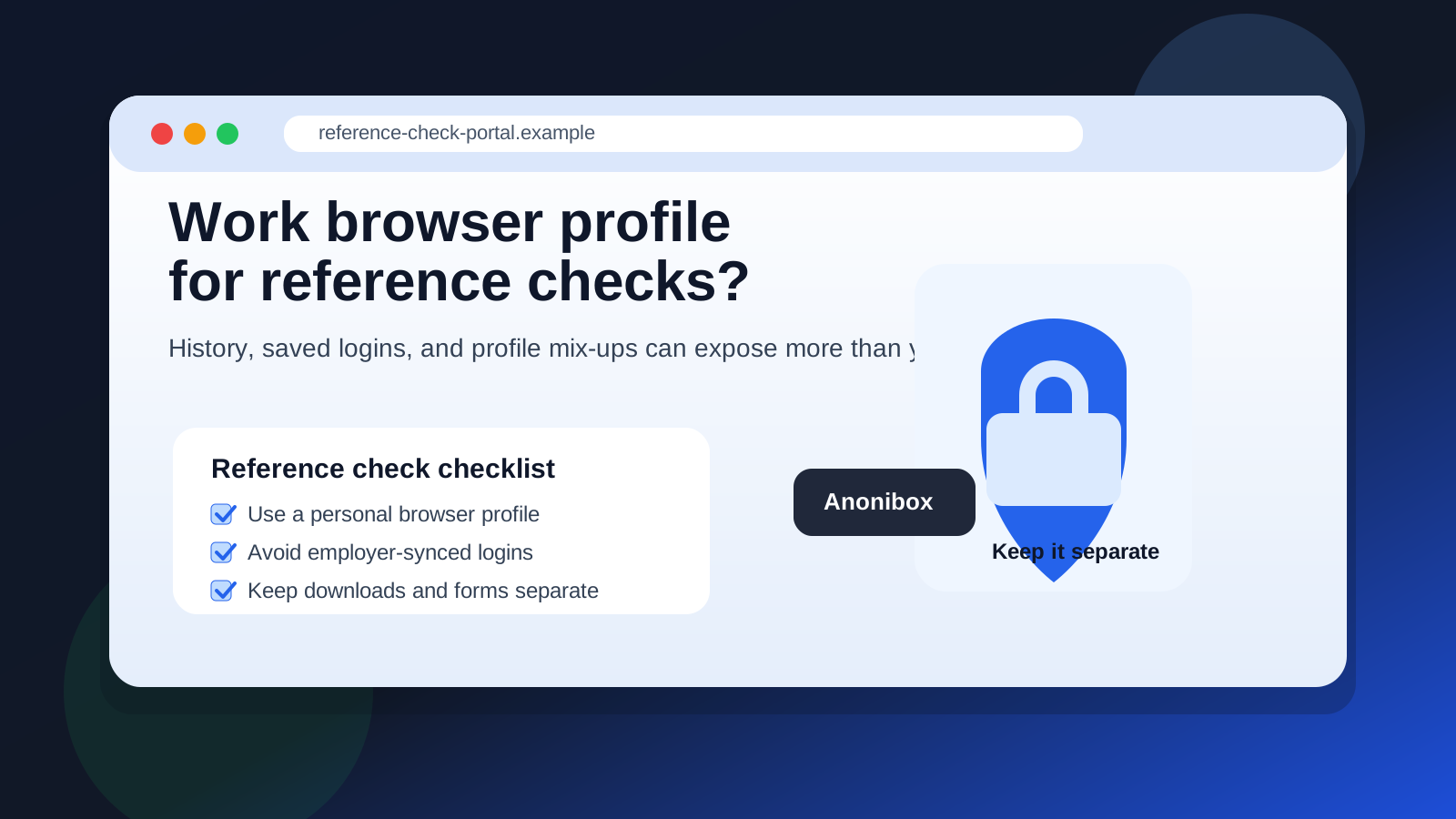
Why this question matters at the reference-check stage
Reference checks usually happen late in the hiring process. By that point, the employer is no longer just deciding whether to skim your resume or send a first message. They may be confirming details, contacting references, sending third-party forms, or coordinating final hiring steps. That makes the privacy stakes higher than they were during casual browsing or even early applications.
A browser profile matters because it is not just a window you open for the web. It can hold synced history, bookmarks, saved passwords, cookies, autofill data, active sign-ins, installed extensions, and employer-linked accounts. If that profile belongs to your workplace, reference-check activity can end up mixed into an environment you do not fully control.
If you already use a separate inbox or an Anonibox address to keep job-search communication more organized, the same separation principle applies here. Once reference checks begin, you want a stable setup you control yourself, not a work profile that may save traces in the wrong place.
What counts as a work browser profile?
A work browser profile is any browser environment tied to your employer instead of your personal setup. That can include:
- a Chrome profile signed into your work Google account
- an Edge profile linked to your company Microsoft 365 account
- a managed browser with company extensions or security policies installed
- a browser on a work laptop that syncs history, passwords, or downloads
- a shared office computer profile that other people or IT can manage
Some people assume the risk only exists on company hardware. That is not quite right. Even on your own device, a browser profile signed into work systems can still sync activity, store employer-linked credentials, or run company-managed extensions in the background.
The biggest risks of using your work browser profile for reference checks
1. Saved logins can create messy account mix-ups
Reference-check workflows often arrive through email links. You click a message, land on a third-party portal, create a password, fill out forms, and sometimes return later to fix or confirm information. In a work browser profile, you may already be signed into company email, calendars, shared drives, or other tools.
That can cause small but real problems: the wrong email address gets suggested, a login is saved in the wrong password manager, or you open the link while signed into an employer-controlled account context you never meant to use. Even if nothing dramatic happens, the whole process becomes harder to manage later.
2. Autofill can insert the wrong details
Browser autofill is helpful until it is not. A work profile may offer your office phone number, office address, company title, or an outdated saved form entry. Reference-check forms often ask for precise contact or history details, and a quick autofill mistake can create confusion that slows everything down.
That is especially annoying late in the hiring process, when a screening vendor may flag mismatches and ask for corrections. Using a clean personal profile reduces that risk.
3. Synced history can reveal late-stage job-search activity
Your browser history may sync across devices or accounts. Even if no one is actively watching you, the fact that you opened a reference-check portal, recruiter emails, or follow-up links can become part of a synced work environment. That is not ideal if you are trying to keep a job search private from your current employer.
Reference checks are more revealing than a random job-board visit. They often signal that a process is serious. That makes accidental traces more sensitive.
4. Company extensions and policies may see more than you expect
Work browser profiles sometimes run security tools, content filters, data-loss-prevention extensions, or admin policies that shape what is logged, stored, or blocked. The exact setup varies by employer, but the main point is simple: a work profile is not fully yours.
Even if HTTPS protects page contents from casual viewing, you still may be operating inside a managed environment with policies that are built for company oversight and security, not personal privacy.
5. Downloads and attachments can land in the wrong place
Some reference-check flows involve PDFs, consent forms, or confirmation records. In a work profile, downloaded files may end up in a company-synced folder, on a shared machine, or in a browser history trail you would rather avoid. That creates unnecessary cleanup work and more exposure than the task deserves.
Why convenience is not a good enough reason
People often use a work browser profile for one reason: it is already open. The link arrives during the day, the browser is right there, and the task looks small. That convenience is real, but it is also how private job-search activity leaks into work environments.
Reference checks are not usually urgent enough to justify that trade-off. In most cases, you can wait, switch devices, open a clean personal browser profile, and finish the same task in a setup you actually control.
Better alternatives
Use a personal browser profile on a personal device
This is the cleanest option. A personal profile separates recruiter emails, screening links, portal cookies, and downloaded files from your employer-managed environment.
Use a dedicated browser profile just for your job search
If you want more separation, create a fresh browser profile specifically for job-search activity. That helps keep job boards, recruiter portals, reference checks, and follow-up documents away from everyday personal browsing too.
This approach works especially well if you are also using a separate email address, alias, or Anonibox workflow for early-stage job-search organization. It keeps the communication channel and the browser environment aligned.
Use your own network when possible
A personal browser profile is strongest when paired with a personal device and personal connection. If you can avoid employer-owned Wi-Fi at the same time, even better. Reference checks often involve sensitive late-stage signals, so compartmentalization helps.
A simple setup for private reference checks
- Create or open a personal browser profile that is not signed into work accounts.
- Check that autofill, saved passwords, and synced tabs are tied only to your own accounts.
- Open the recruiter or screening email from your personal inbox, not a work mailbox.
- Complete the reference-check task in that profile only.
- Save any needed confirmation files to a personal folder you control.
- Keep a note of the portal name and deadline in case you need to return later.
That setup takes only a few minutes, but it prevents a lot of avoidable mix-ups.
What if you already used your work browser profile once?
Do not panic. One accidental visit does not automatically create a disaster. But you should clean things up quickly:
- finish future steps in a personal browser profile instead
- remove saved passwords or autofill entries related to the portal if appropriate
- delete downloaded files from work-managed locations if policy and access allow
- move any future recruiter or screening follow-up into your personal setup
- avoid clicking additional reminders or correction links from the work profile again
The goal is not perfection. It is to stop building more traces in the wrong environment.
When might a work profile be unavoidable?
Sometimes you are traveling, away from your normal setup, or dealing with a deadline that leaves you with no good options. If you truly must use a work profile, keep the exposure as small as possible: do the minimum required step, avoid saving passwords, avoid downloads if you can, double-check every autofill field, and move the remaining process to a personal profile as soon as possible.
That is still a compromise, not the ideal.
Final answer
Usually no. You generally should not use your work browser profile for reference checks because it can leave behind history, saved logins, autofill mistakes, and account traces in an employer-managed environment.
A personal browser profile is the safer choice. It keeps the process cleaner, reduces mix-ups, and gives you better control over sensitive late-stage job-search activity. If you are already separating inboxes, phone numbers, or other contact channels, your browser should follow the same rule: keep reference checks in an environment that belongs to you.