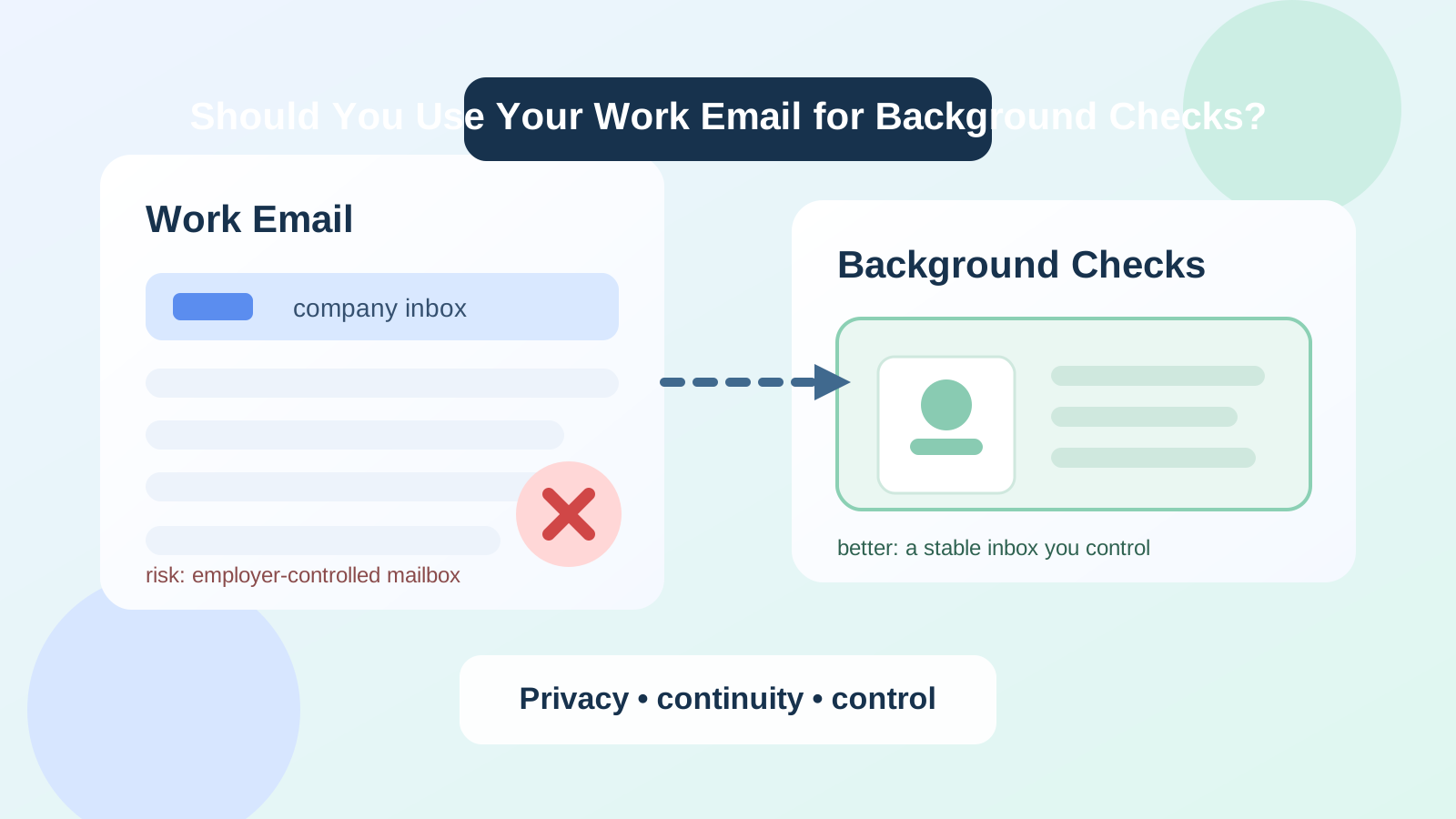
Usually no. A current work email is rarely the best address for background checks because it can expose your job search and leave you dependent on a mailbox your employer controls.
A personal or separate long-term inbox is usually safer. Background checks often involve portal links, consent forms, reminders, and follow-up questions, so the best email is one you control fully and can keep checking without employer oversight.
Why people consider using a work email in the first place
It is easy to see why this question comes up. A work email often feels professional, organized, and convenient. If you are employed, you probably check it all day. If a recruiter says a background check is starting, you may think using the inbox you monitor most closely is the easiest way to stay responsive.
But background checks are not the same as early recruiter outreach or casual networking follow-up. This is a later-stage hiring step tied to identity details, employment history, deadlines, and sometimes document requests. At that point, the best inbox is not the one that looks corporate. It is the one that gives you privacy, continuity, and control.
Why background checks need a different standard
Early in a job search, people often focus on spam prevention. That makes sense. Job boards, gated salary guides, resume tools, and broad recruiter forms can create a lot of email noise. A temporary inbox or a privacy-first workflow can help at that stage.
Background checks are different because the messages usually matter more and can continue across several steps. You may receive:
- consent forms or authorization requests
- secure portal invitations
- requests to confirm dates, addresses, or employer names
- deadline reminders if a form is incomplete
- follow-up messages from a screening vendor
- clarification requests if something does not match on the first pass
That means reliability matters more than appearance. If the inbox creates privacy risk or could disappear during a transition, it is the wrong one for the job.
The biggest risks of using your work email for background checks
1. You may expose your job search
This is the obvious problem, and it is still the biggest one. Even if nobody is personally reading your messages, work email is part of a company-managed system. Retention tools, shared access, security monitoring, legal archives, and managed devices all reduce your privacy compared with a personal inbox.
You do not have to assume your employer is spying on you to see the issue. The simple fact is that the mailbox is not fully yours. Sensitive hiring communication is better handled outside that environment.
2. You do not control the account
Your employer controls the domain, the mailbox, the login policies, and often the devices tied to that account. If you leave the company, change roles, lose access unexpectedly, or get locked out of a work-managed device, you may also lose access to important screening messages.
Background checks do not always finish in one day. If the process stretches across a resignation window, a notice period, or even a short account interruption, that dependency can create avoidable friction.
3. It mixes private hiring activity with employer systems
Background checks can create a paper trail that includes personal details, address history, identity verification steps, and employment records. Keeping those messages inside a current employer’s mailbox is awkward at best and risky at worst. A background check is part of your personal career transition, not your employer’s business records.
4. Follow-up gets harder if anything changes
Imagine a vendor sends a reminder after you have stopped checking your work inbox closely, or an HR team needs to resend a portal invitation after your access changes. A process that would have been simple in a personal inbox becomes messy when it is tied to a mailbox you do not fully own.
5. It can create the wrong signal if replies come from the wrong place
Even when nothing dramatic goes wrong, using a work email can complicate replies. You may be answering a screening vendor from a company-managed environment, on a company device, while trying to keep a job change quiet. That is not ideal operationally or personally.
When using a work email might be acceptable
There are a few edge cases where it may be less problematic:
- you are self-employed and the address is on a domain you personally own and control
- the email is technically a business address, but it is not employer-managed by someone else
- you are not using it to hide an active search from a current employer because there is no employer oversight risk
That distinction matters. A work-style email on your own domain is not the same thing as an inbox controlled by your current employer. The real question is control. If the mailbox is yours, long-term, and private, it may be fine. If it belongs to a company you work for, it is usually not the safest choice.
Better options than a current work email
A stable personal inbox
For many people, a normal personal email is the simplest and best answer. It is under your control, easy to keep long-term, and separate from employer systems. As long as you actually monitor it and it looks reasonably professional, it will usually work well for background checks.
A separate long-term job-search inbox
If you want better separation, a dedicated job-search inbox is often the best middle ground. It keeps hiring communication out of your everyday personal email while still giving you continuity and privacy. That makes it easier to spot deadlines, portal invites, and follow-up requests quickly.
This is also where privacy-first tools fit naturally. If you used Anonibox or another temporary inbox earlier for low-trust signups, gated resources, or noisy top-of-funnel job-board activity, the background-check stage is usually the moment to switch to a stable inbox you plan to keep.
An alias that forwards into a stable inbox
If you care about segmentation, a forwarding alias can be a good option too. The key is that the destination inbox must be durable and closely monitored. Background checks are not the stage for an address that may expire, break, or be forgotten.
What if the employer or screening vendor already has your work email?
If the process has already started on your work email, do not panic. The best move is usually to switch early and cleanly rather than continue with a setup you do not trust.
- Contact the recruiter or screening vendor promptly.
- Ask them to update your contact address to a personal or separate long-term inbox.
- Confirm that any pending links or reminders will be resent to the new address.
- Check both inboxes during the transition so nothing gets missed.
Most legitimate employers or vendors can handle a contact update if you communicate clearly. It is much easier to fix this early than after a missed deadline.
A simple decision checklist
Before using a work email for background checks, ask yourself:
- Do I fully control this mailbox, or does my employer control it?
- Could this reveal my job search to the wrong people?
- Will I still have access if the hiring timeline stretches longer than expected?
- Can I easily search and retain these messages later?
- Would a personal or separate long-term inbox solve this more safely?
If your honest answer points toward employer control, limited privacy, or uncertain access, a work email is probably the wrong choice.
Practical best practices for background-check email
- Use an inbox you control fully and expect to keep for months, not days.
- Check it daily once screening starts.
- Create a folder or label for background-check messages so reminders do not disappear.
- Save portal links and confirmation emails in case you need to refer back to them.
- Do not rely on a temporary inbox once real screening and identity steps begin.
- Do not rely on an employer-managed mailbox when privacy and continuity matter.
Final answer
Usually no. You generally should not use your current work email for background checks because it can expose your job search, tie sensitive hiring messages to employer-controlled systems, and create access problems if your situation changes mid-process.
A personal inbox or separate long-term job-search email is usually the safer choice. It gives you the privacy, continuity, and control that background checks require, while still keeping you reachable for real screening updates.
If you want the short version, it is this: use an inbox you own, not one your employer owns. That one decision prevents a lot of unnecessary risk.