Usually no. For employment verification, your work email is rarely the best inbox because it can expose your job search, complicate access, and leave you dependent on an account your employer controls.
A personal or separate long-term inbox is usually safer. Employment verification often needs follow-up, document requests, and a searchable paper trail, so the best contact address is one you can keep monitoring without company oversight.
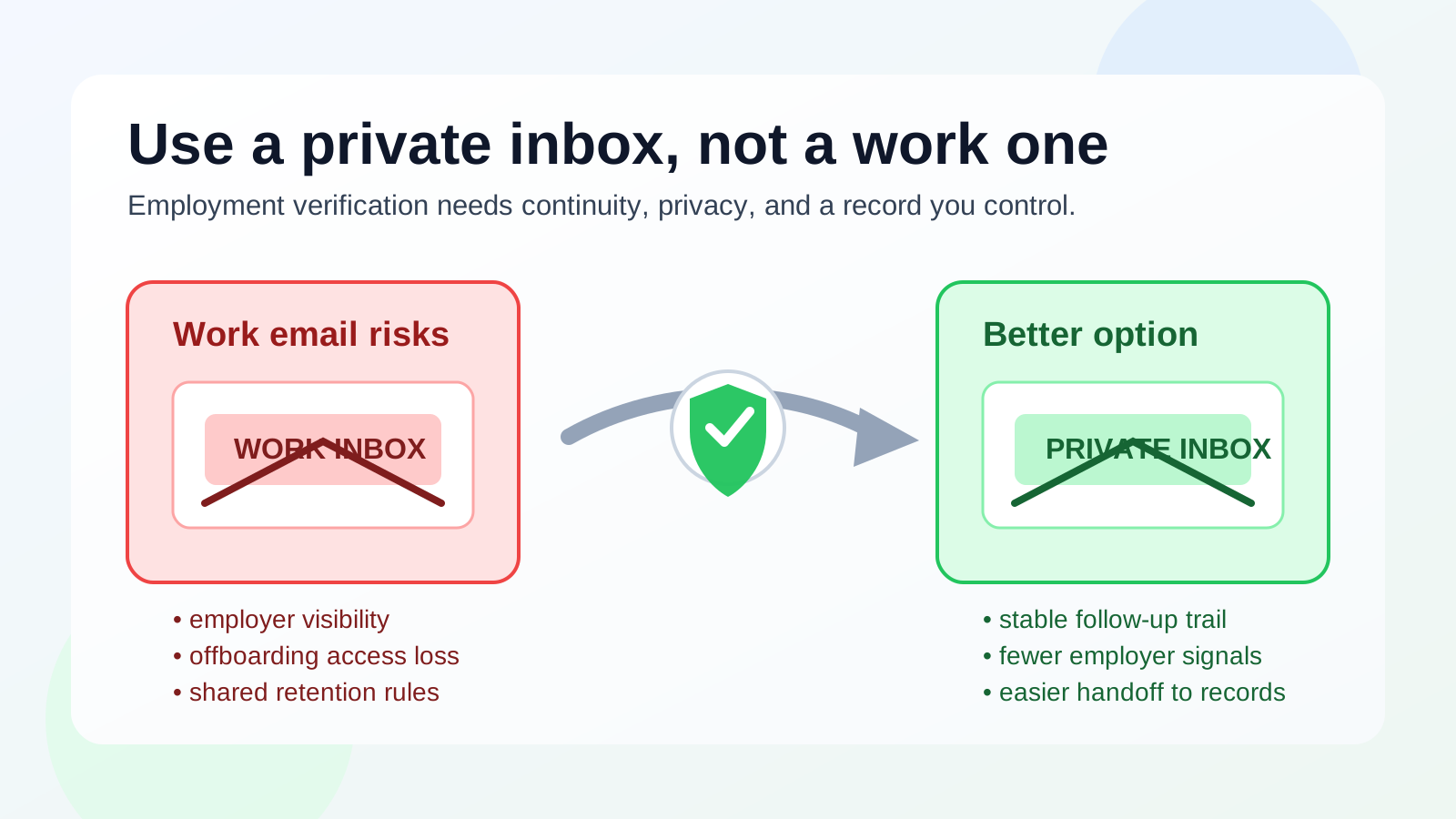
That is the short answer, but the reason matters. Employment verification is one of those late-stage hiring steps where privacy, continuity, and timing all matter at once. You are often dealing with HR teams, screening vendors, portal links, consent forms, or correction requests. If that process is tied to a work-managed mailbox, you may be introducing risk right when the stakes are highest.
Why people consider using a work email in the first place
Using a work email can feel practical. It is already active, it may look professional, and if you are still employed, you probably check it constantly. Some people also think a company domain looks more credible than a generic personal inbox, especially when they are trying to move quickly through a background or verification step.
But employment verification is not a branding exercise. The question is not which address looks impressive. The question is which inbox gives you reliable control over sensitive follow-up. In most cases, that is not a current employer account.
What employment verification usually involves
Employment verification can be simple, but it is not always a one-message event. Depending on the employer and the vendor, you may receive:
- a consent request or portal invitation
- instructions to confirm dates, titles, or former supervisors
- requests for pay stubs, offer letters, or other supporting documents
- reminders because a previous employer did not respond right away
- clarification emails when details do not match the first pass
That means the inbox you use needs to stay available, searchable, and private for more than a day. A work mailbox can fail on all three.
The biggest risks of using your work email for employment verification
1. You may reveal your job search to the wrong people
This is the obvious risk, and it is still the biggest one. Even if your employer does not actively monitor every message, work systems are not private in the same way a personal inbox is. Mail retention tools, admins, security teams, delegated access, device management rules, or shared compliance archives can all reduce your control.
That does not mean someone is definitely watching your inbox. It means you should not assume they are not.
2. You do not own the account
Your employer owns the domain, the mailbox, the retention policies, and usually the device environment around it. If you leave the job, get locked out, change roles, or lose access for any reason, important verification messages may still be tied to that address. That is a bad dependency for a process that can stretch beyond the first email.
3. Work mailboxes are built for work records, not personal hiring trails
Employment verification often creates a mini paper trail of sensitive, personally relevant communication. You may need to search it later if there is a discrepancy or delay. Keeping those messages in a company inbox mixes your private career transition with a system designed for business communications, internal retention, and employer rules.
4. Replies and attachments can become awkward fast
If a screening vendor asks for clarification, or if HR needs a resend after a missed attachment, using your work email puts you in the strange position of managing job-change logistics from an employer-managed system. Even when nothing dramatic happens, it is clumsy. Privacy-sensitive steps work better in a mailbox built around your interests, not your employer’s.
5. It can create continuity problems after resignation or offboarding
Verification does not always finish before a transition becomes real. If you resign, lose access during notice, or switch devices during offboarding, messages can land in an inbox you no longer control. That is exactly the kind of avoidable friction that slows a start date or forces extra back-and-forth with recruiters.
When using a work email might be acceptable
There are narrow cases where a work email is not automatically wrong. For example, an internal HR process at your current employer may require your company address for an internal verification workflow, benefits matter, or identity confirmation inside a known portal. That is different from giving your work email to a prospective employer or a third-party screening vendor connected to a new opportunity.
If the verification is tied to a job search, background check, or offer-stage process outside your current employer, a personal or separate inbox is usually the better call.
Better alternatives than a work email
Use your personal email if it is stable and professional
A normal personal address is often perfectly fine if you check it regularly, keep it organized, and can maintain access long term. Verification messages need reliability more than they need fancy branding.
Use a separate long-term job-search inbox
This is often the best middle ground. A dedicated inbox gives you privacy and separation without the fragility of a throwaway address. You can keep verification messages, search older instructions, and stay reachable even if the hiring timeline drifts.
Use a forwarding alias you control
If you like compartmentalizing communication, an alias that forwards into a stable inbox can work well. The key is control and durability. You want one destination inbox you actually monitor, not a chain of disposable addresses that turns a straightforward step into a scavenger hunt.
Where Anonibox fits naturally
Anonibox makes the most sense earlier in the funnel, when you are protecting your main inbox from low-trust job boards, newsletter-heavy recruiter flows, or one-off signups that may lead to spam later. That is a good privacy habit. Employment verification is different. By then, you usually want a long-term address you can revisit easily if something needs correction or confirmation.
In other words: temporary tools are useful for exposure control early on, but verification is a continuity problem, not just a spam problem.
A practical setup that works well
- Use a separate job-search inbox or a strong personal inbox for real applications and offer-stage communication.
- Keep low-trust signups and list-heavy experiments out of that inbox when possible.
- When employment verification begins, confirm which address should stay attached to the process.
- Save key emails, portal links, and document requests in one place you control.
- Only use your work mailbox for internal employer workflows that clearly belong there.
Red flags that mean you should be even more careful
- The sender wants highly sensitive documents before you can confirm the employer or vendor is legitimate.
- The message asks you to move quickly but comes from a vague domain or a mismatched address.
- The process depends on one-time links and repeated follow-up, but you are considering an inbox you may lose access to soon.
- You are still employed and would be uncomfortable if your current employer discovered the communication.
In those situations, the answer is even clearer: do not use your work email. Slow down, verify the sender, and move the process into an inbox you control.
Final answer
Usually no. Your work email is not the best inbox for employment verification unless the process is internal to your current employer and clearly meant for that address.
For outside hiring, background checks, or offer-stage verification, use an inbox you own: ideally a personal or separate long-term email account you monitor carefully. That gives you privacy, better continuity, and a cleaner record if the process stretches longer than expected.