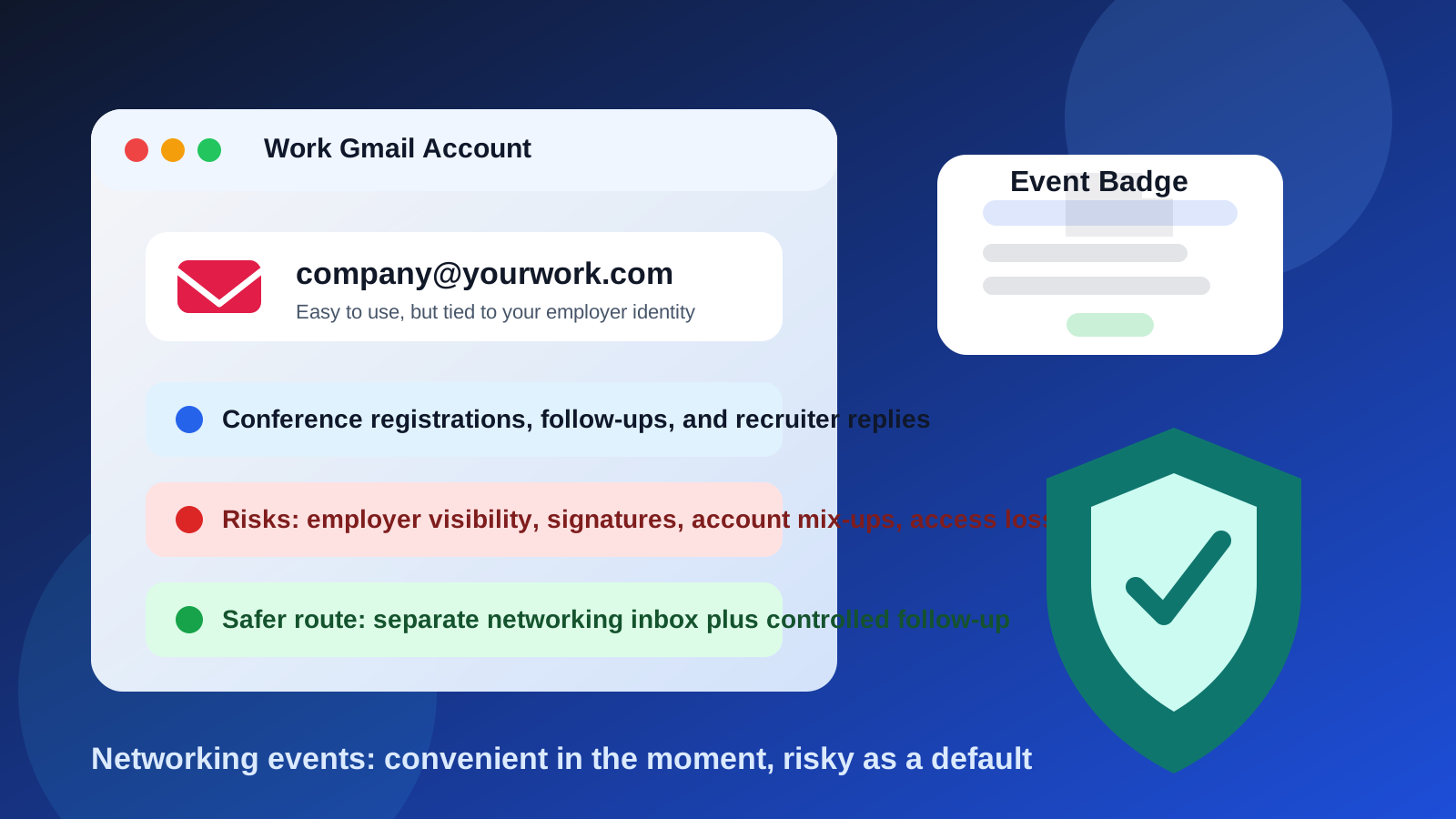
Using your work Gmail account for networking events is usually not the best default. It may be acceptable for employer-sponsored events or approved outreach, but for most personal networking it exposes more of your employer identity, account history, and long-term activity than you probably intend.
If you want the short answer to should you use your work Gmail account for networking events, it is this: use it only when the event clearly belongs to your job and your employer expects that account to represent you. For personal industry networking, conference signups, alumni mixers, and recruiter follow-up, a separate email account is usually safer and easier to control.
Why people use a work Gmail account in the first place
It is easy to see the appeal. Your work Gmail or Google Workspace inbox is already open, it probably looks professional, and it may already have your calendar, signature, and contacts connected. When you are registering for a conference, replying to a speaker, or following up with someone you met at a panel, using the account that is already in front of you can feel efficient.
There are also situations where it seems to add credibility. A company-branded domain can look more established than a new personal inbox, especially if you are attending an event in your current role. If the event is directly tied to your employer, that can be perfectly normal.
The problem is that convenience and professionalism are not the same thing as privacy or control. A work email account belongs to a wider work environment, and networking relationships often outlast a single job, a single employer, or a single conference.
The biggest privacy and practical risks
1. You may expose more employer context than you mean to
A work Gmail account does not just show your email address. It can signal your current employer, your department naming conventions, your domain, and sometimes your company’s technology stack or identity setup. That may be fine when you are intentionally representing your company, but less ideal when you are building personal relationships that you want to keep independent of your current employer.
It also makes it easier for every follow-up thread to stay anchored to your employer identity. If you later change jobs, those conversations may still point back to an account you no longer control.
2. Employer access and retention policies may matter
Different companies handle employee email differently, and you should not assume total privacy in a work-managed account. Administrators may manage retention, forwarding rules, security monitoring, legal holds, or account recovery. That does not mean someone is reading your networking emails one by one, but it does mean the account is not purely personal space.
If you are using work Gmail for private career exploration, side opportunities, or off-hours networking, that distinction matters.
3. It is easy to blur who you represent
At networking events, people often remember the context of the first message. If you follow up from a work Gmail address, some contacts will assume you are speaking on behalf of your employer, not just as an individual professional. That can create awkwardness if you were really trying to build a personal network, explore future roles, or keep your options open quietly.
4. Signatures, profile photos, and calendar details can leak more than you expect
Many work Gmail setups add automatic signatures, pronoun lines, booking links, legal disclaimers, office addresses, job titles, and even company logos. Those details are not always inappropriate, but they can reveal more than you want in casual networking follow-up.
The same goes for calendar sharing. If you book follow-up meetings through a work-managed scheduling flow, you may end up mixing employer calendar visibility with personal networking activity.
5. You can lose access later
Networking relationships are long-term by nature. If you switch jobs, get laid off, or change roles, you may lose access to the very inbox where those introductions and follow-up threads live. That is a weak foundation for ongoing professional relationships.
When using your work Gmail account may actually be fine
There are situations where using it makes sense.
- The event is explicitly employer-sponsored: for example, your company sent you to attend, recruit, sell, or partner.
- You are networking as part of your current role: such as business development, recruiting, partnerships, investor relations, or community management.
- Your employer expects official follow-up from your work address: especially after booth conversations, demos, or organized introductions.
- You are comfortable with the employer association: meaning you actively want those contacts to see you as representing your company.
In those cases, a work Gmail account is not a privacy mistake. It is simply the correct professional channel. The issue is using it by default for every networking event, including the ones that are really about your personal career, not your employer’s agenda.
When a separate inbox is the better choice
A separate inbox is usually better when:
- you are attending events for your own career growth
- you want to keep personal networking independent from your employer
- you may be exploring future opportunities quietly
- you do not want old contacts trapped inside an account you could lose
- you expect lots of event newsletters, sponsor follow-up, or recruiter outreach
This is where a dedicated personal networking inbox becomes much more practical. It can still look professional, but it belongs to you. You control the login, the recovery settings, the signature, the filters, and the long-term continuity.
What works better than a work Gmail account?
A dedicated networking email
For most people, the best replacement is a clean email account used specifically for networking, job-search follow-up, industry events, and recruiter conversations. It does not need to be fancy. It just needs to be stable, professional, and separate from both your personal clutter and your employer-managed tools.
A separate Gmail account can work well for this, as can another mainstream provider if you prefer it. The key is that the account belongs to you, not your company.
A custom-domain email, if networking is a long-term priority
If you attend a lot of conferences, speak at events, freelance, consult, or build a public professional profile, a custom-domain email can be worth it. It gives you long-term continuity and avoids tying your identity to whichever employer or free provider you happen to be using today.
Temporary email for low-trust event signups
Not every event-related form deserves your long-term networking inbox. Vendor booth raffles, sponsor downloads, one-off webinar registrations, and gated conference content can generate a lot of email that is more promotional than useful. For those cases, a temporary inbox can help you protect your main networking account from lead-gen clutter.
That is a natural place to use something like Anonibox. You can keep your real networking address focused on people and conversations that matter, while lower-trust registrations stay in a separate disposable lane.
How to set up a safer networking workflow
1. Use one stable email address for real follow-up
Choose the inbox you want to keep for years, not just for one event. That is the address you should put on your badge, share in follow-up, and use for meaningful professional conversations.
2. Create a separate browser profile for networking tasks
This helps prevent auto-fill mix-ups, wrong-account replies, and accidental sign-ins to work-managed services. It is especially helpful if you often switch between work and personal accounts.
3. Keep your signature simple
A networking signature does not need your full employer footer. Usually your name, role if relevant, LinkedIn or portfolio if appropriate, and a calm contact line are enough.
4. Separate calendars when the stakes are high
If you book many coffee chats, recruiter calls, or event follow-ups, consider using a separate calendar as well. That keeps personal networking from spilling into work scheduling systems.
5. Decide in advance what gets the temporary inbox
A useful rule is simple: people get your stable networking address; lead magnets and sketchy forms get the disposable one. That keeps your core inbox cleaner without making you hard to reach.
If you already used your work Gmail account at networking events
It is not a disaster. Most people do this at least once. The goal is just to clean it up before the habit spreads.
- Move future follow-up to a personal networking address when appropriate.
- Remove automatic company-heavy signatures from casual outreach.
- Stop using the work account for general event registrations that are not truly job-related.
- Save important contacts somewhere you control long term.
- Check whether filters, vacation responders, or forwarding settings could create awkward surprises.
If you need to switch an existing contact over, do it naturally. A short note like “Here is the best address for keeping in touch going forward” is enough.
Quick checklist before you use a work Gmail account at an event
- Am I attending on behalf of my employer, or for my own long-term network?
- Would I still want this contact thread if I left my current job next year?
- Does my work signature reveal more than I want?
- Will this event generate useful personal contacts, or mostly marketing email?
- Would a separate networking inbox give me more control with almost no downside?
If those questions make you hesitate, that hesitation is useful. It usually means a separate email address is the better default.
Final answer
So, should you use your work Gmail account for networking events? Usually no, not as your default. It is convenient, and it can be appropriate when you are clearly representing your employer, but it is a weak choice for personal networking because it ties long-term professional relationships to an employer-managed account.
A separate networking inbox gives you more privacy, more continuity, and better control over follow-up. Then, if you want even more protection from sponsor spam or one-off registrations, you can reserve tools like Anonibox for the low-trust pieces of the event funnel. That split keeps your real networking relationships reachable without letting every conference signup become permanent inbox baggage.