Usually no — you should not use your work laptop for job interviews if your employer owns, manages, or monitors that device.
A personal laptop, tablet, or phone you control is safer because interview links, meeting apps, browser traces, screen-share moments, and notifications can expose your job search more easily on employer hardware.
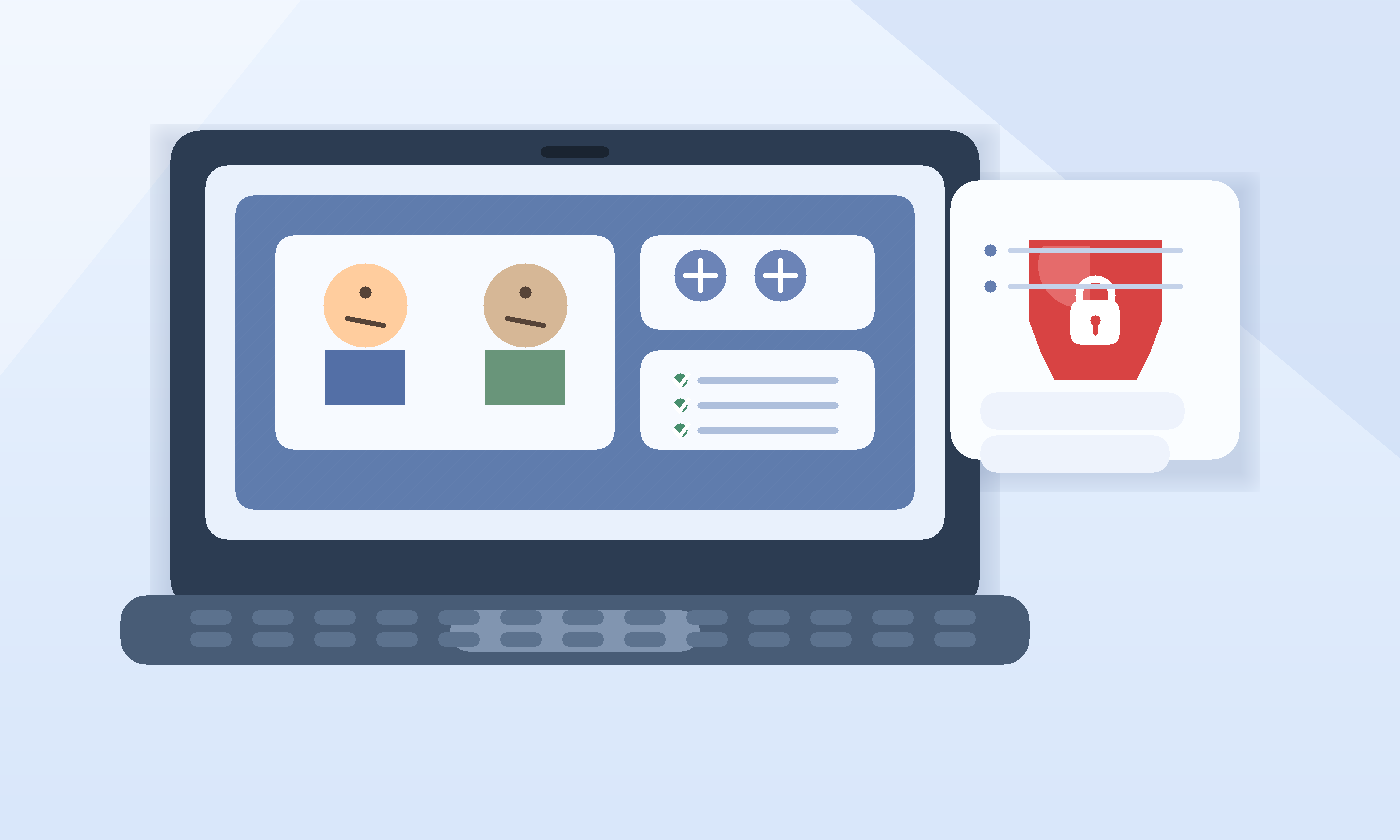
People tend to think about email privacy first when they start looking for another job. That makes sense, because recruiter emails are an obvious giveaway. But the device side of the interview process is just as important. Once you move past applications and into live conversations, your laptop can collect a surprisingly detailed trail: meeting links, downloaded take-home tasks, browser history, screen recordings, microphone permissions, chat notifications, and calendar reminders.
If that laptop belongs to your current employer, you are running sensitive career activity on a machine that is built for company oversight, not private life. That does not mean someone in IT is staring at your screen all day. It means the device may be logged, managed, backed up, filtered, or reviewed in ways you cannot fully see or control. For a confidential job search, that is usually enough reason to keep interviews off it.
Short answer: avoid it if you reasonably can
If you have a personal device available, use that instead. Interviews are more sensitive than ordinary job applications because they are live, time-sensitive, and harder to contain. A recruiter may send a same-day meeting link. A hiring manager may ask you to share your screen. A coordinator may email a case study, a background document, or a revised invite thirty minutes before the call. The more activity moves through the device, the more chances there are for traces and accidental exposure.
Why job interviews create more risk than job applications
A single application can be a one-time form submission. Interviews create an ongoing workflow. You may use the device to:
- open calendar invites and meeting links
- install or launch Zoom, Teams, Meet, or another platform
- download assignments, portfolio requests, or preparation documents
- research the company minutes before the interview
- message recruiters about reschedules
- review notes while sharing your screen or browser window
That combination of activity is exactly why work hardware is a bad fit. Even if every individual action seems harmless, the overall pattern can make your search easier to spot.
The biggest risks of using a work laptop for job interviews
1. Meeting apps can leave obvious traces
Interviewing often means clicking links that launch a video platform, opening desktop apps, or joining web meetings from a browser. On a managed laptop, those actions can show up in app logs, recent files, system notifications, browser history, or security tooling. A meeting titled with another company’s name is much more revealing than a generic web search.
Even if the device does not save everything forever, it can save enough to create a problem at the wrong moment.
2. Notifications can expose your search without anyone “monitoring” you
A lot of privacy leaks are mundane. A calendar reminder appears while you are presenting. A recruiter email preview pops up during a screen share. A meeting app flashes a notification with the company name on your lock screen. A coworker walks by while you have an interview waiting room open.
That is one reason the interview stage is riskier than the application stage. Interview details are easier to recognize instantly.
3. Screen sharing creates its own danger
Many interviews involve a demo, portfolio walkthrough, coding exercise, or presentation. If you share the wrong window from a work laptop, you might expose internal tabs, company bookmarks, corporate chat notifications, or confidential files. Just as importantly, you may feel awkward about what is visible on the machine because it is set up for your current employer, not your next conversation.
A personal device gives you more control over what is on screen, which browser profile is open, and what background apps might interrupt you.
4. Employer-managed tools can see more than you expect
Work laptops often run endpoint protection, web filters, remote-management agents, browser extensions, VPN software, or device compliance tools. These systems usually exist for legitimate security reasons. But their presence means your activity may be more visible, more persistent, or easier to reconstruct later than activity on a personal device.
You do not need proof of active surveillance to make the safer choice. The fact that the machine is managed at all is the main issue.
5. Browser history, downloads, and autofill can leave breadcrumbs
Interviews can involve more than a live call. You may download an assessment brief, upload a work sample, save a recruiter PDF, or open several company pages for preparation. Those actions can leave files in downloads folders, recent documents lists, browser history, autofill suggestions, or synced profiles.
If you ever hand the laptop to IT, share your screen with a coworker, or have to troubleshoot something in a hurry, those breadcrumbs can become visible fast.
6. Microphone, camera, and recording policies may not be under your control
Some work laptops have stricter security policies around cameras, microphones, browser permissions, or approved software. At best, that can make interviews clumsy. At worst, it can route you into corporate settings you do not fully understand. If the company records calls, captures diagnostics, or tightly controls apps, that is another reason not to mix interview conversations with employer hardware.
Even when no recording is happening, simply relying on a locked-down device can make a live interview more stressful than it needs to be.
7. You can lose access at the wrong time
Interview processes often stretch across weeks. If your job changes suddenly, your laptop gets reimaged, or access to the device is interrupted, you could lose saved notes, meeting links, downloaded briefs, or other context tied to the interview process. That is exactly the opposite of what you want while trying to stay organized and responsive.
Does private browsing solve the problem?
Not really. Incognito mode can reduce some local browser history, but it does not turn a work laptop into a private laptop. It does not stop network logs, endpoint monitoring, security extensions, downloaded files, notification previews, or meeting app traces. Private browsing is useful for reducing clutter. It is not a confidentiality shield on employer-owned hardware.
What about using the work laptop at home or after hours?
That helps less than many people assume. The main issue is not where you are sitting. It is who owns and manages the device. A work laptop used on your couch is still a work laptop. If it is enrolled in company management, connected to employer accounts, or configured with corporate software, the privacy risk remains.
When might it be acceptable?
There are a few edge cases where the answer is less strict:
- you personally own the laptop and only use it for work informally
- the device is not managed by an employer in any meaningful way
- you are in a one-off emergency and it is the only device available for a single call
Even then, it is better to treat that as a temporary exception rather than your standard setup for interviews.
Better alternatives
Use a personal laptop or tablet
A personal device you control is the simplest answer. You control the browser, the meeting apps, the notifications, and the files. You also avoid mixing interview activity with your current employer’s systems.
Use a separate browser profile
Even on a personal device, a dedicated browser profile for job searching is useful. It keeps bookmarks, recruiter messages, calendar links, and downloads organized in one place. It also reduces the chance that you accidentally show unrelated tabs or accounts during an interview.
Keep interview communication on personal tools
A private interview setup works best when the laptop, inbox, calendar, and phone all match. The live site already covers why work email, work phone, and work calendar can create problems during a search. The same pattern applies here: the more employer-owned tools you remove from the process, the cleaner your privacy boundary becomes.
Use temporary email only where it actually fits
A temporary inbox can still help in the early, noisy part of job searching. For job-board signups, webinar registrations, résumé-tool trials, or low-trust portals, a service like Anonibox can reduce long-term inbox spam. But once a real employer is actively interviewing you, stability matters more than disposability. Serious interview communication should move to a dependable personal email you can monitor for weeks or months.
If you already used your work laptop, what should you do now?
You do not need to panic, but you should tighten things up.
- Move future interviews to a personal device.
- Log out of recruiter portals and job boards on the work laptop.
- Delete local copies of interview files if policy allows and you no longer need them there.
- Turn off browser or desktop notifications tied to interview accounts.
- Save important meeting details in your personal setup so nothing stays trapped on the work machine.
The goal is not to erase every trace perfectly. On a managed device, that may not be possible. The goal is to stop adding new exposure and move the process onto tools you control.
Quick decision checklist
- Who owns this laptop?
- Could company software log, filter, or retain my activity?
- Would a recruiter notification be awkward if it popped up right now?
- Am I likely to share my screen or download interview materials?
- Do I already have a personal device that would solve this more safely?
If those questions make you hesitate, that hesitation is useful. It usually means the work laptop is the wrong place for interview activity.
Final answer
Usually no — you should not use your work laptop for job interviews. The risk is not only formal monitoring. It is also browser traces, meeting-app logs, notification leaks, screen-share mistakes, employer-managed software, and the simple fact that the device is not really yours.
A personal laptop, tablet, or phone is usually the better choice. Pair it with a personal email, personal calendar, and a separate job-search workflow where needed. That gives you more privacy, fewer surprises, and a cleaner boundary between your current employer and your next opportunity.