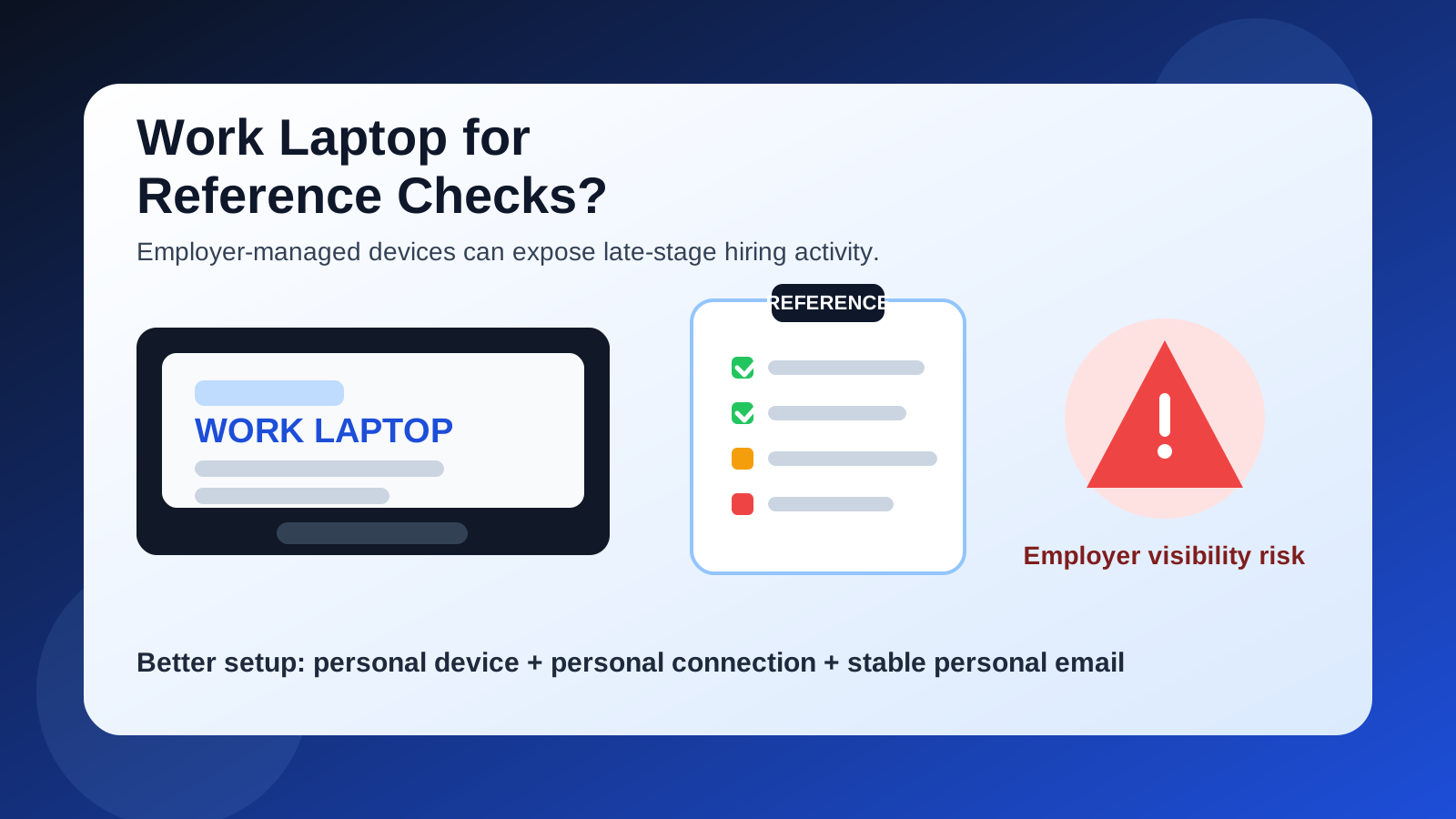
Usually no. A work laptop is rarely the right device for reference checks because employer-managed browsers, downloads, and security tools can expose late-stage job-search activity you would rather keep private.
A personal laptop, phone, or tablet on a personal connection is usually the safer choice, especially once references, scheduling emails, and verification forms are involved.
Why this question matters
Reference checks tend to happen near the end of the hiring process. By that point, the opportunity is no longer hypothetical. A company may already have interviewed you, narrowed the field, and started validating your professional background through direct outreach, a form, or a third-party platform. That makes the communication more sensitive than an early application or a casual recruiter email.
At this stage, the issue is not only whether you respond on time. It is also how much of the process ends up visible on systems you do not control. A work laptop may feel convenient because it is open in front of you all day, but convenience is not the same as privacy. When reference checks begin, you are dealing with real names, contact details, reminder emails, and sometimes forms that reveal exactly how far you have progressed with another employer.
Short answer: usually no
In most situations, you should not use your work laptop for reference checks. Even if the messages themselves seem harmless, the device may be managed, logged, backed up, or monitored in ways that make a confidential job search less confidential. That risk is usually unnecessary because better alternatives exist.
If you want the simplest rule, use a personal device you control, a personal connection you trust, and an email account you can keep checking throughout the rest of the hiring process.
Why people end up using a work laptop anyway
The temptation is understandable:
- It is already open. If you are working full time, the easiest screen to use during the day is often the one in front of you.
- You can respond quickly. Reference requests and follow-up emails sometimes feel urgent, especially if you are trying to keep momentum.
- It feels more productive. Typing a form or replying to a detailed message may seem easier on a laptop than on a phone.
- You may think the risk is low. People often assume that if they are not using their work email, the device no longer matters very much.
That last assumption is the most dangerous one. A work email is not the only employer-controlled piece of the setup. The laptop itself can create its own privacy and access problems.
The biggest risks of using your work laptop for reference checks
1. Employer-managed browsers and histories
Many work laptops are configured with browsers that save history, autofill entries, downloads, and sign-in state in ways you do not fully control. Even if nobody is actively reading your browsing history line by line, the machine is still part of an employer-managed environment. That can leave traces of reference-check portals, scheduling links, form pages, and attached documents.
Reference checks are especially awkward here because the pages often include obvious context. A subject line or tab title can make it clear that an employer is validating your candidacy, not just sending a generic recruiting message.
2. Device management and monitoring tools
Work laptops may include endpoint management, web filtering, security monitoring, DLP controls, remote support agents, or browser policies that exist for legitimate company-security reasons. The point is not that every company is spying on every employee. The point is that the device is not a private personal space.
If your job search matters to you, it makes little sense to run late-stage hiring activity through a machine designed to be governed by someone else’s policies.
3. Downloads and saved files
Reference checks often create documents even when the process seems simple. You may download a PDF, open a questionnaire, save an email attachment, or keep a screenshot of instructions you want to send to a reference. On a work laptop, those files can end up in managed folders, synced storage, device backups, recent-file lists, or security scans.
That increases the chance that job-search material remains on the machine longer than you intended.
4. Account mix-ups and autofill mistakes
Employer devices often stay signed into work browsers, work calendars, work chat tools, and other business accounts all day. That raises the odds of messy mistakes: opening the wrong browser profile, sending a follow-up from the wrong inbox, pasting the wrong signature, or accidentally saving a job-search contact into a work-controlled environment.
Reference checks are not the stage where you want a sloppy account mix-up. The process may involve your references directly, and confusion can make you look disorganized at exactly the wrong time.
5. You may lose access at the wrong moment
Even without a dramatic job exit, employer devices are not guaranteed to stay available on your terms. There can be resets, travel restrictions, OS prompts, device replacements, policy changes, or situations where you simply cannot use the machine privately. If your reference-check workflow depends on a device you do not own, you are building avoidable fragility into an important stage of the hiring process.
Why reference checks are more sensitive than earlier job-search steps
People sometimes accept a little risk during early exploration. They may use a separate inbox for job boards, click through recruiter messages quickly, or skim opportunities during a lunch break. Reference checks are different. The process is usually narrower, more specific, and closer to a decision.
At that point, the messages can contain:
- the names of hiring managers or reference-check vendors,
- instructions for contacting your references,
- timelines that reveal how advanced the process is,
- forms tied to your employment history, and
- follow-up reminders that create a visible trail over several days.
That is exactly why a work laptop is a bad fit. Late-stage hiring communications deserve a setup built for privacy and continuity, not one built for employer oversight and enterprise support.
What if you use your personal email on the work laptop?
That is better than using your work email, but it still does not solve the core device problem. A personal inbox opened on a work laptop is still being accessed through a machine governed by employer settings, monitoring tools, browser policies, and local storage you do not control.
In other words, switching the account helps, but it does not make the device private. The most reliable fix is changing the device, not just the inbox.
When it might be acceptable
There are a few edge cases where using a work laptop is less problematic than usual:
- You are self-employed and the “work laptop” is actually your own machine that you fully administer.
- You are handling an internal move inside the same organization and the process is expected to run through company systems.
- You opened something by accident and are immediately moving the conversation to a personal device you control.
Outside of cases like those, it is usually better to avoid employer hardware altogether for reference checks.
Better alternatives than a work laptop
A personal laptop is usually the best option
A personal laptop gives you a full keyboard, a real browser, easier file handling, and much more control over where messages, downloads, and logins live. If you expect forms, attachments, or repeated follow-up, this is usually the cleanest setup.
A personal phone works for urgent replies
If something time-sensitive lands during the workday, a personal phone is usually safer than a work laptop. You can read the message, confirm receipt, and handle the minimum necessary step without pulling employer hardware into the process. If the task is more involved, you can finish it later on your personal computer.
A personal tablet can be a reasonable middle ground
For some people, a tablet is enough for reading instructions, opening forms, and replying to short follow-ups. It may not be ideal for everything, but it is still usually better than using a work-issued laptop.
A practical reference-check workflow that protects your privacy
- Use a stable personal email for serious hiring stages. If you used a temporary inbox earlier to cut down on spam, move to a long-term address before references are contacted.
- Handle reference-check messages on a personal device. Keep the entire thread off employer hardware if you can.
- Use a personal connection. Home internet or mobile data is usually better than office Wi‑Fi.
- Create a clean folder or label. Keep the employer, vendor, and reference instructions together so nothing gets missed.
- Warn your references what to expect. A short note helps them recognize the request and reply on time.
This is where Anonibox fits naturally: it can be helpful earlier in the funnel when you want to limit spam and protect your main inbox, but reference checks are usually the moment to switch from disposable convenience to stable communication you can reliably monitor.
What not to do on a work laptop during reference checks
- Do not download reference forms and leave them in default folders.
- Do not stay signed into job-search mail in a work browser profile.
- Do not save passwords for hiring portals on employer hardware.
- Do not copy reference contact details into employer-managed notes or address books.
- Do not assume private browsing mode solves device-management visibility.
Private browsing can reduce local convenience traces for the next person using the browser, but it does not turn a managed work device into a private personal one.
What if you already used a work laptop?
If you already opened reference-check emails or forms on a work laptop, do not panic. One imperfect choice does not ruin the process. The smart move is to switch now instead of continuing there.
Move future messages to a personal device, sign out of any personal accounts you opened on the work machine, and avoid downloading any more job-search material there. If needed, send a simple note asking the employer or screening vendor to use the personal address you are monitoring going forward.
Quick checklist before you handle a reference check
- Do I personally own and control this device?
- Would I be comfortable if the browser history, downloads, or open tabs were visible later?
- Could this device be managed, monitored, or backed up by my employer?
- Am I about to open attachments, forms, or reference instructions that reveal late-stage hiring activity?
- Can I wait and complete this on a personal device instead?
If those questions make you pause, that pause is probably justified.
Final answer
Usually no. You generally should not use your work laptop for reference checks because the device can expose browsing history, stored files, account mix-ups, and employer-managed telemetry you do not control.
The safer approach is simple: use a personal device, a personal connection, and an inbox you can keep checking until the hiring process is complete. That gives you more privacy, fewer messy mistakes, and better control over a stage that can directly affect whether the offer moves forward.