Usually no. If you want a confidential job search, using your work VPN for job referrals is a bad default because the connection still runs through employer-controlled systems that may log domains, timing, and traffic patterns.
Your own device on your own network is usually safer. A work VPN may protect traffic on untrusted networks, but it is not designed to keep referral outreach private from the company that operates it.
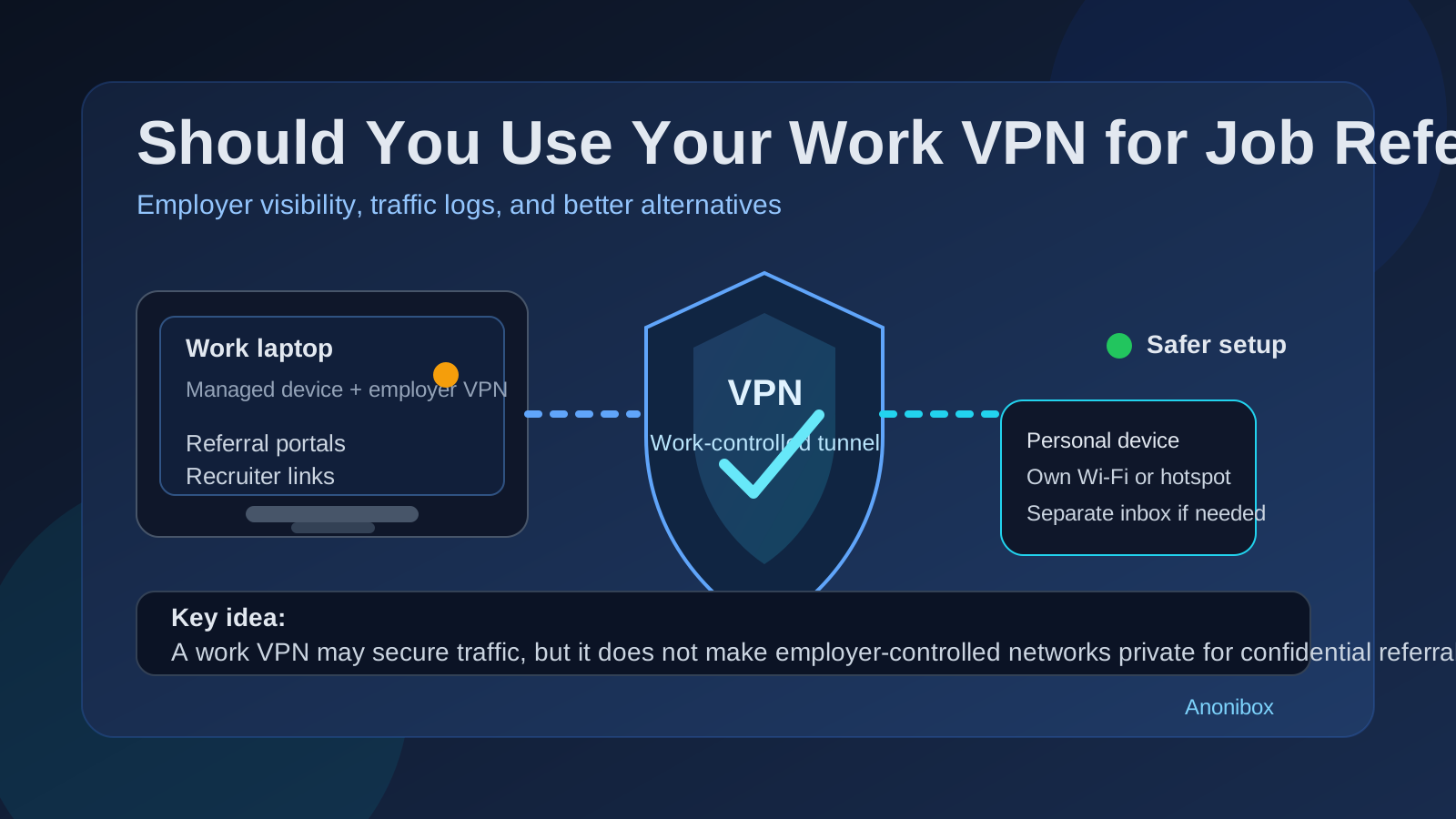
People hear the word “VPN” and assume it automatically means privacy. That is only half true. A VPN can hide traffic from some outside observers, but privacy depends on who controls the tunnel. When the VPN belongs to your employer, the goal is usually security, compliance, and operational visibility for company activity — not confidential career exploration.
That distinction matters during job referrals. Referral activity often involves recruiter messages, employee introduction emails, application links, internal referral portals, résumé uploads, scheduling pages, and repeated visits to the same hiring systems. Even if nobody is staring at your traffic in real time, that pattern can still become more visible than most people realize.
Why job referrals create a different privacy risk
A job referral is not the same as casually reading a career article. It usually creates a chain of actions that are easier to recognize:
- asking a contact to refer you for a role
- opening a recruiter or employee referral link
- logging into a candidate portal
- uploading a résumé or portfolio
- checking follow-up messages and scheduling links
- returning to the same employer or ATS several times
Those steps form a pattern. On a work VPN, that pattern may leave destination clues, time-based clues, and identity tie-ins that simply do not exist to the same degree when you use a personal device on your own connection.
What a work VPN may reveal during job referrals
1. Destination domains and category data
Even when page contents are encrypted, employer network tools may still see destination domains, DNS lookups, security-category matches, or web-filter events. If you open pages from job boards, applicant tracking systems, recruiting software, competitor careers sites, or scheduling platforms, that activity may be easier to classify as job-search behavior than you expect.
2. Timing patterns that look different from normal work
One quick page view is one thing. A long sequence of opening a referral email, visiting a candidate portal, uploading documents, and returning later for updates is another. VPN logs and related security tools can create a timeline that makes the activity more obvious in context, especially if it happens during the workday.
3. Identity association
Many work VPNs are tied to your employee identity, device certificate, or managed login. That does not automatically mean someone sees the exact contents of every page, but it does mean the connection is easier to associate with you than browsing from your personal network.
4. Competitor or recruiter visibility signals
If the referral involves a competitor, a client, or a vendor, even limited domain-level visibility can feel more sensitive. Repeated visits to a recognizable careers domain may be more revealing than generic browsing.
5. Stacked exposure when you also use work hardware
The VPN is usually not the only issue. If you are also on a company laptop, managed browser, corporate profile, or endpoint-monitored device, the risk stacks up. Browser history, sync behavior, notifications, saved logins, file downloads, and device telemetry can all add context around the same activity.
Does a work VPN make referrals safer on public Wi-Fi?
It can make the connection itself safer from random people on the same public network, but that is not the same as making your referral activity private overall. You are trading one type of exposure for another. Instead of letting a café or airport network sit in the middle, you are routing the traffic through employer-controlled infrastructure.
If you need a safer connection away from home, a personal hotspot or your own mobile data is usually a cleaner option for private job-search activity.
When the risk is highest
- You are using a company laptop: work device plus work VPN is the weakest setup for confidential referrals.
- The VPN is always on: some managed systems route most traffic through the company whether you intended that or not.
- You are contacting recruiters during work hours: the timing makes the activity easier to interpret.
- You are visiting the same hiring systems repeatedly: repeated sessions form a clearer job-search pattern.
- The referral involves a competitor, client, or partner: overlap makes the exposure more sensitive.
- You are uploading files: résumés, cover letters, and portfolios can trigger more metadata than a simple page visit.
Is it ever okay to use your work VPN for job referrals?
If you are only reading a public article about interview tips, the privacy stakes are lower. But for actual referral activity — opening a referral link, sending application materials, signing into a candidate portal, or replying to a recruiter — using your work VPN is still a poor default.
In other words, there is a difference between career-related reading and career-moving action. The first may be low-risk. The second is the part you should move off employer-controlled infrastructure whenever possible.
Better alternatives
Use your own network
Home internet is usually the simplest choice. If you are away from home, mobile data or a personal hotspot is often better than office Wi-Fi, public Wi-Fi, or a company VPN.
Use your own device
A personal laptop or phone avoids a lot of the overlap that comes with managed devices. Even a short referral follow-up on your personal phone is usually safer than doing it from a company laptop on the corporate network path.
Separate your browser profile
A clean browser profile helps you avoid accidental use of work accounts, autofill data, synced history, and saved sessions. That reduces the chance of opening the wrong inbox, exposing company contacts, or mixing job-search activity with work browsing.
Separate the inbox when it makes sense
Network privacy and inbox privacy are different problems, but they often show up together. If you are testing low-trust job boards, joining alerts, or opening one-off referral-related portals, a separate email workflow can keep your main inbox cleaner. Some people use Anonibox for early-stage signups, alerts, or verification flows they do not want mixed into a long-term address. For serious recruiter conversations and interviews, use an email account you control and check reliably.
Keep your schedule separate too
If referrals are turning into screening calls and interviews, use a personal or separate calendar rather than anything linked to work systems. Calendar invites can reveal as much as email threads when you are trying to keep a search quiet.
What if a colleague sends a referral link to your work inbox?
That can happen, especially if a contact only knows your current work address. The safest move is to shift the process quickly but calmly. Forward the details to a personal account you control, or ask the person to resend the link there if appropriate. Then continue on your own device and network.
The goal is not perfection. The goal is to stop adding more exposure once you notice the situation.
What if you already used your work VPN?
Do not panic. One click does not automatically mean someone was watching or that your employer now knows the full story. It simply means you used a less-private path than you should have. The practical next step is to change course:
- finish the rest of the referral process on your personal device and network
- avoid logging into candidate portals from work systems again
- move recruiter communication to personal channels you control
- save any important messages or links outside work-managed accounts
A quick checklist before you handle a referral
- Am I on a personal device?
- Am I using my own Wi-Fi or mobile data rather than employer infrastructure?
- Am I opening this referral from a personal or separate browser profile?
- Will this action involve a résumé upload, candidate login, or recruiter reply?
- Do I need a cleaner inbox for early-stage messages or alerts?
If the answer to the first three questions is no, it is worth pausing and switching setups before you continue.
Final answer
Usually no. A work VPN can protect traffic from insecure networks, but it does not make confidential job referrals private from the employer that runs the VPN. If you want to keep referral outreach discreet, use your own device, your own connection, and your own communication channels whenever possible.
That setup is not about paranoia. It is just cleaner operational privacy. You avoid unnecessary employer visibility, reduce account mix-ups, and keep a normal career move from leaving a trail in systems that were never designed to protect it.