Usually no. If the Wi‑Fi belongs to your current employer, background checks can leave network traces you do not control, even when you use your own phone or laptop.
A personal connection such as home internet or mobile data is usually the safer choice. Background checks often involve consent forms, portal logins, identity details, and follow-up documents, so privacy matters more here than it does during a casual early application.
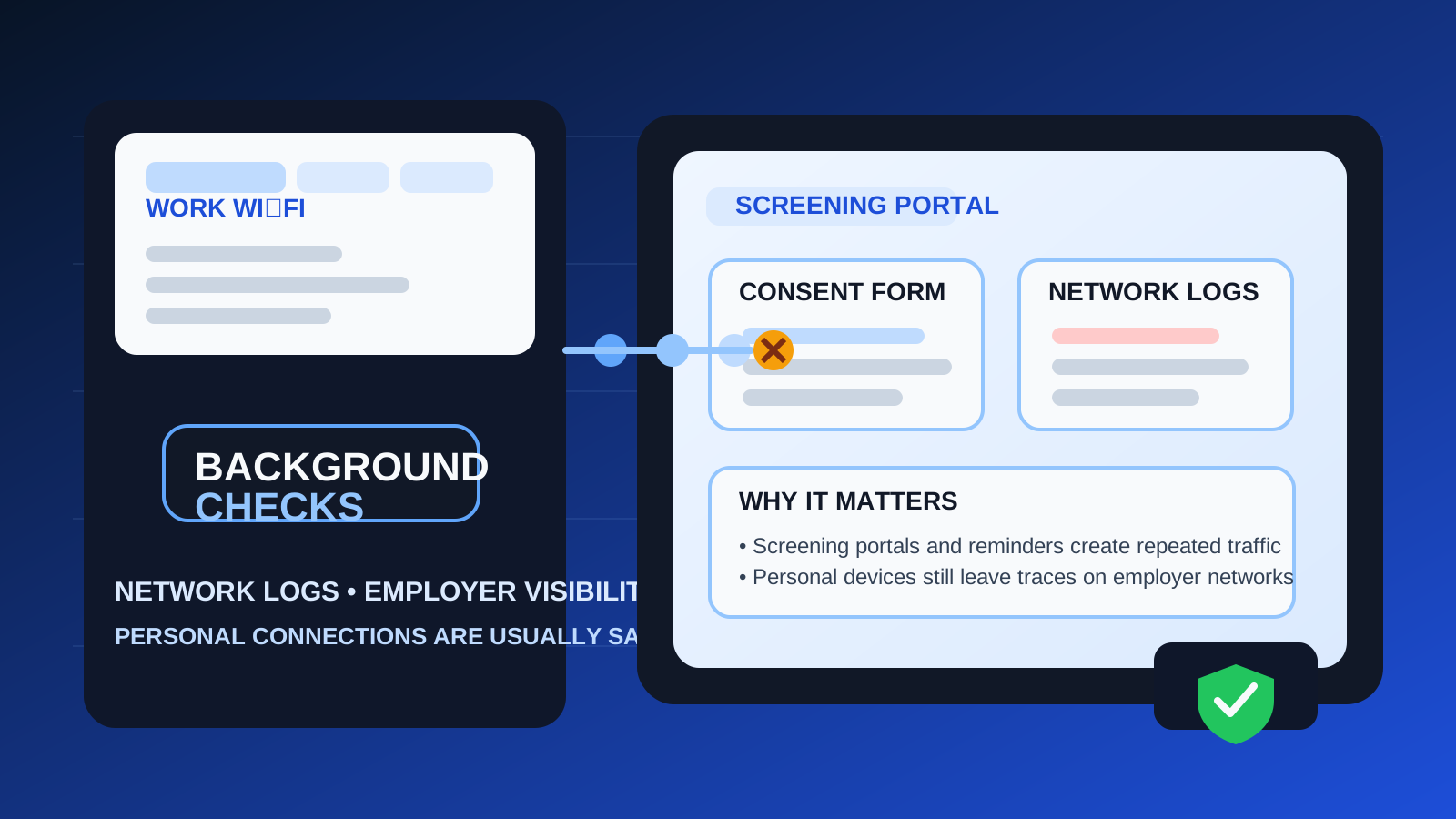
People often think about privacy in terms of the obvious stuff: whether to use a work email, whether to give out a personal number, or whether a recruiter message should stay off a company laptop. Those questions matter. But the network matters too, and it is easy to ignore because Wi‑Fi feels invisible. You join the network, the page loads, and nothing looks obviously risky.
That can be misleading. A background-check process may involve vendor portals, verification links, downloaded forms, address-history questions, document uploads, and time-sensitive follow-up. If all of that moves across an employer-owned network, some parts of the activity can become visible through normal logs, filtering systems, VPN telemetry, or device-association records. That does not mean someone is sitting there reading your forms line by line. It means the infrastructure is not yours, and the privacy trade-off is worse than many people assume.
Why this question matters more at the background-check stage
Background checks are different from browsing a public careers page or glancing at a job board listing. By the time a background check starts, the process is usually more sensitive and more structured. You may be dealing with a screening vendor, a secure portal, consent disclosures, identity-verification steps, employment-history corrections, or requests to re-open documents later.
That means two things at once. First, the information involved can be more personal. Second, the workflow often creates more repeated traffic than a one-time application page. You might open the same screening portal several times, click reminder emails, download PDFs, or upload supporting documents. Patterns like that matter because privacy risk is not always about one dramatic leak. Sometimes it is about a trail of small signals on systems you do not control.
Work Wi‑Fi and work laptops are related, but not the same risk
A work laptop is risky because the device itself may be managed, monitored, backed up, or synced. Work Wi‑Fi is a separate problem. Even on your own phone or your own personal laptop, the network can still reveal destination domains, timing patterns, security-filter categories, or connection records that point to private job-search activity.
That distinction catches people off guard. They think, “I used my personal device, so I am fine.” A personal device is better than company hardware, but it does not make an employer-owned network private. If the network belongs to your employer, the connection still passes through infrastructure built for company security and operations, not for protecting your confidential career transition.
What employer Wi‑Fi can reveal during background checks
1. Destination clues and domain lookups
Even when websites use HTTPS, employer networks may still be able to see some information about where traffic is going. That can include domain lookups, destination hosts, web-filter categories, or security telemetry tied to the request. The network does not need to read every form field to notice repeated visits to a known screening vendor, identity-verification portal, or background-check platform.
2. Timing and repeated activity patterns
One quick page visit might not say much. Repeated traffic over several days is different. If you open the same portal during work hours, return to it after reminder emails, or revisit it after HR follow-up, the pattern becomes more obvious. A lot of privacy exposure comes from correlation rather than deep inspection.
3. Employee or device association
Many workplace Wi‑Fi systems do not behave like anonymous coffee-shop internet. Access may be tied to an employee login, a certificate, a registered device, a badge-linked guest flow, or another authentication layer. That can make network activity easier to connect to a specific person than people realize. Even if the page contents stay encrypted, the fact that your device accessed a screening vendor can still be part of a log.
4. Upload and portal metadata
Background checks often involve documents, consent forms, and portal interactions. Depending on the network environment, there may be logging around file-transfer patterns, blocked uploads, secure-web-gateway events, or unusual traffic to domains that do not fit normal work activity. Again, this does not mean the employer sees every private detail. It means you are adding sensitive career activity to an environment designed to observe and manage traffic.
5. Ordinary troubleshooting visibility
Not all exposure comes from intentional monitoring. Sometimes it comes from routine IT work: diagnosing a connection issue, reviewing alerts, checking filtered categories, or investigating unusual traffic. If your background-check activity becomes part of that routine operational picture, your confidential search may be less confidential than you intended.
Does HTTPS make background checks on work Wi‑Fi safe enough?
HTTPS is good and important. It helps protect the contents of pages and forms in transit. But it does not turn employer Wi‑Fi into a private channel. Encryption reduces what someone can casually read. It does not remove metadata, access records, device association, or the broader fact that the traffic crossed someone else’s network.
In practical terms, HTTPS does not mean:
- your employer cannot infer which services or domains you visited,
- your traffic leaves no operational logs,
- your network use cannot be tied to your device or account, or
- a secure web gateway or DNS filter cannot flag the activity.
So yes, HTTPS helps. No, it is not enough to make employer Wi‑Fi the right place for a background-check workflow.
What if you use your own phone on work Wi‑Fi?
This is one of the most common bad assumptions. Using your personal phone avoids some of the device-side risks of a company laptop, but it does not solve the network-side risk. If the Wi‑Fi still belongs to your employer, the connection still moves through employer infrastructure. If the network requires your employee credentials, a device registration, or a managed access profile, the link between you and the traffic may actually be clearer than you expect.
If you need to handle a quick reminder or portal link while away from home, your personal phone on mobile data is usually a much better option than your personal phone on employer Wi‑Fi. It keeps the sensitive step off workplace infrastructure entirely.
What about office guest Wi‑Fi or a work VPN?
A guest network can be lower risk than the main employee network, but “lower risk” is not the same as “private.” Some guest networks still collect names, phone numbers, device details, access times, or browsing metadata. Others route through the same filtering and logging stack as the main network. Unless you know exactly how it is configured, it is smart to treat office guest Wi‑Fi cautiously.
A work VPN generally does not improve the privacy picture. If anything, it can make the path even more clearly part of employer infrastructure. If your current device or browser is routed through a company VPN, that is usually a good sign to pause and move the task somewhere more private before you continue.
Why background checks are more sensitive than early-stage job browsing
Early in a search, people sometimes accept a little mess. They may test job boards, sign up for a webinar, or click around low-stakes listings while deciding whether an opportunity is serious. Background checks are not that stage. By then, the process often involves deadlines, identity-related forms, and follow-up that can affect an offer or start date.
That is why a stronger setup makes sense here: a stable personal inbox, a personal device, and a personal connection. If you used Anonibox or another separate inbox strategy to reduce recruiter spam earlier in the funnel, that privacy instinct is still useful. But at the background-check stage, continuity matters more than disposability. The best setup is usually a reliable personal email plus a personal network you control.
Better alternatives than work Wi‑Fi
Home internet is usually the best default
Home internet paired with a personal device gives you the best mix of privacy, continuity, and practicality. You can open the same portal again later, download forms, save reminders, and revisit messages without dragging employer systems into the process.
Mobile data or a personal hotspot is good for urgent steps
If a reminder arrives during the day and you need to take action quickly, mobile data is usually the cleanest workaround. It is especially useful for opening time-sensitive portal links, checking deadlines, or reading follow-up without touching office infrastructure.
A dedicated browser profile on your personal device can help
This does not change the network, but it improves overall privacy hygiene. A separate browser profile for hiring activity keeps portal logins, bookmarks, downloads, and autofill cleaner. That matters when background-check steps stretch across several days.
Use an inbox you can keep checking
Background checks often generate follow-up. Use an email address you control and will keep monitoring until the role is final. If Anonibox fits your earlier low-stakes signups, use it naturally where it helps, but do not let a short-lived inbox become the weak point in a stage that depends on continuity and document access.
If you absolutely must use work Wi‑Fi
Sometimes people are traveling, away from home, or facing a same-day deadline. If you have no realistic alternative, think in terms of minimizing exposure rather than creating perfect privacy.
- Avoid document-heavy steps if they can wait until you are on a personal connection.
- Do not save passwords in a company-managed browser or browser profile.
- Avoid downloading sensitive files unless the step absolutely requires it.
- Sign out of portals when you finish.
- Move later follow-up back to home internet or mobile data as soon as possible.
- Do not combine work Wi‑Fi with a work laptop if you can avoid it.
Those steps can reduce casual exposure, but they do not change the core problem: the network still is not yours.
Quick decision checklist
- Who owns this Wi‑Fi network?
- Is access tied to my employee account, badge, or registered device?
- Am I about to open a screening portal, upload a document, or review identity-related forms?
- Would I be comfortable if repeated visits to this service showed up in logs later?
- Can I wait and use home internet or mobile data instead?
If those questions make you hesitate, that hesitation is useful. Background-check privacy is not only about what the screening company sees. It is also about whose infrastructure carries the process.
Final answer
Usually no. You generally should not use your work Wi‑Fi for background checks if the network belongs to your current employer. Even on a personal phone or laptop, the connection can still expose destination clues, timing patterns, and network records you do not control.
A personal connection is usually the better choice. For a background-check stage that may involve consent forms, portal logins, and sensitive follow-up, the safer setup is simple: personal device, personal network, and an inbox you can reliably keep checking.