Should you use Zoho Mail for job applications? Yes — a personal or separate Zoho Mail address can work well if it looks professional, stays active, and is not tied to your current employer.
The bigger risk is not the Zoho Mail brand itself. It is using a work-managed Zoho inbox, a custom-domain address your employer can see, or any mailbox you will not keep checking through interviews and follow-up.
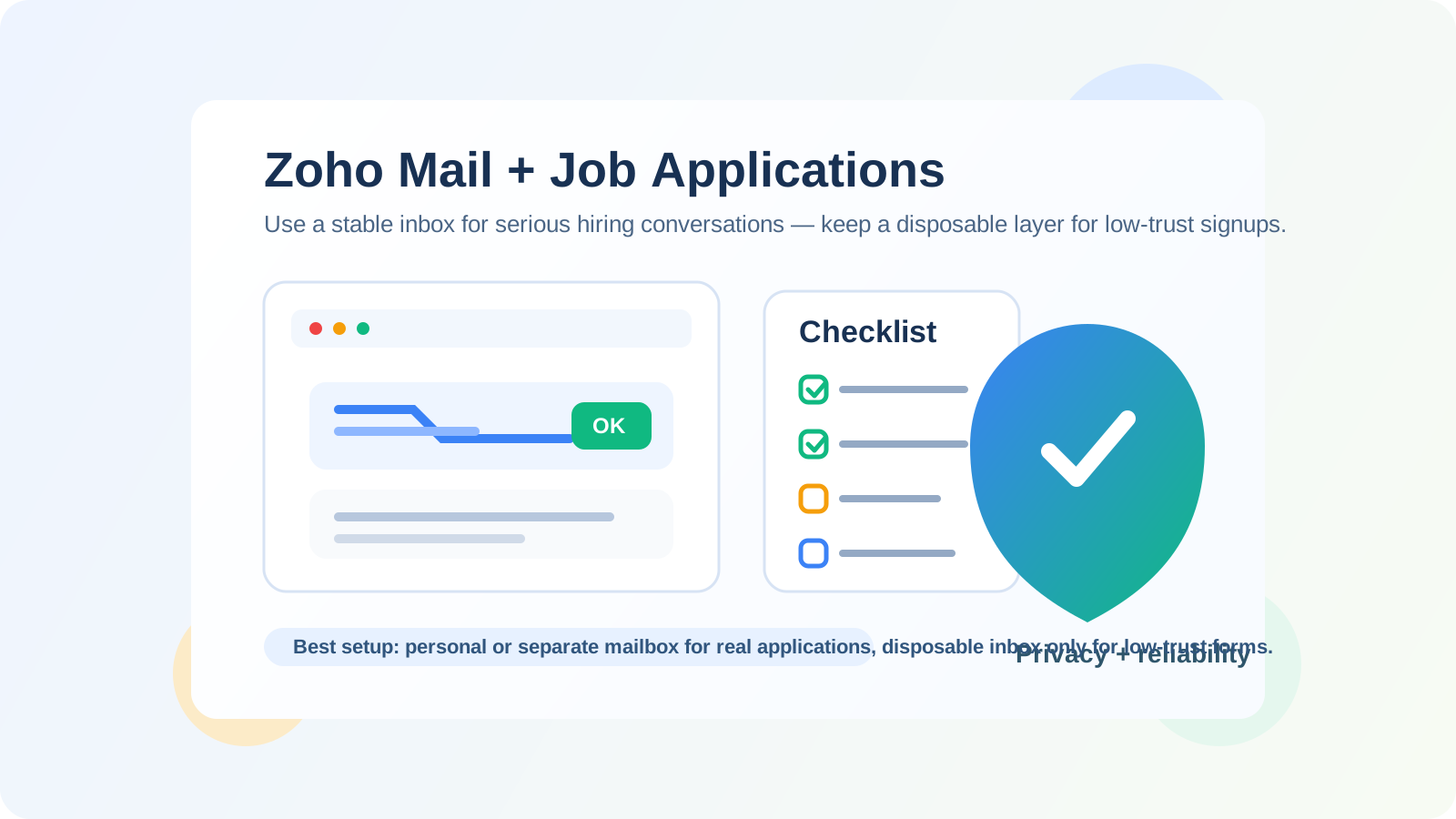
That distinction matters because Zoho Mail sits in an unusual middle ground. For some people it is a clean personal inbox they chose for privacy, organization, or less clutter than mainstream consumer providers. For others it is a work mailbox connected to a custom domain, company admin controls, and shared business tools. Recruiters will usually just see an email address, but the privacy and reliability consequences for you can be very different depending on which version you are using.
So if you are wondering whether Zoho Mail is acceptable for job applications, the honest answer is: usually yes, if you control the account and plan to keep using it. A stable personal Zoho inbox can look perfectly fine. A current-employer Zoho mailbox is a very different story and is usually a bad idea. And if you are signing up for low-trust job boards, résumé downloads, or recruiter forms that feel noisy, a disposable layer from a service like Anonibox can still make sense before you move serious conversations to a long-term inbox.
Does Zoho Mail look professional to employers?
Usually, yes. Most recruiters care much more about whether your address is readable, stable, and professional than whether it ends in a mainstream domain like @gmail.com or something less common. If your address is straightforward — for example, a clean variation of your name — Zoho Mail is unlikely to hurt you.
What employers notice faster than the provider is the overall signal. An address like firstname.lastname@zohomail.com or a simple custom-domain inbox you personally own can look organized and intentional. An address full of random numbers, old jokes, or leftover hobby branding can look sloppy regardless of provider.
In other words, Zoho Mail is not a red flag by itself. The real questions are whether the inbox feels credible, whether you can receive messages reliably, and whether the account belongs to you rather than your current workplace.
When Zoho Mail is a good choice for job applications
Zoho Mail can be a strong job-search option in several situations:
- You want a clean inbox dedicated to your search. A separate Zoho address can keep recruiter messages, assessments, and interview scheduling away from your everyday personal clutter.
- You prefer more control and separation. People often choose Zoho Mail because they want a tidier setup, custom-domain options, or a more deliberate account structure.
- You will keep monitoring the address. Job applications can produce follow-up weeks later, so a stable inbox matters more than a trendy provider.
- Your address looks professional. A clear name-based address helps recruiters trust that the inbox is real and managed.
If those points describe your setup, Zoho Mail is usually perfectly workable for job applications. In fact, being more organized than the average applicant can help you respond faster and miss fewer interview emails.
When Zoho Mail is the wrong choice
The provider becomes risky when the account is not truly yours or when it creates visibility you do not want.
1. It is your current employer’s Zoho mailbox
If your company uses Zoho Mail for work, do not use that address for outside applications. Your employer may control retention, access, forwarding, device policies, or account shutdown. Even if no one is actively monitoring you, the mailbox still belongs to the company, not to your private job search.
That creates several problems at once: your search may be more visible than you expect, you could lose access if you leave suddenly, and important follow-up messages might remain in systems you do not control.
2. It is a custom-domain inbox tied to your current role
A custom domain can look polished, but context matters. If the domain clearly points to your current employer, your side business, or a brand that does not fit the application, it can create unnecessary questions. A hiring manager should not have to wonder whether they are contacting you through infrastructure someone else owns.
3. You are treating it like a throwaway mailbox
Zoho Mail is better used as a stable inbox than as a disposable one. If you plan to abandon the address after a few signups, you risk missing coding tests, scheduling links, reference checks, or offer-stage follow-ups. For serious applications, reliability matters more than temporary separation.
Will recruiters judge a Zoho Mail address?
Usually not in any meaningful way. Most recruiters see a huge mix of email providers. They are far more likely to care about speed of response, whether your messages land in spam, and whether the address matches the professional tone of the rest of your application.
The only time a less-common provider becomes a practical issue is when it makes your setup look strange or unstable. For example:
- An unusual address that looks autogenerated or temporary
- A domain that appears unrelated, outdated, or potentially shared
- An inbox you fail to monitor consistently
- Reply behavior that suggests deliverability or spam-folder problems
That is why the safer framing is not “Is Zoho Mail respected?” but “Does this specific Zoho Mail address make me easy to contact and trust?” In most cases, if the answer is yes, you are fine.
Personal Zoho Mail vs work-managed Zoho Mail
This is the distinction that matters most.
Personal or separate Zoho Mail account
A personal Zoho Mail inbox that you created for yourself can be a solid choice. You control the password, recovery settings, retention, and how long the account stays alive. That is what employers expect: a direct line to you.
Work-managed Zoho account
A work-managed Zoho mailbox is usually a bad option for job applications. Even if it feels convenient, it mixes a private job search with employer-owned infrastructure. That is a privacy risk and a continuity risk.
Personal custom domain you own yourself
This can also work well if the domain looks professional and you will keep it active. Just make sure it is plainly yours and not something tied to a current employer, expired side project, or confusing brand identity.
How to use Zoho Mail safely during a job search
If you want to use Zoho Mail well, a few habits make a real difference.
Use one stable inbox for serious opportunities
Once an application becomes real, keep the same address for the rest of that hiring process. Switching mailboxes midway can create confusion, missed threads, or duplicate candidate records.
Keep the address simple
Use your name or a clean professional variation. Avoid nicknames, extra numbers if you can, or anything that makes the inbox look temporary.
Check spam and promotions-like folders
Interview confirmations, applicant tracking system messages, and assessments sometimes land in unexpected places. That is true for every provider, including Zoho Mail.
Set up recovery and forwarding carefully
If Zoho Mail is your dedicated search inbox, make sure recovery options are current and you can still access the account months later. Job processes move slowly all the time.
Use a separate disposable layer for low-trust situations
Not every site deserves your long-term inbox. If you are downloading a résumé template, testing a sketchy job board, unlocking a salary guide, or joining a recruiter newsletter you do not fully trust, a disposable inbox can help you keep that noise away from your real application address. That is the point where a tool like Anonibox fits naturally: use it for early filtering, then use your stable Zoho Mail address once a real employer or recruiter conversation begins.
When to avoid disposable email entirely
Disposable email is useful in some parts of a job search, but it is not the right tool for everything. Do not use a temporary inbox when:
- You expect interview scheduling or rescheduling
- You need access to a candidate portal later
- The employer may send assessments, offer documents, or onboarding instructions
- You are working with a recruiter on several roles over time
That is why the best setup is often layered. Use disposable email only where the risk is mostly spam and low-value follow-up. Use a real, controlled Zoho Mail inbox where the opportunity is legitimate and ongoing.
Red flags to watch for regardless of provider
Even a good mailbox setup cannot protect you from every bad opportunity. Stay careful if:
- The recruiter refuses to email from a real company domain
- You are pushed to move immediately to WhatsApp, Telegram, or text-only interviews
- The role is vague, rushed, or unrealistically well paid
- You are asked for sensitive documents before basic legitimacy is established
- You receive links, attachments, or account-login prompts that do not make sense
Your email strategy should reduce noise and exposure, but common-sense verification still matters.
So, should you use Zoho Mail for job applications?
Yes, if it is a personal or separate Zoho Mail account you control and plan to keep checking. In that setup, Zoho Mail can be a clean, professional, and practical choice for job-search communication.
No, if it is a work-managed Zoho inbox or a custom-domain mailbox tied to your current employer. That setup creates avoidable privacy, ownership, and continuity risks.
The best practical approach is simple: use a stable Zoho Mail address for real applications and ongoing recruiter conversations, keep the address polished, and respond quickly. Then, for low-trust signups or one-off downloads that are more likely to create spam than opportunities, use a disposable layer first. That way you get the privacy benefits without making yourself hard to reach when a real employer wants to move forward.