Yes, you can use Zoho Mail on LinkedIn, and for many people it is a sensible choice if the address is one you control long term and actually check.
It is usually better than a work or school inbox, but it is not a good substitute for a truly disposable address, because LinkedIn is a long-term professional account rather than a one-time signup.
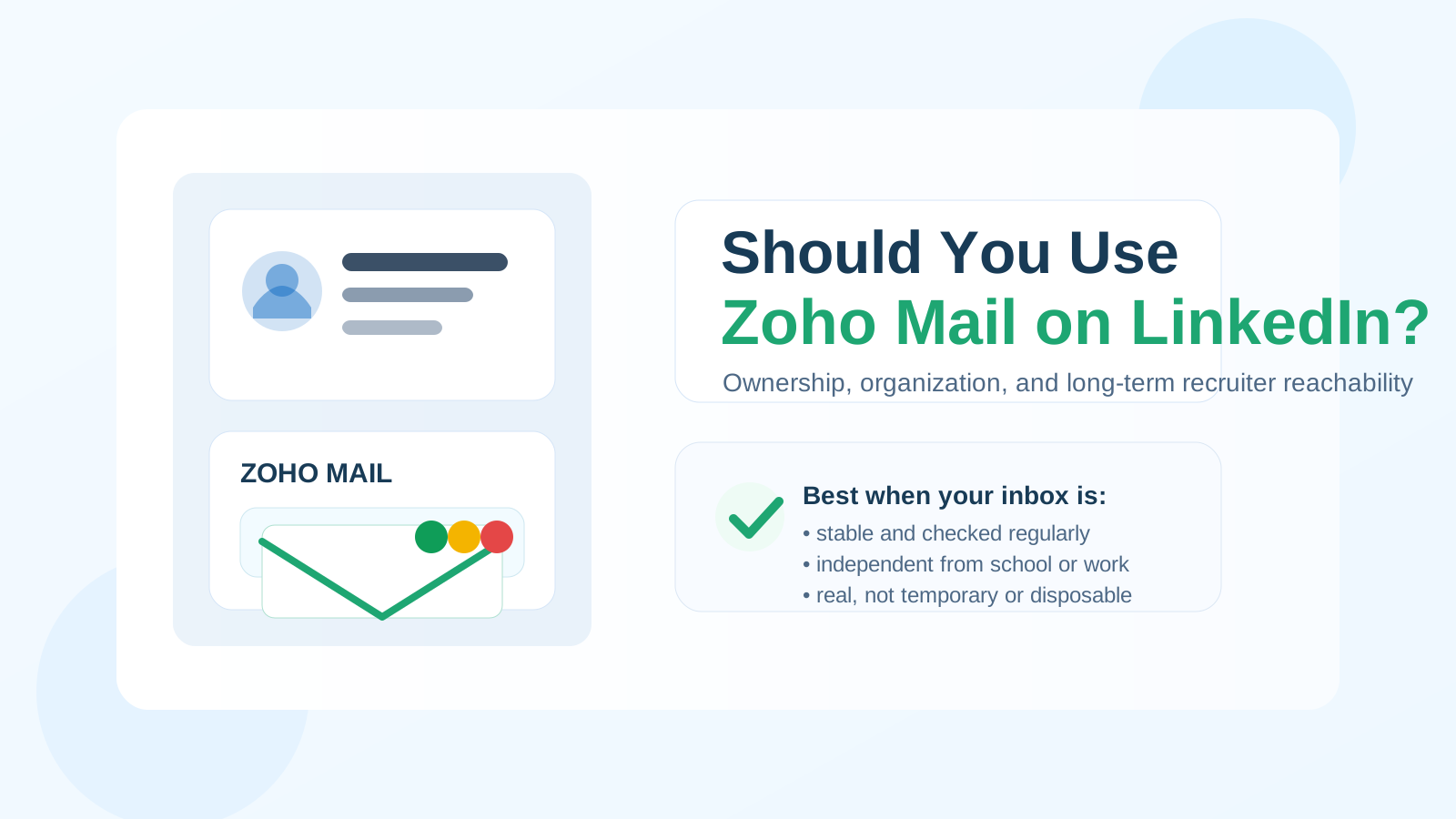
Why people ask about Zoho Mail on LinkedIn
Your LinkedIn email ends up doing more than most people expect. It is not just there for password resets. It can become the address tied to recruiter follow-ups, security alerts, profile notices, verification messages, networking replies, and job-search activity that may continue for years.
That makes the email decision more important than it looks. People do not want to use a work inbox they could lose, a college inbox that may expire after graduation, or a noisy personal inbox that already catches every store receipt and newsletter under the sun. Zoho Mail comes up because it sits in an interesting middle ground: it can feel more intentional and more organized than a generic catch-all inbox, while still being a real mailbox instead of a throwaway.
The real question is usually not “Can LinkedIn technically accept a Zoho Mail address?” It is “Is Zoho Mail a good long-term contact address for a professional identity?” In many cases, yes.
When Zoho Mail is a good choice on LinkedIn
Zoho Mail is a strong option when you want ownership, cleaner boundaries, and better inbox organization without looking temporary.
- You want long-term control. A personal Zoho inbox is yours to keep, unlike an employer-issued address or a school-managed account.
- You want a dedicated professional channel. Some people prefer a separate inbox for networking, job-search activity, and account notices so their main personal inbox stays quieter.
- You care about organization. LinkedIn can generate alerts, connection notices, and message notifications. A mailbox built with folders, labels, and filtering in mind can make that easier to manage.
- You may want a custom-domain option later. Zoho Mail is often part of a more deliberate email setup, which makes it appealing to people who want a more polished, long-term identity than a random free address.
That last point matters. LinkedIn is not a coupon site, a gated whitepaper, or a one-off free trial. It is closer to a long-lived professional profile. A real, durable mailbox fits that job better than a disposable one.
When Zoho Mail is not the best fit
Zoho Mail is not automatically the right answer. It can be the wrong choice if the address is brand new, rarely checked, or tied to a setup you are not confident you will maintain.
You may want to use something else if:
- you only created the inbox for a short experiment and do not plan to keep it;
- you tend to forget to monitor that mailbox regularly;
- your address format is awkward, hard to read, or easy to mistype;
- you are using a custom domain you might let expire or stop renewing.
A mailbox only helps if it makes you easier to reach, not harder. Stability matters more than novelty.
Zoho Mail vs your work email on LinkedIn
For most people, Zoho Mail is safer than a work email on LinkedIn. Your work inbox belongs to your employer. If you change roles, leave the company, get laid off, or simply want your employer out of your job-search infrastructure, that address becomes risky.
Using a work email can also blur boundaries. It may send LinkedIn traffic through systems your employer manages, and it can leave your professional profile feeling tied to a company rather than to you as an individual. Even if nobody is watching every message, it is still a dependency you do not fully control.
A personal Zoho Mail address solves that ownership problem. You decide when to keep it, how to organize it, and how it follows you across jobs.
Zoho Mail vs your college email on LinkedIn
Zoho Mail is also usually a better long-term choice than a college email. Student inboxes can be perfectly fine for campus recruiting while you are in school, but they are still controlled by an institution you may eventually leave. Some stay active for years. Some do not. Some stay active but stop being the inbox you actually check.
If LinkedIn is part of your long-term career setup, it makes more sense to use an address you expect to keep after graduation. That reduces the chance that an old school account becomes the weak link in your login, notification, or recruiter-reply chain.
Zoho Mail vs temporary or disposable email
This is where the line gets important. A temporary inbox is useful when you want to verify a one-off signup without donating your real address to a long marketing sequence. That is great for coupon gates, early product tests, or throwaway registrations. It is the kind of short-lived privacy workflow where a tool like Anonibox makes a lot of sense.
LinkedIn is different. You may need that mailbox months or years later for security notices, confirmations, recruiter replies, networking follow-ups, or account recovery. If the address disappears or you stop checking it, you have turned a professional identity into a fragile setup.
So if you are choosing between a temporary inbox and Zoho Mail for LinkedIn, Zoho Mail is the much better fit. You still get separation and control, but without the built-in short lifespan of a disposable address.
Does Zoho Mail look professional on LinkedIn?
Usually yes. Most recruiters care more about whether they can reach you than which reputable provider sits after the @ symbol. A clean, readable address matters more than the provider brand itself.
If your Zoho address uses your real name, initials, or a straightforward professional variation, it will usually look completely normal. If you use Zoho with a custom domain, that can look especially polished, provided the domain itself is sensible and stable.
What looks less professional is not Zoho Mail specifically. It is a messy mailbox name, an inside joke, random numbers that look autogenerated, or a domain you clearly do not maintain seriously. Keep the address simple and you will avoid most of that friction.
How to use Zoho Mail on LinkedIn the right way
1. Pick an address you plan to keep
Do not treat LinkedIn like a temporary experiment. If this is the address that will anchor a professional profile, choose one you are willing to keep active over time.
2. Keep the mailbox name boring in the best way
Your name, initials, or a clean professional variant usually wins. Recruiters should be able to read it quickly and trust it immediately.
3. If you use a custom domain, maintain it carefully
This is a specific Zoho Mail point. A custom domain can look great, but it adds one more thing you must renew and manage. If that domain lapses, your email identity can break at exactly the wrong time.
4. Set filters so LinkedIn mail stays useful
One advantage of Zoho Mail is organization. Route LinkedIn alerts, recruiter responses, and security notices in a way that keeps important messages visible without letting every minor notification interrupt your day.
5. Review your LinkedIn privacy settings too
Your mailbox choice helps, but it does not do everything. Check who can see your contact information, how visible your profile updates are, and whether your notifications are landing in the right inboxes.
6. Do not abandon the inbox after setup
The worst version of a “privacy-friendly” email setup is one you never open. If you add Zoho Mail to LinkedIn, treat it like a real communication channel.
Quick checklist before you decide
- Will you still have access to this inbox a year from now?
- Do you check it regularly enough to catch recruiter replies and security notices?
- Does the address look clean and professional?
- Is it independent from your employer or school?
- If it uses a custom domain, are you committed to renewing it?
- Are you choosing it for organization and control, not because you want a throwaway identity?
If most of those answers are yes, Zoho Mail is probably a perfectly reasonable LinkedIn choice.
Final answer
Yes, you can use Zoho Mail on LinkedIn, and for many people it is a smart option. It gives you more ownership than a work or school inbox and more durability than a temporary email address.
The key is to use a Zoho Mail address that is stable, professional, and actually monitored. If you do that, it can be a clean long-term home for LinkedIn without turning your main inbox into a spam magnet.