Yes—Zoom can work well for informational interviews if the other person already uses it and you present yourself professionally with the right name, photo, and settings.
It is usually more credible than casual chat apps for a career conversation, but you should still treat it like a semi-public meeting space rather than a private throwaway channel.
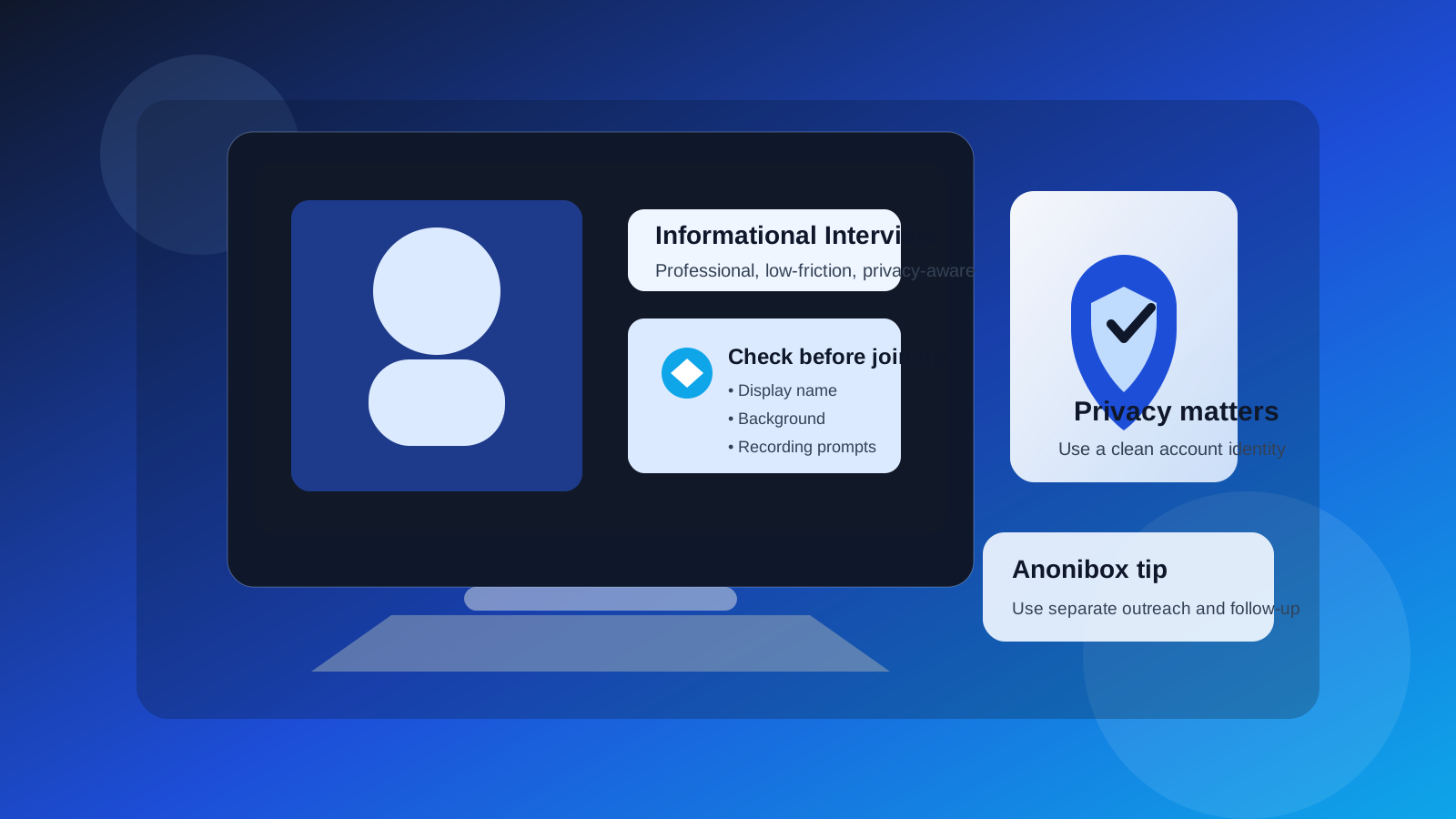
An informational interview is not just a friendly call. It is a professional conversation where first impressions, trust, and follow-up matter. That makes the communication channel more important than many people realize. If someone suggests Zoom, the real question is not “Is Zoom allowed?” It is whether Zoom fits the tone of the conversation and whether you can use it without exposing more of your personal life than you want to.
For many job seekers, the answer is yes. Zoom is widely understood, easy to join, and normal enough that most professionals do not find it strange. But it also carries a few privacy and professionalism risks: your display name can reveal more than you intend, your profile photo may feel too casual, your background can expose personal details, and meeting recordings or calendar trails can linger longer than you expect.
If you already use a privacy-first workflow for outreach—such as a separate email address, a clean calendar, or an Anonibox inbox for early signups and low-trust forms—Zoom should fit into that same broader strategy. Use it deliberately, not automatically.
Why Zoom often works for informational interviews
Informational interviews are usually about learning, not proving yourself under formal interview pressure. That makes Zoom a reasonable middle ground between a rigid corporate interview platform and an overly casual messaging app. It lets both sides see each other, read tone more clearly, and have a natural conversation without turning the interaction into a drawn-out email thread.
- It feels familiar: most professionals already know how to use it.
- It supports one-on-one conversations well: the format works for advice chats, alumni calls, and industry introductions.
- It can feel warmer than text-only outreach: seeing a face can make networking less awkward.
- It is flexible: you can join from a laptop, tablet, or phone if needed.
That said, convenience is not the same as privacy. Zoom is fine when the contact is legitimate and the meeting setup is clean. It is a worse choice when the invitation looks suspicious, the other person is vague, or the setup asks you to expose personal information you do not need to share.
When Zoom is a good choice
Zoom is usually a solid option for informational interviews when:
- you are speaking with an alumnus, mentor, recruiter, or industry contact who clearly identifies themselves;
- the invitation comes from a believable company or personal domain and matches the earlier outreach thread;
- the conversation is meant to be a real-time 15- to 30-minute discussion rather than quick scheduling logistics;
- you want a more personal conversation than LinkedIn messages or email can provide;
- you can control your display name, camera framing, audio, and background before joining.
In other words, Zoom works best when the meeting is a genuine next step in an already credible professional interaction.
What can go wrong if you use Zoom carelessly
1. Your display name may look sloppy or reveal too much
A surprising number of people forget to check how their Zoom name appears. If your account still shows an old nickname, a family label, or a device-based username, that becomes part of the other person’s first impression. Even a perfectly safe name can still be more personal than you intended if it includes middle names, extra details, or a shared household account label.
Before the meeting, make sure your display name matches how you want to appear professionally. Usually that means your real first and last name, or a clear professional variation of it.
2. Your profile photo can set the wrong tone
If the other person sees a casual vacation photo, an empty placeholder, or an old image that no longer looks like you, it can create friction before the call even starts. For an informational interview, you do not need a studio portrait, but you do want a neutral, current, professional-looking image—or no photo at all if you prefer that.
3. Your background may expose private details
Bookshelves, family photos, mail on a desk, apartment layouts, and even reflected screens can reveal more than you think. An informational interview does not require that level of personal exposure. A simple neutral background, tidy wall, or tasteful blur is usually enough.
4. Recording and meeting logs can outlast the conversation
Zoom conversations may be recorded by the host, logged on a work account, or tied to calendar invites that remain searchable later. That does not make Zoom unsafe by default, but it does mean you should assume the meeting leaves a trail. Speak professionally, and do not share anything you would regret being summarized in notes or internal follow-up.
5. Fake invitations are possible
Most Zoom informational interviews are legitimate. Still, scammers sometimes hide behind familiar tools. A Zoom link alone does not prove the contact is real. If the person is oddly evasive, refuses to identify themselves clearly, or tries to rush you into installing software or sharing documents, the problem is not Zoom itself—it is the trustworthiness of the interaction.
Zoom vs. other channels for informational interviews
Compared with email, Zoom is more personal but less private. Compared with LinkedIn messages, it offers more conversational depth but demands more preparation. Compared with chat apps like WhatsApp, Telegram, or Discord, Zoom usually looks more professional for career advice conversations.
That is why Zoom can be a strong choice when both people are genuinely available for a short call. If the goal is simply to send one question, share a résumé, or coordinate scheduling, email may still be better. If the goal is a real discussion about the person’s role, industry, or career path, Zoom can be the cleaner format.
Best practices before you agree to the call
Verify the person first
Make sure the invitation matches a real person and a believable context. If you contacted them through LinkedIn, alumni directories, an employer site, or a known community, the Zoom step makes sense. If the invitation appears out of nowhere and the sender will not explain why they want to talk, slow down.
Use a reliable email for the invite
For an actual meeting invite, use an email address you monitor closely. A disposable inbox may be fine earlier in a job-search privacy workflow, especially for low-trust signups or one-off downloads, but informational interviews usually require dependable follow-up. If you used Anonibox or another separate inbox during early outreach experiments, switch to a stable address before the meeting if you expect scheduling changes or post-call follow-up.
Check your account identity
Open Zoom before the call and confirm:
- your display name is correct;
- your profile photo is appropriate or disabled;
- your microphone works cleanly;
- your camera angle is flattering and stable;
- your background does not expose private details.
Know whether you are joining or hosting
If the other person sends the link, your main job is to join on time and look prepared. If you are sending the link, avoid using a messy recurring room or a meeting title that reveals more than necessary. A clean meeting name and fresh link are usually better than reusing a personal meeting space.
How to look professional on Zoom without overdoing it
You do not need to make an informational interview feel like a formal panel interview. The goal is calm, professional readiness.
- Dress one level above casual: enough to look intentional, not stiff.
- Join a few minutes early: fix audio and framing before the conversation starts.
- Use headphones if your room is noisy: this improves clarity and privacy.
- Silence notifications: desktop pop-ups can distract you and expose personal information.
- Keep notes nearby, but not across multiple visible screens: you want reference points, not obvious script-reading.
The person on the other end is not expecting broadcast-quality production. They are looking for respect, attention, and basic professionalism.
Questions to ask yourself before using Zoom
- Do I know who this person is and why they want to talk?
- Would a live video conversation help more than email or LinkedIn messages?
- Is my Zoom identity clean and professional right now?
- Am I comfortable with the possibility that the meeting could be recorded or summarized?
- Do I have a quieter or lower-exposure alternative if this setup feels off?
If the answers are mostly yes, Zoom is probably a fine choice.
When Zoom is not the best option
Zoom is not always necessary. It may be the wrong tool when:
- the conversation is still at the “quick introductory note” stage;
- the other person is vague about their identity or intent;
- you only need one or two practical answers that email could handle better;
- your current setup would expose too much of your personal space;
- the person insists on a rushed call but avoids normal professional context.
In those situations, it is reasonable to suggest email first, ask for a LinkedIn exchange, or postpone until you can verify the contact properly.
A simple informational interview Zoom checklist
- Confirm the contact is real.
- Use a monitored email for scheduling.
- Set your correct Zoom display name.
- Check your profile photo or remove it.
- Clean up or blur your background.
- Mute notifications and test audio.
- Prepare 5 to 7 thoughtful questions.
- Plan a short thank-you follow-up after the call.
So, should you use Zoom for informational interviews?
Usually yes—if the conversation is legitimate, the setup is professional, and you control the identity details Zoom exposes.
Zoom is often a better fit for informational interviews than casual chat apps because it supports a real professional conversation. Just do not treat it casually. Use a clean display name, protect your background, verify the invite, and keep your broader job-search privacy workflow organized. Done that way, Zoom can help you build stronger career connections without creating unnecessary exposure.