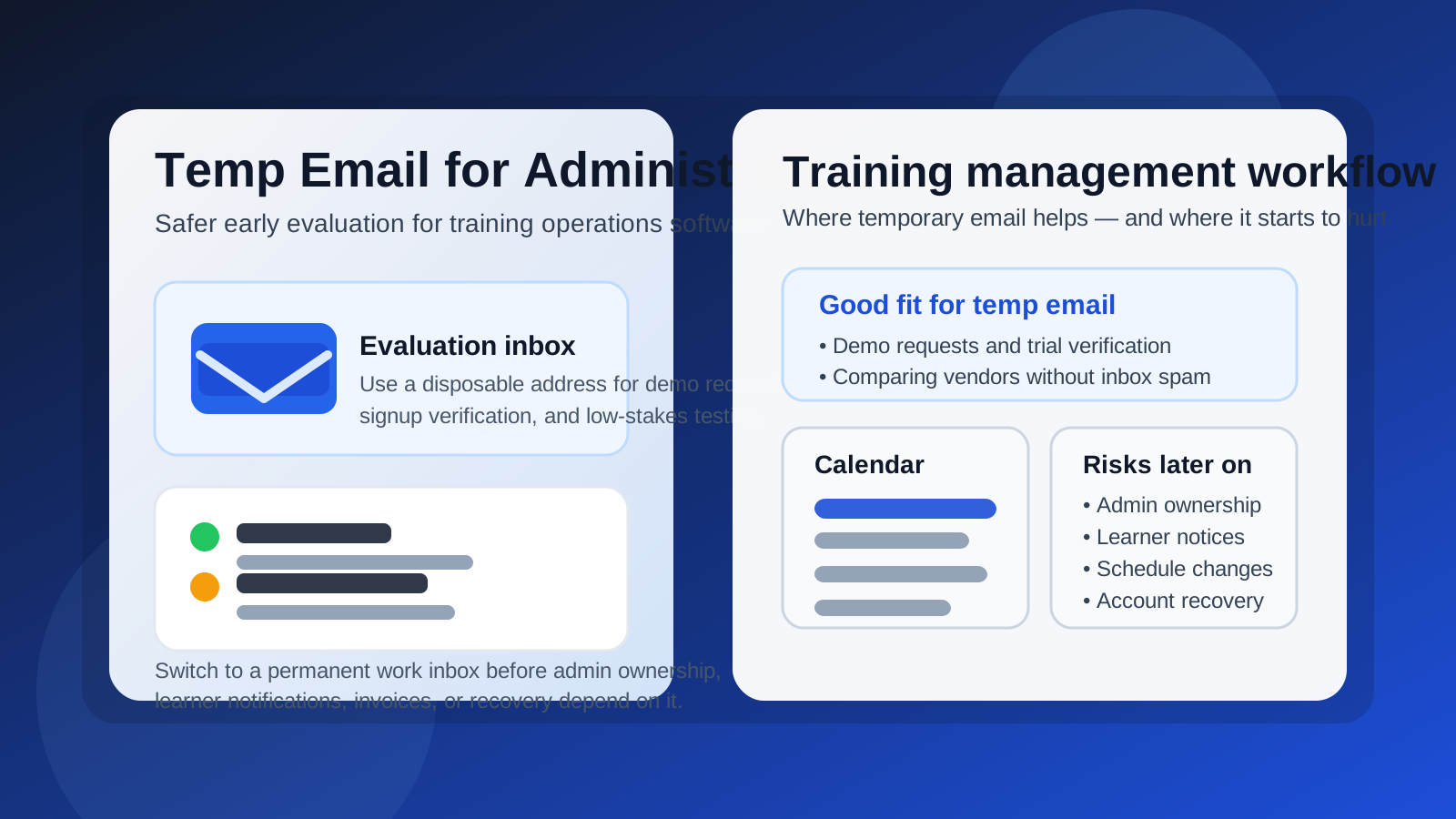
A temp email for Administrate can be useful for an early training management system evaluation, especially if you only need demo access, signup verification, or a short low-stakes trial.
It becomes risky once admin ownership, learner communication, instructor notifications, schedule changes, invoices, or account recovery depend on that inbox.
Why people consider a temp email for Administrate in the first place
Administrate is built around training operations, especially the moving parts that come with instructor-led programs, recurring sessions, learner rosters, locations, resources, and communication before and after a course. If you are comparing training management systems, it is completely reasonable to want a clean inbox strategy during the research phase.
That is where a disposable or temporary address comes in. Instead of putting your main work inbox into every vendor funnel right away, you can use a throwaway address to receive the initial verification email, access the first walkthrough materials, and see whether the platform deserves a more serious look.
This is not about hiding from legitimate vendors. It is about reducing inbox noise while you compare options. Training software trials often trigger demo follow-ups, onboarding messages, webinar invitations, pricing nudges, implementation checklists, and sales sequences. If you are looking at several tools at once, that clutter adds up quickly.
When a temporary inbox can make sense
There are a few situations where using a temp email for Administrate is practical and low risk.
1. You are only requesting a demo or a short exploratory trial
If your goal is simply to see the interface, understand the basic workflow, or confirm that the product fits your use case, a temporary inbox is usually fine. At that stage, you are not committing real operations to the account. You are just opening the door and deciding whether the platform belongs on the shortlist.
2. You are comparing multiple training operations platforms at once
Many teams reviewing training software are not evaluating Administrate in isolation. They are also looking at LMS products, customer training platforms, or other systems that touch scheduling, learner management, and reporting. A temporary inbox helps you isolate one trial from another so your main address does not become a dumping ground for overlapping sales outreach.
3. You want early privacy before involving the wider team
Sometimes one operations lead, training manager, or program owner does the first pass alone. Using a temporary inbox lets that person evaluate the basics before the finance, compliance, or learning team gets pulled into a vendor thread they may not need yet.
Where a temp email becomes a bad idea
The problem is not the trial itself. The problem is letting a disposable inbox stay attached after the account starts to matter.
Admin ownership and account recovery
Once an account becomes the real home for your evaluation or rollout, the owner inbox matters. Password resets, access-change notices, security alerts, and renewal communications typically flow through the email address tied to the account. If that inbox disappears or becomes inaccessible, the friction shows up at the worst possible moment.
A temp inbox is fine for “let’s peek at the product.” It is a poor long-term home for “this account controls our training operations.”
Learner and instructor communication
Training management is communication-heavy. Even when a platform is not the final destination for course content, it may still touch enrollment messages, reminders, instructor coordination, schedule changes, confirmations, and post-session follow-up. If those workflows depend on an email address that no one truly owns, you create an avoidable weak point.
This matters even more if multiple people on your team are involved. A disposable address is usually not a healthy shared communication layer for a system that coordinates learners, instructors, and logistics.
Session changes and operational firefighting
One of the core realities of instructor-led training is that plans change. Rooms move. Trainers get sick. Attendance shifts. Equipment is unavailable. Timing slides. When the platform starts helping you coordinate those changes, you do not want key notices flowing into a mailbox that was originally created just to dodge marketing emails.
Procurement, billing, and implementation handoff
If the product makes the shortlist, somebody eventually needs reliable access to contract messages, implementation steps, support threads, and billing communication. That handoff is where many “just for the trial” inboxes cause trouble. It is better to switch before the tool becomes operationally important.
A safer workflow: use temp first, then graduate to a real work inbox
The smartest pattern is not “never use a temp email” and it is not “keep the temp email forever.” It is a staged approach.
Stage 1: Use the disposable inbox for initial access
Use your temporary inbox for the first signup, email verification, and low-stakes exploration. If you use Anonibox, treat it as an evaluation buffer rather than a permanent owner identity.
Stage 2: Save the information that matters
Keep the confirmation email, relevant setup links, demo notes, and any documents you may need for comparison. Do not leave key details stranded in a mailbox you may never revisit.
Stage 3: Switch to a controlled permanent address before real workflows begin
As soon as your team starts discussing implementation, learner data, instructor communication, reporting, or procurement, move the account to a permanent work inbox that your organization controls. For many teams, this is better as a role-based address rather than a purely personal one.
Stage 4: Define clear ownership
If Administrate is going to support real training operations, decide who owns the account, who receives operational notices, and who can recover access. That sounds obvious, but it is exactly the kind of governance step people skip when a trial quietly becomes “the real one.”
Practical checklist before you keep using the account
- Is this still just an exploratory trial, or has it become a serious implementation candidate?
- Would losing access to the inbox disrupt your evaluation?
- Are learner, instructor, or schedule communications starting to depend on it?
- Will procurement, support, or billing messages need to be retained?
- Does more than one teammate now need visibility into the account?
If the answer to several of those is yes, the temporary inbox has already outlived its useful phase.
What a good transition looks like
A clean transition is simple. Keep the temp inbox for the first touchpoint, then update the account owner email before you start inviting real teammates, syncing real processes, or depending on the system for scheduled training activity. After that, document the owner address internally so there is no ambiguity later.
If you want to stay privacy-conscious, use a durable work-managed alias rather than your personal everyday inbox. That gives you the operational stability of a permanent address without turning one employee’s mailbox into the only control point.
Common mistakes to avoid
Letting the trial account become the production account by accident
This is the classic mistake. The account was created quickly, people started using it, and suddenly the temporary email is the root identity for something business-critical. Fixing that later is often possible, but it is more annoying than handling it early.
Using a disposable inbox for team-owned systems
Training operations rarely stay single-user for long. If the platform is going to be touched by operations, instructors, enablement, support, or learning teams, it needs durable ownership from the start of that broader phase.
Forgetting how much communication training software generates
People sometimes assume the email address only matters for login. In reality, training management systems often drive reminders, confirmations, changes, approvals, and support exchanges. That communication layer is exactly why inbox quality matters.
So, should you use a temp email for Administrate?
Yes, for the early evaluation stage. A temp email for Administrate is a reasonable choice when you want to request access, verify a signup, compare vendors, and keep marketing follow-up out of your main inbox.
No, for the operational stage. Once the account starts carrying real ownership, learner communication, instructor logistics, reporting, or recovery responsibility, switch to a permanent work-controlled address.
Final takeaway
The best way to think about a temp email for Administrate is as a short-term privacy tool, not a long-term system owner. It is useful when your goal is to explore the platform, validate fit, and avoid inbox clutter while you compare training software. It becomes risky when the account starts to matter to real people, real schedules, and real business processes.
Use the temporary inbox to learn quickly. Then move to a stable address before the account becomes part of how your organization actually plans, coordinates, and communicates training.