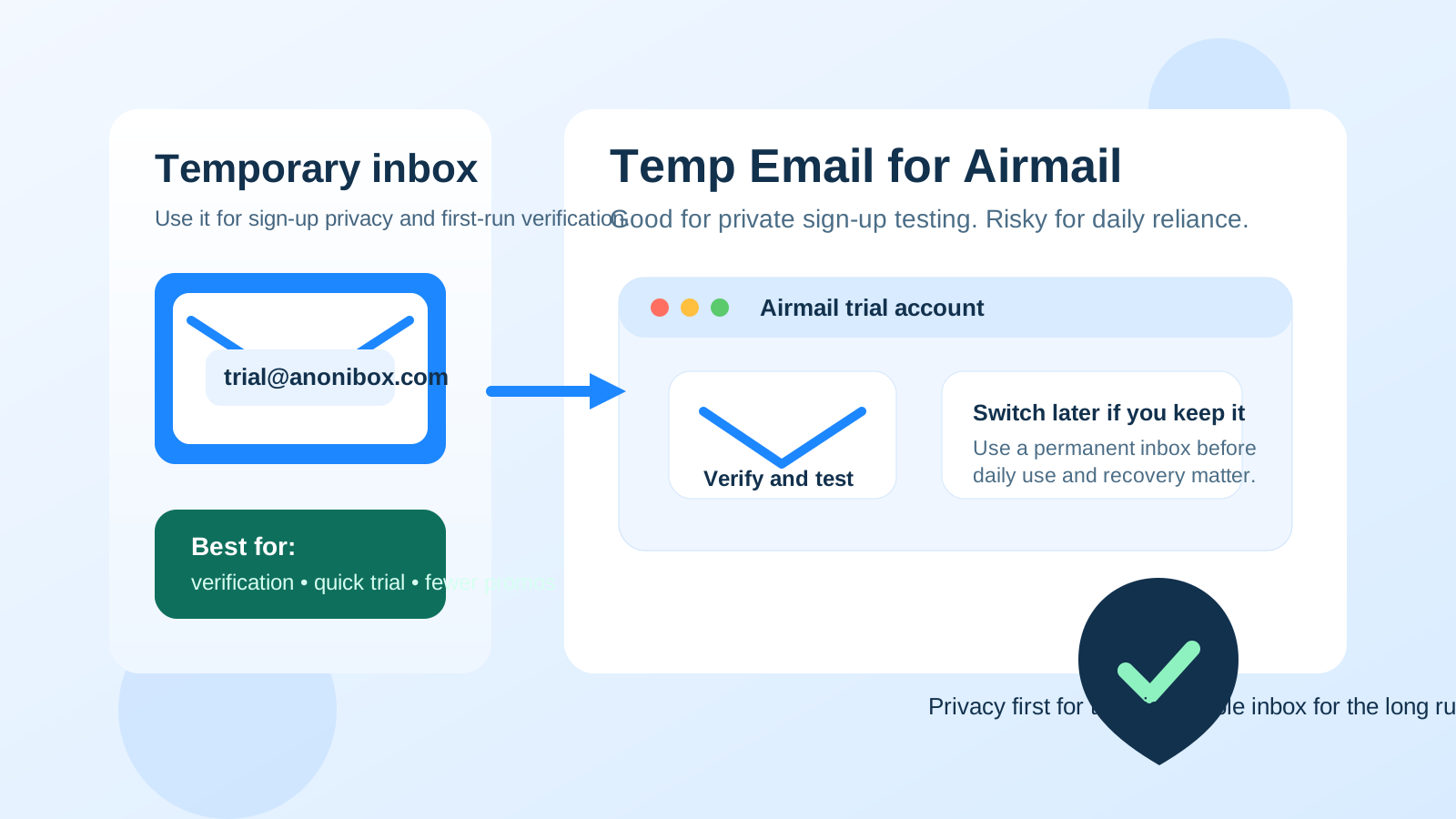
A temp email for Airmail is fine for a private sign-up test, but it becomes a poor long-term choice once connected accounts, daily use, or account recovery depend on that address.
Use a disposable inbox to verify the account and explore Airmail, then switch to a permanent monitored email before the account becomes part of your real email workflow.
Why people look for a temp email for Airmail
This question makes sense because Airmail sits in the middle of two very different use cases. On one side, it can feel like a low-stakes app trial: you want to open the account, look around, and decide whether the interface suits you. On the other side, email software stops being casual very quickly. The moment you connect real inboxes, depend on the app every day, or expect smooth recovery later, the sign-up address matters more than it did on day one.
That is why temporary email can be useful at the start but risky later. A burner inbox helps you avoid follow-up clutter, promotional onboarding, and unnecessary exposure of your main address during early testing. But if you keep the disposable address attached after Airmail becomes important, you can create an avoidable recovery headache for yourself.
If you are comparing several mail apps in one week, the privacy appeal is obvious. You may not want your main inbox to pick up yet another welcome sequence, product announcement list, or upgrade reminder before you have even decided whether the software deserves a place in your routine.
Short answer: yes for a trial, no for long-term dependence
If your only goal is to try Airmail privately, a temp email for Airmail can be a perfectly reasonable move. It lets you receive the verification message, complete sign-up, and inspect the product without tying that first experiment to the inbox you use for work, clients, bills, or personal recovery.
If you expect the account to matter later, the disposable address becomes fragile. Password resets, account notices, login confirmations, support replies, and security-related messages are all easier to manage when they go to an inbox you actually control for the long run.
When using a temp email for Airmail makes sense
You are only evaluating the app
If you want a first impression before making any commitment, a temporary address is practical. You can verify the account, look through the setup flow, and decide whether Airmail even belongs on your shortlist.
You want less inbox clutter
Many sign-ups trigger welcome emails, getting-started tips, feature tours, and upgrade nudges. If you already test multiple productivity tools, it is completely reasonable to keep that traffic out of your primary address until the product proves useful.
You are comparing several email apps at once
Temporary inboxes are especially handy when you are testing alternatives side by side. You can isolate each trial, keep messages separate, and avoid turning a small product comparison into a long tail of marketing email.
You care about privacy during early research
Sometimes you simply do not want every app trial connected to your long-term identity right away. That is a fair reason to use a disposable address in the first stage. A service like Anonibox fits naturally here because it gives you a quick inbox for verification and initial product exploration without adding more noise to the address you actually rely on.
Where the temp address starts becoming a problem
Connected accounts raise the stakes
Airmail may be an email client rather than your actual mailbox provider, but the account still matters. Once you connect real inboxes and start configuring how you work, the sign-up address becomes part of your admin trail. If you later need to confirm changes, reset access, or work through an account issue, a forgotten burner inbox can become the weak link.
Daily use is not a throwaway scenario
The moment you start opening the app every day, the question changes. You are no longer asking, “Can I sign up privately?” You are asking, “What happens when I need to manage this account weeks or months from now?” That second question usually points toward a permanent address, not a disposable one.
Cross-device and reinstall moments expose the weakness
Real life brings phone upgrades, laptop replacements, app reinstalls, password changes, and occasional login prompts. Those are routine moments, but they are exactly when temporary sign-up choices come back to bite. What felt convenient on day one can become the missing piece that slows you down when you need access quickly.
Account recovery is the obvious failure point
Recovery is where most disposable-email decisions stop looking clever. You may never notice the risk until the day you need a reset link or confirmation notice. Then the fact that the inbox was temporary becomes a real problem instead of a privacy benefit.
Paid features make permanence more important
If you ever attach billing, paid upgrades, or anything business-critical to the account, a stable inbox matters even more. Receipts, renewal notices, and support-related email belong in an account you can actually monitor over time.
A safer way to test Airmail without creating future friction
1. Create the temporary inbox before sign-up
Do this first so the verification message and welcome sequence land somewhere separate from your main inbox. It keeps the whole trial self-contained.
2. Use the temp address only for the first look
Let the disposable address cover the narrow early-stage tasks: verification, welcome email, and first-run setup. That is where the privacy upside is strongest.
3. Evaluate the real questions while you are inside the app
Focus on what actually determines whether Airmail deserves a place in your routine:
- Does the interface help you process email faster or just look different?
- Would you trust it enough to connect the accounts you really care about?
- Does the workflow feel sustainable for daily use instead of just interesting for an afternoon?
- Would rebuilding your setup later be annoying?
These questions matter more than the novelty of signing up privately.
4. Switch to a permanent inbox before the account matters
If Airmail makes the shortlist, update the account email early. Do not wait until you have connected multiple accounts, customized your workflow, and forgotten which burner you used. Early cleanup is easy. Late cleanup is irritating.
5. Keep the permanent address boring and reliable
The best long-term sign-up email is not the most creative one. It is the address you still control, check regularly, and trust for recovery and support issues.
Signs it is time to stop using the burner address
- You are opening Airmail regularly instead of only testing it.
- You would care if you missed a reset link or account notice.
- You have connected real inboxes and would not want to rebuild everything from scratch.
- You are using the app across multiple devices.
- You are considering paid features, upgrades, or longer-term reliance.
Once several of those are true, the privacy gain from the temporary address is smaller than the continuity risk it creates.
Common mistakes people make
Keeping the burner “just for now”
This is the classic trap. People mean to switch later, but later arrives after the account already matters. What should have been a simple cleanup step becomes unnecessary friction.
Confusing sign-up privacy with long-term reliability
A temp inbox is great for privacy at the front door. It is not a strong foundation for anything that may need resets, notices, or ongoing account management.
Assuming the sign-up email never matters again
That assumption is exactly what causes trouble later. Even when an app mainly sits in front of inboxes you already own, its account email can still matter during support, confirmation, or recovery moments.
Waiting too long to decide whether the app is staying
If the trial is over and the tool has clearly become useful, treat it like a real account. Delaying that decision only increases the odds of future inconvenience.
A quick checklist before you use a temp email for Airmail
- Are you only testing Airmail, or do you expect to rely on it?
- Would you be okay losing access to the sign-up inbox later?
- Are you about to connect real accounts and use the app on multiple devices?
- Do you want privacy for the trial, or are you trying to avoid all long-term responsibility for the account?
- If the app works out, are you willing to switch to a permanent monitored address right away?
If your answers point to a short private trial, a disposable inbox is fine. If they point to ongoing dependence, use a stable address instead.
Conclusion
A temp email for Airmail is a good privacy tool for early exploration, not a good permanent anchor for an account you may depend on later. It works best when you want to verify sign-up, review the onboarding flow, and decide whether the app deserves deeper use without exposing your primary inbox too early.
Once Airmail becomes part of your real communication setup, switch to a permanent address you control. That gives you the privacy benefit at the start without turning future account management, recovery, and support into an avoidable mess.