A temp email for AppFlowy is fine if you only want private sign-up testing or a quick look at the product. It becomes risky once you depend on shared workspaces, sync, or account recovery tied to that inbox.
If your goal is simply to verify the account, explore the interface, and avoid handing your main address to one more signup flow, a disposable inbox can help. If you expect to keep notes there long term, invite collaborators, or rely on account-based access across devices, switch to an email you actually control before the account becomes important.
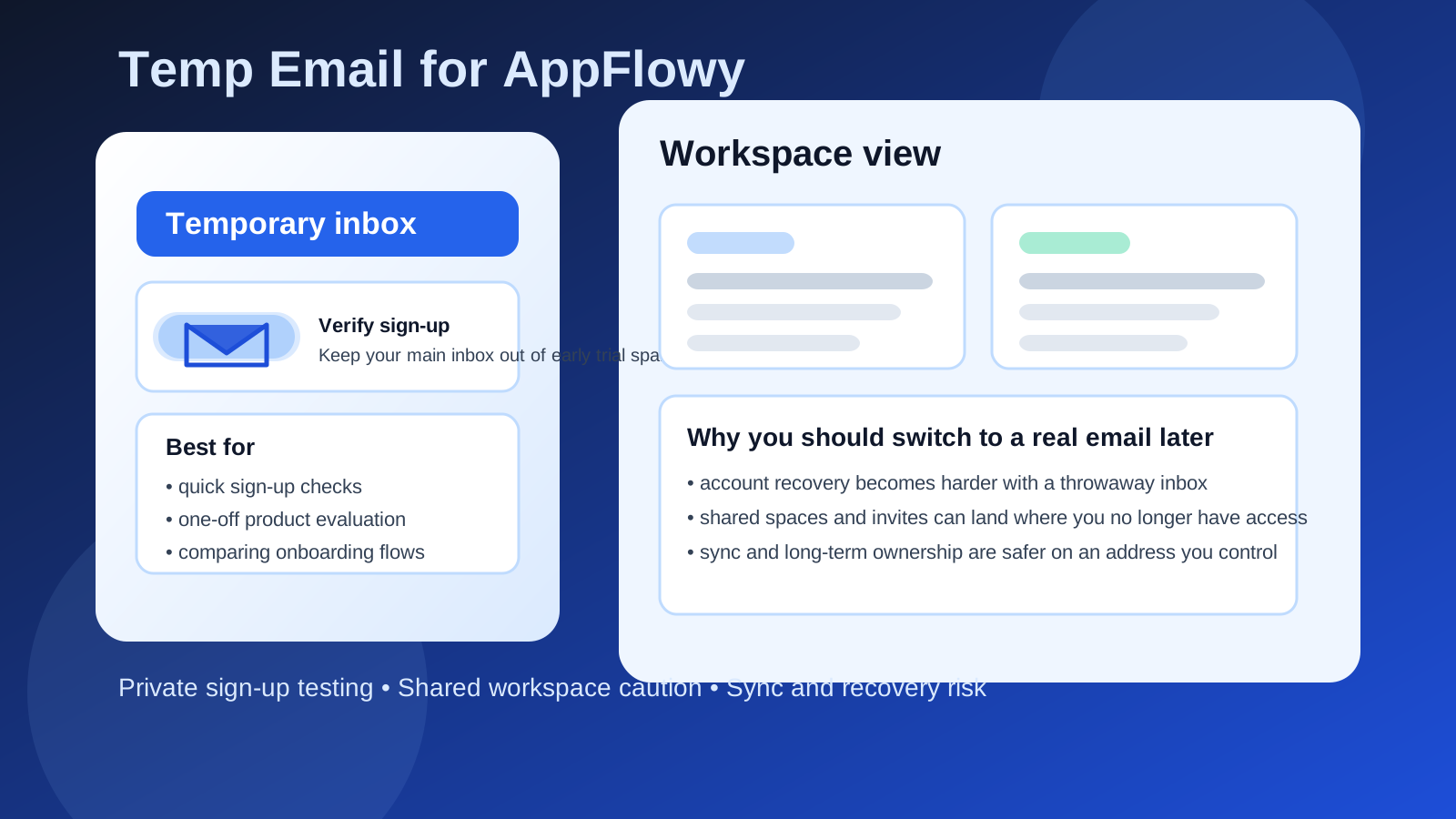
Why people consider a temp email for AppFlowy
AppFlowy sits in a part of the productivity market where people often test several tools before settling on one. That is normal. You might compare it with Notion-style workspaces, local-first note apps, project tools, or other personal knowledge management setups. During that evaluation phase, many people want to protect their main inbox from marketing follow-ups, product announcements, and trial nudges.
That is where a temporary email can make sense. It lets you receive a verification message, complete the initial sign-up, and poke around the product without committing your personal or work address immediately. A service like Anonibox is useful in exactly that narrow stage: early access, quick verification, and inbox separation.
When a temp email for AppFlowy actually makes sense
There are a few situations where using a disposable inbox is practical rather than reckless.
- You only want to test the onboarding flow. Maybe you just want to see how account creation works, what the workspace looks like, or whether the product feels intuitive.
- You are comparing several note or workspace tools at once. Separate inboxes can keep evaluation cleaner and reduce long-term email clutter.
- You are not storing anything important yet. If you have not committed real notes, shared work, or long-term setup to the account, the downside is smaller.
- You want to avoid immediate marketing noise. Trial signups often trigger welcome sequences, upgrade reminders, webinar offers, and follow-up email you may not want.
In other words, a temp inbox is strongest at the very beginning, when the account is still disposable because your commitment to the tool is still disposable.
Where the risk starts with AppFlowy
The problem is not the sign-up itself. The problem is what happens after you like the product enough to keep using it.
As soon as an AppFlowy account starts mattering, the email behind it matters too. That includes situations where you are relying on account-based sync, keeping notes you care about, collaborating in shared spaces, or expecting to recover access later. A throwaway inbox that disappears or becomes hard to revisit turns into a liability fast.
1. Shared workspaces can outgrow a throwaway inbox
If other people invite you into a workspace, mention you in project context, or expect that address to remain reachable, a temporary inbox stops being convenient and starts being fragile. Even if the content inside the product is great, the account wrapper around it becomes weak.
2. Sync and cross-device use are safer on an email you control
Many people try a notes tool on one device and only later decide they want the same setup available elsewhere. That is exactly when a disposable inbox can backfire. If your access path depends on an email address you no longer monitor, you create avoidable friction for yourself.
3. Account recovery is the biggest long-term risk
This is the obvious one, but it is still the most important. Temporary inboxes are good at receiving a first message. They are not good at being your durable identity anchor. If you forget a password, need a recovery link, or have to confirm ownership later, the short-term privacy win can become a long-term access problem.
A better rule: use a temp email for testing, then switch early if you stay
The safest practical approach is not “never use a temp email” and it is not “always use one.” It is this:
- Use a disposable inbox for the first sign-up if you are only evaluating AppFlowy.
- Spend a little time deciding whether the product is actually worth keeping.
- If it is, change the account to a permanent email before you build real habits around it.
That keeps the privacy benefit where it helps most while reducing the chance that your future self gets locked out of something useful.
How to test AppFlowy privately without creating a mess later
Start with a clear goal
Do not create a temp-email signup just because it feels clever. Know what you want to learn. Are you checking whether the interface fits your workflow? Seeing whether collaboration feels natural? Comparing the app with other workspace tools? A clear goal helps you decide whether the account should remain temporary or graduate to a permanent identity.
Do not put irreplaceable notes in the test account
If you are still using a disposable inbox, treat the account like a sandbox. Explore features, create sample pages, import non-essential material, and test navigation. Avoid making it the home for notes, documents, or planning systems you would hate to lose access to.
Decide quickly whether this is a keeper
The worst version of this setup is a “temporary” inbox attached to an account for months because you never got around to changing it. If AppFlowy makes the shortlist, promote the email connection early. That one small step removes most of the future recovery pain.
Keep collaboration separate from disposable identity
If teammates, clients, or collaborators will ever depend on reaching you through that account, use a stable address. Disposable inboxes are a privacy tool for evaluation, not a professional identity layer for ongoing work.
What a temp email helps with — and what it does not
A lot of people overestimate what a burner inbox solves. It can reduce inbox clutter and limit how widely your main address gets distributed during sign-up testing. That is real value. But it does not magically make long-term account management safer.
Here is the simple breakdown:
- It helps with: quick verification, trial privacy, comparison shopping, and reducing promotional follow-up.
- It does not help with: lasting account ownership, dependable recovery, ongoing collaboration, or maintaining access to important work.
Once you frame it that way, the decision becomes easier. Use the tool for the job it is good at, and stop using it when the job changes.
Common mistakes people make
Leaving the temp email attached after moving real work in
This is the classic trap. Someone signs up casually, likes the product, starts using it seriously, and forgets that the account is still anchored to a throwaway inbox. Months later, recovery becomes painful.
Using the same disposable inbox for too many product tests
If you are comparing several platforms, it is tempting to reuse one burner address. That can make your own evaluation harder, not easier. Keeping each test distinct is usually cleaner.
Treating private sign-up as the same thing as long-term privacy
Early-stage privacy and durable account control are not the same goal. A temporary inbox can help with the first one, but the second depends on an address you can actually keep.
So, should you use a temp email for AppFlowy?
Yes, if you only want to test AppFlowy without adding another stream of follow-up email to your main inbox. No, if you already know you want to rely on that account for shared spaces, synced work, or recovery later.
The most sensible answer is a staged one. Use a temporary inbox for the first look. If the tool earns a place in your real workflow, switch the account to a permanent address before you build anything important on top of it. That gives you the privacy upside at the beginning without creating an avoidable account-access headache later.
Final takeaway
A temp email for AppFlowy is a good evaluation tactic, not a good forever identity. It works well when you want to verify a signup, compare tools, and protect your main inbox during the trial phase. It works badly when you expect the account to support serious notes, shared workspaces, synced access, or recovery in the future.
If you keep that line clear, you get the best of both worlds: cleaner privacy during testing and better account stability once the tool becomes real.