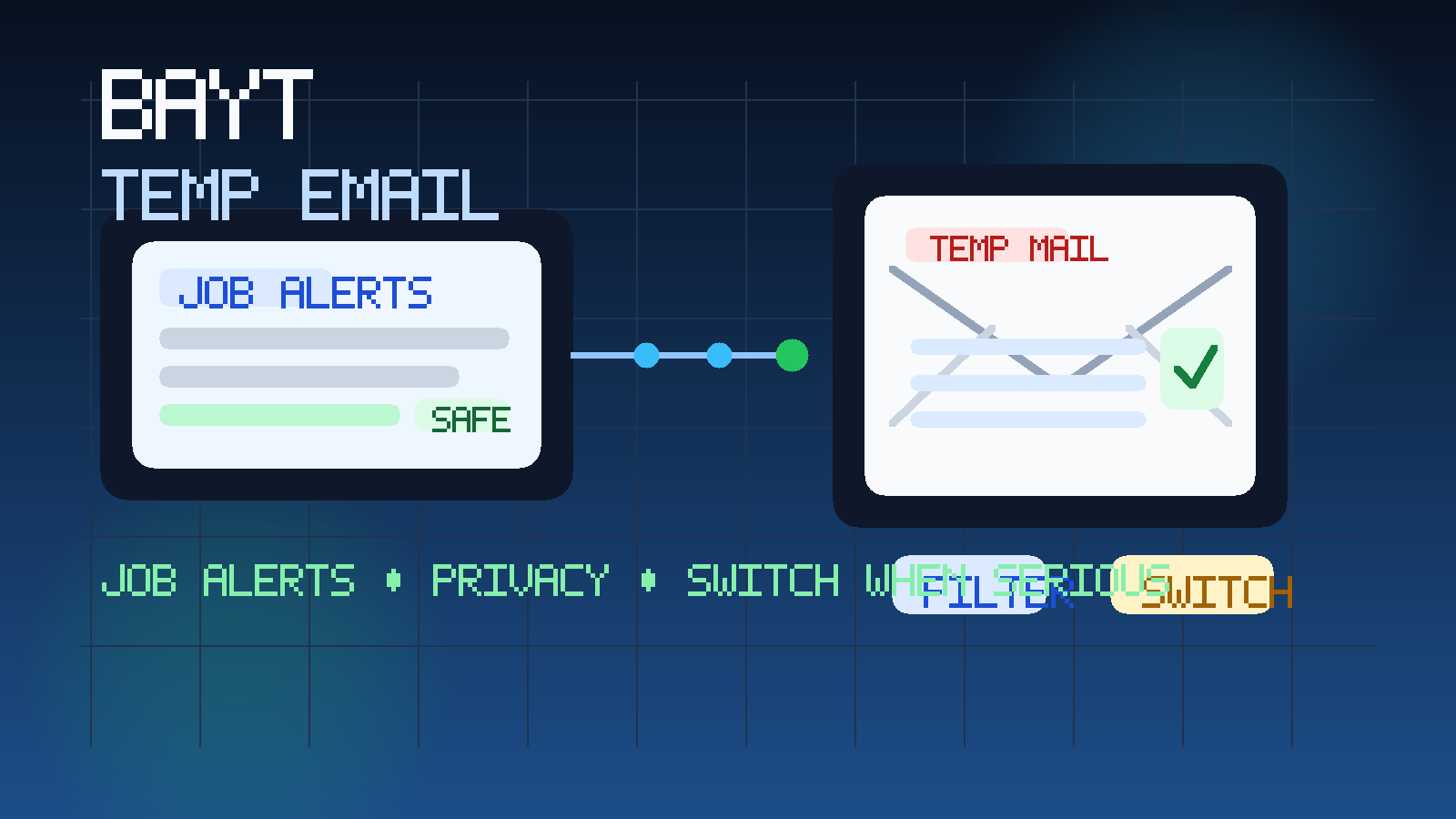
Yes, you can use a temp email for Bayt if you want to explore listings, test job alerts, or keep early recruiter traffic out of your main inbox. Once a role becomes serious, though, switch to a stable job-search email before interviews, assessments, or long hiring threads start piling up.
That is usually the safest balance between privacy and reliability. Bayt can be genuinely useful for discovering openings, making your profile visible, and attracting recruiter interest across a wide range of roles. But like most job platforms, it can also generate ongoing alerts, profile prompts, recruiter messages, and low-priority follow-ups that do not deserve permanent access to the address you use for everything else.
If you are applying across multiple job boards, staffing sites, and employer portals at the same time, the email noise grows quickly. One platform sends daily recommendations. Another sends profile reminders. Another starts surfacing recruiter outreach before you have decided whether the site is even worth keeping. A service like Anonibox makes sense at that exploratory stage because it helps you separate casual platform testing from the messages that matter long term.
The important point is that temporary email works best as a filter, not as your forever setup. Bayt may be a perfectly reasonable platform to test with a disposable inbox at first, but once a real employer starts coordinating interviews or asking for follow-up documents, you need an address you can monitor consistently and recover later.
Why people look for a temp email for Bayt
Most people are not searching this because they want to misuse the platform. They are usually trying to solve a practical privacy problem. Bayt can expose you to useful jobs and recruiter activity, but it can also increase the amount of email you receive fast.
- Alert fatigue: saved searches and recommendations can become repetitive if you are testing several markets or job titles.
- Recruiter volume: some outreach is relevant, but some is broad, generic, or not a good fit.
- Inbox separation: many people do not want their main personal inbox tied to every job platform they try.
- Quiet market research: sometimes you are only checking what roles exist before committing to a full search.
- Lower exposure early on: the fewer platforms that get your long-term email immediately, the easier it is to stay organized.
Those are sensible reasons. The mistake is thinking a temporary inbox should stay attached forever. On Bayt, as on other large job platforms, the best workflow is usually to use temporary email during exploration and then move promising conversations to a more permanent address when the stakes rise.
What kind of email activity should you expect from Bayt?
Depending on how you use the platform, Bayt may send a mix of messages such as:
- account verification and login-related messages
- job alert subscriptions and recommended openings
- profile-completion reminders or CV prompts
- recruiter outreach after your profile becomes discoverable
- application confirmations and status updates
- messages that push you toward off-platform forms, screenings, or employer portals
That mix is exactly why a temporary inbox can be helpful at the start. It lets you observe the platform’s signal-to-noise ratio without immediately committing your everyday address to every message Bayt or connected recruiters might send.
When a temporary email makes sense on Bayt
1. You are testing whether Bayt is useful for your market
If you want to compare Bayt with other job boards, see how relevant the listings are, or judge whether the recruiter traffic is worth your time, a temporary inbox is a reasonable place to begin. You get through verification and the first round of alerts without giving your primary address away on day one.
2. You want to measure recruiter quality before committing
One of the best ways to judge a job platform is by the kind of messages it produces after signup. Are recruiters contacting you about roles that fit your background? Are the messages specific and credible? Or are they broad, vague, and low-trust? A temp inbox lets you answer those questions without immediately blending everything into your main inbox.
3. You are browsing, not deeply applying yet
There is a difference between looking around and running a serious process. During the browsing stage, you may click through dozens of openings, save searches you later abandon, and ignore half the alerts you receive. A temporary inbox keeps that exploratory phase from leaving a long tail of job-board mail behind.
4. You are managing several job channels at once
Many job seekers use multiple platforms at once, especially when they are open to different geographies, industries, or contract types. If Bayt is just one lane in that broader search, a temporary inbox can help you keep it contained until it proves its value.
When a temp email is the wrong choice
Temporary email becomes risky as soon as the hiring process becomes real. You should usually move to a stable address when:
- you are actively pursuing a role you care about
- a recruiter is coordinating several follow-ups with you
- an employer sends interview scheduling details or assessments
- you may need password resets or account recovery later
- the conversation could stretch over days or weeks
That is the point where communication reliability matters more than early-stage privacy. A little extra inbox clutter is easier to manage than a missed interview email or a lost application thread.
A better workflow: explore with temporary email, then graduate serious opportunities
If you want to use Bayt without making your job search harder, this staged approach usually works best:
- Use a temp inbox for signup and early alerts. This lets you test the platform without exposing your main address immediately.
- Watch what kind of mail actually arrives. Look at alert quality, recruiter relevance, and how noisy the platform feels after a few days.
- Save promising jobs outside the inbox. Keep notes on role titles, recruiter names, and application links somewhere stable.
- Switch to a dedicated long-term job-search email for real threads. Once the opportunity matters, move it to an inbox you control and monitor daily.
- Retire the temporary inbox from low-value traffic. That keeps exploratory activity from turning into permanent clutter.
This is where Anonibox fits naturally. It gives you a disposable layer during the noisy, low-commitment phase, while still leaving room for a clean handoff to a stable inbox once you decide a role or recruiter deserves real attention.
Will using a temp email make you look unprofessional?
Usually not during the exploration stage. The professionalism issue is not whether an address started out temporary. The real issue is whether you stay reachable when the conversation becomes important.
If you use temporary email only for signup, alerts, and casual platform testing, that is generally a practical privacy choice. The problem starts when you leave a serious application attached to an inbox you may stop checking or may not be able to recover later. Missed communication looks unprofessional; early inbox separation does not.
How to protect your privacy on Bayt without missing real opportunities
Use a dedicated long-term job-search inbox once Bayt proves useful
Many people act like the only options are “use your main personal email” or “use a throwaway forever.” There is a better middle ground: a separate professional inbox used only for job hunting. That gives you organization and privacy without sacrificing continuity.
Keep sensitive information out of early email exchanges
Even if a recruiter message seems legitimate, you do not need to rush into sharing personal identifiers, passport details, bank information, or other sensitive documents by email. A job platform can start the conversation, but that does not mean every early request deserves immediate trust.
Verify unexpected outreach independently
If a message feels rushed, vague, or oddly urgent, slow down. Search the company independently, confirm the recruiter’s identity, and look for an official employer site before you click unfamiliar links or send anything sensitive. The guide How Recruitment Scams Use Email to Target Job Seekers is worth reading if you are sorting through low-trust outreach.
Keep your broader privacy workflow consistent
Temporary email works best when it is part of a bigger system. That may mean one inbox for testing platforms, another for serious applications, and a clear rule that important conversations get moved to a stable address early. Related articles like Temporary Email vs. Regular Email for Job Applications and What Personal Information Is Safe to Share in Job Emails? follow the same principle: protect your contact details early, then optimize for reliability when it counts.
Red flags that mean you should be extra careful
- a recruiter contacts you with little or no company detail
- the message tries to move you immediately to WhatsApp, Telegram, or another off-platform channel
- you are asked for sensitive personal or financial information unusually early
- the job description is vague but the pressure is high
- the email reads like mass outreach instead of a targeted hiring conversation
If several of those signs appear together, reduce your information exposure and verify the opportunity independently before you reply with anything important.
How Bayt fits into a wider job-board privacy strategy
Bayt is not unique here. The same trade-off shows up on many job platforms where alerts, profile visibility, recruiter outreach, and off-platform applications overlap. Anonibox already has adjacent guides for sites like Naukri, Foundit, and TimesJobs, and the practical advice is similar across all of them: use temporary email to keep the discovery phase tidy, then switch serious opportunities to a dependable inbox before the process gets important.
The platform name changes, but the decision rule stays simple. Ask yourself whether you are still evaluating the channel or already managing a real hiring conversation. That answer usually tells you which kind of inbox belongs in the moment.
A quick checklist before you use a temp email for Bayt
- Am I only testing alerts and platform usefulness right now?
- Do I want to keep early recruiter traffic out of my main inbox?
- Do I already have a stable job-search email ready for serious opportunities?
- Am I watching the temporary inbox closely enough not to miss anything time-sensitive?
- Will I switch addresses once interviews, assessments, or multiple follow-ups begin?
If those answers are clear, a temporary inbox can be a practical privacy tool instead of a risky shortcut.
Final answer
Yes, a temp email for Bayt can be useful if your goal is to test the platform, evaluate alerts, and keep early recruiter mail away from your main inbox. That is often the cleanest way to protect your privacy during the noisiest part of a job search.
No, it should not remain your permanent setup once a real employer or recruiter is engaged. For interviews, assessments, offers, and any thread you genuinely care about, switch to a stable address you control long term. That way you keep the privacy benefit of temporary email without creating avoidable communication risk later.