Yes — using a temp email for Better Stack makes sense when you are testing uptime checks, incident alerts, or a one-off team invite and do not want every early signup routed into your main inbox.
It works best for short evaluations and trial setups: verify the account, review the workflow, and switch to a permanent address as soon as the project becomes important, shared, or tied to long-term monitoring ownership.
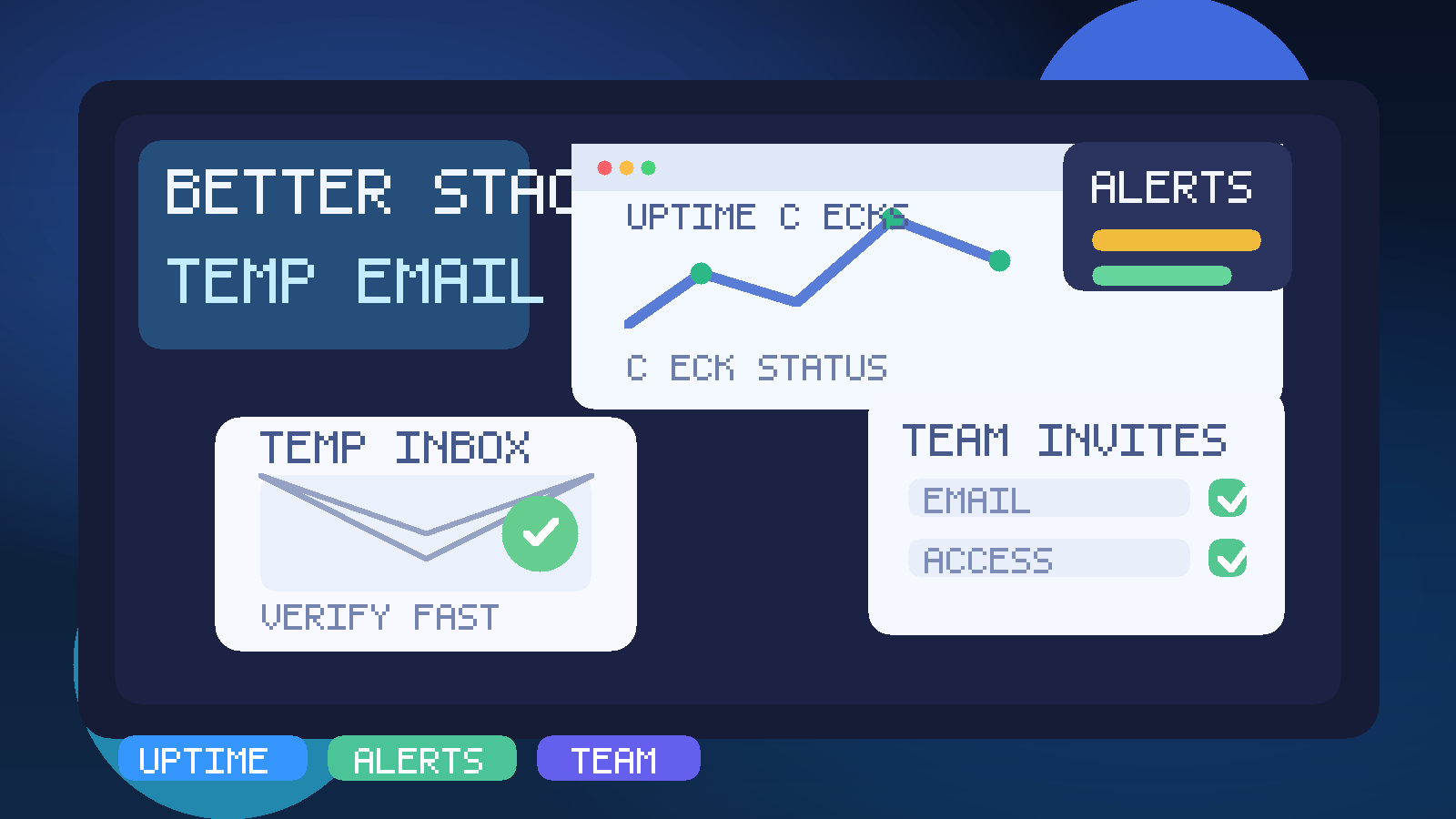
Why people use a temp email with Better Stack
Monitoring and incident tools create a specific kind of inbox noise. You may only want to test a few uptime checks, confirm how alert rules behave, see whether the dashboard fits your workflow, or review how team invites and escalation-style notifications are handled. But the moment you sign up, you can start receiving welcome emails, setup prompts, feature tours, follow-up campaigns, and team or product notices that outlive the experiment.
A temporary inbox gives you a clean staging area for that early phase. You still receive the verification email and the first messages you need to access the account, but you avoid turning a quick product evaluation into a permanent stream of vendor email. If you already use a privacy-first service like Anonibox for short-lived signups, Better Stack is the kind of platform where the same habit can save a lot of clutter.
When a temp email for Better Stack is a smart choice
A temporary address is most useful when the account is clearly exploratory. Good examples include:
- comparing Better Stack against another uptime or incident platform,
- opening a trial just to inspect the dashboard and alert setup flow,
- testing whether email verification, check creation, or invite handling works the way you expect,
- creating a short-lived sandbox for a demo, tutorial, or internal review,
- keeping product-evaluation email separate from your main work inbox.
In those cases, the goal is not secrecy for its own sake. The goal is separation. You want to isolate trial activity from the inbox you use for real customer work, production operations, or daily communication.
When a temp email is the wrong choice
A temporary inbox becomes risky the moment the account starts to matter. Monitoring tools are rarely purely disposable for long. If the checks become production checks, if teammates begin relying on the alerts, or if the account becomes tied to billing or incident communication, you need a stable email address you control over time.
Avoid relying on a temp email for Better Stack if the account will be used for:
- production uptime monitoring,
- real incident ownership or on-call communication,
- team workspaces that need long-term continuity,
- billing, invoices, or subscription management,
- customer-facing status workflows,
- anything where account recovery would be painful later.
The rule is simple: temporary inboxes are for temporary evaluation. They are not a strong foundation for durable operational ownership.
A practical way to use a temp email with Better Stack
1. Decide whether this is a test or a real monitoring project
Before you sign up, be honest about the likely future of the account. If you already suspect you will keep the checks, invite teammates, or attach real services, start with a permanent address and skip the migration headache. If this is clearly a short trial or side-by-side comparison, a temp email is reasonable.
2. Generate the temporary inbox before starting signup
Create the inbox first so every first-run message lands in one place. That usually includes the verification email, welcome sequence, and possibly the first invite or settings notice. Doing this from the start keeps the experiment tidy.
3. Verify the account and save any important access details
Temporary inboxes are great for receiving confirmation links. They are not great as your long-term archive. If a message contains something you may need later — a verification link, workspace URL, or invite context — save it somewhere you control before you move on.
4. Test the workflow you actually care about
Do not get distracted by the signup alone. Once you are inside, focus on the real question: does Better Stack help you monitor what you need to monitor? A temp inbox is only useful if it removes friction from that evaluation.
5. Promote the account early if the trial becomes useful
If the checks are good, the alert flow looks promising, or the workspace starts attracting real collaborators, switch to a permanent address sooner rather than later. The longer you delay, the easier it is to forget where important notices are going.
What to evaluate while testing Better Stack
If you are trying the platform seriously, these are the parts that matter much more than the welcome email sequence.
Uptime checks and setup speed
How quickly can you create meaningful checks? Can you understand the setup without digging through unnecessary friction? For a monitoring tool, first-run clarity matters. If basic checks are awkward to create, that is a stronger signal than whether the signup email arrived instantly.
Alert quality and noise control
Many monitoring platforms look fine until notifications start. During the trial, pay attention to how alert rules feel in practice. Can you understand when a notice is genuinely actionable? Does the workflow help you avoid spammy or confusing alert behavior? A good evaluation is not just about whether an alert can be sent, but whether you would trust the signal long term.
Team invite flow
If another engineer, operator, or stakeholder may join the workspace, test how invitations and access feel before the account becomes important. Team continuity is exactly where temporary email stops being ideal, because ownership needs to survive beyond the trial.
Status communication and operational context
If you are evaluating incident-oriented tooling, look at whether the product helps you move from “something failed” to “someone can act on it” without too much confusion. That is a better test of fit than any marketing email.
Dashboard readability
The best monitoring tools reduce ambiguity. During the trial, ask whether the dashboard helps you spot the important thing quickly. If you need several clicks just to understand what is happening, the product may be less useful than it first appears.
The main benefits of using a temp email here
- Less clutter: trial and onboarding mail stays out of your permanent inbox.
- Cleaner evaluation: the product test remains separate from daily operations.
- Better privacy hygiene: not every exploratory signup needs your long-term address on day one.
- Easier comparison: if you are testing several tools, each can have its own isolated inbox trail.
That last point is underrated. Monitoring-platform comparisons can get messy quickly when all vendor emails, invites, and product prompts are dumped into the same mailbox. A temporary inbox makes the trial feel more deliberate.
The trade-offs you should not ignore
Temporary email is useful, but it comes with real limitations.
- Account recovery can become fragile: if the inbox disappears and you still need the account, you created avoidable risk.
- Collaboration gets messy fast: serious team workflows need stable ownership.
- Important notices can be missed: security warnings, billing updates, or account-change messages should not depend on a short-lived inbox.
- Migration later is annoying: if the trial becomes a keeper, you may need to clean up the ownership path after the fact.
None of these are reasons to avoid temporary email entirely. They are reasons to use it only where it fits: quick tests, low-stakes trials, and clearly disposable evaluations.
Common mistakes people make
Treating a real monitoring setup like a throwaway account
This is the biggest mistake. Someone starts with a temp inbox because they “just want to test,” then the checks stay useful, the workspace expands, and the account becomes part of real operations. At that point, the original inbox choice stops being harmless.
Forgetting to save what matters
If a verification link, workspace URL, or invite email ends up mattering later, you do not want it living only in a short-lived mailbox. Save key details while the trial is fresh.
Using a main inbox for every tiny product test
The opposite mistake is also common. People connect every single experimental signup to the same permanent address, then wonder why their inbox fills with noise. A temp email is often the better default for truly disposable monitoring trials.
Leaving the account on a temp email long after the evaluation phase
If you have already decided the tool is worth keeping, switch. Do not keep telling yourself you will “fix it later.” Later is how ownership problems start.
Temp email vs alias vs secondary permanent inbox
If you are unsure whether the account is fully disposable, a middle-ground option may be smarter than a purely temporary inbox. A permanent alias or secondary work mailbox can give you separation without sacrificing recovery.
A simple decision framework looks like this:
- Temp inbox: one-off evaluation, demo, or short-lived comparison.
- Alias or secondary permanent inbox: repeated experiments or tools you may revisit later.
- Main team or work inbox: production monitoring, billing, shared ownership, and anything operationally important.
This keeps your privacy habits practical instead of extreme. Not everything deserves your main email, but not everything should depend on a disposable inbox either.
A quick checklist before you use temp email for Better Stack
- Is this account clearly a test and not a production monitoring setup?
- Do you only need the email for verification and early trial messages?
- Would it be fine if the inbox disappeared later?
- Are you prepared to switch to a permanent address if the trial goes well?
- Are you evaluating the actual monitoring workflow, not just the signup convenience?
If the answer to most of those questions is yes, a temp email is probably a clean fit. If several answers make you hesitate, start with a stable address instead.
Conclusion
A temp email for Better Stack is a smart choice when you are running a short evaluation, testing uptime checks, reviewing incident-alert behavior, or keeping early team-invite noise out of your main inbox. It helps you move quickly without overcommitting your permanent address during the trial stage.
Just do not confuse a useful trial habit with a good long-term ownership strategy. The moment the workspace becomes real, collaborative, or operationally important, switch to a stable email address you control. That gives you the convenience and privacy of temporary email without creating avoidable problems later.