Yes, a temp email for Bookafy is useful when you only want to test booking pages, request a demo, or compare scheduling tools without giving out your main inbox too early.
No, it is not the best long-term setup once reminders, reschedules, client follow-ups, or account recovery start to matter.
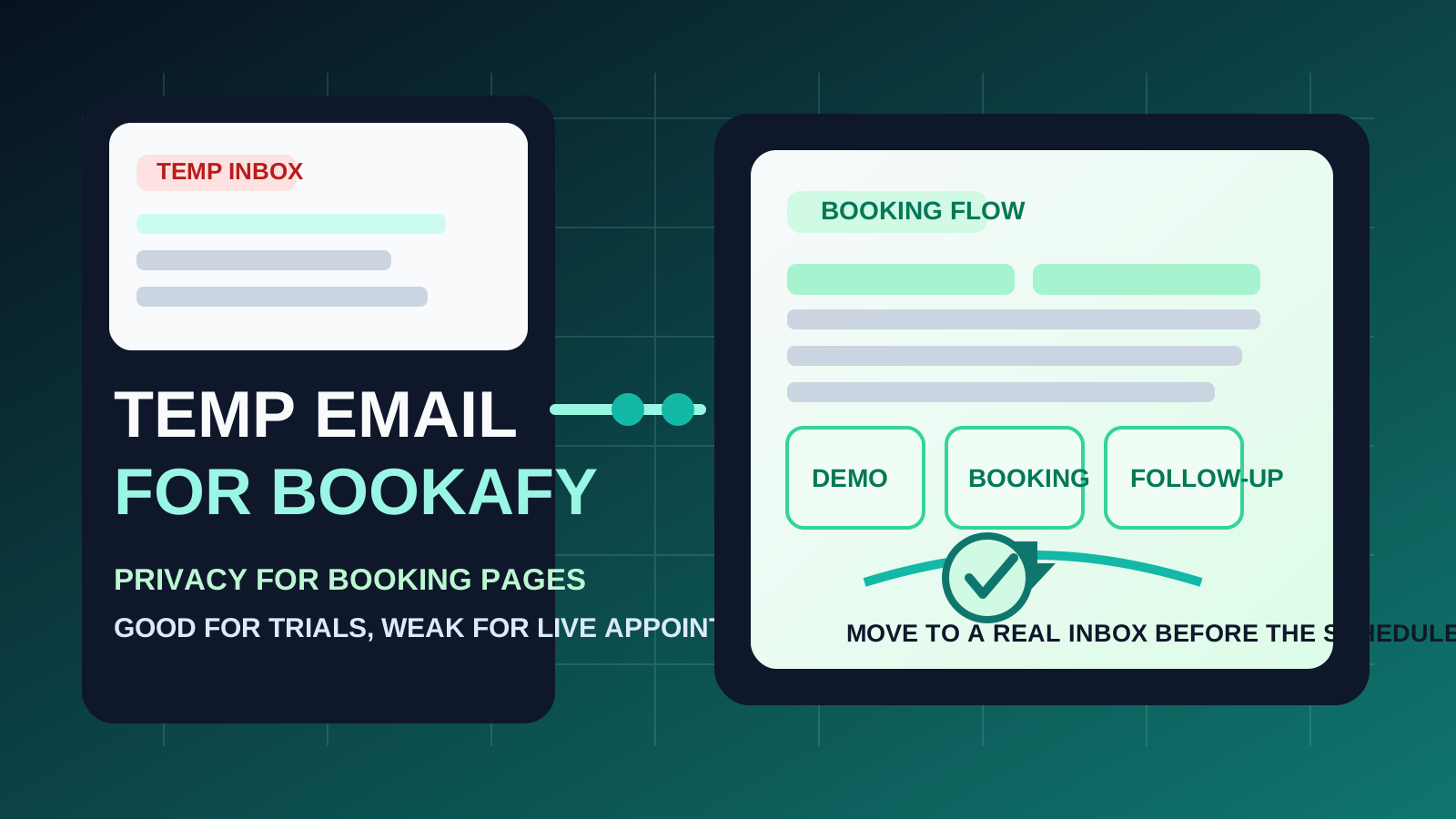
Bookafy sits in the part of the software world where email is not just a signup detail. It often becomes part of the booking workflow itself. Confirmation emails, reminder messages, updates, cancellations, reschedules, team notifications, and account recovery all depend on a reachable inbox. That is why temporary email can be smart at the start and frustrating later.
If you are in research mode, a disposable inbox is often enough. You may only want to see how the product handles signup, booking-page setup, or demo scheduling before you decide whether the tool deserves more time. In that early phase, using a temporary address from a service like Anonibox can keep your main inbox from turning into another long vendor nurture stream. The key is knowing where evaluation ends and real operations begin.
When a temp email for Bookafy makes sense
A temporary inbox is most helpful when the Bookafy account itself is still disposable.
- Quick product evaluation: you want to see the dashboard, onboarding, and booking-page flow before sharing a long-term email address.
- Demo requests: you are comparing several scheduling platforms and do not want every vendor sequence landing in your primary inbox.
- Short test projects: you are checking whether the product can handle a simple appointment workflow without planning to keep the account.
- Inbox hygiene: you want trial messages separated from your real calendar, client, or sales communication.
That is the sweet spot for temporary email. You still receive the verification link and the first onboarding messages, but you do not automatically commit your permanent inbox to every follow-up campaign that comes after signup.
Why Bookafy can become a bad fit for disposable email
The trouble starts when the account stops being experimental. Bookafy is not just a content download or webinar gate. It can become part of live communication with real people, and that raises the cost of losing inbox continuity.
1. Booking confirmations are only the beginning
The first email is rarely the most important one. The emails that matter often arrive later: a reminder before a call, a reschedule request, an update to a booking page, or a follow-up notice tied to an actual appointment. If you stop checking the temp inbox, the workflow becomes fragile very quickly.
2. Reminder and reschedule messages can be business-critical
Scheduling tools create value because they keep appointments organized. If the email address tied to the account is temporary, you may miss the messages that help those appointments happen smoothly. That is annoying in a private test and much worse in a real client or sales setting.
3. Account recovery gets harder
If you decide later that you want to keep using Bookafy, a disposable address can create a problem. Password resets and security notices usually go to the same inbox that you used at signup. A throwaway address is fine for a throwaway account, but it is a poor foundation for anything you may need again next week.
4. Team or customer-facing workflows need stability
As soon as teammates, leads, or clients are involved, your inbox is no longer just your private signup detail. It becomes part of a broader scheduling chain. That is where a durable email address becomes the safer and more professional choice.
A practical rule of thumb
Use a temp email for Bookafy when you are testing the platform, not when you are depending on it.
If the goal is to evaluate, compare, or preview the workflow, temporary email is reasonable. If the goal is to manage live appointments, protect a lasting account, or handle customer-facing scheduling, a permanent inbox is better from the start.
How to use a temp email for Bookafy safely
1. Decide whether this is a trial or a real deployment
Before you create the account, ask the obvious question: am I just exploring, or am I about to rely on this? That single distinction solves most of the confusion. Disposable email is best for low-stakes exploration. Stable email is best for real use.
2. Save the messages you actually need
If you use a temp inbox, capture the information that matters while you still have access. That usually means:
- the signup verification message
- important onboarding links
- pricing or trial details worth comparing with competitors
- any setup instructions you may want later
Do not assume you will remember where everything was once the trial is over.
3. Test the product in one focused session
Temporary email works best when the evaluation is deliberate. Instead of opening an account and forgetting about it, move through the key questions quickly:
- Is the booking-page setup clear?
- Can you understand the main scheduling workflow without a lot of friction?
- Do the confirmation and notification emails feel usable?
- Would this tool fit your actual sales, service, or appointment process?
This is where a temp inbox helps. It lets you judge the platform without inviting a month of marketing follow-ups into your permanent mailbox.
4. Switch to a permanent email before the workflow becomes live
If you decide Bookafy is a serious option, change the account email early. Do it before you send live booking links, before clients start using the system, and before reminders and reschedules matter. Waiting too long is how a harmless trial shortcut turns into an operational headache.
When a permanent inbox is the better choice from day one
- you expect to keep the Bookafy account for more than a quick evaluation
- you are sending booking pages to real prospects or clients
- you need dependable reminder and follow-up emails
- you may need password resets or account recovery later
- you are connecting the account to team workflows or shared calendars
In those situations, the small privacy win of a disposable inbox is usually outweighed by the risk of missing something important.
Real-world examples
Example 1: comparing scheduling tools for internal research
This is the ideal temp-email scenario. If you are reviewing Bookafy alongside tools such as Calendly, TidyCal, Cal.com, or HubSpot Meetings, a temporary inbox helps you keep trial activity isolated while you compare onboarding and booking flow.
Example 2: requesting a one-off vendor demo
If you only want to see how Bookafy is pitched or what the initial trial experience looks like, using a temporary address is reasonable. The point is to evaluate without committing your main inbox to more sales follow-up than you want.
Example 3: launching live appointment pages
This is where disposable email stops being clever and starts being risky. Once a real appointment chain is involved, the account inbox matters. Missing one important reminder, update, or recovery message can create friction that is not worth the small privacy gain.
Common mistakes to avoid
- Using a temp inbox for an account you already know you will keep: if you expect long-term use, start clean with a stable email.
- Forgetting that reminder emails matter more than signup emails: the highest-value messages usually arrive after the account is created.
- Leaving the switch too late: once booking links are live, changing account details becomes more annoying than it needed to be.
- Treating all scheduling tools like simple content gates: appointment software often has a longer communication tail than a normal SaaS newsletter signup.
- Judging the tool only by the inbox experience: what matters most is whether the booking workflow fits your real process.
A cleaner privacy workflow
If you want the privacy benefits without creating avoidable mess, use this simple approach:
- Use a temporary inbox only for first-pass Bookafy evaluation.
- Review the essential messages right away.
- Test the booking workflow in one deliberate session.
- Move the account to a permanent inbox before the tool becomes part of real appointment operations.
That gives you the upside of temporary email — less inbox clutter and less premature exposure — without pretending it is the right answer for every stage of a scheduling setup.
Should you use a temp email for Bookafy?
If your goal is privacy during early evaluation, yes. A temp email for Bookafy is a practical way to test booking pages, view onboarding messages, and request demos without filling your main inbox with follow-up too soon.
If your goal is running dependable scheduling workflows, no. Once reminders, reschedules, client communication, and account recovery matter, a permanent inbox is the safer and more useful choice. Use temp email for the trial stage, then switch before the account becomes something you actually depend on.