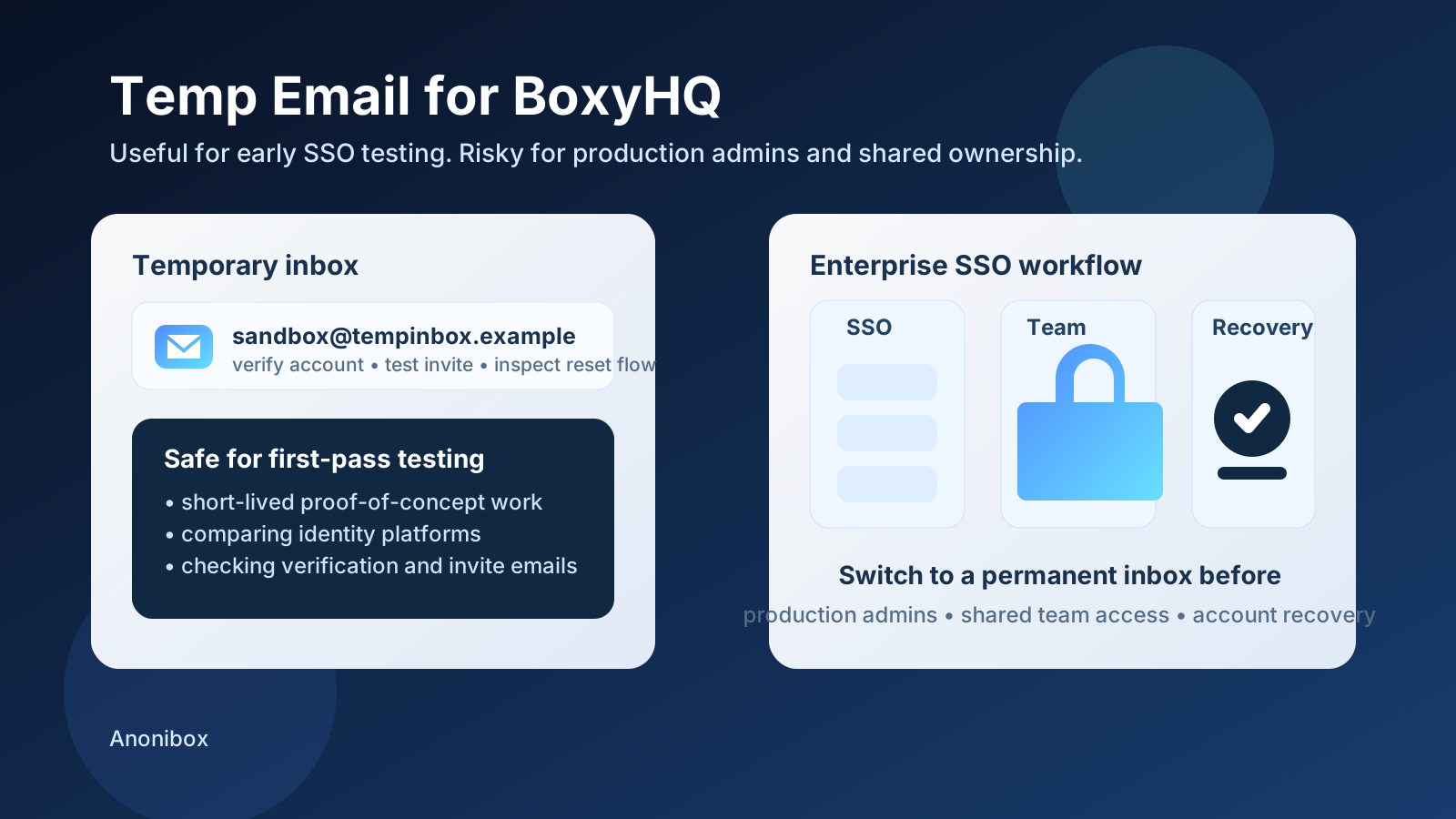
A temp email for BoxyHQ is useful for early SSO testing, sandbox setup, and short-lived proof-of-concept work.
It is a poor fit for production admins, shared team ownership, customer-facing identity infrastructure, or any account you may need to recover later.
If you are evaluating BoxyHQ, email shows up sooner than many teams expect. Even when the real goal is enterprise SSO, SAML setup, directory sync exploration, or a customer identity proof of concept, you still end up touching inbox-dependent steps like account verification, password resets, invite flows, admin ownership, and recovery. That is why people look for a temp email for BoxyHQ in the first place. They want to test the product without committing a primary work inbox to yet another long-lived vendor relationship before they even know whether the tool belongs on the shortlist.
That instinct is sensible. A disposable inbox can be genuinely useful during early identity testing, especially when you are comparing multiple platforms or creating short-lived tenants just to validate whether the basic workflow behaves the way you need. A service like Anonibox fits naturally into that stage because it lets you receive the verification message, inspect the early setup flow, and move on without feeding extra notifications into a mailbox your team relies on every day.
The important part is knowing where temporary convenience stops being smart. A throwaway inbox is fine for a throwaway evaluation. It becomes risky as soon as the account starts acting like real infrastructure. Once the identity setup matters for admins, teammates, long-lived environments, or customer-facing access, the inbox behind it needs to be durable too.
Why people use temporary email with BoxyHQ
Early identity-platform testing is usually noisy. Teams create accounts, retry verification links, compare setup screens, test recovery behavior, and sometimes spin up several short-lived environments just to learn how the workflow behaves. In that phase, a temporary inbox offers a few practical benefits:
- Inbox control: you can complete first-time setup without committing your main mailbox to a stream of onboarding and follow-up emails.
- Cleaner vendor comparison: if you are evaluating several SSO or identity tools, separate inboxes make each test easier to isolate.
- Low-friction experimentation: you can check basic setup, verification, and email-triggered flows before deciding whether the product is worth deeper effort.
- Better separation between testing and real operations: not every proof of concept deserves permanent ownership on day one.
Those are all legitimate reasons. The mistake is assuming the same inbox strategy still makes sense after the account becomes important.
When a temp email for BoxyHQ makes sense
1. First-look signup and product evaluation
If you simply want to see how BoxyHQ feels during the earliest phase, a temporary inbox is usually fine. This is the moment when you are trying to answer basic questions: does the setup flow feel straightforward, does the verification process work cleanly, and is the product even relevant enough to justify a deeper proof of concept?
At that point, the account is still low-stakes. You are not yet depending on it for real users, real admins, or long-term ownership.
2. Sandbox or proof-of-concept identity testing
Temporary inboxes make sense when you are creating short-lived environments that exist only to test assumptions. Maybe you want to validate a basic SSO flow, inspect how an email-triggered step behaves, or compare one identity stack against another. If the environment is clearly disposable, using a disposable inbox is a reasonable match.
3. Comparing BoxyHQ with adjacent enterprise auth tools
Identity teams rarely pick a platform after one login screen. They compare options. If you are looking at BoxyHQ alongside tools such as WorkOS, Frontegg, Clerk, Better Auth, SuperTokens, Authentik, Authgear, LoginRadius, or Amazon Cognito, temporary inboxes can help keep each evaluation isolated. That makes it easier to inspect the messages each tool sends and easier to abandon accounts that never move past the first round.
4. Testing email-dependent flows without long-term clutter
Some evaluations are less about the dashboard and more about the email-driven edges around it. Does the verification email arrive quickly? Does the reset flow make sense? Do invites and ownership changes feel clear? A temporary inbox is useful when the goal is simply to inspect that behavior in a contained way.
When temporary email becomes risky
The real problem with temporary email is not that it fails instantly. The problem is that a disposable setup can quietly stop being disposable. Teams often create an account “just to test” and then keep using it because the proof of concept turns into a pilot, the pilot turns into a staging environment, and the staging environment starts carrying real administrative weight.
1. Production admins and long-term ownership
If the account controls production settings, team administration, or customer-facing identity behavior, use a stable inbox. The moment the account becomes operational, recovery and continuity matter more than convenience.
2. Shared team access
Temporary email is a poor fit for accounts that more than one person depends on. People change roles, projects get handed off, and admin responsibilities shift. If the original inbox no longer exists, even a routine recovery or ownership change can become needlessly painful.
3. Long-lived staging that behaves like real infrastructure
Some teams tell themselves an environment is “just staging” long after it has become important. If teammates rely on it, if it stores real configuration, or if it supports ongoing demos or internal workflows, the account has already crossed into durable territory. The inbox should reflect that reality.
4. Recovery-sensitive or security-sensitive accounts
Recovery messages only matter when something goes wrong, which is why teams underestimate them during setup. If you may ever need to confirm ownership, reset access, or investigate admin changes later, a temporary inbox is the wrong foundation.
A smart workflow for using temp email with BoxyHQ
You do not need to choose between reckless testing and overcommitting too early. The safest approach is usually phased.
- Start with a temporary inbox for low-stakes evaluation, email verification, and first-pass product exploration.
- Document what matters right away, including delivery timing, reset flow behavior, invite experience, and any friction you spot in the setup.
- Decide quickly whether the account will matter. If the product is not a fit, let it go. If the proof of concept is moving forward, switch to a permanent inbox before the account becomes operational.
- Reserve real inboxes for real ownership, especially anything tied to admins, shared teams, or customer-facing identity workflows.
This keeps your experiments lightweight without letting a temporary setup turn into long-term risk.
What to test during an early BoxyHQ evaluation
If you are already using a temp inbox, make the test worthwhile. Do not stop at “the email arrived.” Use the evaluation to answer practical questions:
- How quickly do verification and reset emails arrive?
- Is the copy in those emails clear enough for a real user or admin?
- Do links lead to the right screens without confusion?
- How easy would it be to hand the account to a teammate later?
- Which parts of the account still feel safely disposable, and which parts already look like infrastructure?
That gives you a more useful signal than a shallow test. It helps you decide whether the product is ready for a deeper commitment.
Common mistakes to avoid
Treating every account like a throwaway
Not every proof of concept stays temporary. Teams often build on top of the first account they created because it is already there. If the project starts sticking, move to a stable inbox earlier than you think you need to.
Forgetting that admin continuity matters
Identity systems are not like casual SaaS trials where you can just shrug and start over later. Once an account becomes tied to admin decisions or shared workflows, continuity matters.
Keeping a temporary inbox attached after inviting other people
The moment multiple humans are depending on the account, you should assume the inbox may need to exist long term too.
Optimizing only for inbox cleanliness
A temporary inbox solves clutter. It does not solve governance, accountability, or recovery. Those require a real address with durable ownership.
Should you use a temp email for BoxyHQ?
Yes, if the account is truly temporary. A disposable inbox is a practical tool for first-look testing, short-lived proof-of-concept work, and email-flow checks that you do not want tied to a primary team mailbox yet.
No, if the account is becoming meaningful. Once BoxyHQ is tied to production admins, shared ownership, customer-facing identity workflows, or any setup that will matter next month instead of only this afternoon, a permanent inbox is the safer choice.
Final takeaway
A temp email for BoxyHQ works well when you are keeping evaluation lightweight. It helps you test the signup, inspect the verification flow, and compare enterprise auth options without turning every experiment into a permanent inbox relationship.
The discipline is knowing when to stop using it. If the account starts carrying real identity responsibility, switch to a stable inbox before convenience turns into preventable recovery pain. Used that way, temporary email is not sloppy at all. It is simply a clean boundary between experimentation and real admin ownership.