A temp email for Codecademy can be useful for low-stakes sign-up privacy, casual course browsing, and testing whether the platform fits your learning style.
It becomes a bad idea once you care about saved progress, certificates, billing, streaks, career features, or account recovery.
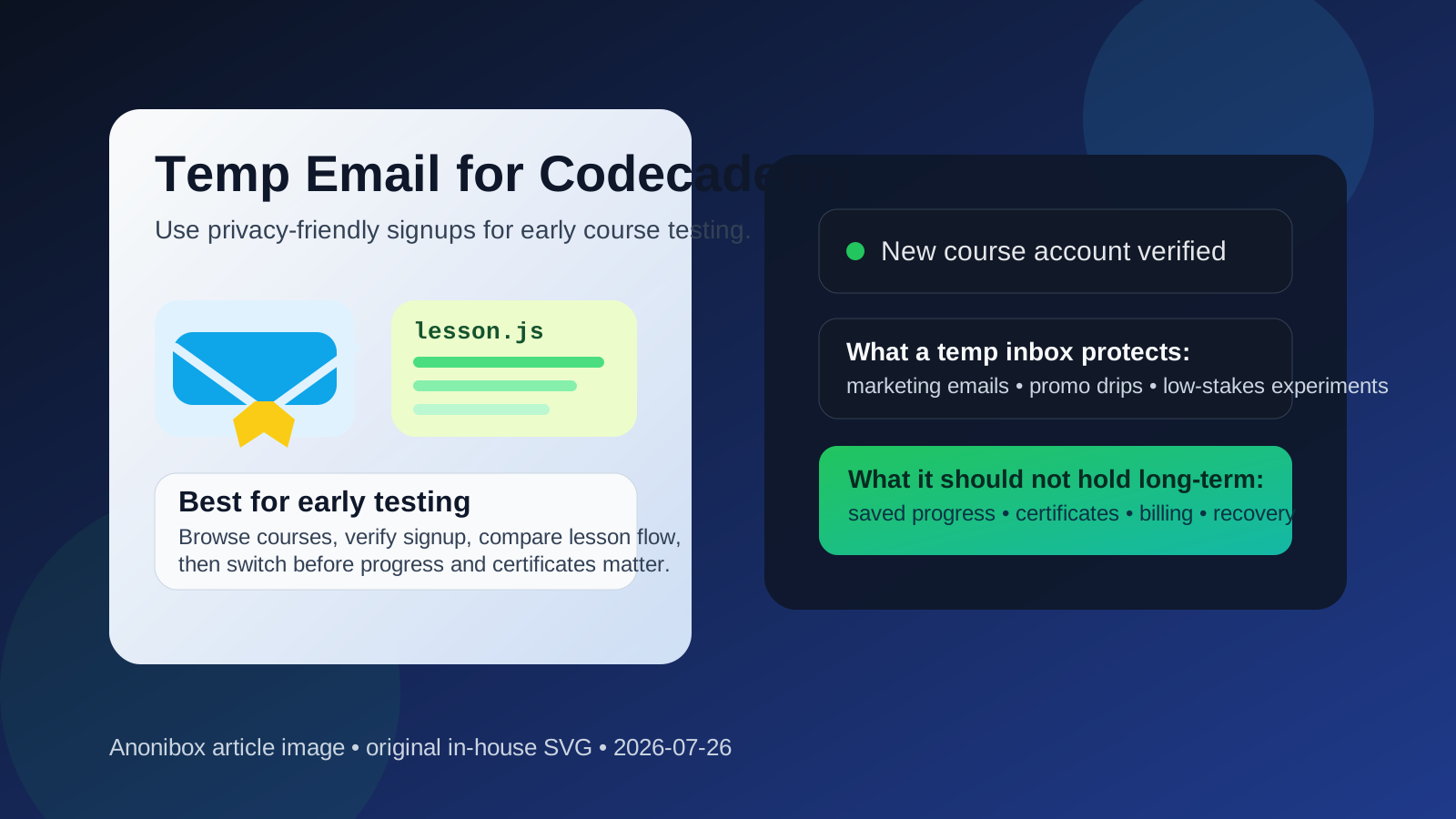
Why someone would use a temp email for Codecademy in the first place
Codecademy sits in that common middle ground where people want to explore before they commit. You may want to browse courses, check the teaching style, verify whether a skill path feels beginner-friendly, or see whether a free trial or limited-access account is actually worth your time. In that stage, using a temporary inbox can make sense.
The upside is simple: you can keep your main inbox out of one more education-marketing funnel while still receiving the initial verification message you need. If you are comparing multiple learning platforms in the same week, that separation can be surprisingly helpful.
That does not mean a temp email is the right long-term setup. Learning accounts tend to accumulate value over time. The more progress you save, the more costly it becomes to lose access.
Short answer: yes for early evaluation, no for serious long-term learning
If you only want to test Codecademy, look around, and decide whether you even like the product, a disposable inbox is usually fine. You can confirm the account, poke through the catalog, try a lesson or two, and keep your personal inbox cleaner while you compare options.
If you plan to build a real learning routine there, though, a temporary email quickly becomes risky. Course progress, streaks, bookmarks, saved paths, certificates, billing notices, and password resets all become more important than a little marketing noise. Once the account matters, the email attached to it matters too.
When a temp email for Codecademy works well
There are a few situations where using a temporary address is practical and fairly low-risk:
- You are comparing platforms: maybe you are looking at Codecademy next to Coursera, Udemy, Skillshare, or edX and just want a clean way to sample each one.
- You want to check the course catalog first: some people want to see how well the platform covers Python, SQL, JavaScript, data analysis, cybersecurity, or interview prep before tying it to their main account.
- You are testing the onboarding flow: if your goal is simply to see the dashboard, first lesson, or account setup process, a burner inbox can be enough.
- You want to avoid follow-up email during research: education platforms often send reminders, trial prompts, product announcements, or upgrade nudges.
- You are doing one-off market research: writers, consultants, or product researchers sometimes inspect course platforms without intending to maintain an account.
In other words, a temp inbox fits best when the account is still disposable too.
When it becomes risky fast
The risk goes up the moment the Codecademy account stops being a throwaway experiment and starts becoming part of your real learning history.
Saved progress and streaks
If you are halfway through a path, you probably do not want to lose the record of what you completed. Even if the content is replaceable, your time is not. A temporary inbox is a weak foundation for anything you plan to revisit over weeks or months.
Certificates and portfolio value
If you are using Codecademy to show consistent learning, earn certificates, or document skill development during a job search, recovery and continuity matter more than inbox cleanliness. Attaching that value to a disposable address is asking for trouble.
Billing and subscription changes
If you ever upgrade, start a free trial with billing attached, or manage a paid plan, you need reliable access to receipts, renewal notices, cancellation confirmations, and support messages. A temp inbox is the wrong place for any account tied to money.
Career or community features
Any feature involving collaboration, coaching, applied projects, or career signals deserves a stable email. Once other people, deadlines, or account-linked opportunities enter the picture, a throwaway inbox stops being smart.
Password resets and recovery
This is the obvious one, but it is still the most important. If you cannot reliably receive recovery mail later, your account is only yours until the next login problem.
A practical way to use a temp email without regretting it
If you still want the privacy benefits, the safest approach is not “use a temp email forever.” It is “use one briefly, then switch before the account matters.”
- Create the temporary inbox first. That keeps the entire early evaluation separate from your primary address.
- Sign up and verify the account. Use it only to access the initial onboarding and first few lessons.
- Decide quickly whether Codecademy is a serious fit. If the answer is no, you have kept the experiment clean. If the answer is yes, move to a stable email early.
- Save any essential messages. If the platform sends trial details or support information you may need, keep a copy before the disposable inbox expires.
- Switch to a permanent address before progress or billing matters. Do not wait until you have finished multiple modules and then hope recovery will be easy later.
That is the part many people get backward. The temporary inbox is most useful at the beginning, not after the account becomes valuable.
What kind of email is better once you commit?
Once you know you will actually use Codecademy, a normal long-term inbox is usually the better move. It does not have to be your oldest or most personal address, but it should be one you control reliably.
A good middle ground is a dedicated learning or job-search email that is separate from your everyday inbox but still permanent. That gives you more privacy and organization without sacrificing recovery. If you use Anonibox or another disposable inbox for the first pass, treat it as a screening layer, not as the final home for the account.
Does this matter more if you are learning for a job search?
Yes, a little more. If you are using Codecademy to build job-ready skills, prepare for interviews, or create a cleaner story around your learning progress, stability matters. You may want easy access to completion records, saved paths, or course references months later when you are updating a résumé, preparing for technical screens, or showing steady skill development.
That does not mean you should never protect your privacy during a job search. It just means you should separate two different goals:
- Protecting your inbox during research
- Preserving access to accounts that support your real work
A temporary inbox is excellent for the first goal. It is unreliable for the second.
Common mistakes to avoid
- Keeping the temp email attached too long: this is the biggest mistake by far.
- Starting a paid plan before switching emails: money and temporary inboxes do not mix well.
- Ignoring recovery settings: people often assume they will “fix it later” and then forget.
- Using one disposable inbox for too many services: that makes tracking messages harder and defeats the point of organized testing.
- Assuming certificates or progress will be easy to recover manually: sometimes support can help, sometimes not, and you should not plan around hope.
A simple decision checklist
Before you use a temp email for Codecademy, ask yourself:
- Am I just browsing, or do I expect to keep this account?
- Will I care if I lose access to my saved progress next month?
- Could this account end up tied to a free trial, paid plan, or certificate?
- Would a separate permanent learning email solve the problem better than a disposable one?
If your honest answer is “I am only testing,” a temporary inbox is reasonable. If your answer is “I might actually use this seriously,” switch to a stable email early and save yourself the headache.
Final takeaway
Using a temp email for Codecademy is a perfectly sensible move when you are still in exploration mode. It can help you verify the account, review the course catalog, test a lesson, and keep your main inbox out of another drip campaign.
But the moment Codecademy becomes part of your actual learning system, the trade-off changes. Progress, certificates, billing, and recovery matter more than avoiding a few promotional emails. Use the disposable inbox for early testing, then move to a real long-term address before the account starts carrying real value.
That way you get the privacy benefit upfront without sabotaging the account later.