A temp email for Commusoft is fine for a short early trial if you only need signup verification, welcome emails, and a quick hands-on look at the platform.
It becomes a poor choice once live jobs, customer communication, scheduling, or shared team access start depending on that inbox.
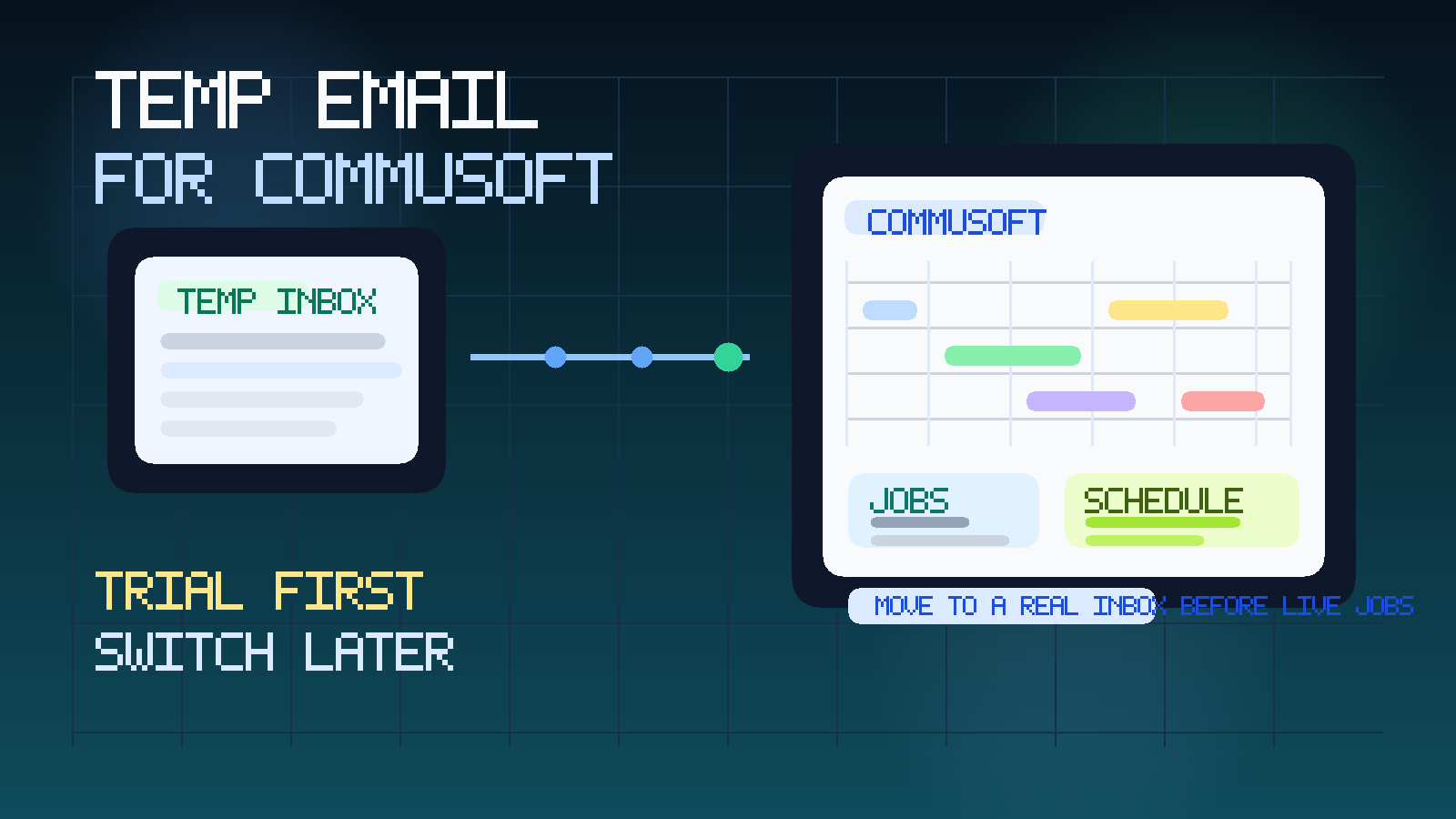
That is the practical answer. Temporary email helps when you are comparing software and want to keep your main work inbox out of another long vendor follow-up sequence. It stops being helpful when the account moves from “trial” to “part of how we actually run jobs.”
Commusoft sits in the field-service software category, where teams usually care about scheduling, jobs, engineers or technicians, customer updates, quotes, and office-to-field coordination. That makes a temporary inbox useful during first-pass evaluation, but risky if you let the account drift into real operations without switching to a durable business-controlled address.
If you are comparing Commusoft with nearby tools such as ServiceTitan, Housecall Pro, Service Fusion, FieldPulse, Simpro, or Kickserv, the same rule usually holds: use temporary email for the first look, not for long-term account ownership. A service like Anonibox is useful at that early stage because it lets you verify the trial and review onboarding without giving every vendor a permanent place in your main inbox.
Why someone would use a temp email for Commusoft
Most buyers are not trying to disappear. They are trying to stay organized while they compare products. A Commusoft trial can trigger activation emails, onboarding checklists, demo prompts, setup guidance, product tips, and repeated sales follow-up. That is normal SaaS behavior, but it gets noisy fast if you are testing several field-service platforms in the same week.
A temporary inbox gives you a clean buffer between research and commitment. You can receive the verification link and early setup messages without immediately tying your permanent work email to a platform you may reject after a few hours of evaluation.
That usually makes sense when:
- you are doing a quick first-pass comparison before involving the broader team
- you want to evaluate the interface before sharing a real company inbox
- you are comparing several field-service tools at once
- you want to keep exploratory signups away from the day-to-day operations mailbox
- you want to avoid long sales nurture sequences from software that may never make the shortlist
In other words, the temporary inbox is acting like a filter. It helps you get into the product without letting casual evaluation spill straight into your long-term email environment.
What you can safely evaluate during an early Commusoft trial
You can still learn a lot during a short trial if you focus on workflow fit rather than treating the account like production software from day one.
1. Scheduling clarity
One of the first things to judge is how clearly the platform handles calendars, bookings, job movement, and office-to-field coordination. Can you understand the schedule quickly? Do day views and job boards feel usable? If scheduling already feels confusing during a simple trial, that is a useful signal.
2. Job and work-order flow
Look at how the system moves work from quote or booking toward job execution and completion. You do not need a live business running inside the trial to see whether the workflow feels logical. The question is whether a dispatcher, office manager, or field lead could realistically work inside it without constant friction.
3. Customer communication structure
Review how the product appears to handle customer-facing updates, notes, and job context. Even if you are not sending real messages yet, you can still see whether the account seems organized enough for a real service business. A clean structure matters long before the first live customer ever sees it.
4. Mobile and field usability
Field-service software has to work away from the desk. During the trial, check whether the product looks usable for technicians or engineers in the field, not just for office admins. If the mobile or field-facing experience feels like an afterthought, that is worth catching early.
5. Team permissions and ownership basics
Even in a trial, you can usually tell whether the product expects multiple users, layered roles, and shared ownership. That matters because software that feels single-user during evaluation may become messy fast once dispatch, admin, and field staff all need access.
Where a temp email for Commusoft starts becoming risky
The real problem is usually not the verification email. The risk begins when continuity matters.
Live jobs and customer records
Once the account starts holding real customer names, addresses, job history, notes, or active work, the inbox behind the account becomes important. If password resets or critical alerts depend on a temporary address, you have introduced a weak recovery path into software your business may soon rely on.
Real scheduling and dispatch
A disposable inbox is easy to justify during product exploration. It is harder to justify once actual jobs, appointments, or technician schedules are involved. Missing a notice during a trial is annoying. Missing one when real work is in motion can create a much more expensive problem.
Shared team access
Field-service software rarely stays single-user for long. Once office staff, managers, technicians, or owners need predictable access, the account should be anchored to a stable monitored email that the business controls. A temporary inbox is the wrong place to leave long-term ownership.
Support, billing, and implementation planning
Serious evaluation often turns into pricing discussions, support tickets, onboarding calls, migration planning, and notification tuning. Those conversations belong in a durable inbox, not in an address created mainly to keep sales noise away from your main mailbox.
Security and recovery
Temporary email can help with inbox privacy, but it is not a substitute for reliable account management. If the account matters enough that losing access would slow down work, it matters enough to move to a permanent business email.
A safer way to use temporary email during Commusoft evaluation
If you want the privacy benefit without creating cleanup later, a staged approach works best.
- Create the temporary inbox before signup. Keep the first-pass evaluation separate on purpose.
- Use it for verification and early onboarding only. Let it catch the welcome email, setup prompts, and product-tour messages.
- Judge the software by workflow quality. Focus on scheduling, job flow, field usability, and customer communication structure.
- Save important links and notes outside the inbox. Temporary email is a filter, not your long-term system of record.
- Switch to a permanent monitored address before real work begins. If Commusoft becomes a serious finalist, move account ownership before live jobs, customers, or teammates depend on it.
This is where Anonibox fits naturally. It is most useful during the research phase, when you want product access without turning every software trial into months of inbox clutter.
How to know it is time to switch away from the temp inbox
If you are unsure whether the account has outgrown temporary email, ask yourself a few blunt questions:
- Would losing this inbox make it harder to recover the account?
- Are real jobs, customers, or appointments now tied to the platform?
- Would password-reset or admin notices matter operationally?
- Are other staff members beginning to depend on the account?
- Has the platform moved from “trial” to “likely implementation”?
If the answer to any of those is yes, the temporary inbox has probably already done its job.
Common mistakes to avoid
- Keeping the disposable inbox too long: it is for evaluation, not durable ownership.
- Loading real customer data too early: use sample information until the tool is a serious contender.
- Judging the product by email cadence instead of workflow fit: a polished nurture sequence is not the same thing as good job management.
- Forgetting to save trial notes and links: even a short evaluation creates useful findings you may need later.
- Treating temporary email as a total security solution: it helps with privacy and inbox hygiene, but it does not replace good ownership and recovery practices.
Final takeaway
A temp email for Commusoft is a sensible tool for early evaluation when you only need to verify the trial, review the onboarding flow, and decide whether the platform deserves deeper attention.
It becomes a bad long-term choice once live jobs, scheduling, customer records, or shared team access start to matter. Use temporary email for the first look, then move serious finalists to a permanent monitored inbox before the account becomes operational. That keeps your research cleaner without building real field-service workflows on a throwaway address.