Yes, a temp email for Deputy can make sense when you only want to request a demo, compare scheduling tools, or test the first signup flow without feeding your main inbox into another vendor sequence.
It becomes a bad idea once the account is tied to live schedules, time tracking, manager approvals, payroll-linked workflows, or long-term team admin, because those jobs need a permanent inbox you control.
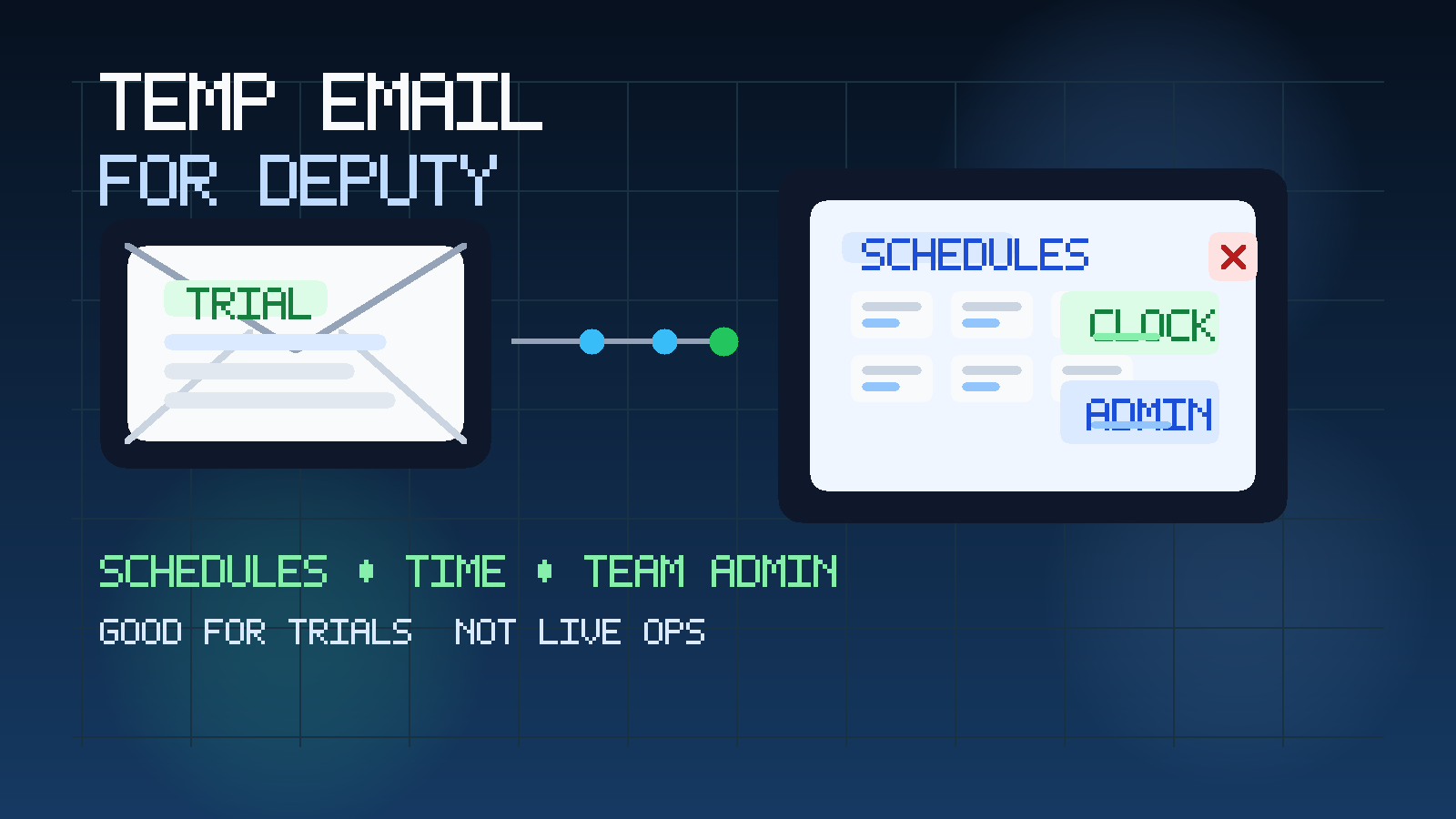
That is the direct answer, but the useful answer is about timing. People usually search for a temp email for Deputy because they want a cleaner way to explore workforce tools without committing their everyday work inbox to another sales cycle. A single demo request can turn into verification emails, welcome messages, scheduling walkthroughs, onboarding checklists, product nudges, and repeated follow-up that lingers long after you decide whether the platform belongs on your shortlist.
A temporary inbox helps during that early stage. You still receive the activation link and first-touch messages you need, but you do not have to route exploratory vendor traffic into the same mailbox that already handles staff communication, payroll questions, operations issues, and day-to-day work. Used carefully, a service like Anonibox is a practical buffer. The trick is knowing when to stop being temporary and switch to a stable monitored address before the account carries real operational weight.
Why someone would use a temp email for Deputy
Deputy sits in a category where the first interaction can be light, but the later relationship can become important fast. An operator may want to compare scheduling platforms. A restaurant owner may be testing shift planning tools. A retail or hospitality team may want to see how time tracking, shift coverage, or employee self-service feels before involving more people. That does not automatically mean they are ready to connect the platform to real staff workflows yet.
At this stage, a temp inbox can help for a few practical reasons:
- Inbox control: exploratory vendor traffic stays out of the mailbox you use for actual operations.
- Cleaner side-by-side evaluation: if you are comparing Deputy with other workforce tools, separate inboxes make it easier to tell which emails belong to which platform.
- More privacy: your main work address does not have to enter every nurture sequence the moment you click a form.
- Lower commitment: you can judge the first workflow before deciding whether the product deserves a permanent business contact path.
That is not about hiding. It is about controlling the point where casual research turns into an ongoing account relationship.
When a temp email for Deputy makes sense
A temp inbox works best when losing access later would be inconvenient, not disruptive. For Deputy, that usually means early evaluation and low-stakes testing.
Demo requests and first-touch product research
If you mainly want a walkthrough, first meeting link, or product overview, a temporary inbox is reasonable. You are gathering information, not yet depending on the account for real schedules or team access.
Testing the signup and first-login flow
Sometimes you only need to know how the initial experience feels. Does the verification step work smoothly? Is the admin setup clear? Does the first-time dashboard make sense? A disposable inbox is fine for that kind of quick read.
Comparing workforce management tools
If Deputy is one option among several, separate inboxes help keep the comparison organized. That is especially useful if you are also looking at adjacent tools and topics like workforce management software free trials, UKG Ready, or Homebase. The point is not to create complexity. The point is to stop multiple vendor sequences from blurring together.
Keeping exploratory operations software away from a busy inbox
Operations teams already get enough email. Staffing changes, payroll questions, supplier issues, customer escalations, and internal updates all compete for attention. A temp inbox prevents “just checking a platform” from creating another long-tail thread in the middle of real work.
When a temp email is the wrong tool
The wrong time to use a temp email is when the account stops being a trial and starts becoming infrastructure.
- Live schedules and shift changes: once employees may depend on email-linked scheduling or shift coverage updates, a throwaway inbox becomes a weak link.
- Time tracking and approvals: if managers need accurate timecard workflows, admin notices, or exception review, the account should live on a durable address.
- Team admin and account recovery: if the inbox controls owner access, password resets, or role handoff, it needs to be permanent.
- Payroll-connected workflows: if Deputy is feeding or supporting payroll-related activity, reliability matters more than inbox cleanup.
- Long-term multi-user use: once the platform matters to real managers or staff, temporary email is the wrong foundation.
A simple rule works well here: if missing the next email could create an operational problem, stop using a temporary inbox and move the relationship to a stable monitored address immediately.
What to evaluate inside Deputy during an early trial
If you are going to isolate the trial with a temp inbox, use the saved attention on the product itself. The whole point is to learn fast and judge whether the platform actually fits your team.
Scheduling clarity
Look at how easy it is to build, edit, and publish schedules. Can you understand the workflow quickly? Does the product make shift planning feel faster, or does it add too much structure for your team size?
Time clock and attendance workflow
If the platform supports time tracking, look at whether the flow feels dependable from both the manager and worker side. You are not trying to prove every edge case during a trial, but you should be able to tell whether approvals, edits, and exceptions feel manageable.
Shift communication and employee experience
Scheduling tools are not just admin dashboards. They affect how people see shifts, request changes, and respond to updates. Ask whether the experience seems clear enough for real staff usage later, especially if your team is busy, distributed, or hourly.
Roles, permissions, and handoff
Many evaluations start with one person and expand quickly. Consider whether the product feels manageable once owners, managers, or location leads need different levels of access. If collaboration already feels awkward in the trial, that usually does not improve under real operational pressure.
Integration and reporting fit
Deputy does not live in isolation. Think about how it might connect to payroll, HR, or adjacent workforce systems. You do not need to finish a real implementation during a trial, but you should leave with a realistic sense of whether the tool can fit your stack without turning into another disconnected silo.
Support and follow-up quality
Vendor follow-up is not everything, but it is part of the experience. Useful onboarding guidance is helpful. Endless nudging is not. A temp inbox makes it easier to notice the difference without sacrificing your main mailbox.
How to use a temp email for Deputy without creating future problems
1. Create the inbox before you sign up
Start with the temporary address so the entire evaluation stays in one place from the first verification email onward.
2. Use it only for low-stakes access
The sweet spot is demo requests, first login, first invite, or a short product evaluation. That is enough for most early reviews.
3. Save anything you would hate to lose
Do not treat a disposable inbox like long-term documentation. Save meeting links, rep names, notes about pricing, trial dates, and setup details somewhere your team can actually keep.
4. Keep one vendor per inbox when comparing tools
If you are trialing several scheduling or workforce products at once, separate inboxes make the process far easier to track. You avoid mixing onboarding flows together and can tell at a glance which platform generated which message.
5. Switch early when the platform becomes serious
If Deputy moves from “interesting option” to “real candidate,” update the contact path before real schedules, team invites, or timekeeping workflows begin. Early handoffs are cleaner than late rescues.
Temp email vs. a dedicated evaluation inbox
Some teams ask for a temp email when what they really need is a separate long-term evaluation inbox. The difference matters.
- Use a temp email when you only need the first verification, a short test, or a low-commitment demo cycle.
- Use a dedicated evaluation inbox when the review may last weeks or involve several decision-makers.
- Use a permanent operational inbox when the platform is moving into real scheduling, time tracking, admin ownership, or payroll-adjacent use.
That progression is often smarter than trying to force one inbox strategy across every stage.
A practical example
Imagine a multi-location hospitality operator comparing two scheduling systems and one broader workforce platform. The goal this week is simple: see the first dashboard, understand the scheduling workflow, judge the mobile experience, and decide which tool deserves a deeper demo. In that stage, using a temp email for Deputy is sensible. It keeps the first-touch vendor traffic separate and lets the team compare products without filling the main operations inbox with another month of follow-up.
But once the team starts mapping real managers, real shifts, or real payroll-adjacent workflows, the same temp inbox becomes the weak link. That is the moment to graduate the account to a permanent monitored address before the tool begins carrying anything the business depends on.
Common mistakes to avoid
- Keeping the temp inbox attached too long: what starts as privacy protection turns into an ownership problem.
- Using one throwaway inbox for every vendor: you lose most of the organizational benefit.
- Confusing a successful demo with readiness for production: early product access is not the same thing as a real admin setup.
- Failing to document the handoff: one person signs up, another person later needs access, and nobody knows where the critical messages went.
- Letting a trial account drift into real staff workflows: that is where temporary email stops being useful and starts being risky.
Where Anonibox fits naturally
Anonibox makes sense at the front end of this process. If you only need the verification email, the welcome sequence, or a short period of trial access, a privacy-first temporary inbox can keep vendor exploration from spilling into the mailboxes you rely on every day. That is especially helpful if you are comparing several platforms, screening a product quietly, or trying to keep a first-touch demo request from becoming an endless email thread.
What it should not become is the permanent home for a serious workforce account. Temporary email helps you control exposure early. It does not replace a stable address once the platform matters to scheduling, timekeeping, team admin, or business continuity.
Final takeaway
A temp email for Deputy is a good idea when you are only requesting a demo, testing the first signup flow, or comparing scheduling tools. It keeps early-stage vendor traffic out of your main inbox and gives you more control over when you share a permanent address.
It is a bad idea once the account is tied to live schedules, time tracking, manager access, payroll-linked workflows, or long-term admin recovery. Use temporary email for exploration, then move serious workflows to a durable inbox your team can actually monitor.