A temp email for Eloomi is fine for a short, low-stakes evaluation when you only need to verify signup, look around the platform, and decide whether it belongs on your shortlist.
It becomes a bad long-term choice once admin ownership, learner access, manager workflows, review cycles, or account recovery depends on that inbox.
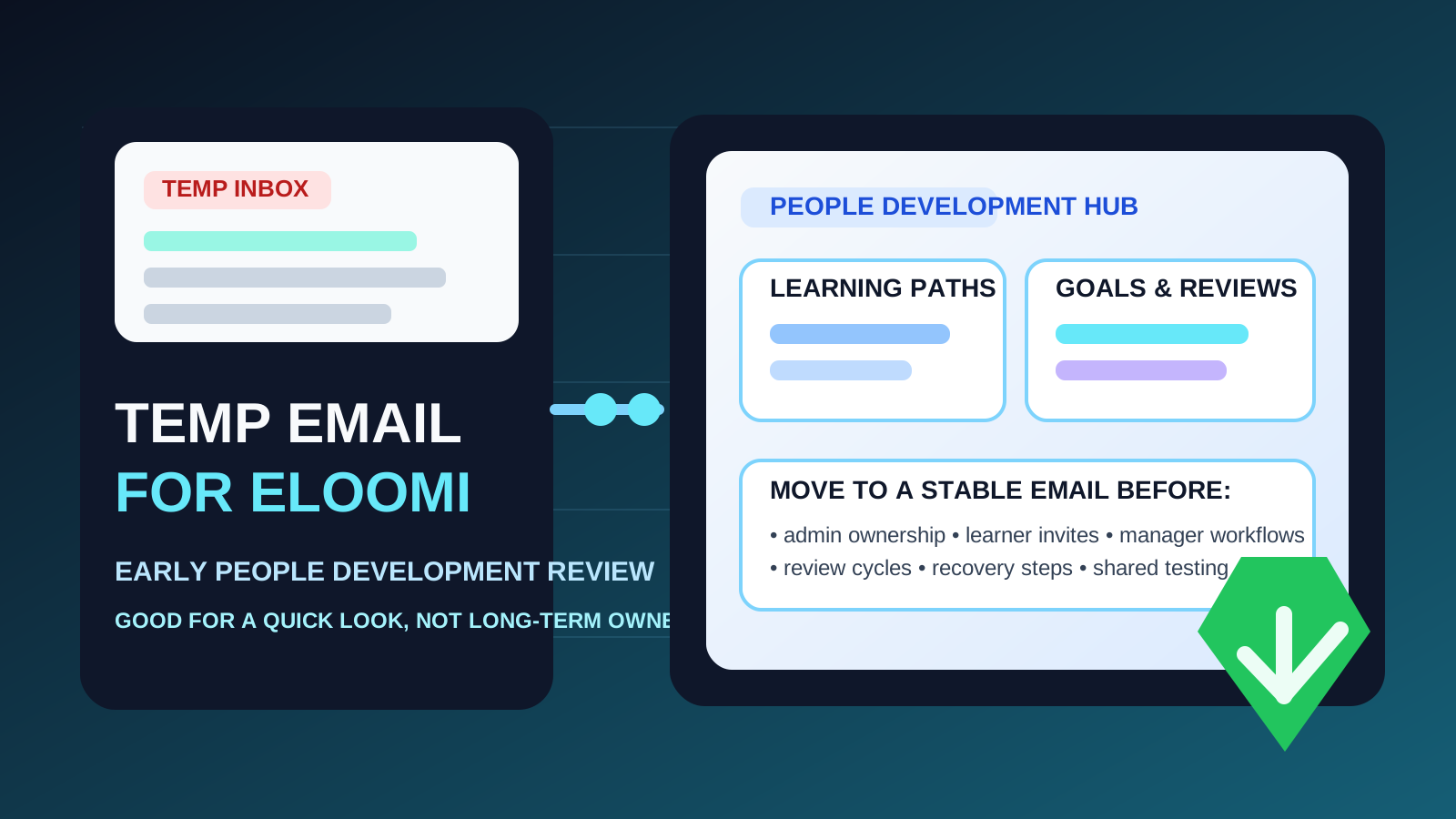
That is the practical answer behind searches for temp email for Eloomi. Many teams want to explore learning and people-development software without handing their main work inbox to every vendor they compare. That is reasonable. A temporary address can keep verification emails, welcome messages, and sales follow-up separated from your long-term inbox while you figure out whether the platform is even relevant.
But Eloomi is not the kind of product that stays disposable for long if the evaluation goes well. The moment a workspace starts holding real learning paths, manager access, employee invites, or development activity, the inbox behind the account matters. What feels like a minor signup shortcut can become an ownership problem later.
If you are only doing a first-pass review, a temporary inbox can be useful. If the workspace may become a real pilot, shared demo, or internal rollout path, moving to a durable company-controlled address early is the smarter move.
Why someone might use a temp email for Eloomi
The biggest reason is simple: early software evaluation creates noise. You may want to compare several learning, enablement, or people-development platforms at once, open a few onboarding emails, test the admin area, and avoid turning that research into months of vendor follow-up in your main inbox.
A service like Anonibox can help isolate that early stage. You still receive the verification link and the first setup emails, but you keep your permanent inbox cleaner until you know the platform deserves deeper attention.
That approach can make sense when you are using the account for:
- quick first-pass evaluation before involving the rest of the team
- side-by-side vendor comparison across several L&D or talent platforms
- inbox control so welcome sequences and demo reminders do not flood your normal address
- low-stakes research where the workspace is not expected to become operational
In other words, a temp inbox works best when the account is temporary in every other sense too.
When a temp inbox makes sense
You are only checking fit
If your goal is to answer basic questions like “Does this feel usable?”, “Does the interface fit our team?”, or “Is this even worth a longer demo?”, a burner inbox can be fine. At that stage, you are evaluating product fit, not building something durable.
You want to keep vendor follow-up contained
Trial signups often trigger product tours, implementation nudges, webinar invites, reminder emails, and sales outreach. If you are not ready to move seriously, there is no strong reason for all of that to reach your long-term inbox immediately.
You are testing alone
The disposable route is safest when one evaluator is looking around independently. If no learners, managers, admins, or stakeholders depend on the workspace yet, the risk stays limited.
Where the approach starts to fail
Eloomi becomes much more important once the account starts touching real people-development work. That is where a disposable inbox stops being convenient and starts being fragile.
1. Admin ownership gets harder to fix later
Every serious platform eventually needs a clear owner. Someone manages settings, permissions, structures, integrations, and the general direction of the workspace. If that owner account is tied to a throwaway inbox, the platform starts on shaky ground.
2. Learner access raises the stakes fast
Even a “small pilot” often turns into real activity quickly. Once employees, managers, or test learners receive invitations, log in, or start reviewing content, the account is no longer just a disposable experiment. It is a real environment with people depending on it.
3. Manager and development workflows are not low-value data
Eloomi sits close to learning, feedback, and development processes. That means the workspace may eventually touch manager check-ins, growth goals, performance discussions, or employee progress. Even if you are not using every feature on day one, those workflows deserve an account foundation you can reliably control.
4. Recovery problems usually appear after the trial goes well
The most common problem with a temp inbox is timing. Nothing breaks during signup. The trouble appears later, when you need a password reset, a verification email, a suspicious-login confirmation, or an ownership handoff. If the mailbox no longer exists, routine maintenance becomes more annoying than it should be.
5. Shared evaluations need stable ownership
Once HR, L&D, team leads, or operations people are involved, a disposable owner inbox becomes awkward. Real collaboration needs an account the organization can monitor, transfer, and recover cleanly.
A practical rule that keeps things simple
Use a temp email for Eloomi only while the workspace is temporary in every other sense too.
If you are doing a quick look around, a disposable inbox is reasonable. If there is any meaningful chance the workspace will become a pilot, shared review environment, or implementation path, move to a stable work-owned email before the account becomes important.
That one rule protects the privacy benefit without creating unnecessary cleanup later.
How to evaluate Eloomi safely with a temporary inbox
1. Decide whether this is research or the beginning of rollout
Before signup, be honest about your goal. Are you just exploring, or do you already suspect this could become a serious internal option? If it is only research, a temporary inbox is fine. If the answer is “this might become real,” start with a permanent business-controlled address instead.
2. Use the temp inbox only for verification and the first walkthrough
The safest use case is narrow: verify the account, skim the onboarding flow, inspect the admin area, and test the basic learning or development experience. That gives you the privacy benefit without pretending the account is stable when it is not.
3. Avoid loading real people or real process too early
If the owner inbox is disposable, keep the test low stakes. Avoid treating the workspace like a real environment before the account foundation is stable. The more real process you attach to it, the more painful the cleanup becomes later.
4. Capture the useful setup details right away
During your evaluation, save notes on what mattered: navigation, setup friction, key features, stakeholder reactions, and anything you would want to recreate later under a permanent inbox. That way, you are not trapped by the original signup choice if you decide to restart cleanly.
5. Switch before the account becomes sticky
The best time to move to a durable email is before multiple stakeholders are involved, before learners depend on invites, and before the workspace becomes the reference point for real development activity. Early migration is boring, but it is far easier than emergency recovery.
When a permanent work inbox is clearly the better option
Skip the disposable step and use a stable work-controlled address from the beginning if any of these are already true:
- you expect the workspace to become a real pilot
- more than one admin or stakeholder will review the platform
- learner access or manager workflows may start soon
- you care about a clean recovery path later
- the account belongs to a company process, not just one evaluator’s curiosity
In those cases, the inbox-privacy benefit is smaller than the ownership risk it creates.
Common mistakes to avoid
Letting the trial account quietly become the real account
This is the classic mistake. A quick test goes well, the team keeps using the same workspace, and nobody revisits the temp inbox decision until a password reset or admin change makes it painful.
Confusing inbox cleanliness with account safety
Keeping marketing email out of your main inbox is useful. It does not automatically mean a disposable inbox is the right home for software that may soon matter to your team.
Waiting for a problem before fixing ownership
Once a login issue or handoff arrives, the wrong inbox becomes urgent. Switching earlier is almost always easier than repairing ownership under pressure.
Inviting other people too soon
If multiple people are already reviewing the platform, the owner account should already be attached to an inbox the company can reliably keep and monitor.
A quick decision checklist
Before you use a temp email for Eloomi, ask yourself:
- Is this only a first-pass product evaluation?
- Will anyone else need access soon?
- Could this workspace become a real pilot or manager review environment?
- Would losing the signup inbox create unnecessary friction later?
- Am I trying to reduce inbox clutter, or am I avoiding proper account ownership?
If the account is truly temporary, a disposable address can help. If the account may become meaningful, a permanent work-owned email is the better choice.
Final takeaway
A temp email for Eloomi is useful for an early, low-commitment evaluation when you want to verify signup, inspect the platform, and keep follow-up out of your main inbox.
It becomes risky once admin ownership, learner access, manager workflows, development records, or account recovery depends on that inbox. Use the temporary address for the first look only, then move to a stable business-controlled address before the workspace becomes something your team actually relies on.
That way, you get the privacy and inbox-control benefits of a disposable signup without turning a small convenience into a long-term ownership headache.