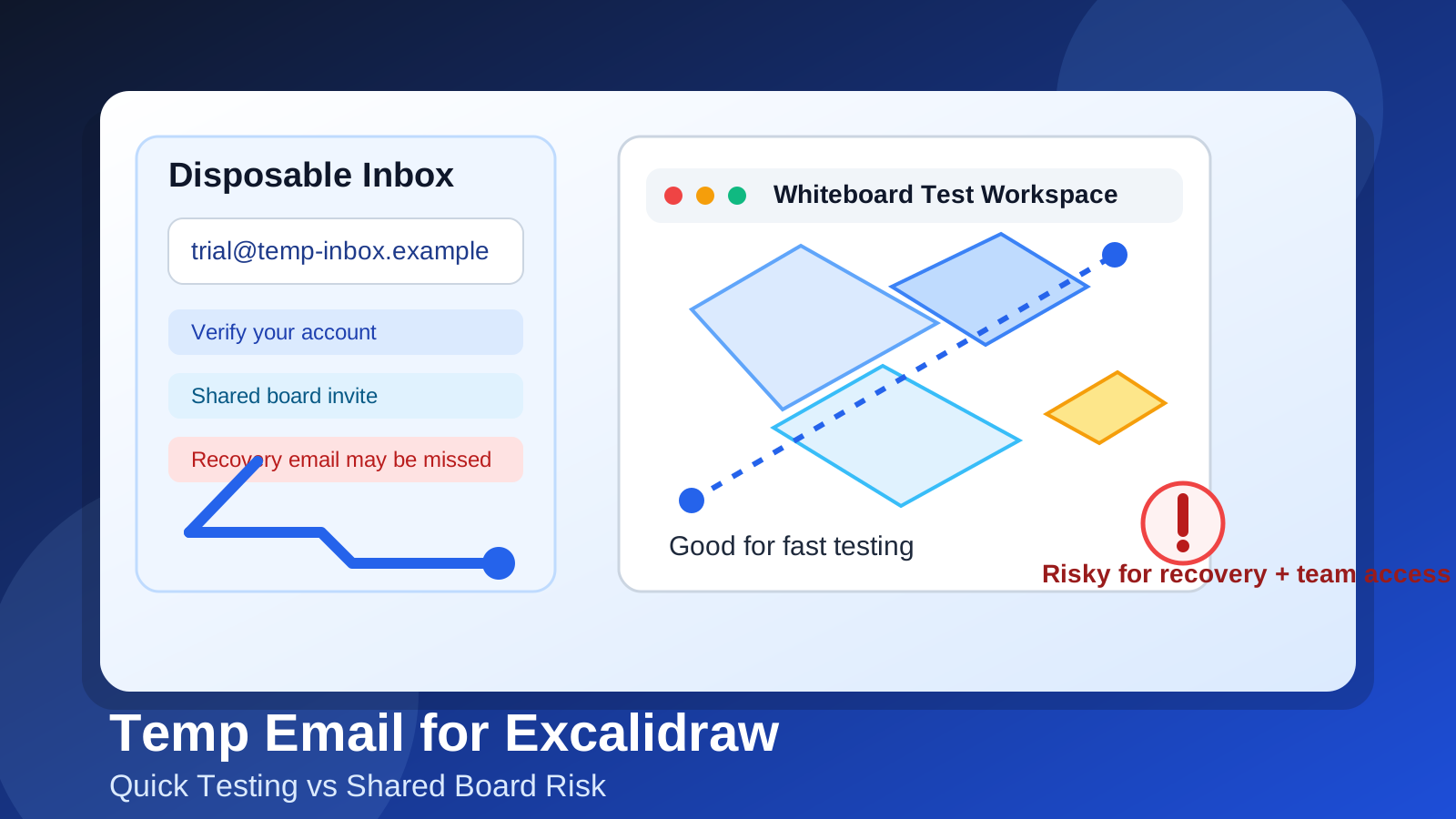
Yes, you can use a temp email for Excalidraw if you only want quick sign-up privacy or a low-stakes test. It is a bad long-term choice if the board may matter later, because shared access, follow-up messages, and recovery become much easier to lose with a disposable inbox.
That is the practical answer most people need. A temporary inbox can be useful when you are exploring a whiteboard or diagram tool, comparing workflow options, or trying to avoid handing your real address to every product you test. But Excalidraw-style collaboration becomes more fragile the moment a board turns into something you actually want to revisit, share, or protect.
The safest approach is to treat a temp inbox as an early-stage privacy tool, not as a permanent home for anything important. Use it when you are testing, browsing, or deciding whether the tool fits your workflow. Switch to a stable email address before a board becomes part of real work, classroom collaboration, documentation, client communication, or anything you would be annoyed to lose access to later.
Why someone would use a temp email for Excalidraw
People usually reach for a temporary inbox for a simple reason: they want less inbox clutter and more privacy while trying something new. Whiteboard and diagram tools are often used in quick bursts. You may want to sketch a process, map out an idea, test a shared canvas, or compare a few collaboration products without opening the door to weeks of product emails.
A temporary inbox helps in a few common situations:
- You want to check the sign-up flow before deciding whether the tool belongs in your stack.
- You are comparing multiple visual collaboration tools and do not want every trial tied to your main inbox.
- You want to reduce marketing follow-up from products you may only test once.
- You are experimenting with a personal idea, workshop sketch, or draft board and do not need a durable account yet.
That is where a service like Anonibox fits naturally. It gives you a quick inbox for verification and early testing without handing your real address to every tool you try during a busy evaluation cycle.
When a temp email makes sense
A temp email for Excalidraw makes the most sense when the work is disposable too. If the board is just a scratchpad, a one-off experiment, or a quick product test, a disposable inbox is usually fine.
1. Solo testing
If you are just seeing whether the interface feels good, whether the canvas is intuitive, or whether the overall workflow matches how you think, a temp inbox can be enough. You are not committing to anything important yet. You are simply testing the waters.
2. Comparing tools side by side
Maybe you are evaluating several products in the same cluster: Excalidraw, FigJam, Miro, Whimsical, Lucidchart, or another visual collaboration tool. In that kind of comparison, a temporary email keeps each test environment separate and prevents your main inbox from filling with onboarding emails, webinar invitations, and follow-up campaigns from tools that may never make your shortlist.
3. Privacy-first browsing
Some people simply prefer not to connect every exploratory sign-up to a personal or work identity. That is reasonable. If you are still in the curiosity phase, a temp inbox can lower unnecessary exposure.
When it becomes risky
The downside is that whiteboard tools stop being casual very quickly. What starts as a scratch board can turn into a project plan, a meeting artifact, a workshop exercise, a shared brainstorm, or a reference you want again in two months. That is where a temp email starts causing problems.
Shared boards can outlive the inbox
If you invite someone, join someone else’s board, or save work you expect to revisit, the email address behind the account matters more. A disposable inbox may expire, stop receiving messages, or become difficult to monitor. If you later need an access link, a verification step, or an account-related email, you may be stuck.
Account recovery gets weaker
Temporary inboxes are not designed for long-term ownership. If you forget how you signed in, need to confirm a login, or want to recover access later, the recovery path may depend on an inbox you no longer control or no longer check.
Team access gets messy
Collaboration works better when teammates know who owns the workspace, who receives notices, and which address is tied to the account. A temp inbox creates friction because it was never meant to be a durable team identity. Even if the board itself is accessible in the short term, the surrounding account management can become fragile.
Important notifications can disappear
Any workflow that depends on follow-up messages becomes riskier with a throwaway address. That can include invites, confirmation messages, access alerts, account notices, or billing-related emails if you ever move beyond casual testing.
A practical rule of thumb
Use a temp email for Excalidraw only if you would be comfortable losing the account and rebuilding from scratch. That one question cuts through most of the confusion.
If the answer is yes, a temporary inbox is probably fine. If the answer is no, switch to a real address before the work becomes meaningful.
Best workflow: start private, then upgrade intentionally
The smartest setup is not all-or-nothing. It is staged.
- Start with a temp inbox if you are only testing the product or protecting your inbox during research.
- Evaluate the real use case quickly instead of letting a test account quietly become a permanent one.
- Move to a stable email address before shared boards, recurring collaboration, or any important material depends on the account.
This gives you the privacy benefits up front without creating long-term mess later. It is the same logic people use for many other categories: temporary email for early trials, permanent email for durable ownership.
How to use a temp email for Excalidraw safely
Keep the test narrowly scoped
Do not treat the account as permanent if you opened it with a throwaway inbox. Use it to test the interface, create a scratch board, and decide whether the product belongs in your real workflow.
Save anything you genuinely care about
If a quick experiment turns into something useful, export it, document it, or recreate it under a real account before the temp inbox becomes a weak point.
Do not invite collaborators too early
Once other people are involved, the cost of losing access rises. What was a harmless privacy shortcut for a solo test becomes a coordination problem for a team.
Switch before recovery matters
Do not wait until you are locked out to decide the account should have been tied to a stable inbox. Make the change while everything is still easy.
Mistakes to avoid
- Using a temp inbox for live client or team work: that is where convenience turns into risk.
- Forgetting how you signed up: many access problems begin with not remembering which address was used.
- Letting a “test” board become your real board: this happens more often than people expect.
- Assuming temporary means anonymous in every sense: a disposable inbox can reduce exposure, but it is not a magic privacy shield.
- Waiting too long to switch: the best moment to move to a permanent address is before collaboration and recovery become important, not after.
What if you want privacy without the downside?
If your real concern is inbox spam, not identity separation, a better middle ground may be a dedicated long-term address just for productivity tools, app trials, and collaboration platforms. That gives you better recovery and continuity than a temp inbox while still keeping your primary personal or work inbox cleaner.
In other words, you have three basic choices:
- Temp inbox: best for short tests and low-stakes privacy.
- Dedicated secondary real inbox: best for ongoing but compartmentalized tool use.
- Main personal or work inbox: best when the account is clearly important and long-lived.
Choosing well depends less on Excalidraw itself and more on what you expect the account to become.
A quick decision checklist
Before using a temp email for Excalidraw, ask yourself:
- Am I only testing the tool, or do I expect to keep the board?
- Will anyone else need to access this work later?
- Would it be annoying if I could not receive recovery or access emails?
- Am I trying to avoid spam, or am I trying to avoid linking the account to my long-term identity?
- Would a secondary permanent inbox solve the problem better than a disposable one?
If the board is disposable, a temp inbox is reasonable. If the board is meaningful, collaborative, or likely to matter again, use a real address.
Final answer
A temp email for Excalidraw is useful for quick whiteboard testing, privacy-conscious exploration, and early evaluation. It is risky for shared boards, team access, recovery, and anything you plan to rely on after the test phase.
So yes, you can do it — just be honest about whether the work is temporary too. If the answer is no, upgrade to a stable inbox before the board turns into something you actually need to keep.