A temp email for Fathom AI can work for a quick trial or one-off feature test, but it becomes risky once meeting summaries, shared notes, or account recovery matter.
Use a temporary inbox only for short, low-stakes evaluation; if the tool starts becoming part of your real meeting workflow, switch to a permanent email you control long term.
That balance matters because Fathom AI sits in an awkward middle ground. It is easy to sign up for, easy to test, and easy to compare against other meeting tools. But the moment it starts saving useful summaries, follow-up notes, or collaboration history, the inbox attached to the account stops being a minor detail. What felt like a harmless throwaway signup can suddenly become the key to information you actually want to keep.
If your goal is simply to see how the product feels, a disposable inbox can be sensible. If your goal is to use Fathom AI for recurring client calls, internal meetings, interviews, or project follow-up, a temporary inbox is usually the wrong long-term foundation. The smart move is to separate short testing from real adoption instead of treating both situations the same way.
Why people look for a temp email for Fathom AI
There is a practical reason this keyword exists. Meeting and note-taking tools often start with a free trial, a short onboarding sequence, and a wave of follow-up email. People want to see whether the summaries are useful, whether the workflow fits their calendar habits, and whether the product is worth keeping — without immediately feeding their main inbox another stream of updates, promotions, and sales messages.
That is especially true when you are comparing several tools at once. You might test Fathom AI next to Otter-style transcript tools, meeting bots, or summary platforms without wanting every vendor to own your primary email address forever. A temporary inbox can make that early research cleaner. It keeps the verification step simple and keeps the noise contained.
The catch is that meeting products get sticky fast. One good recap, one useful set of action items, or one shared customer call can turn a “just testing” account into something you suddenly care about. That is why the right answer is not “always use a temp email” or “never use one.” It depends on what you are actually doing with the account.
When a temporary inbox makes sense
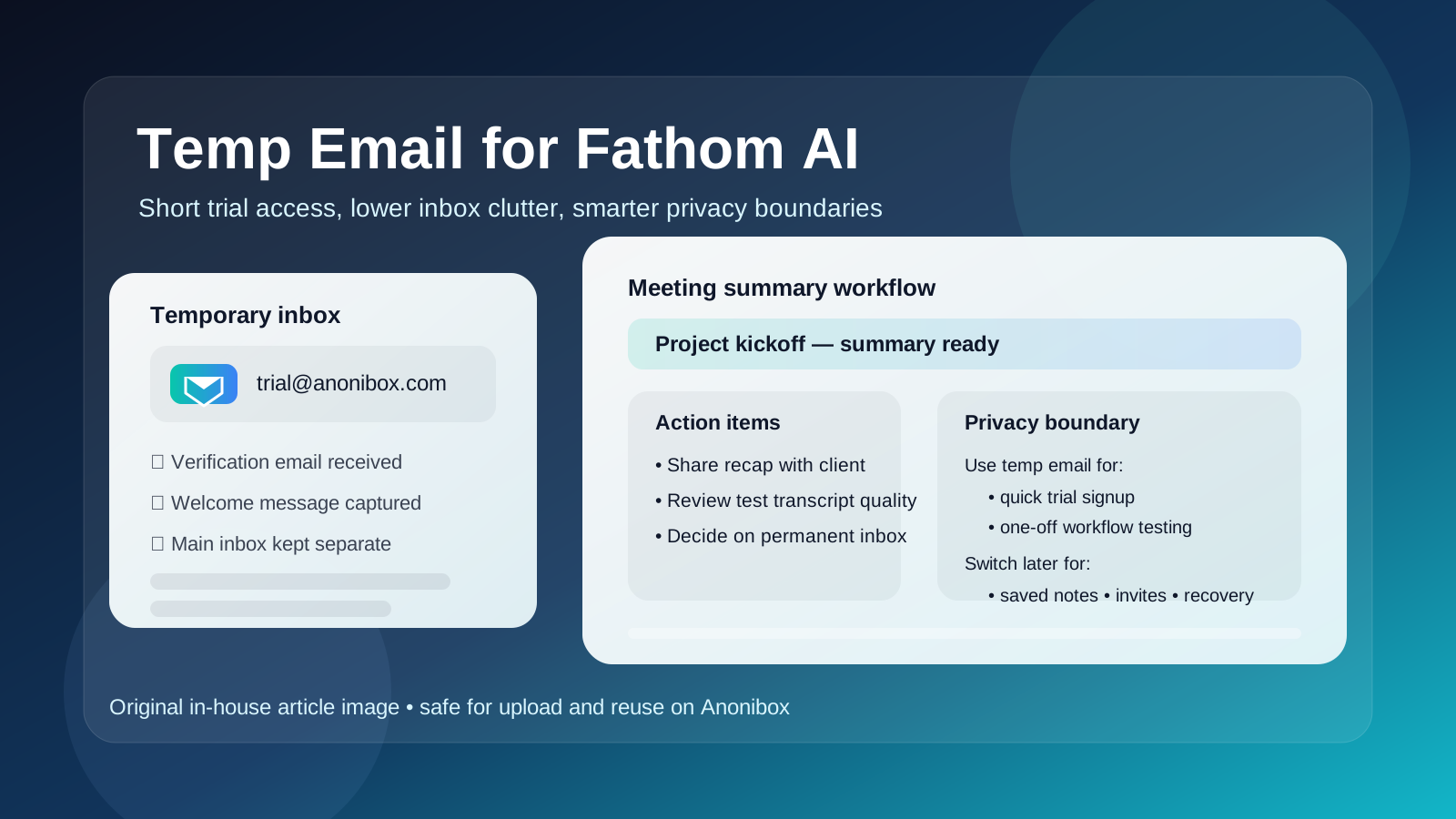
A temp email for Fathom AI is most useful when the work inside the account is still disposable too. Good examples include:
- Quick trial access: you want to get past verification and see the interface before deciding whether the tool is worth more attention.
- One-off feature testing: you want to check how summaries look after a single meeting or test whether the workflow matches your expectations.
- Vendor comparison: you are evaluating several meeting tools and do not want your everyday inbox pulled into every nurture sequence immediately.
- Low-stakes personal research: you are curious about the product but not ready to attach it to a real calendar or team process.
- Inbox hygiene: you want to avoid long-term clutter while you figure out whether the tool deserves a permanent spot in your stack.
In short: if the account is a sandbox, a temporary inbox can be fine. The key is to keep it a sandbox. The moment you start relying on the output, your email strategy should change too.
When a temp email becomes the wrong tool
Fathom AI is not just another casual signup if you keep using it. Once it starts touching recurring meetings or information you may want later, a temporary inbox becomes fragile.
1. Meeting summaries become valuable faster than expected
People often assume they only need one or two test runs. Then they discover the meeting recap is genuinely useful. Notes that seemed disposable can become part of a decision trail, a client follow-up, or a record of what was agreed in a call. If the email behind the account expires, you may create unnecessary friction around something you suddenly need.
2. Team invites need a stable account owner
If teammates, clients, or collaborators start interacting with the workspace, a throwaway inbox stops being responsible. Shared tools need stable ownership. Even if the platform supports changing account details later, it is cleaner to switch before the workflow becomes collaborative rather than after people are already depending on it.
3. Account recovery and security matter more with work tools
Password resets, sign-in alerts, account verification, and plan changes are all tied to email. A disposable inbox is convenient right up until you need it again. Meeting tools are a bad place to discover that your recovery path is weak.
4. Meeting software often touches sensitive context
Even if Fathom AI is only being used for harmless internal calls or project check-ins, the content can still include timelines, customer names, pricing discussions, interview notes, or strategy details. That does not mean you need to panic or make exaggerated privacy claims. It just means the account deserves a more deliberate setup than a pure throwaway login if you plan to keep using it.
A practical workflow that keeps your inbox cleaner without creating a mess later
The best approach is staged rather than absolute.
Step 1: Use a temp inbox only for early evaluation
If you want to protect your main inbox while you test the product, use a temporary address at the beginning and treat the account like a short-lived sandbox. Tools like Anonibox are useful here because they let you receive the verification email and first onboarding messages without giving your permanent inbox away too early.
Step 2: Limit the test to low-stakes meetings
Do not make your first experiment a critical client call, an interview, or an important internal review. Use a low-risk meeting or a controlled test so you can judge the product without creating dependency.
Step 3: Decide quickly whether the tool is worth keeping
The longer you sit in “temporary trial” mode, the more likely you are to leave useful summaries trapped behind a disposable account. After one or two solid tests, make a decision: abandon it, or move it to a stable email.
Step 4: Switch before collaboration starts
If the product seems useful, change to a permanent address before you invite teammates, connect deeper workflows, or rely on the account history. Doing it early is easier than trying to clean it up later.
Step 5: Keep a separate permanent inbox if privacy still matters
Some people do not want their primary personal inbox tied to every tool, even after they decide to keep it. That is fair. The middle-ground solution is often better than a disposable inbox: use a dedicated long-term email for work trials, SaaS testing, or meeting products. You keep separation without giving up recoverability.
Better alternatives than a fully throwaway inbox
If your real concern is spam and vendor clutter, a temp email is not your only option.
- A separate permanent email for tools and trials: better for anything you may keep using.
- An email alias: useful if you want filtering and separation while still controlling the underlying inbox.
- A dedicated work-search or project inbox: especially useful if you test lots of SaaS tools across different teams or clients.
- A temp inbox only for the first checkpoint: then switch immediately if the product passes the test.
These options usually beat a disposable inbox once the account has any chance of becoming part of your actual workflow. The more durable the tool usage becomes, the more durable the email should be.
What a temp email will and will not solve
A temporary address can reduce inbox clutter. It can also help you avoid attaching your main address to every early-stage signup. That part is real and useful.
What it will not do is magically solve every privacy issue around meeting software. If you are recording, summarizing, or sharing meeting content, your main privacy questions are still about what data is being processed, how your team uses the tool, what kind of conversations you run through it, and how responsibly the account is managed. The email choice matters, but it is only one part of a bigger workflow decision.
So use a temp inbox for what it is good at: quick access, lower inbox exposure, and short evaluation windows. Do not expect it to replace basic judgment about where you use the tool and what information you put into it.
Common mistakes to avoid
- Using a temp inbox for a real team rollout: fine for a trial, sloppy for collaboration.
- Leaving useful summaries inside a disposable account: the classic way a harmless shortcut turns into a headache.
- Forgetting that recovery matters: if you might need the account later, treat the email as long-term infrastructure.
- Testing on a high-stakes meeting first: always start with something low-risk.
- Confusing inbox privacy with total workflow privacy: they are related, but not the same thing.
A quick decision checklist
Before you sign up, ask yourself:
- Am I only testing Fathom AI, or am I likely to keep using it?
- Will this account store notes or summaries I may want later?
- Am I planning to invite teammates or share meeting outputs?
- Would a separate permanent inbox be smarter than a fully disposable one?
- Can I make the keep-or-delete decision after one or two tests instead of drifting in trial mode?
If your honest answer is that this is just a short experiment, a temp email is reasonable. If you can already see the tool becoming part of your normal work, skip the disposable step or use it only briefly before migrating to a permanent address.
Final answer
A temp email for Fathom AI is useful for short trial signups, quick workflow comparisons, and keeping your main inbox out of early-stage product noise. It is a poor long-term choice once meeting summaries, shared notes, team invites, or recovery access start to matter.
The smartest approach is simple: use a temporary inbox for low-stakes evaluation only, then move to a stable address as soon as the account becomes real. That gives you the privacy and clutter-control benefits you want without creating unnecessary risk around notes, collaboration, or future access.