Yes, you can use a temp email for Gladly if you only need to verify a trial or take a quick look around the platform.
No, you should not keep a disposable address on a real shared inbox, active support workspace, or any account you may need to recover later.
If you are evaluating customer support tools, that distinction matters more than it does with lightweight consumer sign-ups. Gladly sits closer to team operations than casual account creation. Once a workspace starts handling real customer conversations, routing replies, and assigning ownership across agents, the email on the account stops being a throwaway detail. It becomes part of access, notifications, trust, and recovery.
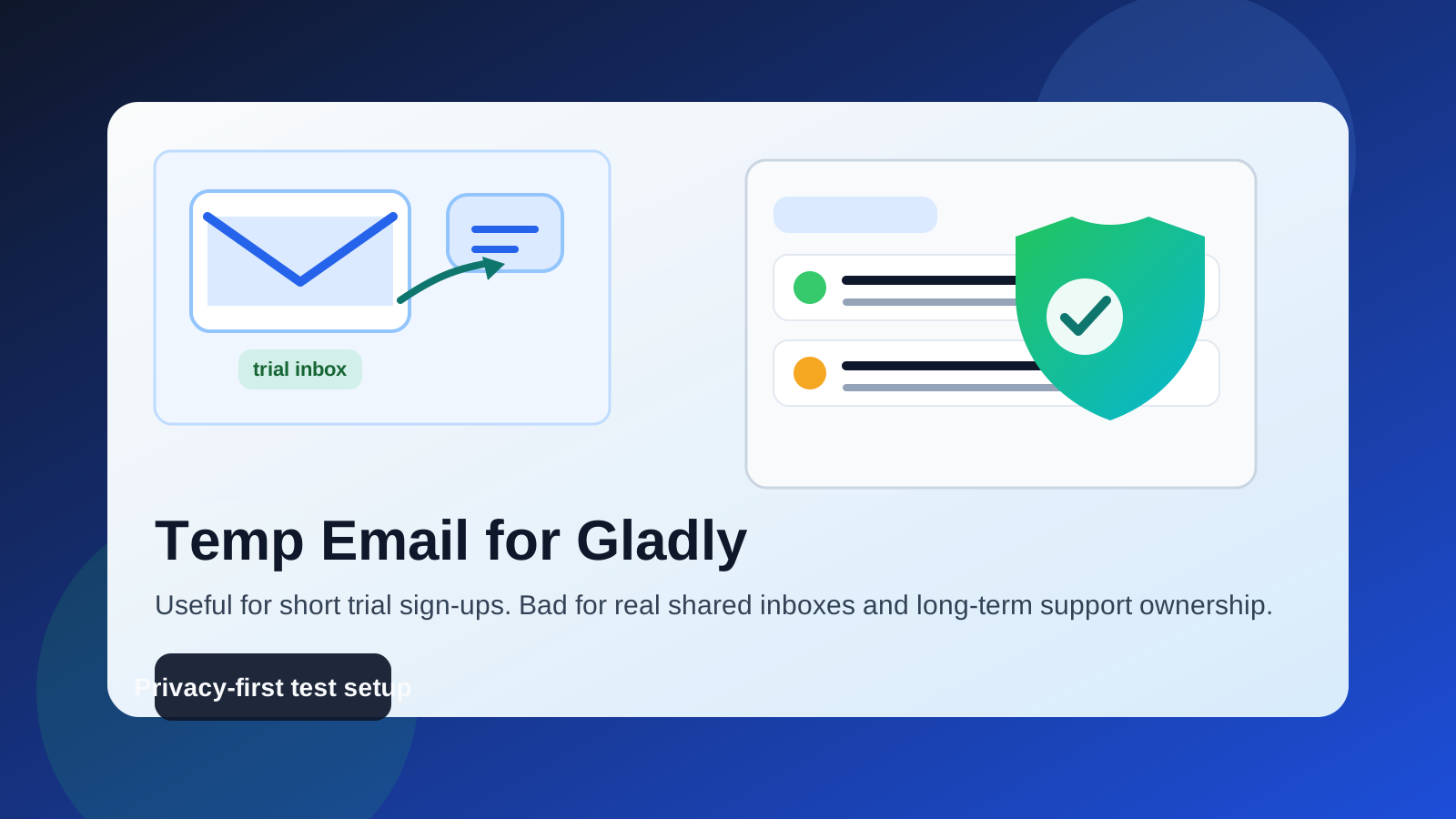
Short answer: use a temp email for the trial, not for the real operation
The cleanest way to think about it is simple. A temporary inbox is useful when your goal is short-term evaluation: verify the sign-up, read the welcome email, confirm that the product is worth your time, and keep vendor follow-up out of your main inbox until you are serious.
That same setup becomes risky the moment your Gladly account starts mattering to a real team. Shared support software is not like signing up for a one-off webinar. The account email may end up tied to workspace invites, admin notices, billing reminders, security alerts, ownership changes, and recovery steps. If the inbox disappears, your team may lose visibility exactly when it matters.
Why someone would want a temp email for Gladly in the first place
The motivation is reasonable. Support software trials often trigger immediate follow-up: welcome messages, product tours, meeting invites, check-in emails from sales, and onboarding nudges. If you are comparing several platforms in the same week, your normal work inbox can fill up fast.
A temp email keeps that early research separated from your permanent address. That can be helpful when you are:
- comparing several support platforms before narrowing the shortlist
- testing how quickly the trial activates and what the first-run setup looks like
- checking the admin interface before involving the rest of your team
- avoiding long sales sequences from products you may never adopt
- keeping early vendor research out of a busy shared company inbox
That is the best-case use. A disposable address works well as a privacy buffer during low-stakes evaluation.
When a temp email for Gladly makes sense
1. You are only validating the sign-up flow
If you want to know whether the free trial, demo workspace, or initial setup is even worth exploring, a temporary inbox can be perfectly fine. You receive the verification link, confirm the account, and get a quick feel for the product without committing your main address too early.
2. You are doing a fast side-by-side tool comparison
Maybe you are comparing Gladly with tools like Freshchat, Intercom, Tidio, HelpCrunch, or other support platforms. In that phase, your goal is usually broad product fit, not long-term administration. A temp email helps you keep those trials separate so one vendor does not dominate your main inbox for the next three months.
3. You are protecting personal or founder inboxes during early research
Small teams often begin software evaluation from a founder inbox or a personal work address. That is convenient, but it can also expose a high-value inbox to a lot of noise. Using a temporary address for the very first check can help you decide whether a tool deserves a more permanent company-owned login.
When it stops being a good idea
1. The account will own real customer conversations
The moment your Gladly workspace is connected to active support operations, a disposable inbox becomes the wrong tool. Shared support environments rely on continuity. If the address vanishes, you can miss important notices or create a messy recovery situation for the team.
2. More than one person needs reliable access
Team software should not depend on an inbox that might expire, disappear, or become unreachable. If you plan to invite agents, hand off admin rights, or keep the workspace for ongoing evaluation, switch to a permanent address under team control as early as possible.
3. You may need billing, security, or recovery emails later
Even if you are still in trial mode, there is a big difference between a quick test and a serious pilot. Once a platform reaches the pilot stage, account continuity matters. Password resets, admin confirmations, workspace changes, or contract-related notices should not go to a mailbox that was designed to be temporary.
What can go wrong if you keep the disposable inbox too long?
The risk is not abstract. Here are the practical failure modes:
- Lost recovery path: if the temp inbox expires, password resets and security confirmations may be unreachable.
- Broken team handoff: a colleague inherits the workspace, but the original sign-up email no longer exists.
- Missed admin notices: plan changes, workspace alerts, or platform messages go unseen.
- Confusing accountability: nobody is sure who controls the inbox tied to the account.
- Long-term cleanup pain: you later need to untangle a trial account that accidentally became production-adjacent.
That is why temporary email works best at the very front edge of evaluation, not in the middle of a serious support rollout.
A safer workflow if you want privacy without creating account headaches
You do not have to choose between total exposure and reckless throwaway usage. The better approach is staged.
Stage 1: use a temp inbox for the first sign-up
If you only want to see the trial, use a temporary inbox for the initial verification. This is where a service like Anonibox is useful: it lets you collect the sign-up email without turning your primary address into a magnet for long-term follow-up before you know the tool is a fit.
Stage 2: evaluate the product quickly
Do not leave the account half-important for weeks. Use the short window to answer the real questions:
- Does the workspace fit your support model?
- Is the agent experience clean enough for a real team?
- Are the routing, conversation, and collaboration flows sensible?
- Would you trust this tool with live customer communication?
If the answer is no, let the trial go and keep your real inbox untouched. If the answer is yes, move immediately to stage 3.
Stage 3: switch to a durable address before serious setup
Once you begin inviting teammates, connecting channels, planning workflows, or discussing rollout, replace the disposable address with a stable inbox that your team actually controls. For many companies, that means a role-based address such as support-ops, helpdesk-admin, or another mailbox that will outlive any one employee.
This is the point where you want reliability more than privacy buffering.
Best practices for using a temp email with support software trials
Keep the test narrow
Use the temporary address for verification and early orientation only. Do not build real workflow dependencies on top of it.
Save important emails right away
If the welcome email contains setup links, trial details, or instructions you may want later, copy them into your notes or password manager before the inbox disappears.
Do not invite a real team until you switch addresses
The second other people are involved, account continuity matters more. A disposable inbox should never become the hidden root of a shared operational tool.
Treat production and trial identities differently
It is fine to be privacy-conscious during research. It is not fine to run a real support environment on brittle contact details.
Use a company-controlled address for anything that might last
If the tool makes the shortlist, upgrade the account hygiene before you deepen the evaluation. That small step prevents a lot of avoidable confusion later.
How to decide in under a minute
Ask yourself these five questions:
- Am I only checking the trial, or am I already piloting the platform with real intent?
- Will anyone besides me need reliable access to this account?
- Would it be a problem if I could not receive a password reset next week?
- Am I trying to reduce vendor email noise, or am I avoiding proper account ownership?
- Do I expect this workspace to handle real support workflows soon?
If your answers point to a short, low-stakes test, a temp email is reasonable. If they point to teamwork, continuity, or real customer communication, use a permanent address instead.
What about burner email versus alias email?
If you like the privacy idea but want more reliability, an alias on a permanent inbox is often better than a fully disposable address. A true burner inbox is great for short-lived sign-ups. An alias, on the other hand, still gives you filtering and separation while keeping recovery under your control.
That can be a smarter middle ground for support software. You still avoid giving out your most important inbox directly, but you keep long-term access if the account becomes useful.
Final verdict
A temp email for Gladly is fine for a quick trial sign-up, first verification email, and early product comparison. It is not a good long-term home for a shared support workspace, serious agent setup, or anything tied to ongoing customer operations.
Use the disposable inbox to protect your privacy at the beginning, then switch to a durable team-controlled address the moment the evaluation becomes real. That gives you the best of both worlds: less inbox clutter during research and fewer account-recovery headaches later.