A temp email for Guideflow is useful when you want to test the signup flow, build a quick interactive demo, and compare the platform without giving out your long-term inbox too early.
It becomes a risky setup once shared workspaces, personalized demo links, lead follow-up, billing, or account recovery start to depend on that address.
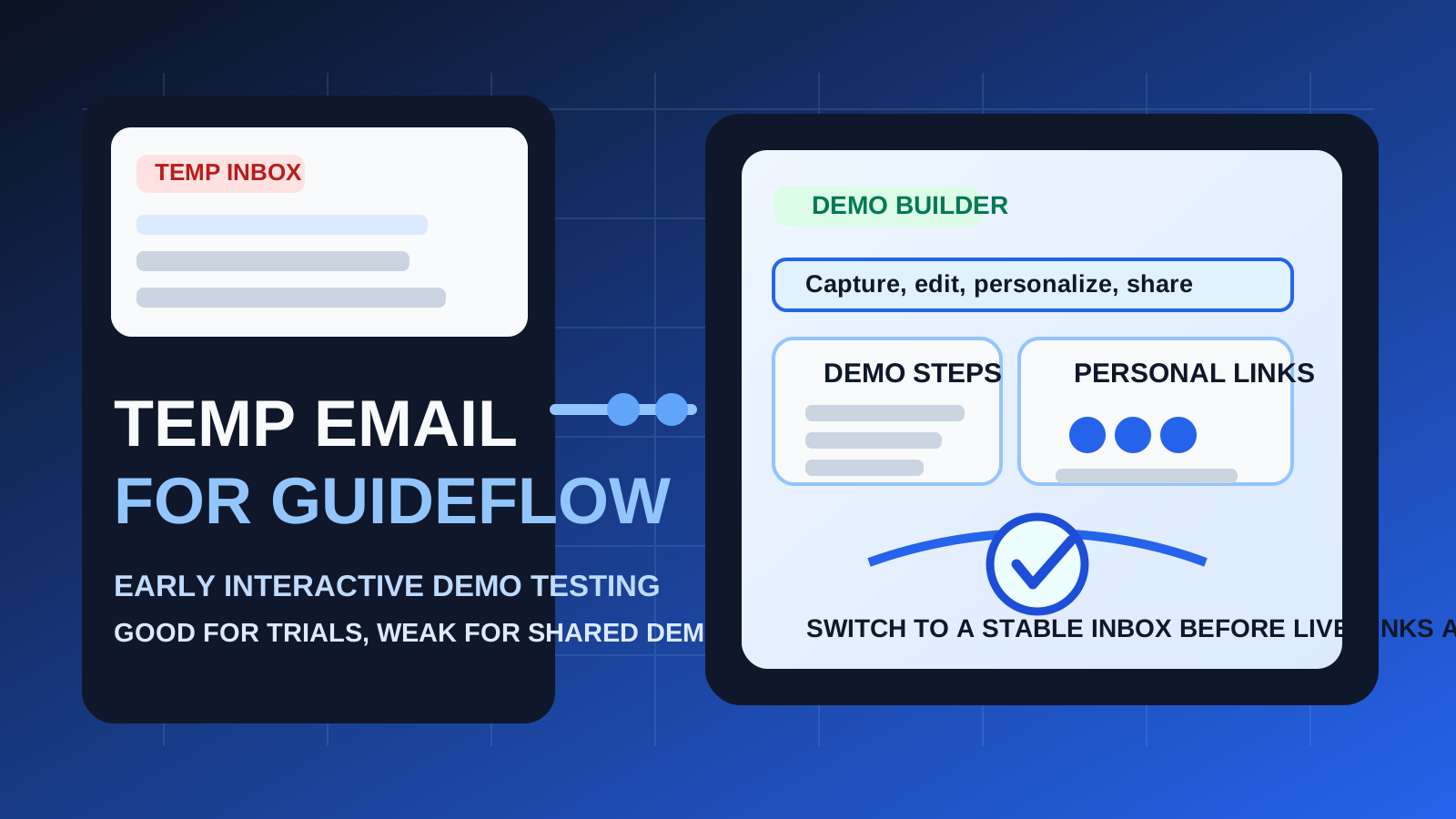
If you test a lot of product-demo software, you already know the pattern: one quick signup turns into verification emails, onboarding tips, webinar invites, product announcements, and follow-up messages that keep arriving long after you decided whether the tool was a fit. That is why a temporary inbox can be handy during first-pass evaluation. It lets you check the product without adding permanent clutter to the address you actually use every day.
Guideflow fits that use case well. It is built around interactive demos, product tours, personalization, and sharing, which means many people want to explore it before deciding whether it belongs in a live sales, product marketing, or customer education workflow. For that early stage, a temporary inbox can be practical. The problem starts when a test account quietly becomes a real account. Once team access, shared assets, prospect-facing links, and recovery flows matter, disposable email stops being convenient and starts becoming a weak foundation.
When a temp email for Guideflow makes sense
There are several situations where using a temporary inbox is completely reasonable.
- Quick vendor comparison: you are evaluating Guideflow alongside tools such as Storylane, Supademo, or Tourial and want to keep each trial separate.
- Low-stakes first impression testing: you only want to see how capture, editing, branding, and sharing work before deciding whether the platform deserves deeper attention.
- Inbox hygiene: you do not want your main work inbox tied to every software trial you touch for fifteen minutes.
- Solo experimentation: you are building a quick internal mock-up or testing whether the interactive demo approach fits your workflow at all.
That is the sweet spot. A temporary inbox from Anonibox or a similar service can help you verify the account, open the first-run onboarding, and review the product with less long-term noise. If the account is truly disposable, the email can be disposable too.
Why the risk goes up fast with demo platforms
Guideflow is not just a newsletter signup or a one-time coupon page. It is the kind of tool people may use to create assets, collect engagement signals, personalize links, and collaborate across teams. That makes email continuity much more important than it seems on day one.
1. Shared workspaces need a stable owner
As soon as teammates join the account, the signup email stops being a private detail. It becomes part of who controls the workspace. If the original address disappears, ownership questions get awkward quickly.
2. Personalized demo links can become customer-facing
Guideflow is designed for demos that may be shared with prospects, leads, or customers. That means the account behind those links may matter far beyond the initial trial period. A temporary inbox is fine for a throwaway experiment, but not for a library of live assets your team depends on.
3. Lead follow-up and analytics are not throwaway concerns
If you are using interactive demos to support product marketing or revenue work, engagement data can matter. Even if the platform itself handles the analytics, the account notices, activity alerts, and access-related emails may still go to the address you used at signup. If that inbox disappears, your visibility and control get weaker.
4. Account recovery becomes the obvious pain point
The biggest risk with temporary email is often delayed, not immediate. Everything feels fine until you need to reset a password, confirm a security change, revisit the account after a few weeks, or prove you still control it. That is the moment disposable email turns from clever shortcut into avoidable headache.
A good rule of thumb
Use a temp email for Guideflow if you are evaluating the platform. Do not use one if you expect the account to become part of a real workflow.
That one distinction clears up most confusion. Evaluation is temporary. Ownership is not. If your behavior says the account matters, your email choice should match that reality.
How to use a temp email for Guideflow without creating a mess
Start by deciding whether this is a trial or an implementation
Be honest before you sign up. Are you just checking the product? Are you comparing interactive demo tools? Are you trying to see whether the editor, personalization options, or sharing workflow feel right? If so, a temporary inbox is reasonable. If you already think there is a strong chance this will become your team’s actual demo workspace, start with a permanent inbox instead.
Use the temporary address only for the first layer of evaluation
The best use case is early verification and orientation. Open the account, read the welcome emails, review the quick-start material, and inspect the product. That gives you the privacy benefit without pretending the address should remain attached forever.
Save the useful setup details while you still have them
During evaluation, you usually only need a small set of messages:
- account verification
- quick-start instructions
- helpful onboarding links
- trial or product-tour notes worth comparing later
Do not assume you will remember everything or still have inbox access later. Capture the useful bits while the account is fresh.
Test the product in one focused session
A temporary inbox works best when paired with deliberate evaluation. Instead of leaving the account half-finished for days, move through the main questions right away:
- How easy is it to capture and assemble a demo?
- Does the editing flow feel fast or fiddly?
- Are personalization options practical for your real use case?
- Would your team actually share these demos externally?
- Does the platform seem better for you than adjacent tools already on your shortlist?
That is the point of the temporary-email workflow: faster signal, less inbox pollution, and cleaner decisions.
Switch to a stable inbox before anything real depends on the account
If the product looks promising, do not wait until the workspace is full of useful assets. Move early. Switch before you invite teammates, build a reusable library, share personalized links with prospects, or connect any process you may care about later.
When a permanent inbox is the better choice from day one
Skip the disposable route and start with a stable address if any of these are already true:
- you expect to keep the account beyond a short trial
- you are setting up shared workspaces for sales, product marketing, or customer education
- you plan to send personalized demos to real leads or customers
- you may need dependable billing, security, or recovery access later
- you are creating assets your team may reuse for months
At that point, the downside of losing continuity is bigger than the upside of avoiding a little inbox clutter.
Three realistic scenarios
Scenario 1: solo product marketer exploring options
You want to see whether Guideflow belongs on your shortlist. You are not building anything permanent yet. In this case, a temp inbox is sensible. You can verify the account, test the editor, review the onboarding, and keep trial noise out of your main mailbox.
Scenario 2: sales engineer building a rough internal mock-up
If the demo is only for internal evaluation and nobody else will depend on it, temporary email can still work. Just remember that the demo itself should stay temporary too. If the mock-up starts becoming useful, that is your cue to migrate early.
Scenario 3: GTM team sending live demo links to prospects
This is where disposable email usually stops making sense. When a demo platform becomes part of customer-facing outreach, the account is no longer a toy. You want stable ownership, clear recovery paths, and email continuity that will still exist when something important needs attention.
Common mistakes to avoid
- Using a throwaway inbox for a non-throwaway workspace: this is the biggest one. The more valuable the account becomes, the worse this decision ages.
- Waiting too long to switch: if Guideflow is clearly useful, move to a permanent inbox before team invites and live links pile up.
- Confusing signup convenience with long-term control: just because a disposable inbox gets you into the product does not mean it should keep owning the account.
- Ignoring recovery and billing emails: these are easy to forget until they matter.
- Leaving multiple trials tangled together: if you are comparing platforms, stay organized so you know which product earned deeper review.
A practical checklist before you sign up
- Am I only evaluating Guideflow, or am I probably adopting it?
- Will I invite teammates or keep shared assets here?
- Could this account end up tied to prospect-facing demos?
- Do I care about recovering this exact account a month from now?
- Would a separate permanent work inbox be smarter than a disposable one here?
If most answers point to a short test, a temp inbox is fine. If most answers point to a real workflow, start with a stable address and save yourself the future cleanup.
Final takeaway
A temp email for Guideflow is a good fit for early interactive demo testing, quick vendor comparison, and reducing inbox clutter during first-pass evaluation.
It is the wrong long-term setup once shared workspaces, personalized demo links, account recovery, and real team ownership matter. Use temporary email for the trial phase, then switch to a permanent inbox before the account starts holding anything you would be annoyed to lose control over.