Yes — using a temp email for Hevo Data is a sensible way to verify connector trials, test early data pipelines, and review onboarding messages without pushing every exploratory signup into your permanent work inbox.
It works best for short evaluations and proof-of-concept testing: use the temporary address to confirm the account and inspect the workflow, then switch to a long-term email once the pipeline, billing, or team ownership becomes real.
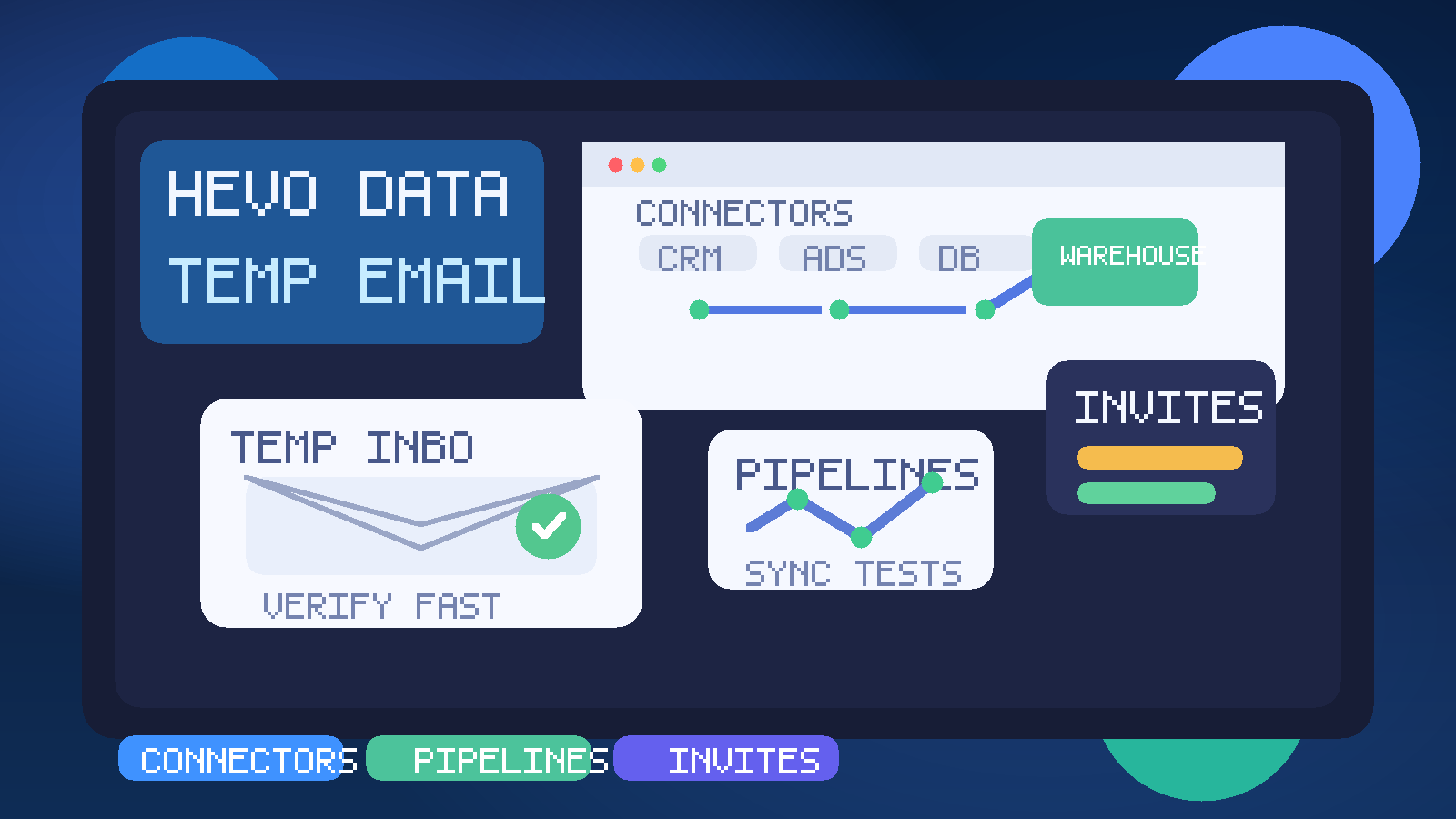
Why people use a temp email with Hevo Data
Data integration platforms create a very specific kind of inbox traffic. The moment you open a trial, you can start receiving welcome emails, connector setup tips, webinar invites, product tours, migration prompts, case studies, and follow-up sales sequences. That is not unusual, but it can get noisy fast if you are comparing several tools at once.
A temporary inbox gives you separation during that early phase. You still get the verification message and first-run instructions you need, but you keep your permanent work address out of another long nurture sequence until you know whether the product is worth deeper evaluation. If you already use privacy-first sign-up habits with a service like Anonibox, Hevo Data is exactly the kind of trial where that approach can keep the evaluation cleaner.
When a temp email for Hevo Data makes sense
A temporary address is most useful when the account is clearly exploratory rather than operational. Good examples include:
- comparing Hevo Data against Fivetran, Airbyte, Matillion, or another pipeline platform,
- opening a short trial to inspect the connector catalog and onboarding flow,
- testing one or two syncs before deciding whether the product fits your stack,
- running a proof of concept for a warehouse migration or ELT workflow,
- keeping vendor evaluation emails separate from the inbox you use for real data operations.
In these cases, the goal is not to hide your identity. The goal is to control when a vendor gets your long-term inbox and to keep trial noise separate from production communication.
When a temp email is the wrong choice
Temporary email becomes a poor fit as soon as the workspace starts to matter beyond a quick test. Data integration tools are often connected to real systems, shared ownership, and recurring operational checks. Once the trial turns into a serious implementation, a disposable inbox can create more risk than convenience.
Avoid relying on a temp email for Hevo Data if the account will be used for:
- production pipelines or business-critical syncs,
- long-term connector maintenance,
- billing, procurement, or subscription management,
- shared team ownership across engineering, analytics, or operations,
- alerting or notifications you cannot afford to miss,
- anything where account recovery would be painful later.
The rule is simple: temporary inboxes are for temporary evaluation. They are not a good long-term home for a platform that may end up moving real data every day.
How to use a temp email for Hevo Data the practical way
1. Decide whether this is a genuine trial or a likely rollout
Before you sign up, be honest about what you are doing. If you already know this could become the team’s chosen platform in a week, starting with a stable address may save time. If this is a low-stakes trial or side-by-side comparison, a temp email is a clean choice.
2. Generate the temporary inbox before you register
Create the inbox first so every first-run message lands in one place. That usually includes the verification email, onboarding guide, connector setup suggestions, and the first “need help getting started?” messages.
3. Verify the account and save anything important
Temporary inboxes are excellent for getting the link you need right now. They are not great as a long-term archive. If an email contains a workspace link, onboarding note, migration checklist, or invite context you may need later, save it somewhere you control before moving on.
4. Test the workflow you actually care about
Do not stop at “the signup worked.” The point of the trial is to evaluate whether the platform fits your pipeline needs. The better your temp-email workflow is, the faster you can get past account creation and into the real product questions.
5. Switch early if the trial becomes serious
If the connector tests go well and the workspace starts attracting real teammates, update the account email before the setup becomes harder to untangle. The earlier you move to a permanent address, the easier long-term ownership becomes.
What to evaluate while testing Hevo Data
The best trial is not the one with the smoothest welcome email. It is the one that helps you answer practical data questions fast.
Connector coverage
Does Hevo Data support the sources and destinations you actually use? A broad connector list sounds good in marketing copy, but your real concern is whether the exact services in your stack are well supported and clearly documented.
Initial setup friction
How long does it take to move from account creation to a useful first sync? If the workflow feels confusing or overloaded in the first hour, that is worth noticing. Early usability matters when a platform may eventually be owned by several people, not just the person running the trial.
Schema handling and transformations
Many evaluations stall because the team only tests login and connection, not how the data behaves. Look at what happens when schemas change, how transformations fit into the workflow, and whether the trial helps you understand what lands in the destination.
Monitoring and failure visibility
Data pipelines are easy to like when everything works. The more important question is what happens when they do not. During the trial, inspect how clearly the product surfaces sync issues, connector failures, latency, or retry behavior. A platform that hides problems behind vague notifications can create pain later.
Team collaboration
If analysts, data engineers, or ops teammates may touch the same workspace, test invites and role-sharing early. This is also the point where temporary email starts to lose its usefulness: collaboration needs stable ownership and recoverable access.
The main benefits of using a temp email here
- Less inbox clutter: setup emails stay out of your permanent work inbox until the tool proves it deserves a place there.
- Better privacy hygiene: not every exploratory vendor signup needs your long-term email address on day one.
- Cleaner tool comparisons: if you are testing multiple pipeline vendors, each trial can have its own contained inbox trail.
- Faster early-stage evaluation: you can verify the account, review the onboarding flow, and move on without mixing trial traffic with daily work.
That comparison point matters more than it sounds. Trials get messy when several vendors all start sending onboarding and follow-up mail into the same mailbox. A temp email keeps the test deliberate instead of chaotic.
The trade-offs you should not ignore
Temporary email is useful, but it comes with real limitations.
- Account recovery can become fragile: if the inbox expires and the account still matters, you created avoidable risk.
- Operational notices can be missed: sync warnings, team-access changes, or subscription messages should not depend on a mailbox you may abandon.
- Team continuity gets messy fast: serious data tooling eventually needs stable ownership.
- Migration later is annoying: once the workspace is wired into real evaluation notes or shared access, changing the email becomes one more task to clean up.
These are not reasons to avoid temporary email completely. They are reasons to use it only where it fits: short-lived evaluations, vendor comparisons, and low-stakes proofs of concept.
Common mistakes people make
Treating a real pipeline project like a throwaway test
This is the biggest mistake. Someone signs up with a temp inbox “just to look around,” then the POC becomes the leading candidate, then the workspace turns into real implementation work. By that point, the original convenience starts to become a liability.
Failing to save important setup details
If a message contains a verification link, connector note, or invite context that might matter later, do not leave it stranded in a short-lived inbox.
Using the main inbox for every single vendor trial
The opposite mistake is also common. Teams connect every experiment to the same permanent mailbox, then wonder why it becomes full of product mail that outlives the actual research. A temp inbox is often the more practical default for disposable evaluation accounts.
Waiting too long to switch the account email
If the trial is clearly becoming serious, switch early. Do not keep promising you will fix it later after more connectors, more users, and more settings accumulate.
Temp email vs alias vs secondary permanent inbox
If you are not sure whether the account is fully disposable, a middle-ground option may be better than a purely temporary mailbox.
- Temp inbox: best for one-off evaluations, quick comparisons, and short-lived proofs of concept.
- Email alias or secondary permanent inbox: better if you expect to revisit the tool or keep the trial alive for a while.
- Main team inbox: best for production pipelines, billing, shared ownership, and anything operationally important.
This lets you stay privacy-conscious without making the workflow brittle. Not every tool deserves your permanent inbox, but not every trial should depend on a mailbox designed to disappear either.
A quick checklist before you use temp email for Hevo Data
- Is this account clearly exploratory rather than a production rollout?
- Do you only need the email for verification and early onboarding?
- Would it be acceptable if the inbox disappeared later?
- Are you prepared to switch to a permanent address if the trial goes well?
- Are you evaluating the real pipeline workflow rather than just the signup flow?
If most answers are yes, a temp email is probably a good fit. If several answers make you pause, it is smarter to start with a stable address you control long term.
Conclusion
A temp email for Hevo Data is a smart choice when you want to verify a trial, inspect connectors, test early pipeline behavior, and keep exploratory vendor email out of your main inbox. It makes side-by-side evaluation cleaner and helps you decide whether the platform deserves deeper attention.
Just keep the boundary clear. Temporary email is useful for early research, not for permanent ownership of an important data workspace. Once the platform becomes real for your team, move the account to a stable email address and keep the long-term operational pieces on something you fully control.