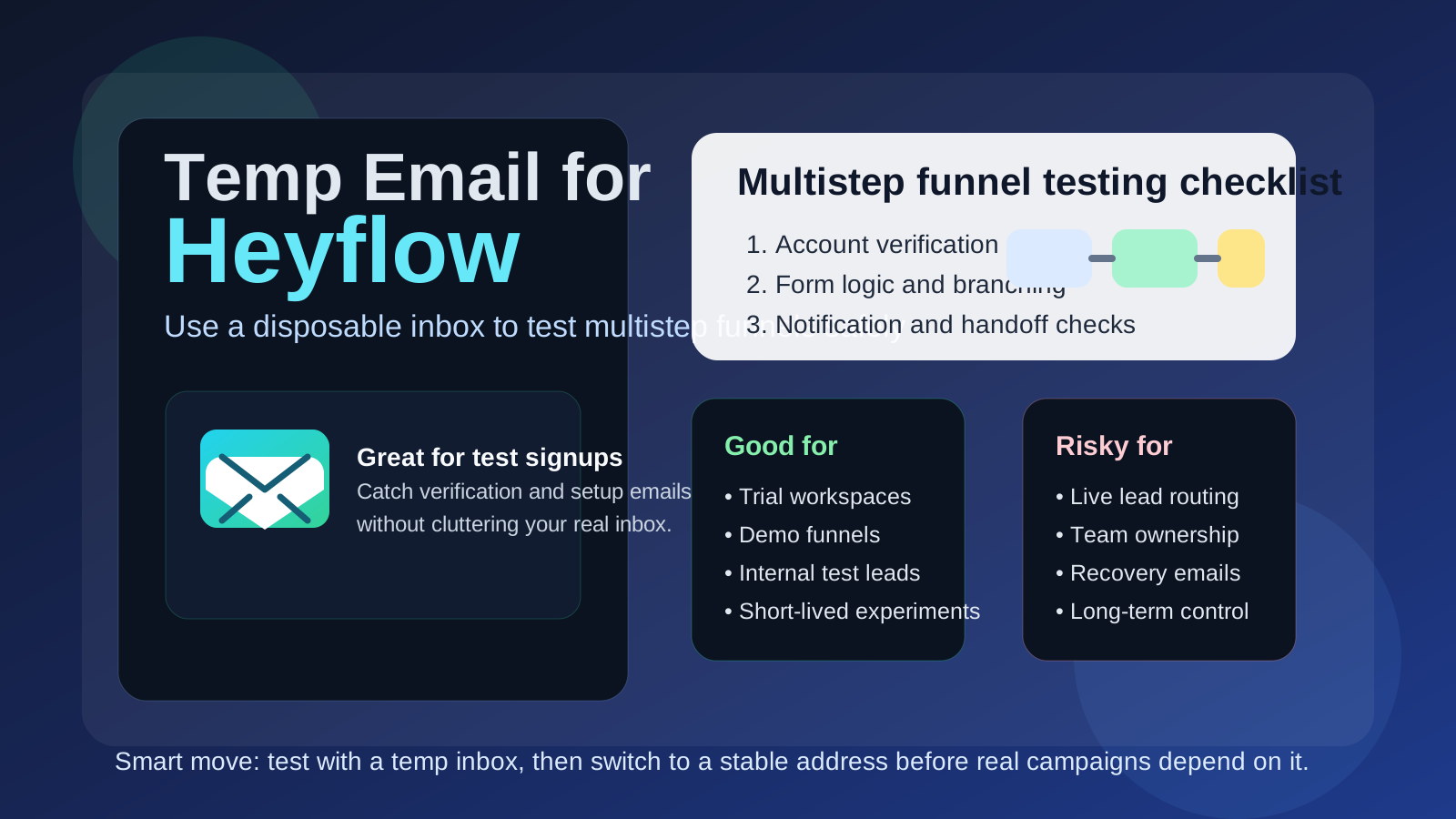
Yes, you can use a temp email for Heyflow when you are testing a new funnel, lead form, or signup sequence. It is useful for short-term setup and workflow checks, but it is a bad choice for live funnels that need real lead notifications, stable ownership, or dependable recovery access.
In other words, temporary email works well for early Heyflow experimentation and validation. It stops being smart the moment the funnel starts collecting real business value.
Why this question comes up with Heyflow
Heyflow is often tested before it is fully adopted. Teams use it to build quiz funnels, lead forms, qualification flows, booking paths, and multi-step experiences that are supposed to increase conversion rates without making the user journey feel clunky. That means people usually create an account, verify an address, try templates, run internal submissions, connect tools, and experiment with notifications before the funnel goes live.
That evaluation stage creates a small flood of inbox noise. You can get signup emails, verification links, onboarding tips, product announcements, invitation messages, and test notifications while you are still figuring out whether the platform is even the right fit. A temporary inbox helps you catch the email you need for setup without committing your main work address to every low-stakes trial.
That is where a tool like Anonibox fits naturally. It lets you keep the early testing stage separate, verify what you need, and decide later whether the project deserves a permanent address that your team actually depends on.
When a temp email makes sense for Heyflow
A temp email is most useful when the account or funnel is clearly disposable, experimental, or short-lived. Good examples include:
- Trying Heyflow for the first time to see how the builder feels
- Testing a quiz funnel or lead form before you connect it to real campaigns
- Checking how onboarding, verification, or account access emails behave
- Reviewing template quality and form logic without filling your main inbox
- Running internal proof-of-concept work for a client pitch or marketing experiment
- Separating one-off tests from the inbox you use for real leads and follow-up
In these situations, the value of temporary email is simple: you keep the trial isolated, you avoid long-term inbox clutter, and you still complete the steps that depend on email.
When a temp email becomes a bad idea
The risk starts when the funnel stops being a test and starts becoming part of a real business workflow. Heyflow is not just another throwaway SaaS login for many teams. It can end up sitting directly in the path between ad spend and revenue. If the same inbox controls funnel ownership, notifications, resets, or collaboration, a disappearing email address can create an unnecessary mess.
A temp email is a poor choice if it is tied to:
- The real workspace owner account
- A live funnel that collects actual leads or client inquiries
- Notification routing your team depends on every day
- Team invites and long-term workspace access
- Account recovery or security-related messages
- Billing, contracts, or vendor support conversations
If people, campaigns, or revenue depend on the funnel, then inbox stability matters. The cost of using a disposable inbox is no longer just inconvenience. It becomes operational risk.
A good rule of thumb
If the Heyflow account exists to help you test something, a temp email is usually fine. If the account exists to own something, protect something, or route something important, use a permanent inbox you control.
That rule keeps the temporary inbox in the temporary phase. It also forces a clean handoff before your experiments quietly turn into real infrastructure.
How to use a temp email for Heyflow safely
1. Define the purpose before signup
Be clear about what you are doing before you create the account. Are you evaluating the builder for an hour? Comparing form logic against Typeform or Paperform? Testing a campaign idea that may never go live? If yes, temporary email is practical. If there is a strong chance this will become the real funnel owner account, skip the disposable inbox and start with a stable address.
2. Keep one inbox tied to one test
Using the same temp inbox for multiple funnel experiments creates confusion quickly. Verification emails blur together, test notifications become hard to trace, and you can lose track of which account controls which workspace. One inbox per experiment makes debugging much easier.
3. Save the messages that matter immediately
If you need a verification link, a login email, or an invite message, save what you need right away. Temporary inboxes are useful because they are lightweight, but that also means you should not treat them like durable records.
4. Switch before real traffic arrives
The best time to move from a temp email to a permanent inbox is before the funnel is connected to ads, live landing pages, CRM routing, or client-facing workflows. Do not wait until the funnel is already generating real form submissions and shared ownership questions.
What to test while you still have the disposable inbox
If you are going to use a temp email during the early stage, make that window count. The point is not just to confirm that the account was created. It is to learn whether Heyflow fits your real workflow.
Onboarding and account setup
How fast can you get from signup to a usable funnel? Does the workspace setup feel intuitive? Are the templates genuinely helpful or mostly generic? Early friction matters because it usually shows up again when a teammate or client has to use the platform later.
Form logic and multi-step flow quality
Heyflow is often chosen because the flow experience matters more than a basic one-page form. Use the test period to review logic branches, field handling, progression between steps, mobile behavior, and whether the form feels smooth or annoying from the visitor side.
Email-driven notifications
If the setup sends account emails, alerts, or internal test notifications, watch how those messages arrive. Are they clear? Are they easy to identify? Are there edge cases where you would miss something important? A disposable inbox is a safe place to test the notification layer without polluting the inbox you use for actual business.
Integrations and handoffs
Many teams do not adopt Heyflow in isolation. They want the funnel to pass data into a CRM, email tool, calendar system, spreadsheet, or automation platform. Even if the temp inbox is only used for signup and account testing, the evaluation stage should still include questions like: does the handoff feel dependable, and would you trust the live version with real lead data?
Collaboration assumptions
If teammates, marketers, or clients will eventually need access, test the collaboration path early. Invite flow, workspace ownership, and account recovery are easy to ignore during a solo experiment, but those details become painful later when a temporary inbox is still sitting at the center of the setup.
Common mistakes people make
- Leaving the temp email in place for too long: what started as a trial quietly becomes the real funnel account.
- Mixing several tests into one inbox: setup and notification trails become muddy fast.
- Forgetting that leads are operational data: a live lead funnel should not depend on a disposable recovery path.
- Testing signup but not notification behavior: the real business value often lives in alerts, routing, and follow-up speed.
- Using a temp inbox for shared ownership: when multiple people need access, clever shortcuts usually become expensive later.
Temp email vs a separate permanent work inbox
It helps to separate two different privacy tools:
- Temp email: best for short-lived evaluation, account verification, and one-off tests
- Separate permanent work inbox: best for live ownership, real notifications, account recovery, and shared team control
These are not the same thing. A temporary inbox reduces short-term exposure and inbox clutter. A separate permanent inbox creates long-term control. Serious Heyflow use usually benefits from both, just at different stages.
A practical workflow that works well
- Create a temp inbox for the trial or sandbox workspace.
- Use it to verify the account and test core email-driven setup steps.
- Build a sample funnel and run internal submissions through it.
- Decide whether the funnel is disposable, ongoing, or clearly headed toward production.
- If it is going live, move ownership to a stable inbox before campaigns and collaborators depend on it.
- Only then connect real lead routing, shared team workflows, and long-term notifications.
This approach gives you the privacy and simplicity of temporary email without turning a small convenience into a future support problem.
So, should you use a temp email for Heyflow?
Yes, for early testing. No, for long-term ownership of a real funnel.
If you are using Heyflow to evaluate templates, form logic, and onboarding, a temporary inbox is a sensible way to protect your main address and keep the experiment contained. But once real lead capture, team access, notification reliability, or recovery access starts to matter, move to a permanent inbox immediately.
That is the balance that works: use temporary email to keep the trial clean, then switch to stable ownership before the funnel becomes part of your actual business process.