Yes — a temp email can be useful for hireEZ if you only want to verify a trial, look around, and decide whether the platform fits your sourcing process. It becomes a bad idea once you start relying on outreach workflows, teammate access, saved projects, or account recovery tied to that inbox.
The safe rule is simple: use a disposable address for low-stakes evaluation, then switch to a permanent work email before the account becomes part of real recruiting operations. That lets you protect your inbox during early research without building important hiring work on top of an address you may not keep.
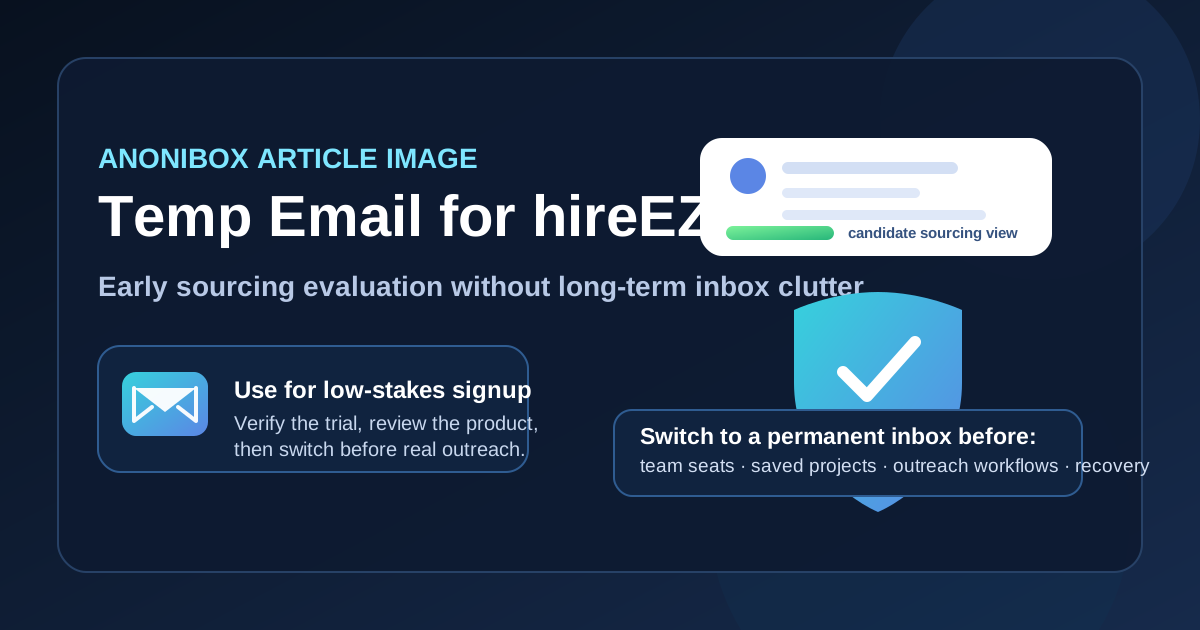
Why someone might try a temp email for hireEZ
Recruiting teams and solo sourcers often compare several hiring tools in a short period of time. You might be looking at sourcing products, talent intelligence platforms, ATS options, or outreach tools all in the same week. Every signup can trigger product tours, sales follow-ups, demo invitations, benchmark reports, nurture campaigns, and repeated check-ins from multiple reps.
That is where a temporary inbox can help. If your goal is just to confirm an account, see how the interface feels, test a few searches, and decide whether the platform deserves a deeper review, a temp address keeps that early evaluation separate from your everyday work inbox. A service like Anonibox can be useful for exactly that first stage: quick verification, low commitment, and less long-tail email clutter.
This is especially practical if you are an agency recruiter, founder, or talent lead doing broad market research before your team commits to a new workflow. Early evaluation is mostly about signal: is this tool promising enough to justify real setup time? A disposable inbox helps you answer that question without opening the floodgates too early.
What a temp email is actually good for in a hireEZ trial
A temporary email works best when your activity is shallow, reversible, and mostly observational. In other words, it is fine for the stage where you are checking whether the tool looks useful, but not yet depending on it.
- Account verification: you need to receive the welcome email, click the confirmation link, and get inside.
- Basic product exploration: you want to review the dashboard, search workflow, filters, and general product structure.
- Feature fit checks: you are trying to understand whether the platform even belongs on your shortlist.
- Inbox protection: you want to avoid weeks or months of follow-up emails from a product you may never adopt.
That is the right mindset: a temp email is for lightweight access and early judgment, not for ongoing recruiting work.
Where a disposable inbox starts to become risky
The moment your hireEZ account begins to matter operationally, a temporary address becomes fragile. This is true for almost any recruiting tool, but it matters even more when the account starts touching real sourcing projects, candidate workflows, or team collaboration.
1. Outreach workflows
If you plan to move from evaluation into real sourcing or outbound activity, you do not want critical account ownership tied to an inbox that may disappear. Even if the platform is not sending the outreach itself, the account may still matter for workflow approvals, notifications, or account-level changes. Once real outreach is on the table, use a stable email address.
2. Team access and collaboration
As soon as teammates are invited, the account stops being a throwaway experiment. Shared workspaces, comments, permissions, saved views, and collaborative decisions are all easier to manage when the primary owner uses a long-term inbox the company controls.
3. Saved projects and sourcing history
If you end up saving searches, shortlists, notes, tags, or evaluation history that your team may want later, the account is no longer disposable in practice. Losing easy access because the original verification inbox is gone is an avoidable own goal.
4. Account recovery and security checks
Password resets, suspicious-login warnings, and admin notices usually go to the account email. If you cannot reliably access that inbox later, recovery becomes harder exactly when you need it most.
5. Procurement and vendor communication
Once the conversation shifts from “is this interesting?” to “should we buy this?” you want a real business inbox in the loop. Trials can begin with a disposable address, but pricing conversations, legal review, and implementation planning should not.
A practical way to test hireEZ with a temp email
If you want the upside of a disposable inbox without creating a mess later, use a staged workflow.
Step 1: Create the temporary inbox before signup
Generate the address first. That keeps the whole evaluation trail contained from the start and makes it easier to judge later whether the product earned a place in your main workflow.
Step 2: Use it only for initial verification and early review
Open the welcome email, verify the account, and take a structured first pass through the product. Resist the urge to treat the temp address like a default long-term owner account.
Step 3: Evaluate the things that actually matter
Instead of spending all your time on the email flow or onboarding copy, look at the product questions that would justify real adoption:
- Does search quality feel useful for your roles and geographies?
- Are the filters practical, or do they look better in a demo than in real use?
- Does the workflow fit a solo recruiter, a hiring manager, or a shared talent team?
- Would your team trust the data enough to build process around it?
- What happens when the tool needs collaboration, approvals, or handoff between people?
Step 4: Decide early whether it is a shortlist tool
The temp-email phase should be brief. If hireEZ looks weak for your use case, walk away without handing over your long-term inbox. If it looks strong, upgrade your process before you invest more time.
Step 5: Switch to a permanent email before the account becomes important
Do this before team invitations, procurement, deeper onboarding, saved sourcing projects, or anything that would hurt to lose. The best time to switch is earlier than you think, not after the account becomes business-critical.
Questions to answer during the trial
To make your temp-email evaluation useful, go in with a checklist. A short, sharp test is better than vague exploration.
- Fit: Is the platform aligned with the kind of recruiting or sourcing work you actually do?
- Usability: Can you understand the workflow quickly without a sales engineer holding your hand?
- Collaboration risk: Would this remain clean once multiple people touch the account?
- Inbox cost: Is the likely value high enough to justify moving the relationship into your real business inbox?
- Operational dependency: Would losing access to the original signup inbox create confusion later?
If your answers are mostly uncertain, keep the relationship temporary. If the tool looks genuinely useful, treat the move to a stable email as part of serious evaluation, not as an afterthought.
Privacy tips if you are comparing recruiting tools
Using a temp email for hireEZ is only one small privacy decision. A few habits make the whole evaluation cleaner.
- Use one temporary inbox per vendor when possible so follow-up stays easy to trace.
- Save the important verification or setup email before the inbox expires.
- Do not tie real team operations to a disposable address.
- Be careful with browser extensions, integrations, and account linking until you know the tool is staying on your shortlist.
- Move vendor conversations to a real work address once pricing, security review, or implementation becomes serious.
This approach keeps early research light without turning the later handoff into a scramble.
When you should skip the temp email entirely
Sometimes the best answer is to start with a permanent address from day one. If you already know your team is ready for a real pilot, if multiple stakeholders will be involved immediately, or if the tool will need quick legal or procurement review, then a disposable inbox may only add friction. In that situation, the trial is not really a casual test anymore. It is the beginning of a real vendor relationship, and your signup should reflect that.
The same is true if your company has security or software-governance rules around account ownership. Some teams need all evaluations to begin inside managed work inboxes for auditability. If that is your environment, a temp email may be the wrong fit even for early testing.
Bottom line
A temp email for hireEZ makes sense when you are doing low-stakes early evaluation and want to protect your main inbox from another long vendor follow-up trail. It is a practical option for quick verification, initial product review, and deciding whether the platform deserves more attention.
But once outreach workflows, teammate access, sourcing projects, vendor conversations, or account recovery start to matter, switch to a permanent email you actually control long term. That gives you the privacy benefit of a disposable inbox at the beginning without creating avoidable problems when the evaluation becomes real.
Used that way, a temp inbox is not a hack. It is just good workflow hygiene.