A temp email for HubSpot Content Hub can be useful for early CMS testing, gated demos, and one-off page or form experiments when you do not want your main inbox pulled into a long sales or onboarding sequence.
It is a poor long-term choice for a real production site, live lead notifications, shared admin ownership, billing, or account recovery, because those workflows need a durable inbox your team actually controls.
HubSpot Content Hub sits in an awkward middle ground for privacy. It is not just a simple content download, but it is also not always a fully committed production setup on day one. Plenty of people want to look around first: test the editor, see how blog posts are handled, explore landing pages, check form flows, and decide whether the product is serious before giving a permanent work address to yet another vendor system.
That is where a temp inbox can help. If you use a service like Anonibox for the first stage, you can verify the signup, review the initial onboarding emails, and keep the evaluation separate from the inbox your team depends on every day. The key is understanding exactly where that strategy is helpful and where it starts creating risk.
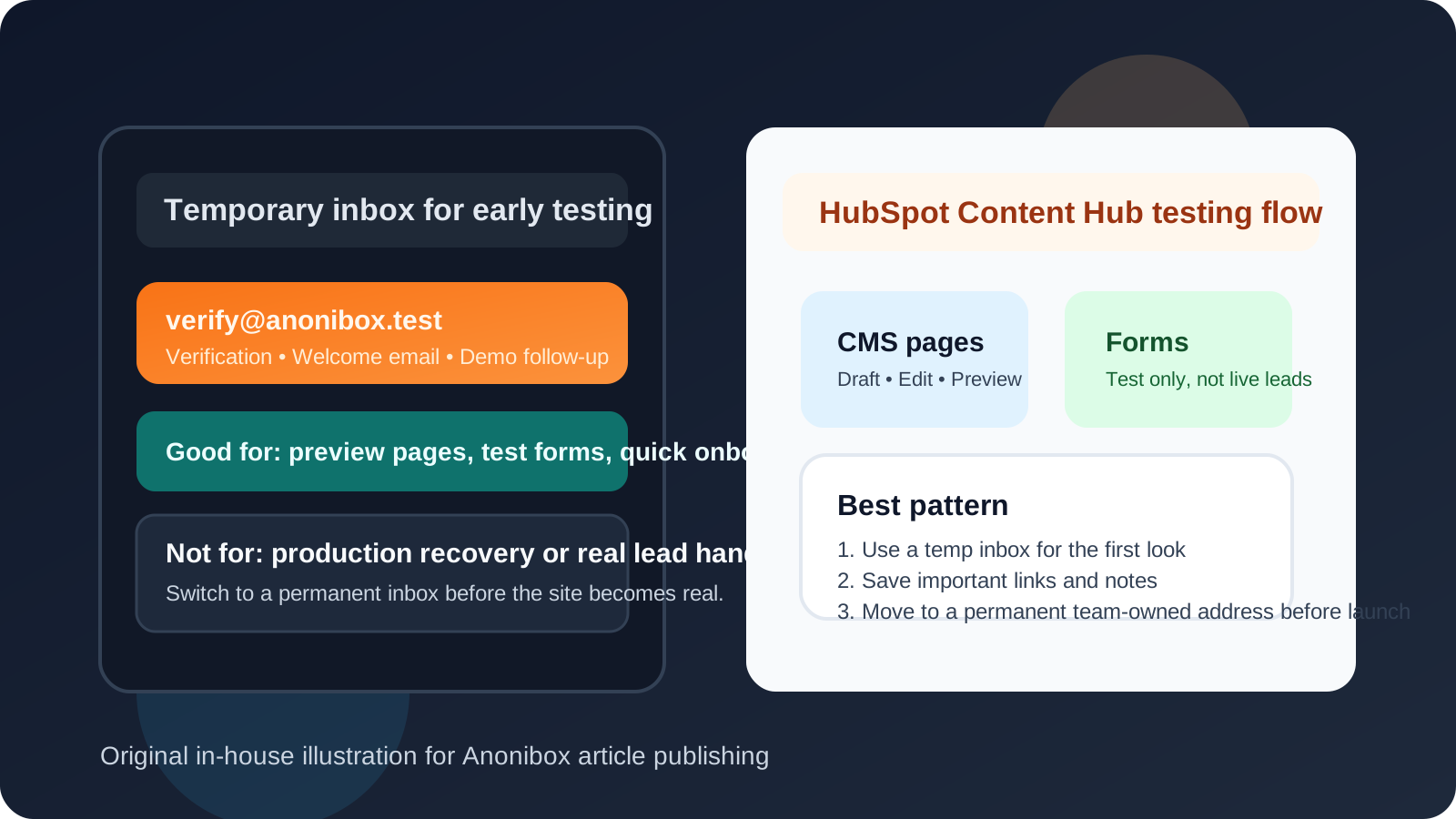
Why people look for a temp email for HubSpot Content Hub
Most people searching for this are not trying to hide. They are trying to stay organized.
HubSpot Content Hub can touch several parts of a website workflow at once: page creation, blog publishing, forms, content offers, admin setup, asset testing, and sometimes broader HubSpot onboarding. Once an address enters that ecosystem, it can start receiving welcome emails, feature education, upgrade nudges, demo prompts, and follow-up from multiple angles. That is not automatically bad, but it is more than many people want during an early comparison phase.
A temp address makes the most sense when your goal is simple: verify access, inspect the product, and decide whether it deserves a real place in your stack. It lets you separate “I am evaluating this” from “I am committing this to a real team workflow.”
When a temp email is actually useful
A temporary inbox is usually reasonable for low-stakes, short-lived testing such as:
- Checking whether the Content Hub interface feels intuitive enough for your team
- Reviewing the first-run onboarding flow before sharing a permanent work inbox
- Testing page, blog, or content-authoring basics in an early evaluation
- Looking at form setup or simple lead-capture experiments in a non-production context
- Comparing HubSpot Content Hub against other CMS platforms already on your shortlist
- Keeping vendor follow-up contained while you are still deciding whether to go further
In these situations, the inbox is mainly acting as a gate opener. You need the verification link, maybe a welcome email or two, and perhaps a couple of setup messages. Once you have seen enough to judge the product, you can either walk away or move to a permanent address if the platform becomes a real contender.
When it stops being a good idea
A temp email becomes a liability as soon as the account matters to real operations. That usually happens earlier than people expect.
1. Production sites and real publishing workflows
If the account is tied to a real website, a live blog, or actual landing pages that matter to your business, you do not want the critical inbox to be disposable. A production content system needs durable ownership.
2. Live form notifications and real leads
If forms on the site could generate customer inquiries, consultation requests, demo interest, or newsletter signups, losing access to the email tied to that workflow can create a mess. A temp inbox is fine for a test form; it is not fine for real lead handling.
3. Shared admin access and team invites
The moment coworkers, contractors, or clients are invited into the workspace, the account stops being a solo test. Shared ownership needs a stable address, clear recovery options, and an inbox the team expects to keep.
4. Billing, approvals, and account recovery
Even if you are not fully live yet, a disposable inbox is the wrong place for invoices, renewal prompts, plan changes, or recovery emails. If the address disappears, so does part of your control over the account.
A practical way to use a temp email for HubSpot Content Hub
If you want the privacy upside without creating future headaches, this workflow is the safest approach.
Step 1: Generate the inbox before you start
Create the temporary address first so every signup and confirmation message goes into a dedicated evaluation inbox. This keeps the test clean and makes it obvious which messages belong to this trial.
Step 2: Use it only for the initial evaluation phase
Use the temp inbox for verification, the first onboarding messages, and short product exploration. Think of it as a buffer between your real inbox and the platform while you are still deciding whether the product is worth deeper time.
Step 3: Test the right things
During that early phase, focus on the questions that actually help you decide:
- Does the editor feel fast or bloated?
- Is the page-building workflow sensible for non-developers?
- Are blogging and publishing tools practical for your use case?
- Can you understand the structure of forms, content modules, and templates quickly?
- Does the product feel like a fit for your team’s real publishing process?
That is the real purpose of the test. The inbox is only there to help you get inside and judge the workflow.
Step 4: Save what matters
If an onboarding email contains an important setup link, a useful getting-started doc, or a reference you will want later, save it outside the temporary inbox. Temporary addresses are best used as short-lived containers, not archives.
Step 5: Switch to a permanent inbox before anything becomes real
If HubSpot Content Hub makes the shortlist, move to a durable address before you publish live content, connect real forms, invite other users, or store any business-critical settings. That change is where a temporary test ends and a real account begins.
What to pay attention to during the test
A lot of CMS evaluations go wrong because people spend too much time thinking about the signup and not enough time testing the parts that will matter six weeks later. Once you are inside, look for practical friction.
- Content workflow: Is it easy to draft, edit, review, and publish pages or posts?
- Non-technical usability: Can marketers or content owners navigate it without depending on a developer for every small change?
- Forms and conversion flows: Do setup and notification options make sense for the way your business captures leads?
- Team structure: Does the product seem manageable once multiple people need access?
- Long-term ownership: Can you picture how this account would be managed once it is no longer a trial?
If the answer to those questions is weak, the email strategy is not the real problem. The platform simply may not be the right fit.
Common mistakes people make
- Keeping the temp inbox attached too long because switching later feels annoying
- Forgetting that recovery emails matter more once a site becomes client-facing
- Testing with a disposable inbox and then accidentally routing real form activity through it
- Inviting teammates before moving the account to a permanent owner-controlled address
- Confusing a low-risk product test with a low-risk production setup
The biggest mistake is not using a temp email. The biggest mistake is using one past the point where it still makes sense.
A better alternative if you need a longer evaluation
If you already know the test may last a while, an email alias or a dedicated evaluation inbox is often better than a fully disposable address. That gives you privacy and separation without the fragility of a throwaway inbox.
For example, Anonibox makes sense when you want a fast, low-commitment look at the platform. But if the account is likely to become part of a multi-week comparison, a stable alias is usually the smarter bridge between “just testing” and “probably adopting.”
Final takeaway
Using a temp email for HubSpot Content Hub is a sensible move when you are still in evaluation mode and want to keep early onboarding, demo follow-up, and CMS exploration out of your main inbox. It helps most when the account is temporary, personal, and low stakes.
It stops being sensible once the setup touches real leads, real teammates, real billing, or real recovery needs. At that point, privacy should come from better account hygiene and better inbox separation, not from a disposable address. Use a temp inbox to test, decide quickly, and switch to a permanent address before the account starts carrying real business weight.