Use a temp email for Hubstaff when you only want to test the first signup flow, request a demo, or compare time tracking tools without feeding your main inbox into another vendor sequence.
Do not keep a disposable inbox attached once the account is tied to live time entries, activity data, payroll, client billing, or account recovery, because those workflows need a permanent address you control long term.
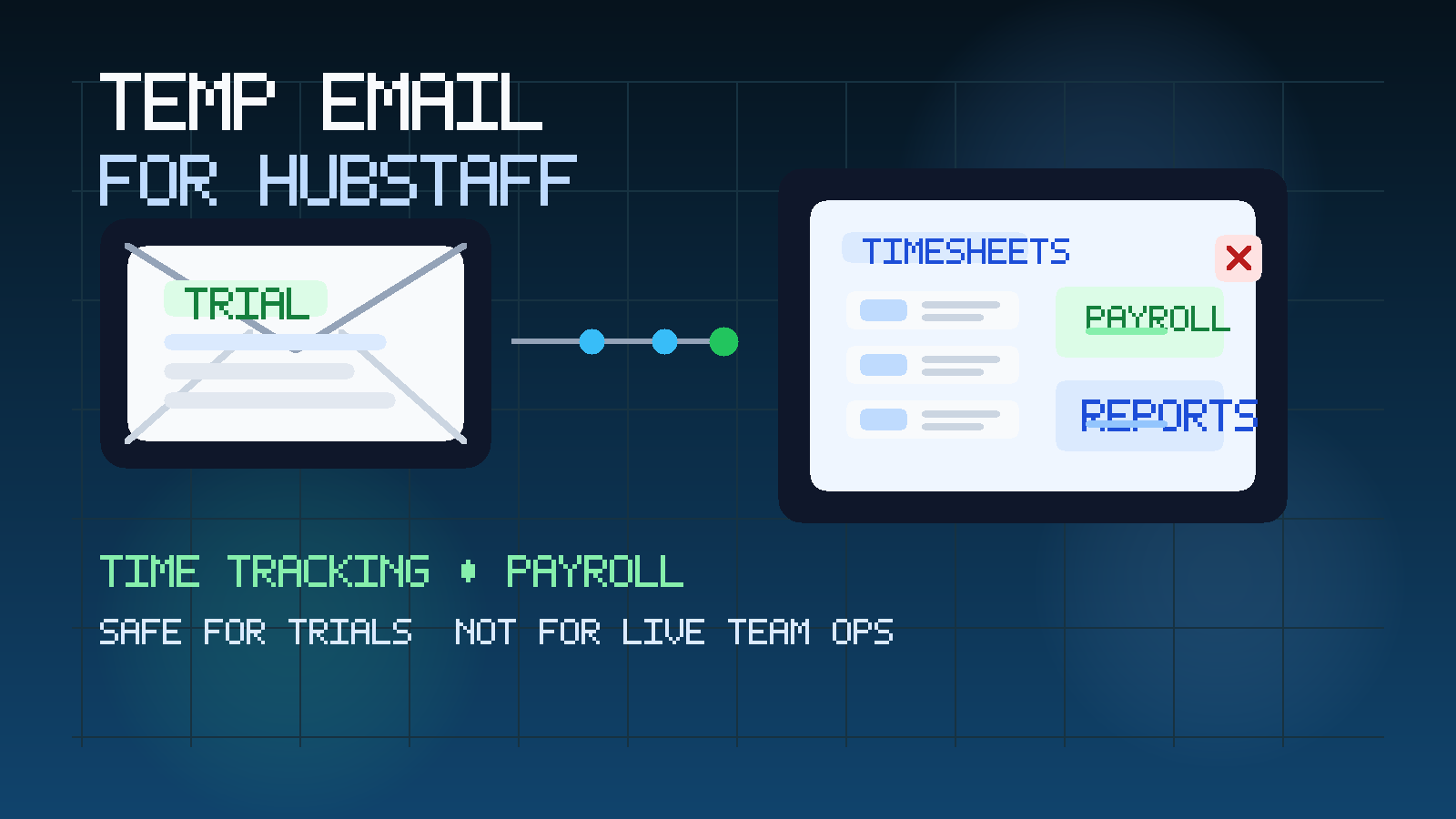
That is the short answer. The more useful answer is about timing, risk, and how much operational weight the account is carrying. People search for a temp email for Hubstaff because they want to explore a time tracking platform without immediately committing their normal work inbox to demo follow-up, onboarding prompts, sales outreach, reminder emails, and long-tail marketing sequences. That instinct is reasonable. An early test is not the same thing as a long-term deployment.
A temporary inbox gives you a clean buffer during that first stage. You still receive the verification email, welcome message, and first setup prompts, but you do not have to give every product you evaluate a permanent place in your daily mailbox. Used carefully, a privacy-first option like Anonibox helps keep time-tracking research tidy. The important part is understanding when a casual evaluation stops being casual and starts turning into a live operational account.
Why someone would use a temp email for Hubstaff
Hubstaff sits in a category where the first interaction can be lightweight, but the later relationship can become deeply embedded in how a team works. A founder may want to compare tools. An operations lead may want to test timesheet controls. An agency owner may want to see how project tracking and client billing reports look before inviting the rest of the team. In those cases, the goal is not full commitment yet. The goal is to learn quickly and decide whether the platform deserves deeper attention.
At that stage, a temp inbox can help for several practical reasons:
- Inbox control: early vendor traffic stays out of the mailbox you use for customers, payroll notices, and daily work.
- Cleaner comparisons: if you are evaluating multiple time tracking or workforce tools at once, separate inboxes make each trial easier to follow.
- Better privacy: your permanent business email does not have to go into every sales funnel the minute you test a feature.
- Lower commitment: you can review the first login and onboarding flow before deciding whether the vendor deserves a stable long-term contact address.
That does not mean you are trying to hide anything. It just means you want to control when a first look becomes a real account relationship.
When a temp email for Hubstaff makes sense
A temp inbox is most useful when the cost of losing access later would be annoying, but not harmful. For Hubstaff, that usually means early-stage evaluation.
Testing the first signup flow
If you only want to see how account creation, email verification, and the first dashboard experience work, a temporary inbox is a sensible low-friction choice. You are exploring, not depending on the account for anything serious yet.
Comparing time tracking vendors
Many teams shortlist several tools in a short time window. You may compare Hubstaff with other products for timesheets, scheduling, desktop tracking, payroll-adjacent workflows, or reporting. A temp inbox keeps those early evaluations from piling into the same permanent mailbox.
Reviewing sales materials and demo follow-up
Sometimes you only need the first product email, meeting link, or feature summary. A temporary inbox can handle that neatly without committing your main operations inbox to months of follow-up before you even know whether the tool fits.
Quiet internal research
A manager may want to test a platform privately before involving payroll, finance, or the wider team. That kind of early review is a natural use case for a temporary inbox, because the account is still informational rather than operational.
When a temp email is the wrong tool
The wrong time to use a temp email is when the account starts becoming infrastructure. Hubstaff can move into that territory quickly once real people, real hours, and real money are involved.
- Live time tracking: if employees or contractors are clocking time for actual work, you need a stable inbox for account changes and recovery.
- Activity or workforce monitoring: when a platform begins holding sensitive work-pattern data, access control matters much more than inbox convenience.
- Payroll-related workflows: if approved hours influence pay, a disposable inbox is a bad foundation.
- Client billing and reporting: when tracked time flows into invoices, reports, or revenue decisions, temporary email becomes risky.
- Admin ownership and recovery: any inbox that can reset passwords or control the primary owner role should be permanent and monitored.
- Team invites and long-term access: once multiple stakeholders depend on the account, the temp inbox should be retired.
A simple rule helps here: if missing the next email would create an operational, payroll, or client-facing problem, stop using temporary email and switch to a durable address immediately.
What to evaluate inside Hubstaff during an early trial
If you use a temp inbox to isolate the trial, take advantage of that focus. The point is not to collect more emails. The point is to evaluate the product clearly.
Time-entry workflow
Does starting, stopping, editing, and reviewing tracked time feel intuitive? If the basics are clumsy in a short test, they rarely feel better when the whole team is using them under deadline pressure.
Manager review and approvals
Look at how easy it is to confirm submitted time, correct mistakes, and understand what a manager would need to do every week. The real question is whether the workflow reduces confusion or creates more of it.
Payroll and billing readiness
Even if you are not turning on payroll or billing yet, you should still examine whether tracked hours can be reviewed, exported, and explained cleanly. A tool that captures data is only useful if the data can be trusted and acted on later.
Privacy and monitoring comfort
Some teams care heavily about how visible activity data is, who can access it, and whether tracking feels proportionate to the work being done. Early evaluation is the right moment to judge whether the product fits your team culture before rollout creates friction.
Reporting quality
Check whether the dashboards actually help you answer practical questions: where time goes, who is overloaded, which projects are consuming effort, and whether tracked work supports internal planning or client communication. Fancy charts matter less than clear operational usefulness.
How to use a temp email for Hubstaff without creating future problems
1. Generate the inbox before you sign up
Create the address first so the whole trial lives in one place. That keeps the verification email, welcome message, and first-touch follow-up separate from your permanent inbox from the beginning.
2. Use it only for early-stage access
A temp email works best for demo requests, first logins, or a short feature test. That is usually enough to judge whether a deeper review is worth your time.
3. Save anything you would hate to lose
Do not treat a disposable inbox like long-term documentation. Save setup notes, rep contact details, onboarding links, and any internal evaluation comments you may need later.
4. Keep one vendor per inbox when comparing tools
If you test several products, separate inboxes make the comparison cleaner. You avoid mixing messages from different vendors and can tell at a glance which sequence belongs to which trial.
5. Switch early if the platform becomes serious
If Hubstaff moves from “interesting option” to “real candidate,” update the account to a permanent business address before live time, real team invites, or billing-relevant data enter the system. Early handoffs are always cleaner than late ones.
Temp email vs. a dedicated evaluation inbox
Some teams ask for a temp email when what they really need is a separate vendor-evaluation inbox. The difference matters.
- Use a temp email when you only need the first verification, a short demo, or a low-commitment test.
- Use a dedicated evaluation inbox when the review may run for days or weeks and involve multiple internal stakeholders.
- Use a permanent operational inbox when the account is tied to real time tracking, client work, payroll, approvals, or long-term admin ownership.
That progression is usually smarter than forcing one address strategy onto every phase. A temp inbox solves the “I want to look without committing my main mailbox yet” problem. It does not solve long-term ownership.
A practical example
Imagine a small agency comparing several time-tracking tools in the same week. The owner wants cleaner reporting. A project manager wants visibility into workload. Finance wants to know whether approved hours can support invoicing. At that stage, the team is still screening options. Using a temporary inbox for the first Hubstaff demo or trial signup is reasonable because the account is still exploratory.
But once actual staff start tracking time or the platform becomes part of payroll, client billing, or account recovery, the inbox strategy has to change. What was useful for privacy during the first test becomes a liability if left in place too long.
Common mistakes to avoid
- Keeping the temp inbox attached too long: what starts as privacy protection can become an access and ownership problem.
- Using one disposable inbox for every trial: you lose most of the organizational benefit.
- Skipping documentation: if someone else takes over the evaluation later, they need more than a disappearing inbox.
- Judging the vendor only by the email sequence: the real test is the workflow, not the nurture campaign.
- Waiting until live data exists before switching: late handoffs create unnecessary risk.
Where Anonibox fits naturally
Anonibox is most useful at the front end of the process. If you only need the verification email, welcome message, or a short evaluation window, a privacy-first temporary inbox keeps vendor exploration from spilling into the mailboxes your team actually relies on every day. That is especially helpful when you are comparing tools, screening them quietly, or trying to prevent early-stage research from creating months of extra inbox noise.
What it should not become is the permanent home for a live operations account. Temporary email helps you control exposure early. It is not a substitute for a durable contact path once tracked time, client work, payroll-adjacent workflows, or admin recovery matter.
Final takeaway
A temp email for Hubstaff is a good idea when you are only requesting a demo, testing the first signup flow, or comparing time tracking tools. It keeps early vendor traffic out of your main inbox and gives you more control over when you share a permanent address.
It is a bad idea once the account is tied to live time entries, workforce monitoring, payroll-related workflows, billing, or long-term admin recovery. Use temporary email for exploration, then move serious use to a stable inbox you and your team can monitor long term.